Traffic report
Reporting → Traffic: visitors, returning visitors, chat rate and conversion rate by source, landing page and page, the days and hours visitors come and chat, and devices.
- In Darwin: Reporting → TrafficOpen in Darwin
- Updated
Traffic answers who comes to your website, from where, and when, and which of those visitors chat and convert.
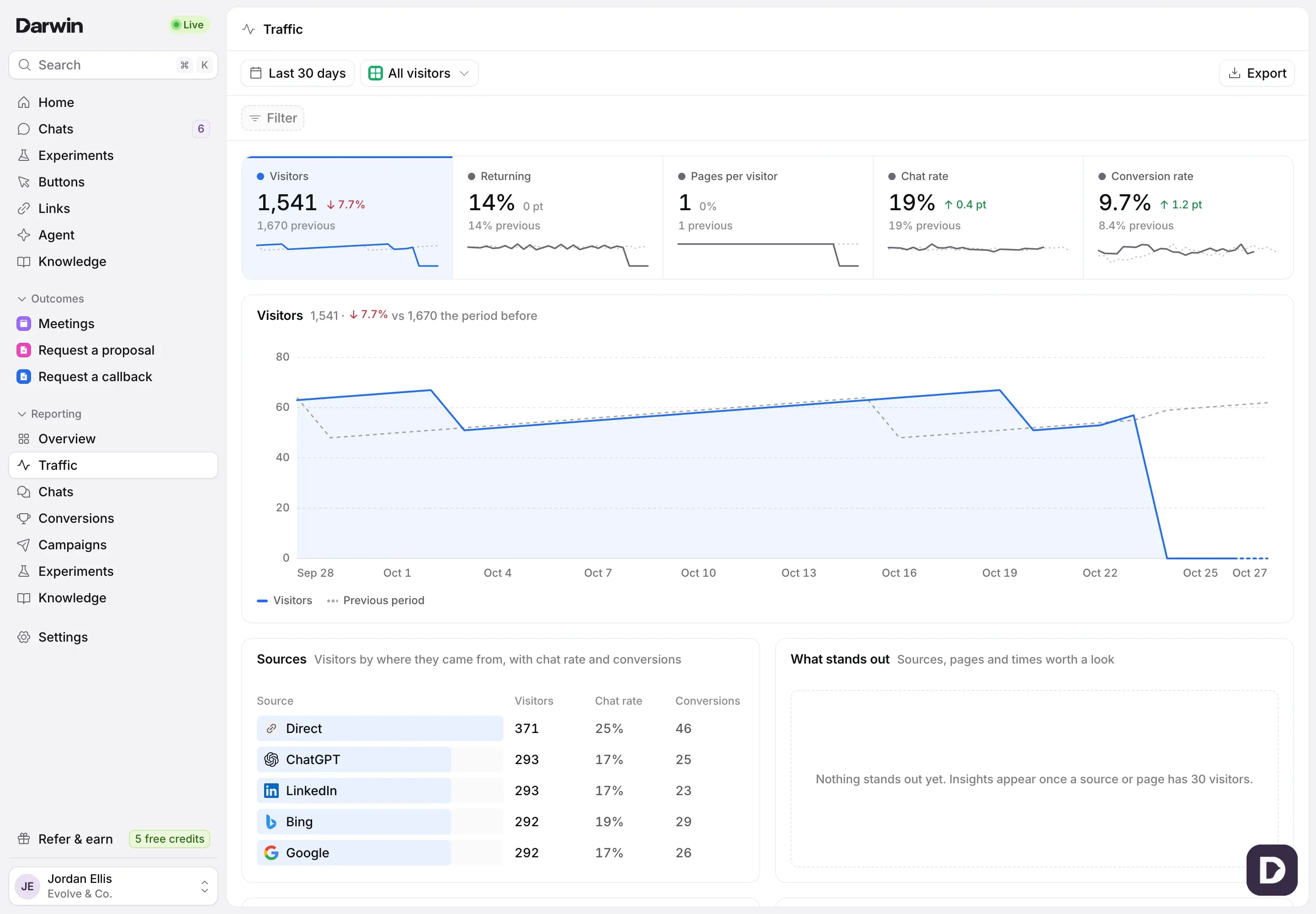
Open the report
Open Reporting in the sidebar and select Traffic. It opens on Last 30 days; change the range, filter or view at the top as on every report. See Understand your results in Reporting.
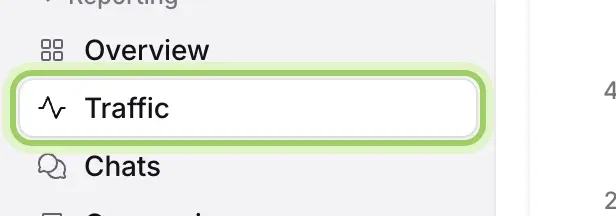
Read the numbers
Visitors counts visitors who viewed a page. Returning is the share who had been before or came on more than one day. Pages per visitor is page views divided by visitors. Chat rate and Conversion rate are the share who started a chat, and who booked a meeting or sent a request.

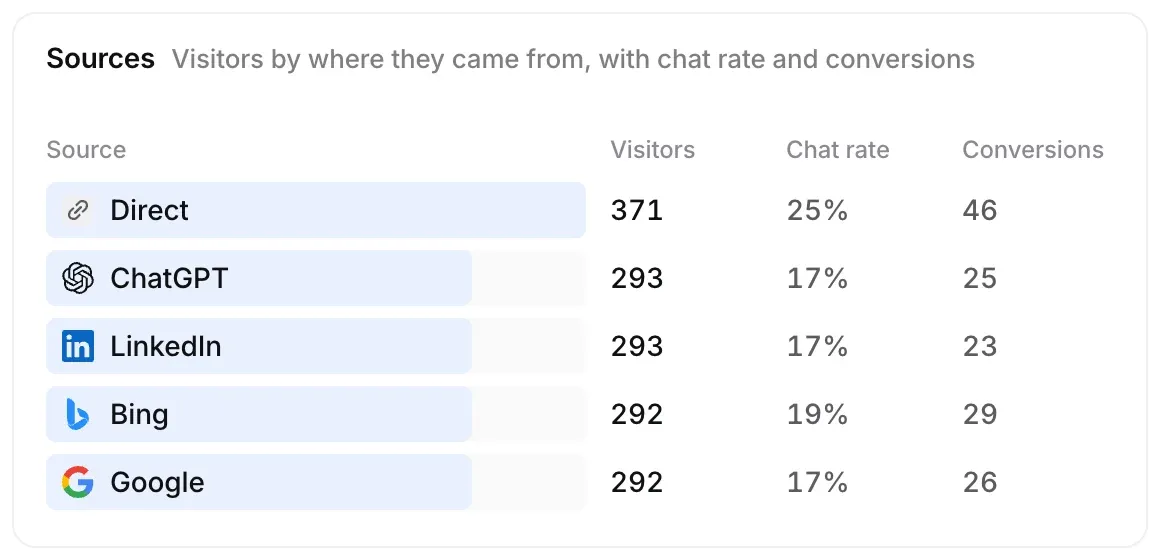
See which sources pay off
Sources lists where visitors came from, such as Google, ChatGPT or LinkedIn, with each source’s chat rate and conversions. Select a source to filter the whole report to it.
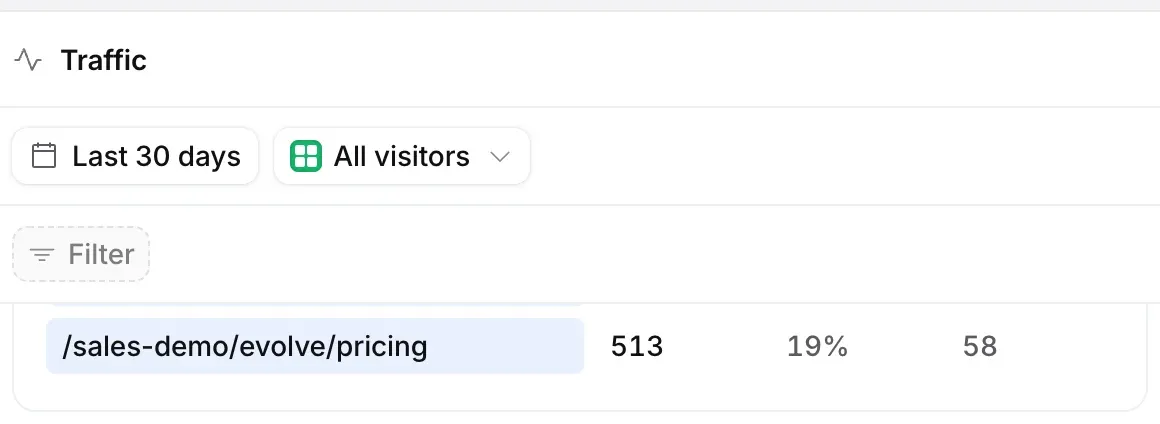
Find the pages that matter
Landing pages ranks pages by visitors who saw them first. Pages lists every page visitors viewed and what they went on to do. Campaigns appears when visitors arrive with a UTM campaign in the address.
See when visitors come
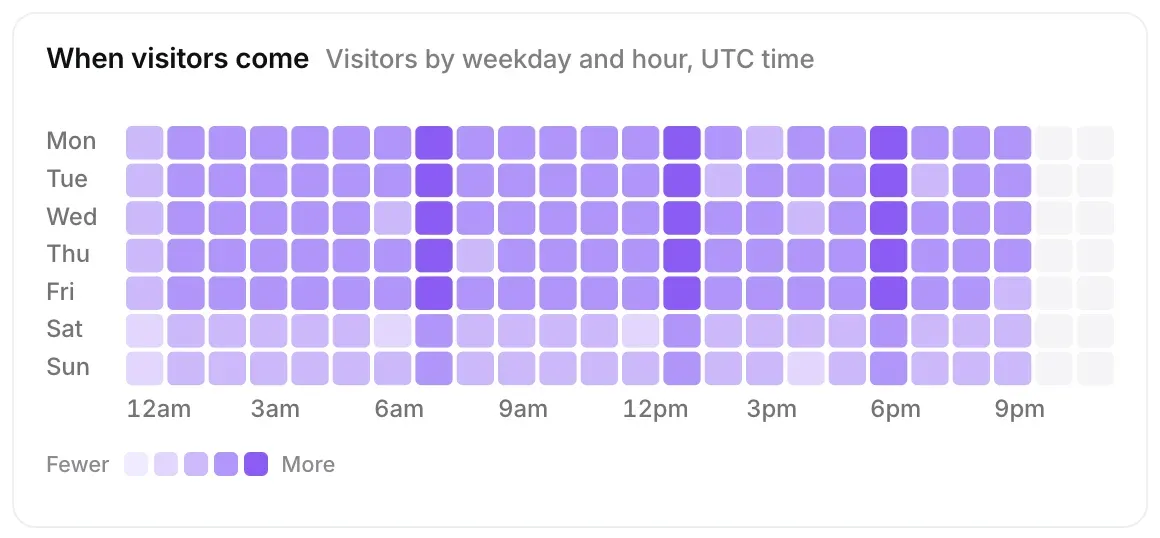
When visitors come and When visitors chat show visitors by weekday and hour; darker squares mean more. Use them to see when your site is busiest.
Check devices
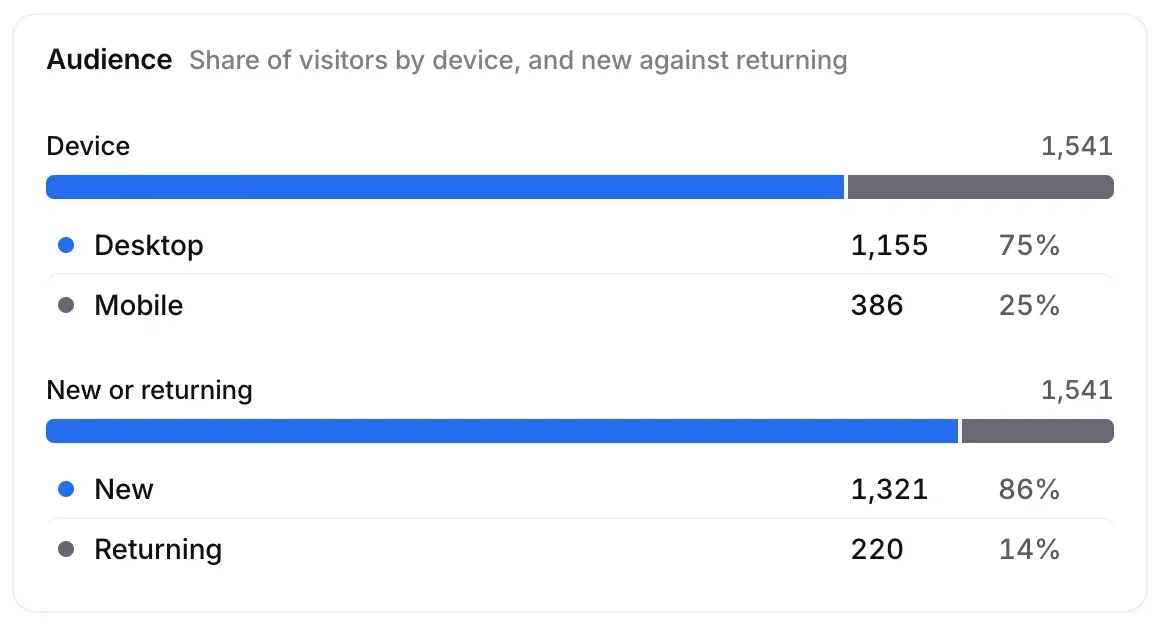
Audience shows the share of visitors on desktop, mobile, and tablet and other, and new against returning visitors. Countries lists where they are.
Good to know
- Days and hours are counted in your workspace’s time zone, set in Settings → Workspace → Time zone.
- Visits you mark as your own in Settings → Experiments are left out.