Install Darwin on WordPress
Integrations → WordPress: copy Darwin's site tag, add it to your site-wide footer with your theme or a header-and-footer plugin, clear the cache, and check the installation.
- In Darwin: Integrations → Your website → WordPressOpen in Darwin
- Updated
Add Darwin once to your site-wide footer and every page gets the chat. You don't need a Darwin plugin or a block on each page.
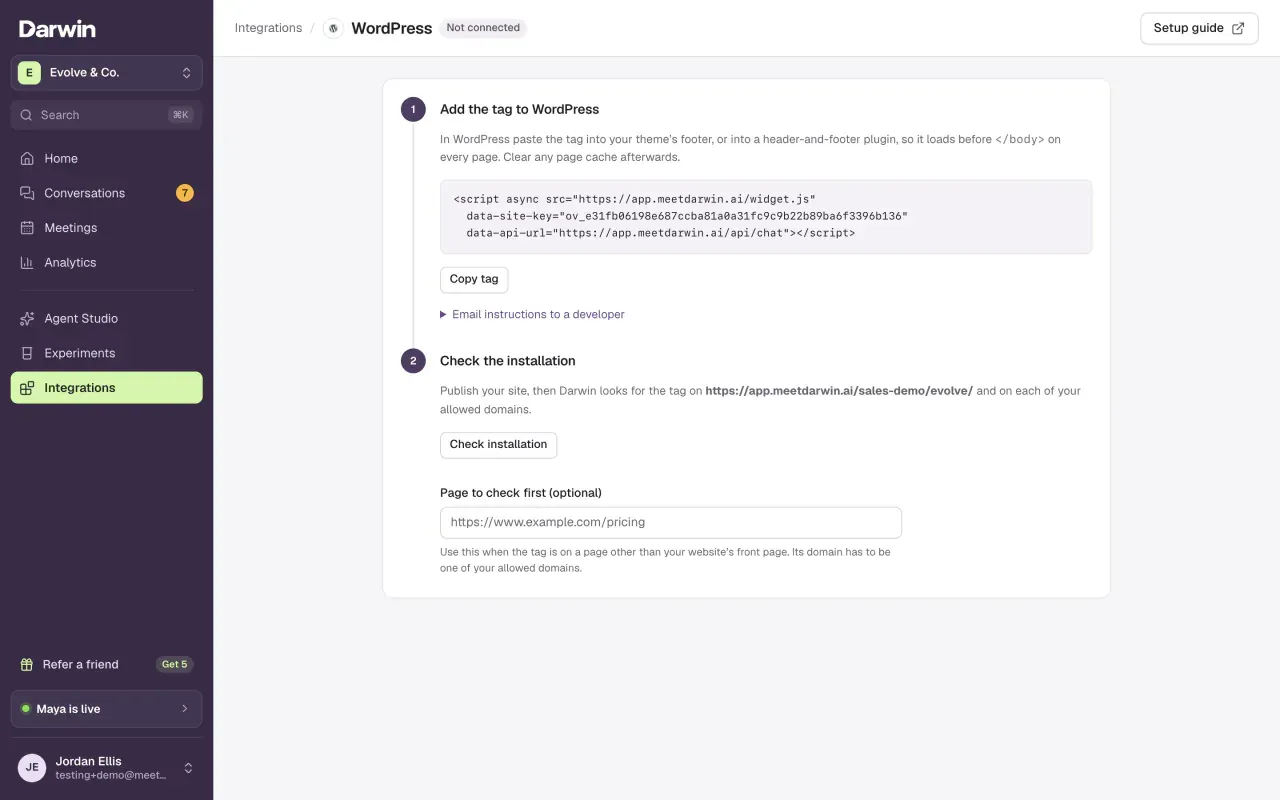
Open WordPress in Darwin
Open Integrations and select Open guide on the WordPress card, under Your website.
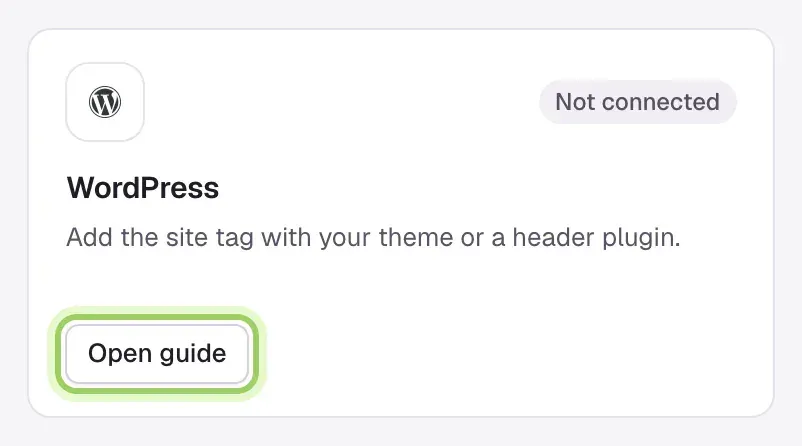
Copy the tag
Select Copy tag. To hand the job to someone else, open Email instructions to a developer.
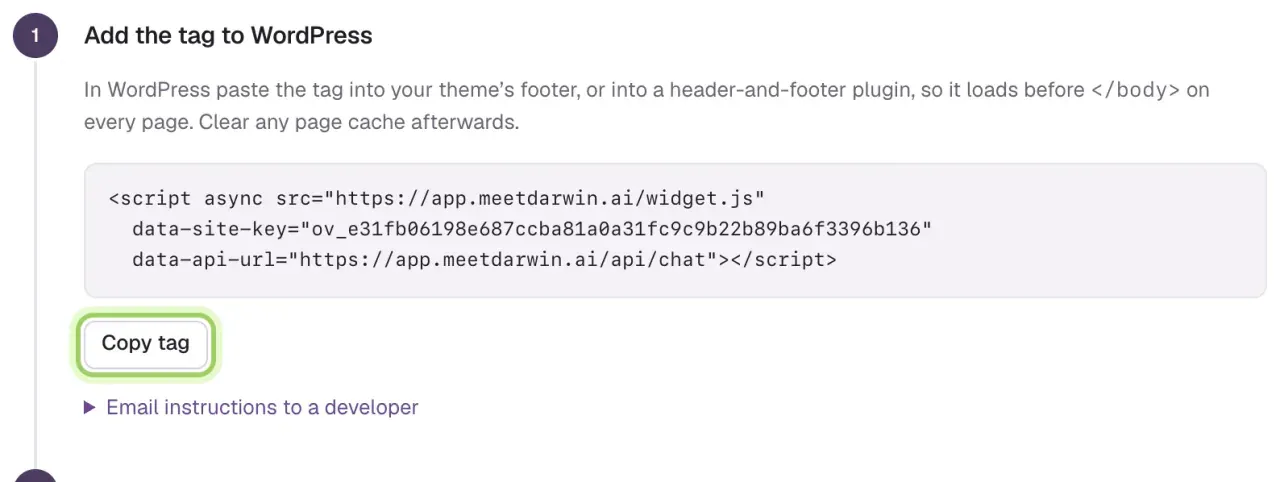
Clear the cache
If a caching plugin, your host or a CDN caches pages, clear it. Open your site signed out of WordPress to see what visitors see.
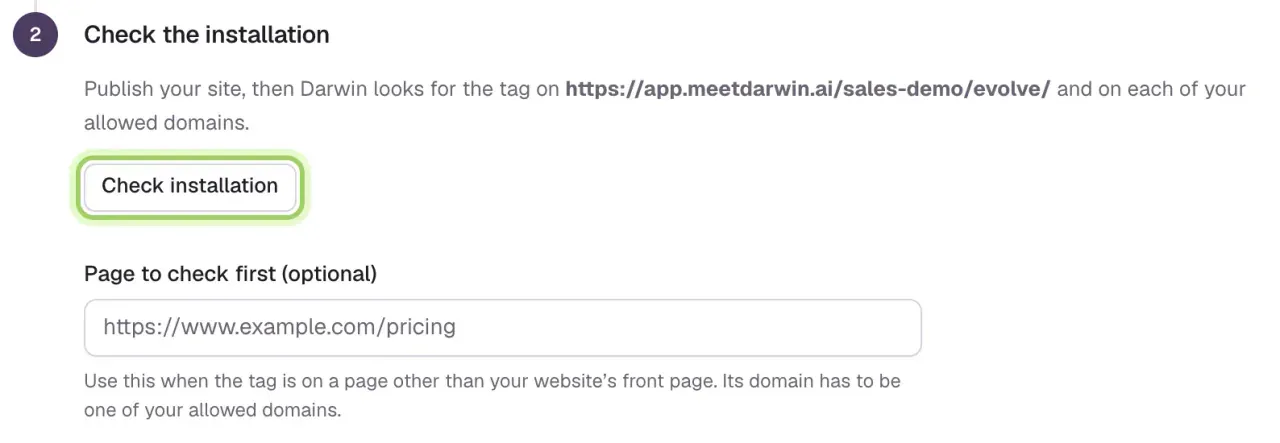
Check the installation
Back in Darwin, select Check installation. If the tag is on a page other than your front page, enter that page under Page to check first before you check.
Good to know
- Add your domain under Agent Studio → Visibility & privacy → Allowed domains first, or the chat won't run.
- Your WordPress plan or role must allow custom JavaScript. On WordPress.com, that means a plan that supports plugins.
- Works when you're signed in but not for visitors? Clear the page cache and check for snippet rules that limit the tag to administrators.
- To remove Darwin, delete the tag from your footer and clear the cache.