How meetings get booked
Integrations → Scheduling: connect Calendly, Google Calendar or RevenueHero so visitors book a meeting inside Darwin's chat, add a video link, and check bookings in Meetings.
- In Darwin: Integrations → SchedulingOpen in Darwin
- Updated
When a visitor wants to talk, Darwin offers a meeting and the visitor picks a time inside the chat. The booking goes through one scheduling provider that you connect.
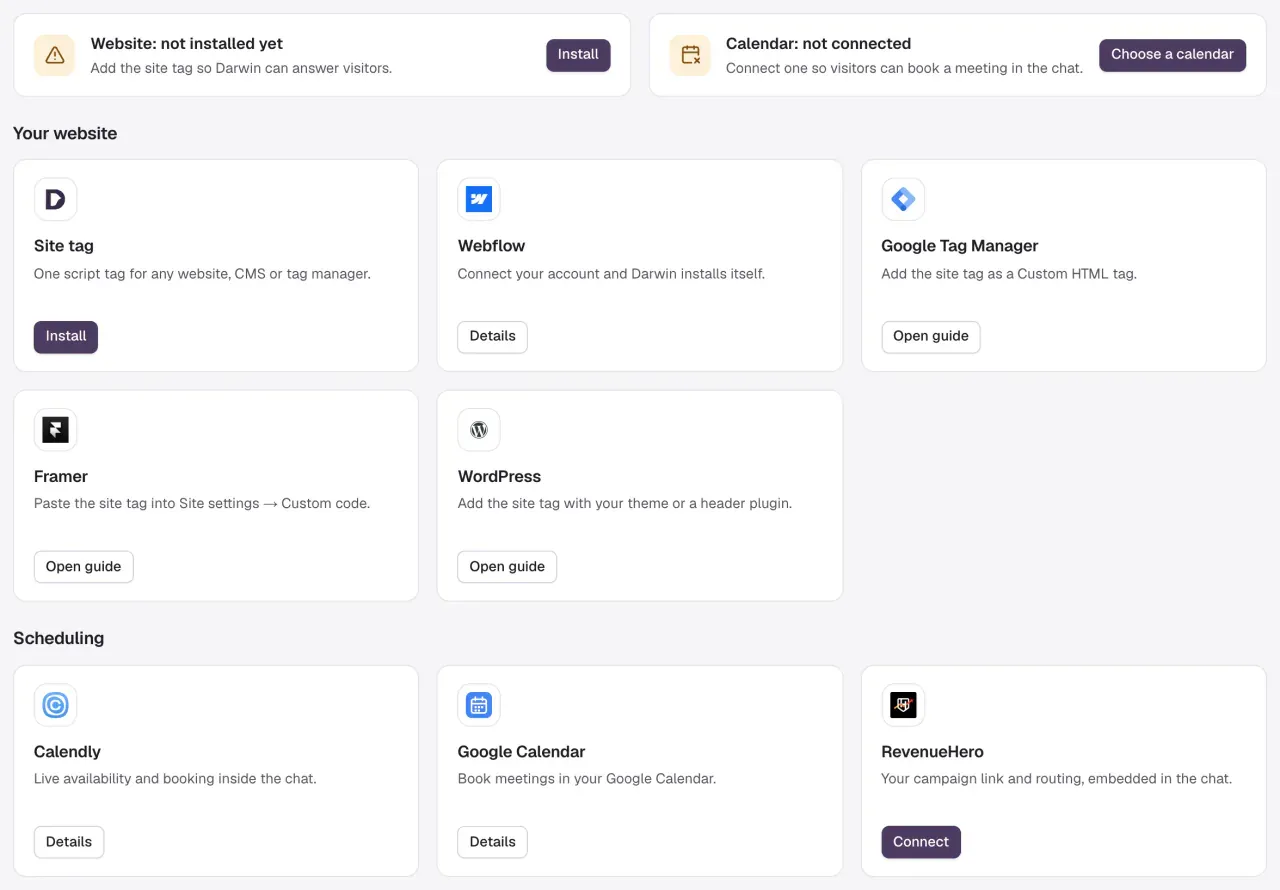
Check your calendar status
Open Integrations. The Calendar card at the top says whether a provider is in use. If it reads Calendar: not connected, select Choose a calendar.

Pick one provider
Under Scheduling, open the provider you use:
- Calendly: connect your account and choose the meeting type visitors can book. Availability, hosts and invitations stay in Calendly. See Connect Calendly.
- Google Calendar: connect your Google account, then set the booking rules in Darwin: Duration, Buffer, Minimum notice, Weekly hours and Video call. See Connect Google Calendar.
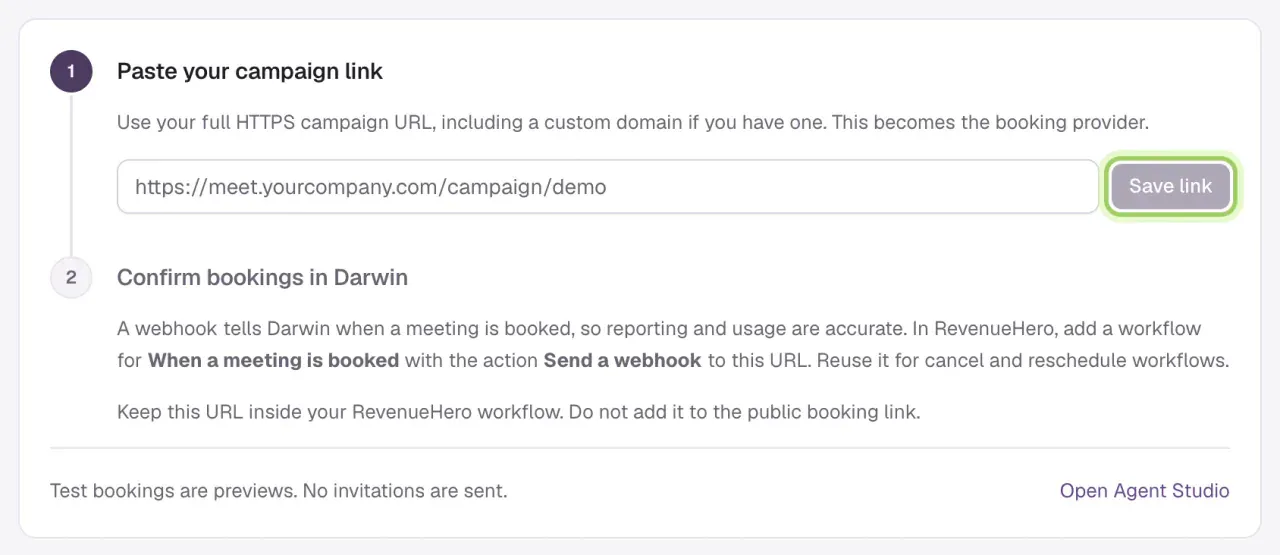
- RevenueHero: paste your campaign link. RevenueHero handles routing and the calendar. See Connect RevenueHero.
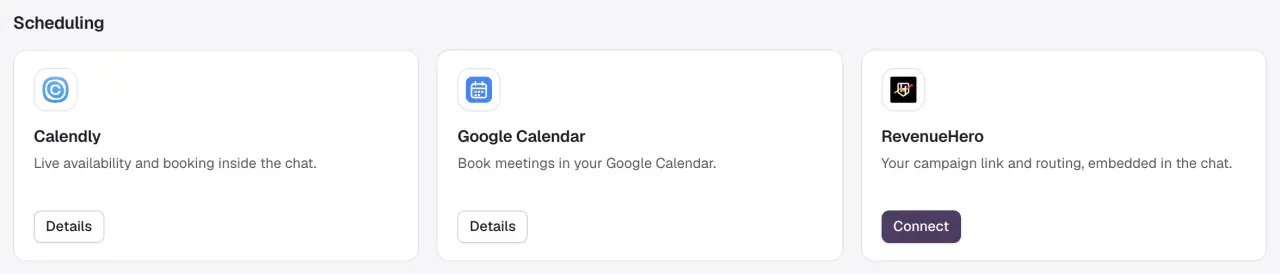
Finish the provider's setup
Each provider's page walks you through its steps. Its last button makes it the provider for new bookings: Use this meeting for Calendly, Save booking rules for Google Calendar, Save link for RevenueHero.
For RevenueHero, also add the webhook shown under Confirm bookings in Darwin, so Darwin knows when a meeting is booked.
Add a video link
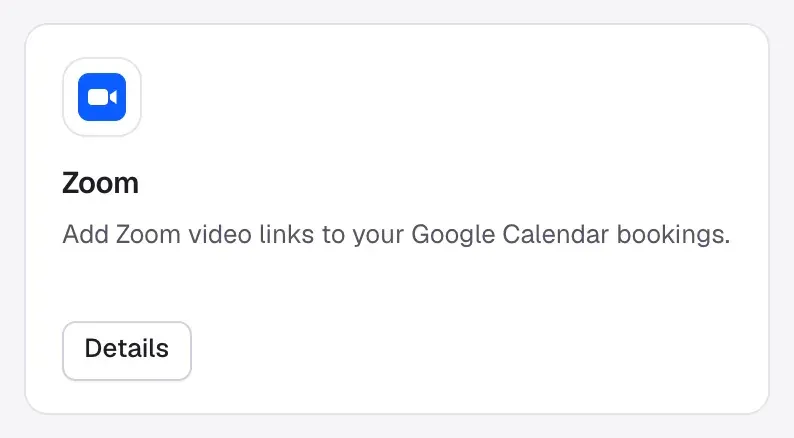
Google Calendar bookings get a Google Meet link by default. To use Zoom, connect it under Video calls, then choose Zoom as the Video call in your Google Calendar booking rules. Calendly and RevenueHero meetings use the location set in those tools. See Connect Zoom.
Try it, then watch for bookings
Ask for a meeting in the Agent Studio preview to see the booking step. Test bookings are previews: no invitation is sent. Real bookings from your website appear under Meetings in the sidebar. See See your meetings.

Good to know
- Only one provider handles new bookings. Saving another provider's setup switches new bookings to it; meetings already booked aren't canceled.
- Disconnecting Google Calendar stops new bookings. Events already on the calendar stay there.
- Darwin never confirms a booking itself. A meeting counts once the provider confirms it.