Sign in and recover your account
Sign in to Darwin with your email or Google, reset a forgotten password, resend a verification email, and sign out of a shared computer.
- In Darwin: Sign-in pageOpen in Darwin
- Updated
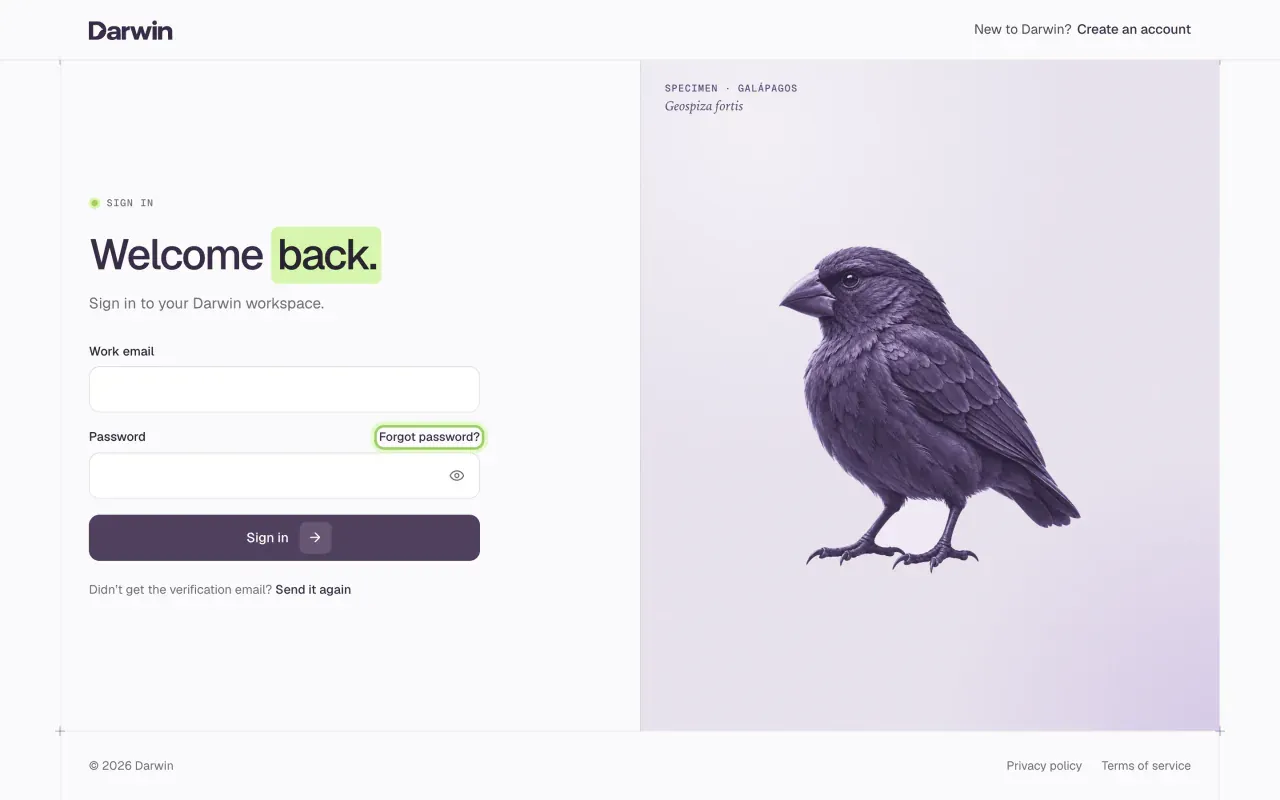
Sign in at app.meetdarwin.ai/login, or with Log in on the Darwin website. Use the email address your account or invitation was sent to.
Sign in
Enter your email and password
Type your Work email and Password, then select Sign in.
Or continue with Google
Select Continue with Google above the form and pick your Google account. Darwin asks Google only for your name and email address; it doesn't connect your calendar or Gmail. If there's no Darwin account for that Google address yet, Darwin says so and offers to create one.
Reset a forgotten password
Ask for a reset link
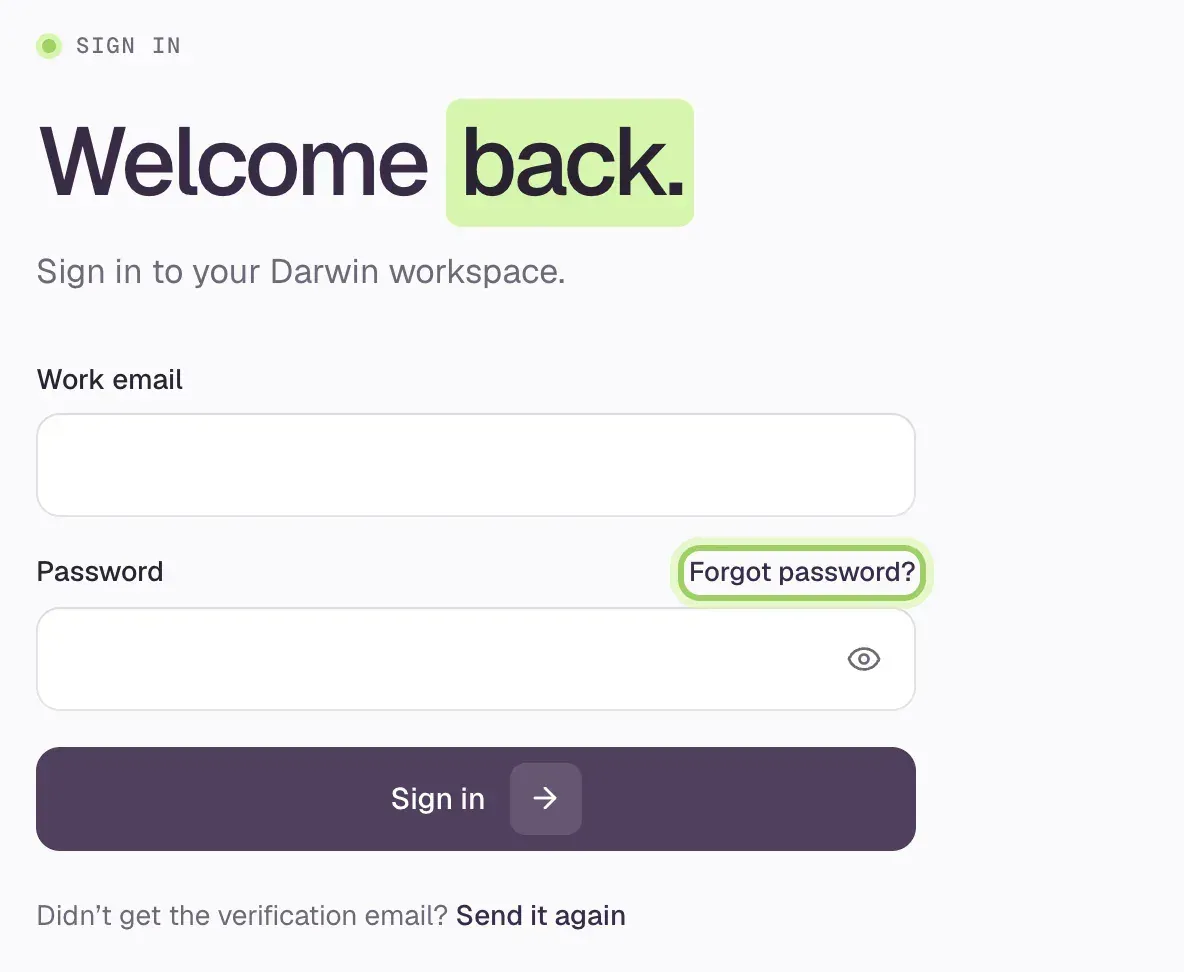
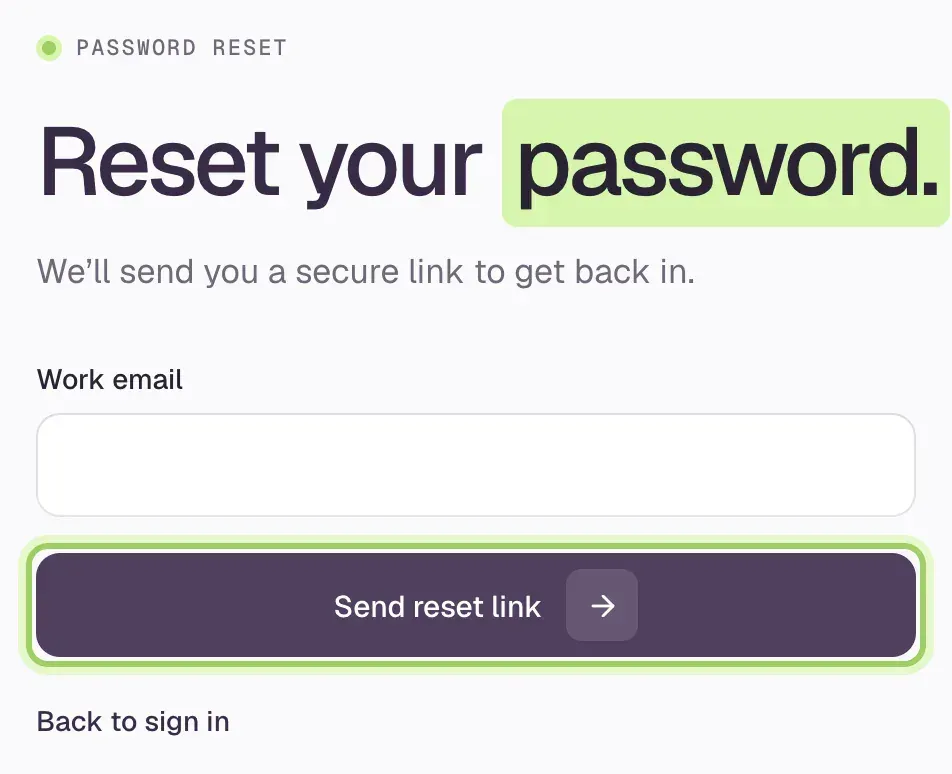
Select Forgot password? on the sign-in page, enter your Work email and select Send reset link.
Open the newest email
Open the reset email from Darwin and follow its link, then select Continue securely. The extra click stops email scanners from using up your link. A link works once, for one hour; if it has expired, Darwin offers Send a new link.
Choose a new password
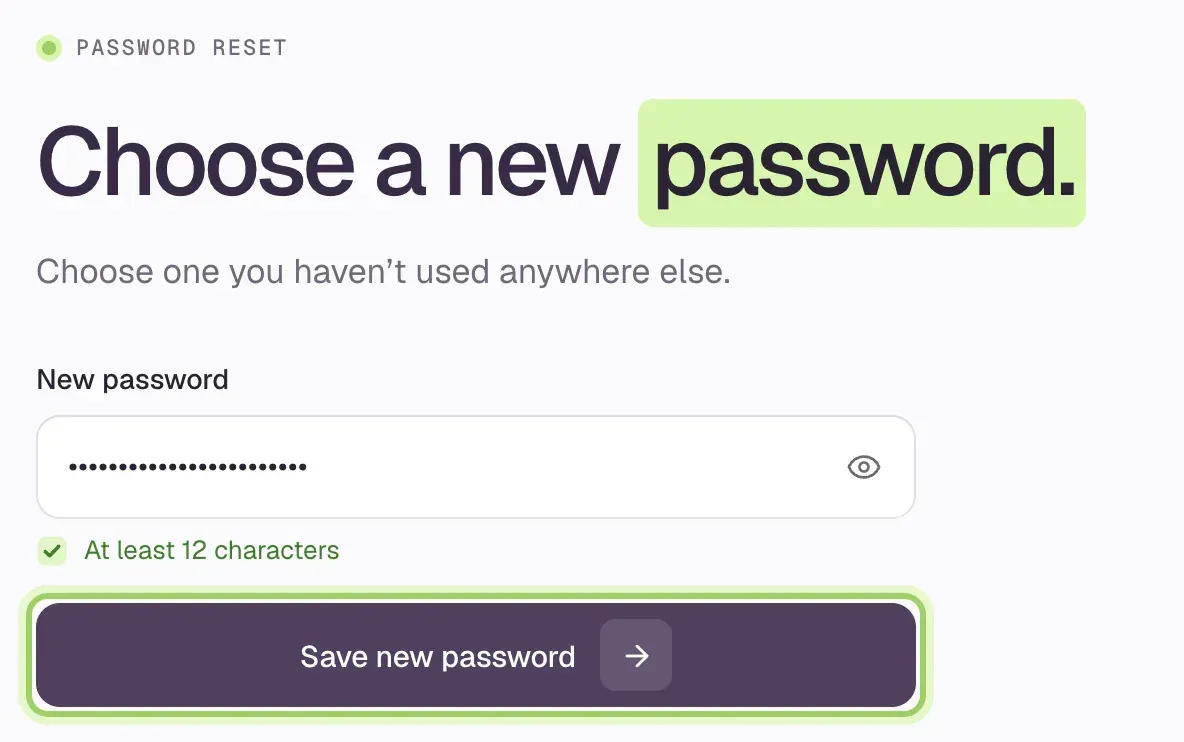
Type a New password of at least 12 characters and select Save new password. Then sign in with it; the old one stops working.
Verify your email again
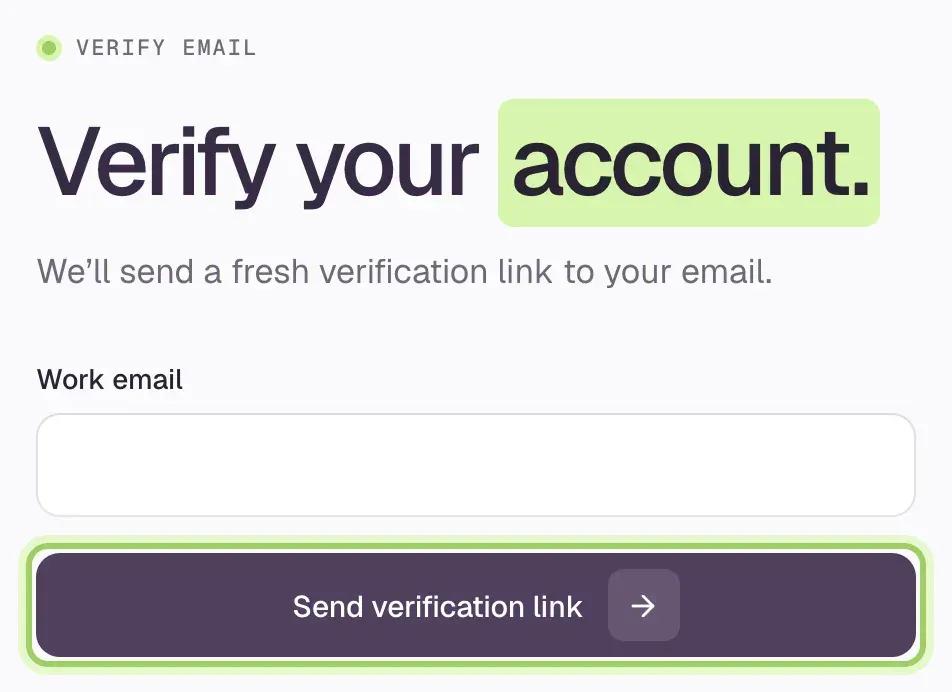
If you never got the verification email, or its link expired, select Send it again under the sign-in form. Enter your Work email and select Send verification link, then open the newest email. Check spam if it doesn't arrive.
Sign out
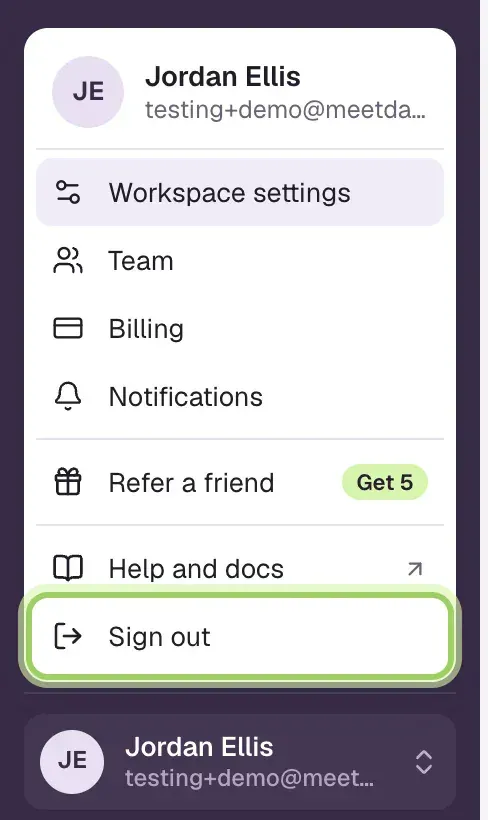
Select your name at the bottom of the sidebar, then Sign out. Do this on any shared computer.
Good to know
- Passwords are 12 to 72 characters. Darwin turns down a password that has shown up in a known data breach.
- Signing in doesn't give you access to every workspace. To join one, accept its invitation while signed in with the invited email. Invitations expire after seven days; ask the owner to send it again.
- Never forward a reset, verification or invitation link. Give each teammate their own login instead of sharing a password.