TL;DR
- Sales teams that want chat to book meetings while nobody is online should start with Darwin, which also gets better on its own. Support teams that want an AI agent inside the help desk should look at Intercom or Zendesk first. If the per-agent bill is the whole problem, tawk.to and Crisp get you off it.
- LiveChat's built-in AI helps your agents, not your visitors. The AI agent that answers customers is a separate Text product with its own price.
- Most alternatives still charge per seat and add a meter for the AI, whether by outcome, resolution, session or credit. tawk.to, Crisp and Tidio don't price by agent at all, and Darwin charges per booked meeting.
- Only Darwin improves without anyone touching it. LiveChat's greetings are written and tested by hand, while Darwin tests its own openings and keeps the ones that book meetings.
The best LiveChat alternative depends on what the chat should do when nobody on your team is online. If it should keep talking to buyers and book the meeting, start with Darwin. It answers from your website, offers a time on your calendar inside the conversation, and gets better on its own the longer it runs. HubSpot is worth a try if your CRM already lives there. Support teams that want an AI agent beside their people should look at Intercom and Zendesk, or at Freshchat and Help Scout for something lighter. And if the per-agent bill is the problem, tawk.to is free, Crisp charges a flat price per workspace, Tidio prices by conversation, and Chatwoot can run on your own servers.
LiveChat itself is rarely the complaint; the friction is everything around the people answering. Every agent is a seat on the bill, Copilot helps those agents but never talks to visitors, and a buyer who wants a meeting gets sent to your scheduling page.
One thing before the list: we make Darwin, so we are not neutral here. Darwin is not a help desk, so most of this list is support software we do not compete with. Prices and plan details come from each vendor's own pages, with the date we checked them. For the head-to-head, see our Darwin vs LiveChat comparison.
LiveChat alternatives at a glance
Darwin is first, and the rest follow the three groups you will meet below. Reading left to right, you see what each tool is built for, then price and booking, because those settle most shortlists. The last column shows the real difference: only Darwin improves without anyone touching it. Hover over a cell for the full finding and the date we checked it.
| Tool | Built for | Starting price | Free plan or trial | Native booking | Learns from your site | How it charges | Improves on its own |
|---|---|---|---|---|---|---|---|
 Darwin Darwin | Inbound AI SDR, chat | $0/mo | 5 free bookings | Via integration | Yes | Plan fee + bookings | Yes |
 HubSpot HubSpot | CRM with chat | $0/mo | Free tools | Yes | URL import | Seats + credits | Not documented |
 Intercom Intercom | Support + AI sales | $39/seat/mo | 14 day trial | Via integration | Content import | Seats + Fin outcomes | Not documented |
 Zendesk Zendesk | Support platform | $69/agent/mo | 14 day trial | Not documented | Crawler import | Seats + resolutions | Not documented |
 Freshchat Freshchat | Support messaging | $0/mo | 14 day trial | Via integration | URL import | Seats + sessions | Not documented |
 Help Scout Help Scout | Support inbox | $0/mo | Free plan | Not documented | Website + sources | Seats + per resolution | Not documented |
 Tidio Tidio | SMB chat + AI | $0/mo | 7 day trial | Via integration | URL scraper | Conversation-based | Not documented |
 Crisp Crisp | Inbox + chat widget | $0/mo | Free plan | Not documented | Not documented | Flat per workspace | Not documented |
 tawk.to tawk.to | Free live chat | $0/mo | Free forever | Not documented | Knowledge base only | Free + add-ons | Not documented |
 Chatwoot Chatwoot | Open-source inbox | $0/mo | Free plan | Not documented | Not documented | Per agent or self-hosted | Not documented |
Values come from shared product facts, checked Sep 11, 2026 to Oct 1, 2026. Sources
Why teams look for a LiveChat alternative
Ask teams that are shopping around and you hear the same few reasons. Hardly any of them is that LiveChat chats badly.
- The bill follows headcount. Every plan is priced per agent, and Starter costs $25/agent/mo, so answering around the clock means paying for enough seats to cover the clock.
- The AI works for your agents, not your visitors. Copilot helps whoever is answering. The customer-facing AI Agent is a separate Text product from $19 per user per month.
- Meetings get booked somewhere else. The welcome screen links to your scheduling page, so the visitor leaves the chat to pick a time, and some never do.
- Greetings stay the way you wrote them. LiveChat's own guide suggests testing campaign types by hand, one at a time.
Keep what LiveChat does well, from fast human replies to campaigns on the pages that matter, and make sure whatever you move to fixes at least one item above.
If chat should book meetings when nobody is online
Start with the sales case. Someone on your pricing page at nine in the evening has two questions and would take a demo. If your LiveChat team has logged off and you have not bought Text's separate AI agent, that visitor waits until morning. Both tools here answer and offer a meeting with nobody on shift: Darwin books it inside the chat, and HubSpot's bots send a meetings link.
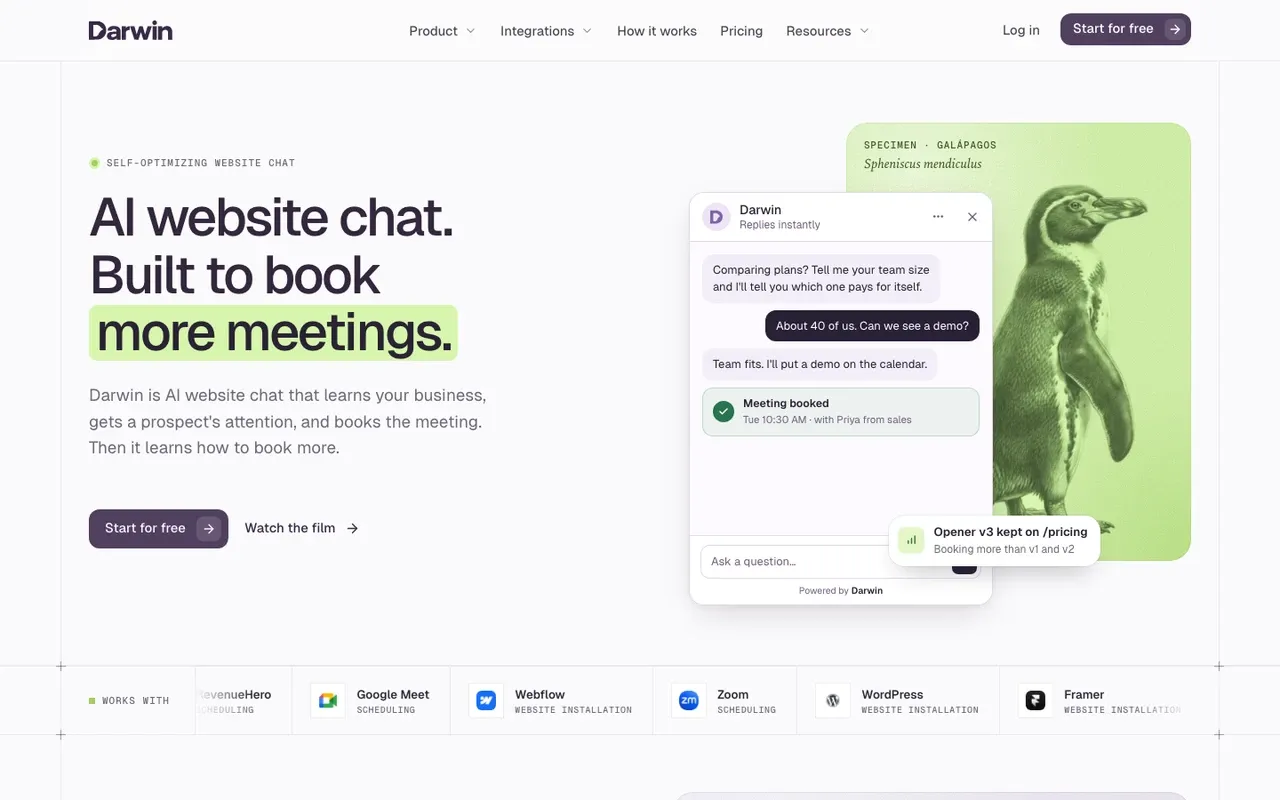
Darwin: AI chat that books meetings with nobody online
Sales teams that want every visitor answered and offered a meeting, staffed or not.
Teams that need a ticketing inbox, outbound email or visitor identification.
Darwin starts from the opposite assumption to LiveChat: nobody is at the keyboard. Paste your URL and it reads your site, drafts the assistant and writes the first opening line for you to review. Visitors get answers from your own pages at any hour. When one is ready to talk, the chat offers a time through Calendly, RevenueHero or HubSpot Meetings and books it right there.
Then comes the part LiveChat leaves to you. Instead of campaigns your team tests by hand, Darwin gets better on its own: it tries new openings on pages with enough traffic, keeps the ones that book more meetings and starts the next test. There are no seats either, and Origin costs $0/mo. You pay only for booked meetings, at $20/booking after the free introductory allowance.
See how Darwin works for the full setup, and the pricing page for what each plan includes.
LiveChat vs Darwin
| Tool | Improves on its own | Starting price | Free plan or trial | Native booking | How it charges |
|---|---|---|---|---|---|
 LiveChat LiveChat | Manual tests | $25/agent/mo | 14 day trial | Link to scheduler | Per agent |
| Darwin | Yes | $0/mo | 5 free bookings | Via integration | Plan fee + bookings |
Darwin pros
- Answers and books meetings with nobody online
- Set up from your website URL
- Gets better on its own by testing its openings
- No seats: you pay per booked meeting
Darwin cons
- Not a help desk: no ticketing or support inbox
- Younger than LiveChat, with a shorter track record
Verdict. If your LiveChat seats exist mainly to catch sales conversations, Darwin does that job without seats and keeps getting better on its own.
Facts checked Sep 11, 2026Darwin
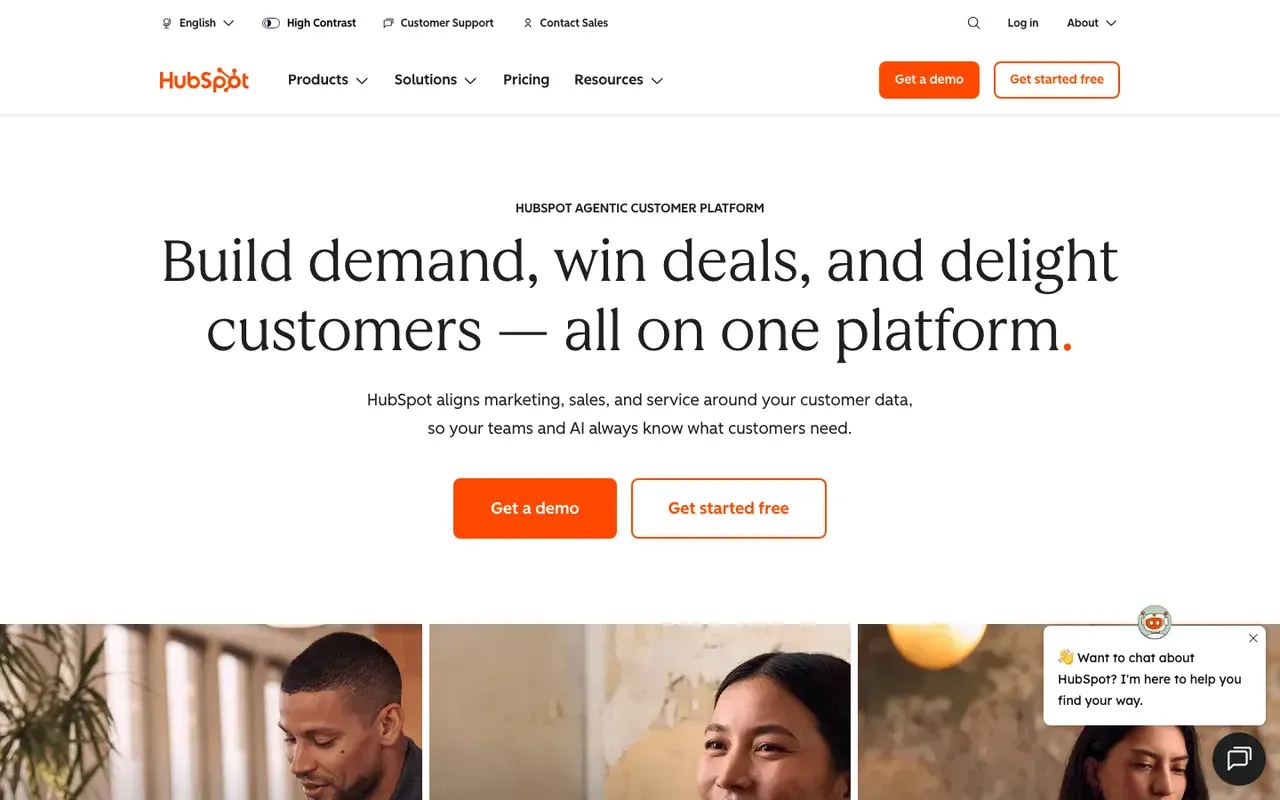
HubSpot: free chat and meeting links inside your CRM
Teams on HubSpot CRM that want free live chat and meeting links.
Teams on another CRM, or anyone who wants AI without upgrading to Professional.
If your contacts live in HubSpot, you may already own a LiveChat replacement. Free tools include live chat and a limited chatbot with HubSpot branding.
For sales, the bigger change is booking. Once a bot has a visitor's name and email, it shares your HubSpot meetings link, so people can book with nobody online. The Breeze customer agent, the AI that answers on its own, needs Professional or Enterprise, and paid hubs start at $20/seat/mo.
Side-by-side: Darwin vs HubSpot.
LiveChat vs HubSpot
| Tool | Starting price | Free plan or trial | Native booking | How it charges |
|---|---|---|---|---|
| LiveChat | $25/agent/mo | 14 day trial | Link to scheduler | Per agent |
| HubSpot | $0/mo | Free tools | Yes | Seats + credits |
HubSpot pros
- Free live chat and a basic chatbot, with no seat fee
- Meeting links built into the platform
- Chats sit in the CRM your reps already use
HubSpot cons
- The AI agent needs Professional or Enterprise, plus credits
- Free tools show HubSpot branding
- Chatbot flows are rule-based and written by hand
Verdict. For a HubSpot shop, this is the simplest experiment on the list: switch LiveChat off, switch HubSpot chat on and see what you miss.
Facts checked Sep 11, 2026HubSpot
If you want AI answers inside your help desk
If your LiveChat seats mostly answer support questions, you want an AI agent in the same product as your people. These four offer that, but their paid plans still charge per person, and each meters the AI differently, so read the pricing notes first.
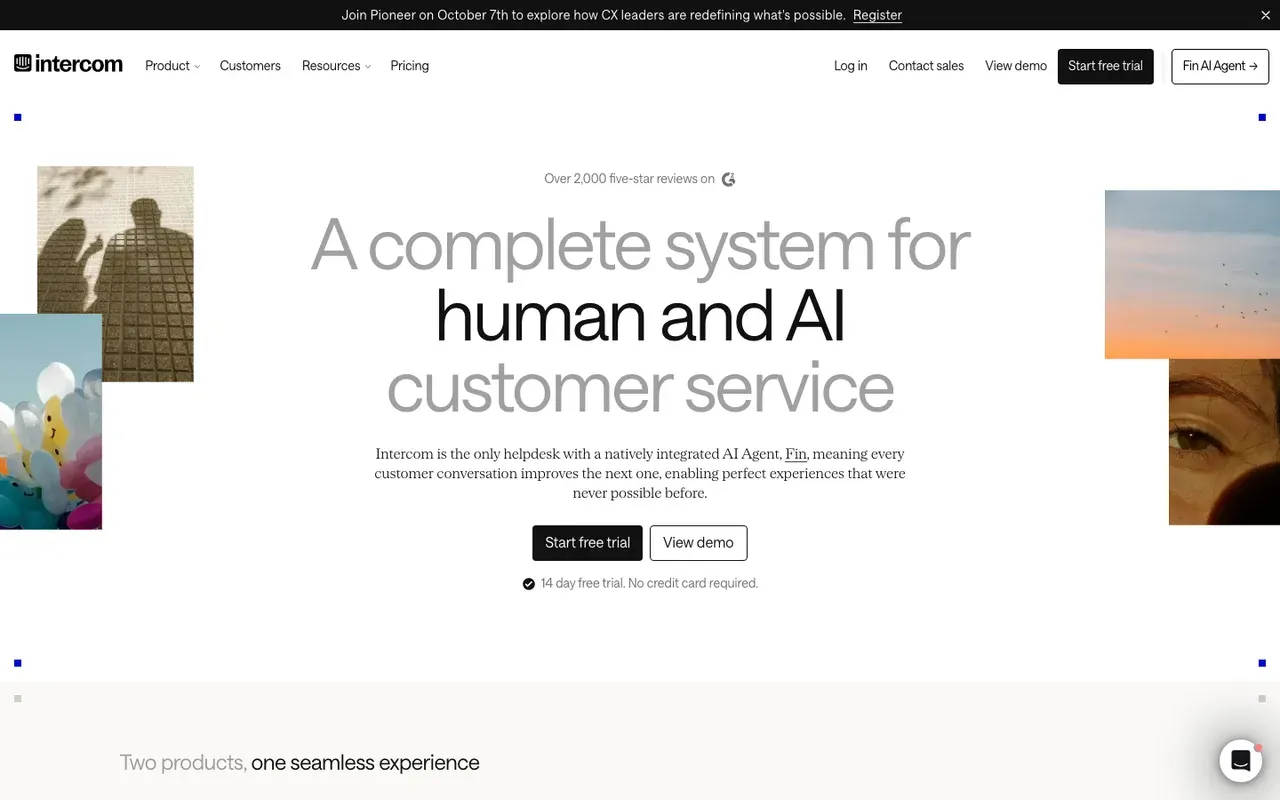
Intercom: human chat and the Fin AI agent in one product
Support-led teams that want people and an AI agent in one inbox.
Teams leaving LiveChat to escape seat pricing.
If your team likes LiveChat but wishes the AI could take a chat on its own, Intercom is the obvious next step. Fin, its AI agent, replies to visitors from your content and sits on the same platform as the shared inbox your agents will work from. Fin for Sales goes a step further, qualifying leads and offering meeting times through Calendly or HubSpot.
You will recognise the pricing model, with one addition. Essential starts at $39/seat/mo, and Fin is billed per outcome on top, which means the invoice grows in the months the AI does its best work.
Side-by-side: Darwin vs Intercom.
LiveChat vs Intercom
| Tool | Starting price | Free plan or trial | Native booking | How it charges |
|---|---|---|---|---|
| LiveChat | $25/agent/mo | 14 day trial | Link to scheduler | Per agent |
| Intercom | $39/seat/mo | 14 day trial | Via integration | Seats + Fin outcomes |
Intercom pros
- Fin answers visitors with no agent online
- Inbox, help center and tickets in one platform
- Imports your logo and colors from your domain
Intercom cons
- Seats plus per-outcome AI fees
- No free plan after the 14 day trial
- More platform than a small chat team needs
Verdict. Go with Intercom when you want people and a capable AI agent in one place and can accept a bill with two moving parts.
Facts checked Sep 11, 2026Intercom
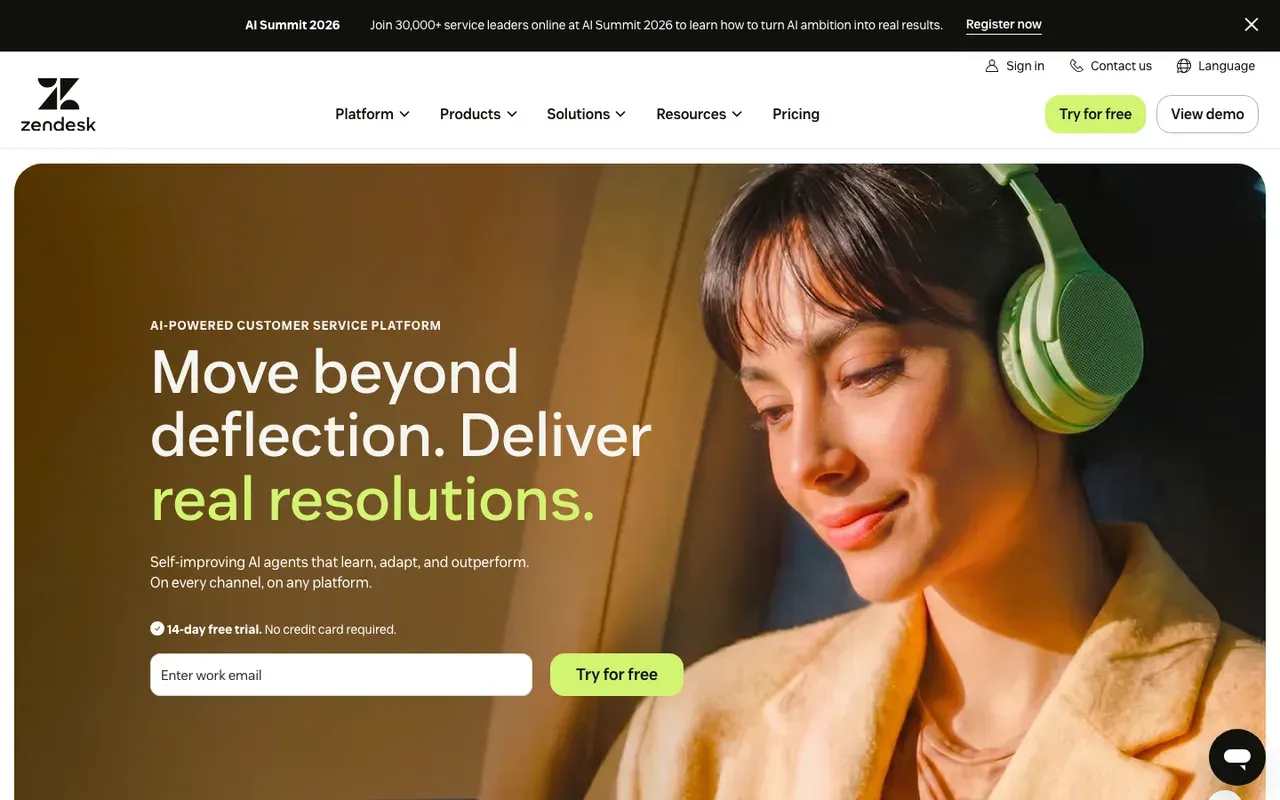
Zendesk: a full support suite with AI agents
Support teams that want chat, tickets, a help center and AI agents in one suite.
Small teams, sales chat, or anyone who needs meetings booked in the chat.
Zendesk makes sense when chat is becoming one channel of a bigger support operation. Messaging, ticketing, the help center and AI agents come bundled in Suite plans, and Suite Team costs $69/agent/mo. You still pay per agent, so this fixes LiveChat's AI gap rather than its seat bill.
The AI agents answer from your help center, and a web crawler can add your website pages. What we could not find is booking: the AI agents collect details and hand the visitor to a person.
LiveChat vs Zendesk
| Tool | Starting price | Free plan or trial | Native booking | How it charges |
|---|---|---|---|---|
| LiveChat | $25/agent/mo | 14 day trial | Link to scheduler | Per agent |
| Zendesk | $69/agent/mo | 14 day trial | Not documented | Seats + resolutions |
Zendesk pros
- Ticketing, help center and messaging in one suite
- AI agents learn from help articles and crawled pages
- A test version of the AI agent before you publish
Zendesk cons
- Per-agent seats plus per-resolution AI charges
- Messaging needs Suite Team or above
- Meeting booking is not documented
Verdict. Zendesk wins the LiveChat vs Zendesk question for support teams that have outgrown a chat tool. For small or sales-led teams, it is more than you need.
Facts checked Sep 11, 2026Zendesk
Freshchat: free for small teams, with Freddy AI on top
Small support teams that want free human chat now and AI later.
Sales teams that want the AI to book meetings.
If what you want from a LiveChat alternative is a smaller invoice, Freshchat makes a strong opening offer. The Free plan has no monthly fee for up to 10 agents. It covers the widget, a shared inbox and email, but not the Freddy AI Agent.
Paid plans return to per-agent pricing, from $23/agent/mo, and add Freddy with a batch of free sessions. Booking is agent-led: an agent shares a Google Calendar and the visitor picks a slot in the chat.
Side-by-side: Darwin vs Freshchat.
LiveChat vs Freshchat
| Tool | Starting price | Free plan or trial | Native booking | How it charges |
|---|---|---|---|---|
| LiveChat | $25/agent/mo | 14 day trial | Link to scheduler | Per agent |
| Freshchat | $0/mo | 14 day trial | Via integration | Seats + sessions |
Freshchat pros
- A free plan for a small team of human agents
- Freddy learns from web pages you add
- Agents can offer calendar slots in the chat
Freshchat cons
- Freddy AI Agent is not on the free plan
- A bot-driven booking step is not documented
Verdict. A sensible landing spot for a small support team that wants the seat bill gone. Expect to pay again once Freddy is answering visitors.
Facts checked Sep 11, 2026Freshworks
Help Scout: a support inbox with AI answers per resolution
Small support teams that juggle email and chat and want a knowledge base.
Sales teams, or anyone who needs meetings booked from the widget.
Help Scout is an inbox first and a chat tool second, which suits LiveChat customers whose chats keep turning into email threads. Email and the Beacon widget feed one shared inbox, next to a Docs site for help articles.
Small teams may never pay. The Free plan covers 5 users, 1 Inbox and 1 Docs site. Paid plans start at $25/user/mo, and AI Answers, which replies to customers and can learn from your website, is an add-on billed per resolution.
LiveChat vs Help Scout
| Tool | Starting price | Free plan or trial | Native booking | How it charges |
|---|---|---|---|---|
| LiveChat | $25/agent/mo | 14 day trial | Link to scheduler | Per agent |
| Help Scout | $0/mo | Free plan | Not documented | Seats + per resolution |
Help Scout pros
- A free plan with a Docs site included
- Email and chat in one shared inbox
- AI Answers can learn from your website
Help Scout cons
- Meeting booking is not documented
- Per-user seats, plus per-resolution AI
- Live chat is one channel, not the center
Verdict. Pick Help Scout if your LiveChat volume is really support email in disguise. It is not built for sales chat.
Facts checked Sep 16, 2026Help Scout
If the per-agent bill is the problem
Plenty of teams like human chat and are just tired of paying for every login. Three of these four don't price by agent at all, and Chatwoot can run on your own servers. The trade-off is booking, since none of them documents a meeting booked inside the chat.
Tidio: live chat and the Lyro AI agent for small businesses
Small businesses and stores that want chat and AI without per-agent pricing.
B2B teams that need meetings booked inside the chat.
Of everything here, Tidio works most like LiveChat. Your team still answers chats while Lyro, its AI agent, picks up the questions it can, and the company builds mainly for small businesses and Shopify stores. The real difference shows up on the invoice, because Tidio counts conversations rather than agents.
There is a free plan, and Starter costs $29/mo. Lyro is sold as its own quota and learns from website URLs you paste in. Unlike LiveChat's Copilot, it talks to visitors directly. For meetings, Lyro can send a Calendly link, and the booking happens there.
Side-by-side: Darwin vs Tidio.
LiveChat vs Tidio
| Tool | Starting price | Free plan or trial | Native booking | How it charges |
|---|---|---|---|---|
| LiveChat | $25/agent/mo | 14 day trial | Link to scheduler | Per agent |
| Tidio | $0/mo | 7 day trial | Via integration | Conversation-based |
Tidio pros
- A free plan, plus a 7 day trial of paid features
- Lyro learns from website URLs you paste in
- Priced by conversations, not agents
Tidio cons
- Booking is a Calendly link, not a calendar in the chat
- Costs rise with conversation volume
Verdict. For a small team that likes LiveChat's way of working but not its per-agent bill, Tidio is the easiest move.
Facts checked Sep 11, 2026Tidio
Crisp: one flat price per workspace, AI credits included
Small teams that want one predictable monthly price.
Teams that need meetings booked in the chat.
Crisp prices the opposite way to LiveChat. You pay per workspace, a flat rate that does not move with conversation volume, and each plan includes a set number of seats. The free plan covers the widget, a shared inbox and the mobile apps, and Mini, the first paid tier, costs $45/mo.
Every paid plan comes with AI credits, so the AI agent is part of the price rather than a second product. Two things are missing from the pages we reviewed, though: what that agent learns from, and any meeting booking.
LiveChat vs Crisp
| Tool | Starting price | Free plan or trial | Native booking | How it charges |
|---|---|---|---|---|
| LiveChat | $25/agent/mo | 14 day trial | Link to scheduler | Per agent |
| Crisp | $0/mo | Free plan | Not documented | Flat per workspace |
Crisp pros
- A free plan with inbox and mobile apps
- Flat price per workspace, not per agent
- AI credits included on paid plans
Crisp cons
- Meeting booking is not documented
- What the AI learns from is not specified
- No AI credits on the free plan
Verdict. The cleanest way out of per-agent pricing for a small team, with AI included. Check what the AI learns from before you commit.
Facts checked Sep 16, 2026Crisp
tawk.to: free live chat, with AI as a paid add-on
Teams with several part-time agents who want free human chat.
Teams that want AI to carry the chat or book meetings.
If the only thing wrong with LiveChat is the per-agent bill, look at tawk.to. The live chat product is free, with unlimited agents.
The money comes from add-ons. AI Assist answers chats from your knowledge base from $29 per month; removing the Powered by tawk.to branding is $29 per month. The AI does not crawl your website, so someone has to write and maintain that knowledge base, and booking is not documented.
LiveChat vs tawk.to
| Tool | Starting price | Free plan or trial | Native booking | How it charges |
|---|---|---|---|---|
| LiveChat | $25/agent/mo | 14 day trial | Link to scheduler | Per agent |
| tawk.to | $0/mo | Free forever | Not documented | Free + add-ons |
tawk.to pros
- Free live chat with no charge per agent
- AI Assist available as a monthly add-on
- Easy to add agents as the team changes
tawk.to cons
- AI Assist learns from a knowledge base, not your site
- Branding removal is a paid add-on
- Meeting booking is not documented
Verdict. The straight answer to “LiveChat, but free”. It fixes the bill, not the staffing.
Facts checked Sep 16, 2026tawk.to
Chatwoot: open-source live chat you can host yourself
Teams with engineers who want to own their support chat.
Teams without technical help, or anyone who needs booking.
Chatwoot is the open-source option. You can run it on your own servers or use the hosted cloud, which matters if the real reason you are leaving LiveChat is control over where your conversations live.
You don't have to host it to try it. The Hacker plan is $0 per agent per month for up to 2 agents and 500 conversations a month. Paid cloud plans start at $19/agent/mo on annual billing and include credits for Captain AI. The pricing page does not say what Captain learns from, and booking is not documented.
LiveChat vs Chatwoot
| Tool | Starting price | Free plan or trial | Native booking | How it charges |
|---|---|---|---|---|
| LiveChat | $25/agent/mo | 14 day trial | Link to scheduler | Per agent |
| Chatwoot | $0/mo | Free plan | Not documented | Per agent or self-hosted |
Chatwoot pros
- Open source, with a self-hosted option
- A free cloud plan for very small teams
- Captain AI credits included on paid plans
Chatwoot cons
- Self-hosting means you run the servers and upgrades
- Meeting booking is not documented
Verdict. Worth it if you have engineers and want to own the stack. If not, the hosted tools above are less work.
Facts checked Sep 16, 2026Chatwoot
LiveChat pricing vs the alternatives
Start with what you pay now. LiveChat's Starter plan costs $25/agent/mo on monthly billing, Team and Business cost more per agent, and the AI agent that talks to visitors is a separate Text subscription.
Seats plus a meter for the AI
Intercom, Zendesk, Freshchat and Help Scout keep per-person pricing and charge for the AI by usage. Intercom's Essential plan starts at $39/seat/mo, with Fin billed per outcome. At Zendesk, Suite Team costs $69/agent/mo, and AI agents are billed per resolution past the plan's allowance. This group closes the AI gap but keeps the seat bill.
Free, flat or by conversation
tawk.to's chat is free, and you pay only for add-ons such as AI Assist. Crisp bills a flat rate per workspace with AI credits included, Tidio prices by conversation, and Chatwoot can be self-hosted. HubSpot's chat stays free until you want its AI agent.
Per booked meeting
Darwin has no seats, because nobody has to sit in the chat. Origin has no subscription fee, and it includes 5 free bookings before charging per meeting. Busier sites can move to a paid plan from $99/mo with a monthly allowance of meetings.
To compare fairly, divide last month's LiveChat invoice by the conversations that led somewhere, such as a solved ticket or a booked call, and price each alternative against that number. For the meeting side of that sum, Darwin's pricing page shows what each plan includes and what a booking costs.
How to switch from LiveChat
Seven steps, roughly in order. You can do the first four before you cancel anything.
- Check your renewal date and seat count. LiveChat bills per agent, so know when the current period ends before you commit to anything new.
- Export what your team has written: canned responses, campaign copy, targeting rules, tags, and any transcripts you must keep. It is the best brief a new AI agent will ever get.
- Pull a baseline from LiveChat's reports. Chats, campaign conversions and goals per page will show later whether the new tool does better or just does things differently.
- Point the new AI at your website, not your old scripts. Fix stale pages first, because the AI will repeat whatever they say to customers.
- Decide who answers when nobody is online. If booking matters, connect the calendar and book a test meeting yourself.
- Swap the code. Remove the LiveChat snippet or plugin, add the new widget, and check every template, including on a phone.
- Run the new tool on part of your traffic for a week, compare it with your baseline, then cancel the LiveChat seats.
How to choose a LiveChat alternative
Still undecided? Match your situation to one of these.
- If most of your chats are buyers, try Darwin first: it answers and books meetings at any hour and improves its own openings with nobody running tests.
- HubSpot customers should switch on the free chat they already have before buying anything new.
- When support is the bigger job, Intercom puts AI in the same inbox as your people, and Zendesk adds a full ticketing desk around it.
- Small support teams can move to Freshchat's free plan now and pay for Freddy later.
- If your chats keep turning into email threads, Help Scout will suit you better than a chat console.
- Shops that like how LiveChat works but not how it bills should look at Tidio.
- For one predictable invoice, pick Crisp; for no invoice at all, tawk.to.
- Have engineers who would rather own the whole stack? Self-host Chatwoot.
Whatever you shortlist, run one test: open the widget late at night and ask something only your website can answer. That reply will tell you more than any feature grid.
Questions about LiveChat alternatives.
What is the best LiveChat alternative?
That depends on the job you hired LiveChat for. If most of your chats are buyers, we would point you to Darwin, since it answers from your site at any hour, books the meeting in the conversation and keeps improving its own openings. If they are customers who need help, Intercom or Zendesk gives you an AI agent inside a proper help desk. Want a smaller bill and nothing else? tawk.to's chat is free.
How much does LiveChat cost?
You pay per agent. Starter costs $25/agent/mo on monthly billing, and the Team and Business plans charge more for each seat. New accounts get a 14 day trial, but there is no free plan to fall back on. If you want an AI agent answering visitors as well, Text bills it as a separate product, so your real cost is seats times agents, plus the AI.
Does LiveChat have an AI chatbot?
Not one that talks to your visitors, at least not inside LiveChat itself. Its built-in AI, Copilot, sits on your agents' side of the chat and uses your website and PDFs to help them reply. The customer-facing AI Agent is a separate Text product from $19 per user per month. If you searched for LiveChat vs ChatBot, that is the split Text draws: ChatBot is its AI chatbot platform, and LiveChat is the tool for people.
LiveChat vs Zendesk: which is better?
For a small team that just wants people answering chats, LiveChat is simpler, and at $25/agent/mo it costs less per seat. Zendesk earns its higher Suite price when chat is one channel among several and you need ticketing, a help center and AI agents that answer from your articles. Neither, as far as their public pages show, books a meeting inside the chat.
LiveChat vs Intercom: which should you choose?
Start with who you want answering first. If it is your people, with AI helping behind the scenes, LiveChat does that well on one per-agent bill. If you want the AI to take the first reply, Intercom's Fin does that inside the Messenger, on the same platform as your team's inbox, and Fin for Sales can offer meeting times. That convenience comes with a second meter: Essential starts at $39/seat/mo, and Fin outcomes are billed on top.
Sources & references (39)
Supporting material for the product details in this article. Each source keeps its own access date.
- How Darwin improves your openings Darwin · Accessed
- Connect your scheduling page Darwin · Accessed
- Darwin plans and booking prices Darwin · Accessed
- Set up with Darwin Darwin · Accessed
- Plans and included meetings Darwin · Accessed
- HubSpot Sales Hub pricing HubSpot · Accessed
- Manage the customer agent's content sources HubSpot · Accessed
- Choose your rule-based chatbot actions HubSpot · Accessed
- Set up customer agent actions to qualify leads HubSpot · Accessed
- Create a rule-based chatbot HubSpot · Accessed
- Set guidelines for the customer agent HubSpot · Accessed
- Intercom pricing Intercom · Accessed
- How to train Fin for Sales Intercom · Accessed
- Intercom standard pricing after Early Stage Intercom · Accessed
- Intercom pricing FAQs Intercom · Accessed
- Book meetings with Calendly using Fin for Sales Intercom · Accessed
- Book meetings with HubSpot using Fin for Sales Intercom · Accessed
- A/B test different message variations Intercom · Accessed
- Zendesk pricing Zendesk · Accessed
- Creating an AI agent for your web and mobile channels Zendesk · Accessed
- Configuring messaging responses for web and mobile channels Zendesk · Accessed
- About connecting external content to Zendesk for use across knowledge experiences Zendesk · Accessed
- Connecting knowledge sources to power generative replies in AI agents Zendesk · Accessed
- Freshchat pricing Freshworks · Accessed
- Integrate Google Calendar with Freshchat Freshworks · Accessed
- Configure Knowledge Sources for Freddy AI Agent Freshworks · Accessed
- How to build a simple bot flow with the bot builder Freshworks · Accessed
- Help Scout Pricing Help Scout · Accessed
- Tidio pricing Tidio · Accessed
- Lyro Action templates Tidio · Accessed
- Lyro – a quick setup Tidio · Accessed
- Edit your initial message (first flow) Tidio · Accessed
- Crisp pricing Crisp · Accessed
- tawk.to Pricing tawk.to · Accessed
- Chatwoot Pricing Chatwoot · Accessed
- LiveChat pricing LiveChat (Text) · Accessed
- Text Copilot: AI-powered personal assistant LiveChat (Text) · Accessed
- Website Widget: Welcome Screen LiveChat (Text) · Accessed
- Engage visitors using Campaigns LiveChat (Text) · Accessed