
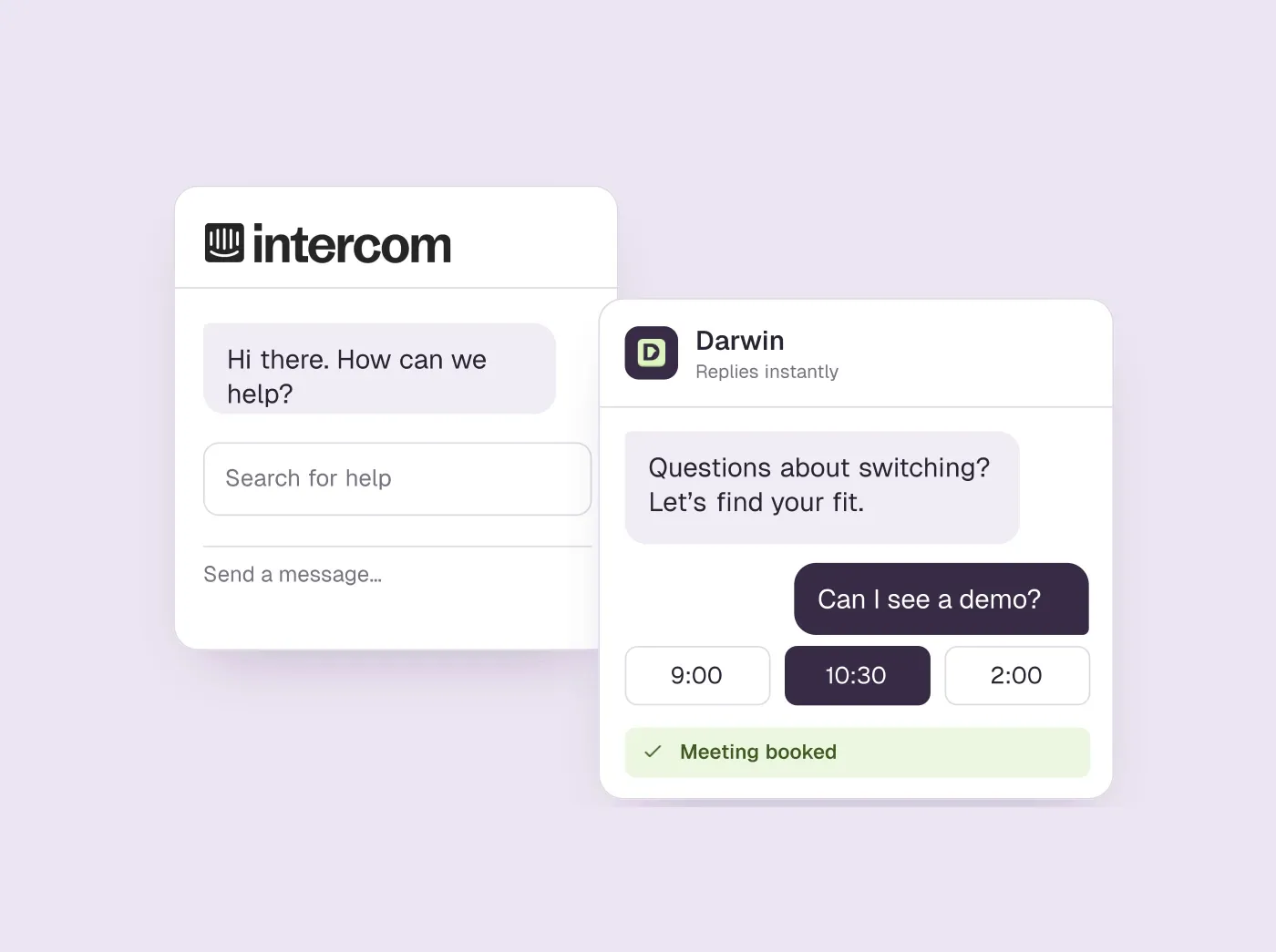
TL;DR
- Pick by the job Intercom does for you: a support inbox (Help Scout, Zendesk, Freshchat, Front, Crisp), sales chat that books meetings (HubSpot, Darwin, Qualified, Warmly), or a live chat widget on a budget (Tidio, LiveChat, Chatwoot, tawk.to).
- Intercom's company is now called Fin, and Salesforce bought it in September 2026. Nothing public says how plans or prices will change, so price an alternative before your next renewal.
- Most teams leave over the bill: seats, then Fin's fee per outcome, then add-ons. Help Scout and Zendesk also bill their AI per resolution, so compare the pricing model, not just the seat price.
- Seven of the thirteen have a free plan, and Darwin's Free plan has no monthly fee. Intercom itself offers a trial and no free plan.
How we researched this
- 13 products reviewed. Each one says how and when, under its heading.
- 122 sources. Each with the date it was read. See the list.
- Facts last checked .
Written by Ari Goldstein, Founder & CEO, Darwin. We make Darwin, one of the products reviewed here; our editorial policy says how we handle that.
The best Intercom alternative depends on the job you bought Intercom to do. Support teams leaving over price usually start with Help Scout, and larger support organisations with Zendesk. Freshchat adds a free tier and booking from the chat, Front suits teams that work mostly in email, and Crisp charges one flat price per workspace. If the chat is meant to turn visitors into sales meetings, switch on HubSpot's chat if you already pay for HubSpot; Darwin is the closest match you can set up yourself, and Qualified and Warmly are built for enterprise sales teams. For a chat widget without a platform around it, look at Tidio, LiveChat, Chatwoot or the free tawk.to.
There is news to weigh as well. Intercom (now Fin, the company's name since May 2026) has been owned by Salesforce since September 2026, and nothing public yet says what that means for plans or prices.SourcesIntercomSalesforce +1
One disclosure first. Darwin is our product, an AI website chat that answers visitors and books meetings, so we have a stake in this list. Most people who leave Intercom need support software, which Darwin is not, so the list opens with support inboxes. Darwin comes seventh, at the head of the sales group after HubSpot, because for a team that bought Intercom to book meetings from website chat it is the closest match you can install without a sales call. Prices and plan details come from each vendor's own pages, and every one carries the date we last confirmed it.
Intercom alternatives at a glance
Grouped by job, in the order most Intercom customers need them: support inboxes, then sales chat that books meetings, then live chat on a budget. Hover over a cell to see the full finding and the date we checked it.
| Tool | Built for | Starting price | Free plan or trial | Native booking | Learns from your site | How it charges |
|---|---|---|---|---|---|---|
 Help Scout Help Scout | Support inbox | $0/mo | Free plan | Not documented | Website + sources | Seats + per resolution |
 Zendesk Zendesk | Support platform | $69/agent/mo | 14 day trial | Not documented | Crawler import | Seats + resolutions |
 Freshchat Freshchat | Support messaging | $0/mo | 14 day trial | Via integration | URL import | Seats + sessions |
 Front Front | Shared inbox | $25/seat/mo | 14 day trial | In email only | Not documented | Seats + AI add-ons |
 Crisp Crisp | Inbox + chat widget | $0/mo | Free plan | Not documented | Website crawl + help articles | Flat per workspace |
 HubSpot HubSpot | CRM with chat | $0/mo | Free tools | Meetings link | URL import | Seats + credits |
 Darwin Darwin | Inbound AI SDR, chat | $0/mo | 5 free credits | In chat: Calendly, Google, RevenueHero | Yes | Plan fee + credits |
 Qualified Qualified | Enterprise AI SDR | Quote only; its chat gives no range | Not documented | Yes | Uploaded content | Quote-based |
 Warmly Warmly | Visitor ID + chat | $10,000/yr | Not documented | Yes | Website + docs | Annual contracts |
 Tidio Tidio | SMB chat + AI | $0/mo | 7 day trial | Shares a Calendly link | URL scraper | Conversation-based |
 LiveChat LiveChat | Human live chat | $25/agent/mo | 14 day trial | Link to scheduler | Agent-assist only | Per agent |
 Chatwoot Chatwoot | Open-source inbox | $0/mo | Free plan | Not documented | Help center, PDFs, website | Per agent or self-hosted |
 tawk.to tawk.to | Free live chat | $0/mo | Free forever | Not documented | Website + docs + FAQs | Free + add-ons |
Values come from shared product facts, checked Oct 2, 2026 to Oct 20, 2026. Sources
Why teams look for an Intercom alternative now
Start with the ownership news, because it is new this year. On 12 May 2026 Intercom renamed the company Fin; Intercom remains the name of its customer service platform. On 10 September 2026 Salesforce completed its acquisition of Fin, formerly Intercom, for about $3.6 billion. Salesforce already owns Qualified, the AI SDR in the sales group below. Your current Intercom contract runs as signed until renewal. Nothing public says how plans, prices or the product line will change afterwards, so if your renewal falls near then, get a price for an alternative first.SourcesIntercomSalesforce +2
The usual reason is the bill. Intercom charges for every seat, from $39/seat/mo, and meters Fin, its AI agent, on top. Fin pricing starts at $0.99 per outcome. Add-ons come on top of both. Paying per outcome suits a support team that counts deflected tickets, but the total rises as the AI handles more conversations, whether or not those conversations were worth anything to you.SourcesIntercom +1
Getting a price from Intercom's own chat took two tries. When we asked Fin on intercom.com what Intercom costs, on 1 October 2026 (US time), it first asked for a business email. Asked again the same evening, it listed the three seat prices and the Fin for Sales fees per outcome.SourcesIntercom
The second reason is fit. Intercom's inbox, help center and reports are designed around resolving a customer's question. If your chat is meant to end in a booked demo, you are working around that design. Fin for Sales can qualify leads and book in Messenger. The booking itself runs through Intercom's Calendly or HubSpot integrations, and Fin for Sales adds its own fee. Fin for Sales charges $9.99 per qualified lead.SourcesIntercom +2
The third reason is size. A team of two with one inbox uses little of what Intercom sells, and notices when the 14 day trial ends, because there is no free plan after it.SourcesIntercom
Those three reasons are how the list below is organised:
- The support bill. Support inboxes come first: Help Scout, Zendesk, Freshchat, Front and Crisp.
- Chat that should sell. The sales group follows: HubSpot, Darwin, Qualified and Warmly.
- More platform than you need. Live chat on a budget closes the list: Tidio, LiveChat, Chatwoot and tawk.to.
If you are weighing Intercom against Darwin in particular, read our Darwin vs Intercom comparison.
How we picked and checked these tools
Intercom does three jobs for its customers: a support inbox with a help center, a chat widget on the website, and, for some teams, a sales assistant that books meetings. A tool made this list if it can take over one of those jobs for a small or mid-sized company today. Outbound sales tools and phone-first contact-center software are left out.
- Sources. We read each vendor's own pricing, product and help pages in September 2026 and again on 5 October 2026. Each price, plan and capability below is stored as a fact with its source and the date it was last confirmed, which you can see by hovering a table cell.
- Chats. Intercom and Qualified both sell through their own website chats, so we asked each one what the product costs, on 1 and 2 October 2026, without giving contact details.SourcesIntercomQualified
- Limits. We did not buy or trial every tool. We do not make support software, so the support sections rest on published prices and documented limits rather than months of use. Not documented in a cell means the vendor's public pages did not confirm the capability, which is different from no.
- Our stake. Darwin is our product. Its section lists what it cannot do, and its facts are checked on the same schedule as the others.
Best for, Not for, pros and cons come from our standing review of each product, which our other guides share and which we recheck regularly. Each summary and verdict is written for a team moving off Intercom.
If you need a support inbox
Most Intercom customers are support teams, so this group comes first. Each tool gives you a shared inbox and some mix of help center, chat widget and AI that answers routine questions. They run from Help Scout, the most common move for a team leaving over price, to Crisp, the flat-rate option for small teams.
Help Scout: the usual move for support teams
Small and mid-sized support teams that want a shared inbox, a help center and chat in one calm tool.
Sales teams, or anyone who needs the chat widget to book meetings.
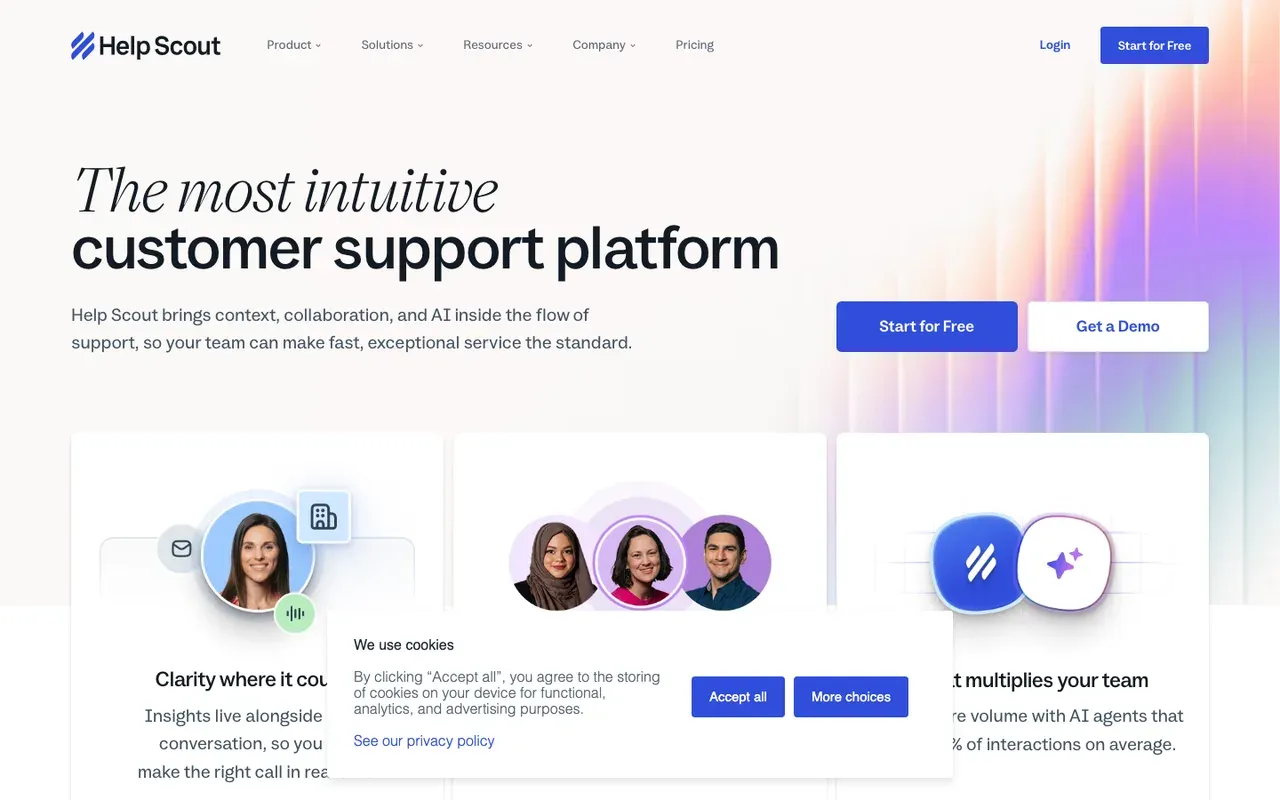
Help Scout is where many support teams go when Intercom's renewal comes round. One plan covers shared inboxes, Docs for your knowledge base, and Beacon, the widget that puts chat, article search and a contact form on your site. Help Scout's Free plan covers 5 users, 1 Inbox and 1 Docs site. Paid plans start at $30/user/mo.SourcesHelp Scout
Its AI Answers feature does Fin's support job and is billed the same way, per resolution. AI Answers costs $0.75 per resolution as an add-on. You can configure it from your website and other sources. Help Scout does not book meetings, which matters only if your Intercom chat was doing sales work too.SourcesHelp Scout
Pricing details are on Help Scout's pricing page.
Intercom vs Help Scout
| Tool | Starting price | Free plan or trial | Native booking | How it charges |
|---|---|---|---|---|
 Intercom Intercom | $39/seat/mo | 14 day trial | Via integration | Seats + Fin outcomes |
| Help Scout | $0/mo | Free plan | Not documented | Seats + per resolution |
Help Scout pros
- A free plan with an inbox and a Docs help center
- Email and the Beacon chat widget feed one shared inbox
- AI Answers can be set up from your website, with a free trial first
Help Scout cons
- Two meters: per-user seats plus a fee per AI resolution
- Meeting booking is not documented
- Live chat is one channel of an email-first inbox
What Help Scout users say
Users like
Help Scout has clean interface that make it easy to manage customer conversations.
Reviewers find Help Scout's interface clean and simple, so new agents get going quickly.
The customer support is over-the-top, amazing, above-and-beyond helpful.
Help Scout's own support team gets warm praise for fast, helpful answers.
Users complain about
For fast-growing teams, costs can also increase as you add more users.
Help Scout's cost grows with each user, and some features need higher plans.
The native reporting and operational analytics are a bit too basic for my needs.
Help Scout's built-in reporting is too basic for growing teams, who export data to build their own.
Reviewers' words, our summaries · reviews read Oct 6, 2026
Help Scout is the first tool to try if you run a support team and are leaving Intercom mainly over the bill.
How we reviewed Help Scout: Read its pricing, product and help pages in September 2026 and again on 5 October 2026. No trial.
Reviewed Oct 5, 2026
Zendesk: more help desk, not a smaller bill
Support organisations with several channels, routing rules and reporting needs.
Small teams, sales chat, or anyone who needs the chat to book meetings.
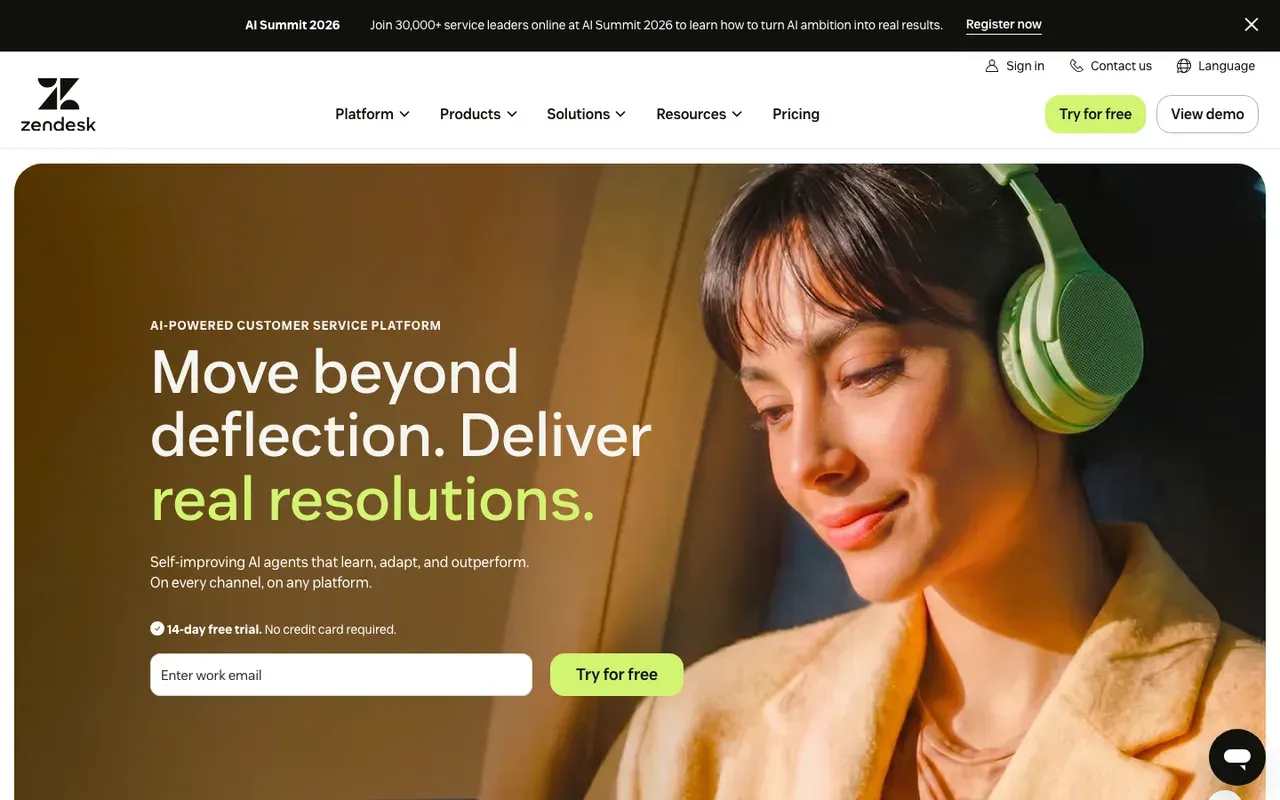
Zendesk suits support organisations that need more than Intercom gives them: ticketing with detailed routing, messaging, a help center and workforce tools across several teams. Its AI agents can read your website, because a web crawler imports your pages as a knowledge source. Zendesk's Suite Team plan is $69 per agent per month on monthly billing. A 14 day trial lets you test it first.SourcesZendesk
The AI bill follows the Intercom pattern: Zendesk charges for each automated resolution once you pass the allowance in your plan. Its public documentation does not describe a messaging agent booking meetings, so ask for a demo of it if you need that.
Pricing details are on Zendesk's pricing page.
Intercom vs Zendesk
| Tool | Starting price | Free plan or trial | Native booking | How it charges |
|---|---|---|---|---|
| Intercom | $39/seat/mo | 14 day trial | Via integration | Seats + Fin outcomes |
| Zendesk | $69/agent/mo | 14 day trial | Not documented | Seats + resolutions |
SourcesZendesk +3Zendesk help +1
Zendesk pros
- Ticketing, messaging, a help center and AI agents in one suite
- AI agents learn from your help center and pages a web crawler brings in
- A test version of the AI agent before you publish it
- A free trial before you commit
Zendesk cons
- Per-agent Suite pricing, with no free plan
- AI agents add a charge per resolution beyond a small monthly allowance
- Meeting booking is not documented for its AI agents
What Zendesk users say
Users like
I also really like using macros and copilot to shorten our response times
Reviewers say Zendesk's AI agents and Copilot help them answer faster, from drafting replies to deflecting tickets through the help center.
It's easy to use and pretty intuitive, so new agents get up to speed fast.
Agents find Zendesk's day-to-day ticket workspace easy to learn and use.
Users complain about
Advanced AI is difficult to configure and impossible to do self-service.
Zendesk's AI agents take real work to set up and sometimes fall short of the demos or give off-target answers.
every useful advanced feature or AI tool is locked behind an additional, expensive paywall
Zendesk gets expensive fast: useful features sit in higher tiers or add-ons, and AI is billed on top.
Reviewers' words, our summaries · reviews read Oct 6, 2026
Zendesk is the pick for a large support team that wants deeper ticketing than Intercom, and accepts a higher seat price for it.
How we reviewed Zendesk: Read its pricing, product and help pages in September 2026 and again on 5 October 2026. No trial.
Reviewed Oct 5, 2026
Freshchat: a free tier and booking from the chat
Growing support teams that want a free start for several agents and a path to Freddy AI and Freshdesk.
Teams that want the AI, not an agent, to offer the meeting, or one bill instead of seats plus AI sessions.
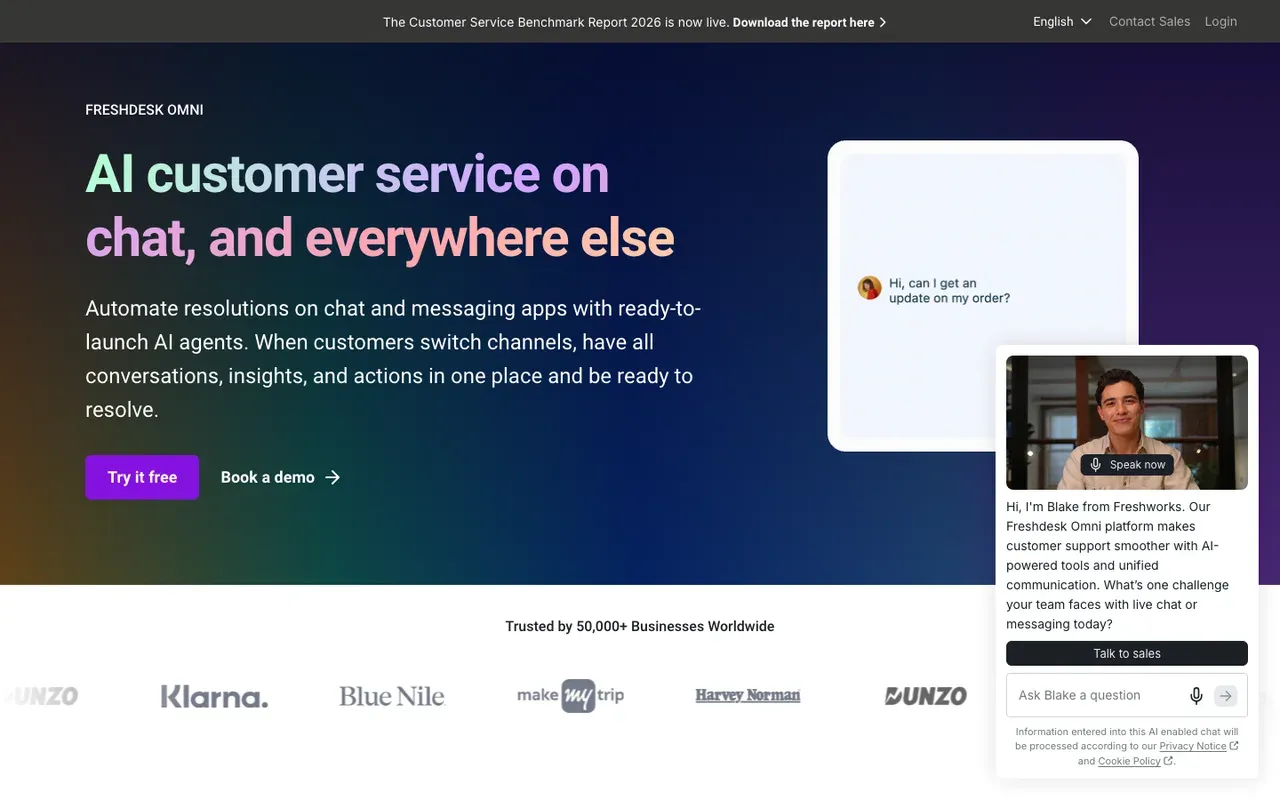
Freshchat is the messaging product in Freshworks' support suite, with ticketing in Freshdesk next door. Freshchat's Free plan has no monthly fee for up to 10 agents. Growth costs $23/agent/mo. Freddy AI Agent answers from public web pages you add as URLs and is billed by session rather than by resolution. Freddy AI Agent costs $49 per 100 sessions after the free allowance.SourcesFreshworks
For a team with some sales conversations, Freshchat documents one thing the other support tools here do not: an agent can share a Google Calendar, and the visitor picks a slot inside the chat.
Side-by-side: Darwin vs Freshchat.
Intercom vs Freshchat
| Tool | Starting price | Free plan or trial | Native booking | How it charges |
|---|---|---|---|---|
| Intercom | $39/seat/mo | 14 day trial | Via integration | Seats + Fin outcomes |
| Freshchat | $0/mo | 14 day trial | Via integration | Seats + sessions |
SourcesFreshworks +1
Freshchat pros
- A free plan sized for a small team of agents
- Freddy AI Agent learns from web pages you add by URL
- Visitors can pick a calendar slot in the chat when an agent shares it
Freshchat cons
- Two meters: per-agent seats plus Freddy AI sessions
- The free Freddy sessions are a one-time allowance, not monthly
- A bot-led booking step is not documented
What Freshchat users say
Users like
Its automation and chatbots save time by handling repetitive questions quickly
Freshchat's bots and canned replies take repetitive questions off agents' plates.
It’s really easy to set up. … without the help of the developer
Reviewers find Freshchat's interface clean and simple, and quick to set up without a developer.
Users complain about
Freddy AI is a very basic tool and needs more automation.
Freshchat's Freddy AI feels basic next to rivals: more scripted chatbot than AI agent.
Pricing scales quickly as the number of agent seats grows
Freshchat's cost rises with each agent seat, and some basics sit on higher plans.
Reviewers' words, our summaries · reviews read Oct 6, 2026
Freshchat suits a support team that wants to start free and occasionally book a call straight from the chat.
How we reviewed Freshchat: Read its pricing, product and help pages in September 2026 and again on 5 October 2026, including the calendar-booking help page. No trial.
Reviewed Oct 5, 2026
Front: a shared inbox for email-heavy teams
Teams that run customer operations from shared email and want chat, SMS and a help center in the same inbox.
Teams that want website chat to book meetings, or several channels on the cheapest plan.
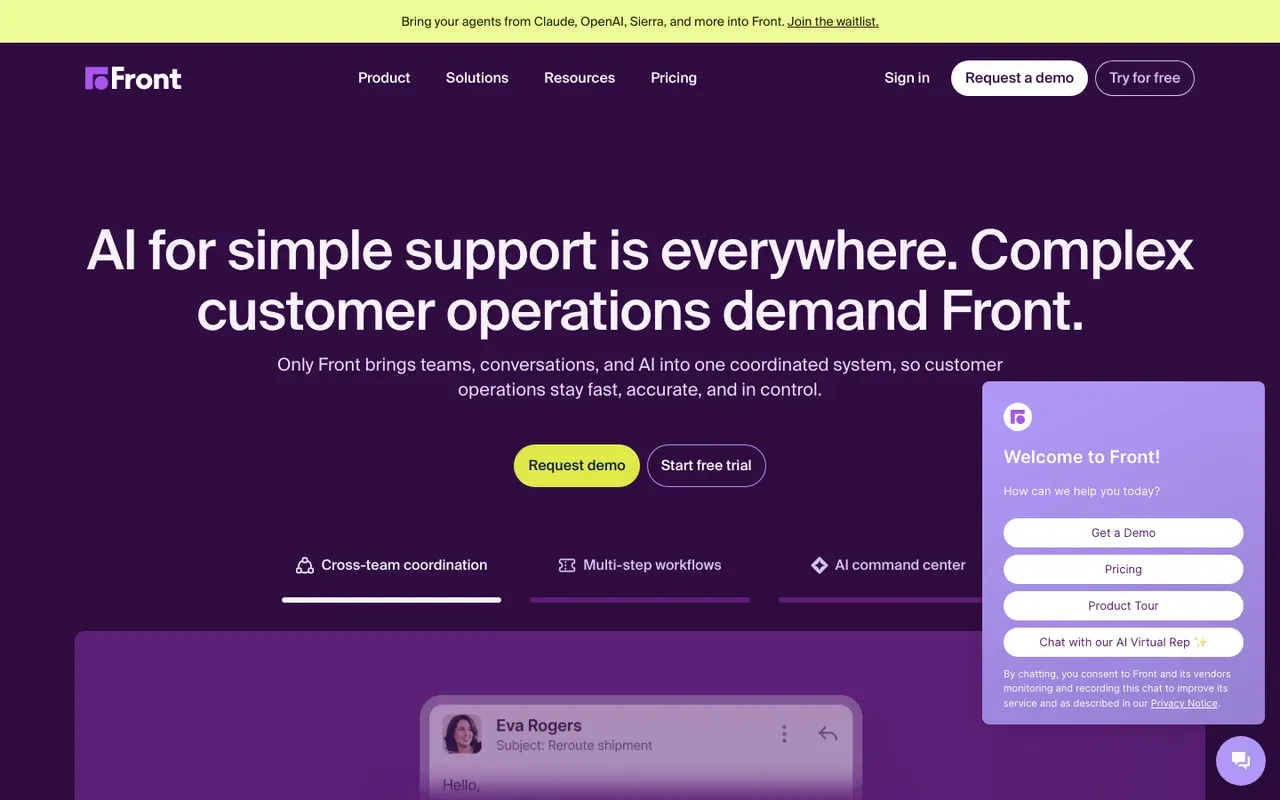
Front is built for teams whose customers mostly write in by email. Email, Front Chat, SMS and social messages can share one queue with assignments, internal comments and rules, and its knowledge base can host a public help center. The Starter plan covers a single channel type, so mixing email and chat starts on Professional. Front's Starter plan is $25 per seat per month, for up to 10 seats. There is a 14 day trial.SourcesFront
AI is sold on top of the seat price. AI Copilot and Smart QA are $20 per seat per month each as add-ons; Autopilot starts at $0.05 per conversation. Front's pages do not say whether its AI learns from your website. Its meeting feature inserts suggested times into a message, which suits email follow-ups better than website chat.SourcesFront
Pricing details are on Front's pricing page.
Intercom vs Front
| Tool | Starting price | Free plan or trial | Native booking | How it charges |
|---|---|---|---|---|
| Intercom | $39/seat/mo | 14 day trial | Via integration | Seats + Fin outcomes |
| Front | $25/seat/mo | 14 day trial | In email only | Seats + AI add-ons |
Front pros
- A shared inbox with assignments, internal comments and rules, built around email
- Email, Front Chat, SMS and social messages in one queue from the Professional plan
- A knowledge base for a public help center on every plan
- Published per-seat prices and a 14 day trial of Professional with no card
Front cons
- The Starter plan covers one channel type; mixing email and chat needs Professional
- Booking means suggested times inside a message, not a calendar in website chat
- AI is sold as add-ons, and whether it learns from your website is not specified
What Front users say
Users like
the "Snooze" feature has made organization and time management easier than ever.
Reviewers find Front's interface friendly and quick for daily email work, with templates, tags and snooze.
SourcesTrustRadiusSoftware AdviceG2our team can comment and exchange messages directly within an email thread
Front lets teams comment on, assign and hand off customer emails inside a shared inbox, without forwarding or CCs.
SourcesTrustRadiusSoftware AdviceG2
Users complain about
the pricing, which can become expensive as teams grow
Front is pricey for small teams, and AI and chatbot features cost extra as add-ons.
SourcesTrustRadiusSoftware AdviceG2emails wouldn't file on top of eachother when customers send new emails on old/previous strands
Front sometimes threads or merges emails wrongly, out of order or into duplicate conversations.
SourcesTrustRadiusSoftware AdviceG2
Reviewers' words, our summaries · reviews read Oct 6, 2026
Front is the pick for a team that lives in email and treats website chat as one more channel.
How we reviewed Front: Read its pricing page on 16 September 2026 and again on 5 October 2026, when the plans, seat caps, trial and AI add-on prices were unchanged. Did not open a Front account.
Reviewed Oct 5, 2026
Crisp: one flat price for a small team
Small support teams and online stores that want chat, a shared inbox and an AI agent on one flat monthly bill.
Teams that need meetings booked from the chat.
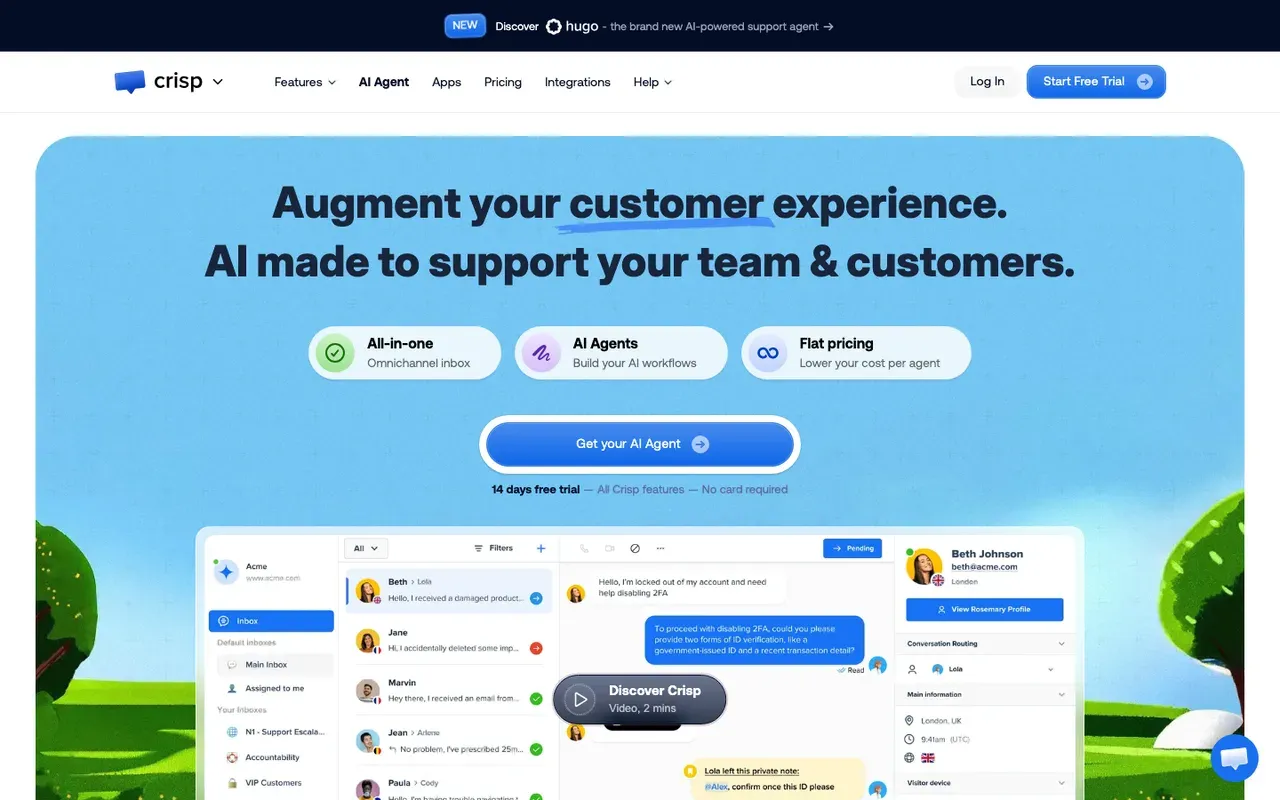
Crisp gives a small team the parts of Intercom it actually uses, an inbox, a chat widget and an AI agent, without paying per person. The price is per workspace, however many teammates log in. Crisp's Free plan is free forever and includes 2 seats. Mini costs $45/mo, and paid plans start with a free trial that needs no card. The AI agent runs on credits included with each paid plan. AI credits are included per plan: $5 on Mini, $25 on Essentials, $75 on Plus.SourcesCrisp
Crisp's pricing page does not document meeting booking, and it does not say what the AI agent learns from.
Pricing details are on Crisp's pricing page.
Intercom vs Crisp
| Tool | Starting price | Free plan or trial | Native booking | How it charges |
|---|---|---|---|---|
| Intercom | $39/seat/mo | 14 day trial | Via integration | Seats + Fin outcomes |
| Crisp | $0/mo | Free plan | Not documented | Flat per workspace |
Crisp pros
- One flat price per workspace, however many conversations come in
- A free plan with no time limit, and a trial of paid plans without a card
- AI credits included in every paid plan
- Its AI agent can learn from your website, help articles, past conversations and files
Crisp cons
- Meeting booking is not documented
- No AI credits on the free plan
What Crisp users say
Users like
The initial setup of Crisp was very easy and straightforward
Reviewers find Crisp quick to set up and simple to use, including its mobile app.
The customer support is top-notch and very professional.
Crisp's support team is the most praised thing about it: quick, kind and hands-on, even with bot setup.
Users complain about
as a long-term Mini customer, I feel that the jump to Essentials is quite significant.
Crisp's price jumps sharply between plans and as contacts or workspaces grow, and the free plan pushes upgrades.
you can't configure trigger-based automations, for example, based on segments or previous communication history
Crisp's automations and AI workflows take effort to set up for anything beyond simple cases.
SourcesSoftware AdviceG2
Reviewers' words, our summaries · reviews read Oct 6, 2026
Crisp is the value pick for a small support team that wants the same bill every month.
How we reviewed Crisp: Read its pricing, product and help pages in September 2026 and again on 5 October 2026. No trial.
Reviewed Oct 6, 2026
If you need website chat that books meetings
Some teams bought Intercom to sell: answer a visitor's question on the page, then get a meeting on a rep's calendar before they leave. Intercom can do that with Fin for Sales and a scheduling integration. The four tools in this group are built around it, and they range from a chat you may already own to an enterprise contract.
HubSpot: the chat you may already pay for
Companies already on HubSpot CRM who want chat without another vendor.
Companies on another CRM, or teams that want chat to improve without hand-editing flows.
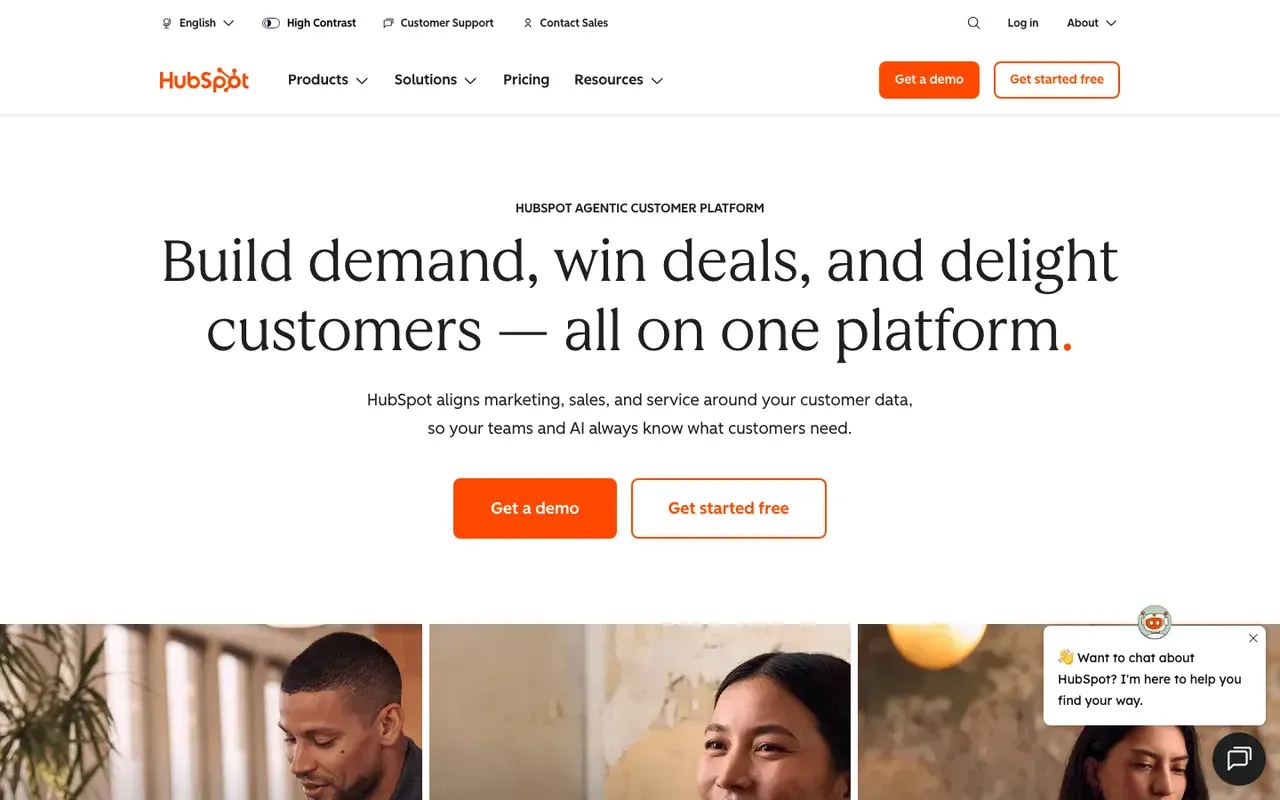
If HubSpot is your CRM, check what you already own before you buy a new chat. HubSpot's free tools include live chat and a limited chatbot with HubSpot branding. Paid hubs start at $20/seat/mo. The Breeze customer agent, HubSpot's AI, answers from your website pages and knowledge base, and like Fin it is metered, in HubSpot Credits. The customer agent uses 50 HubSpot Credits per resolved conversation. It needs a Professional or Enterprise plan.SourcesHubSpot +1
Meetings run through HubSpot meetings links: a chatbot shares one, and the customer agent can route a qualified lead to one. The link is already tied to your reps' calendars and your contact records, so the meeting lands in the CRM with its history.
Side-by-side: Darwin vs HubSpot.
Intercom vs HubSpot
| Tool | Starting price | Free plan or trial | Native booking | How it charges |
|---|---|---|---|---|
| Intercom | $39/seat/mo | 14 day trial | Via integration | Seats + Fin outcomes |
| HubSpot | $0/mo | Free tools | Meetings link | Seats + credits |
SourcesHubSpot +2
HubSpot pros
- Free live chat and bots, native to the CRM
- Meetings links and routing already in the platform
- The customer agent learns from public website URLs
HubSpot cons
- The AI agent costs credits on top of seats and needs Professional or higher
- Bots are flow builders; you write the openings by hand
- Sales chat is a feature here, not the product
What HubSpot users say
Users like
Its easy to use and onboard new colleagues
Most reviewers find HubSpot Service Hub easy to learn and use day to day.
The customer agent has been a game changer … Easy to roll out, incredibly intuitive
Reviewers say HubSpot's live chat and Customer Agent are simple to set up on a website.
Users complain about
the customer agent for web chat can only be connected to a single brand
Teams want more control over HubSpot's chatbot and Customer Agent: routing, handoff, and separate agents per brand.
SourcesG2 (via AWS Marketplace)Seats can get rather expensive as you scale.
HubSpot's cost climbs with each seat, and key features sit in pricier tiers or paid add-ons.
Reviewers' words, our summaries · reviews read Oct 6, 2026
HubSpot is the first thing a sales team on HubSpot CRM should try, because the chat is already part of what it pays for.
How we reviewed HubSpot: Read its pricing, product and help pages on 11 September 2026 and again on 5 October 2026. Did not set up a HubSpot account for this review.
Reviewed Oct 5, 2026
Darwin: sales chat you set up yourself
Teams that want website chat to book sales meetings, set up themselves and priced per meeting or qualified request.
Teams that need a support inbox, outbound email, or company-level visitor identification.
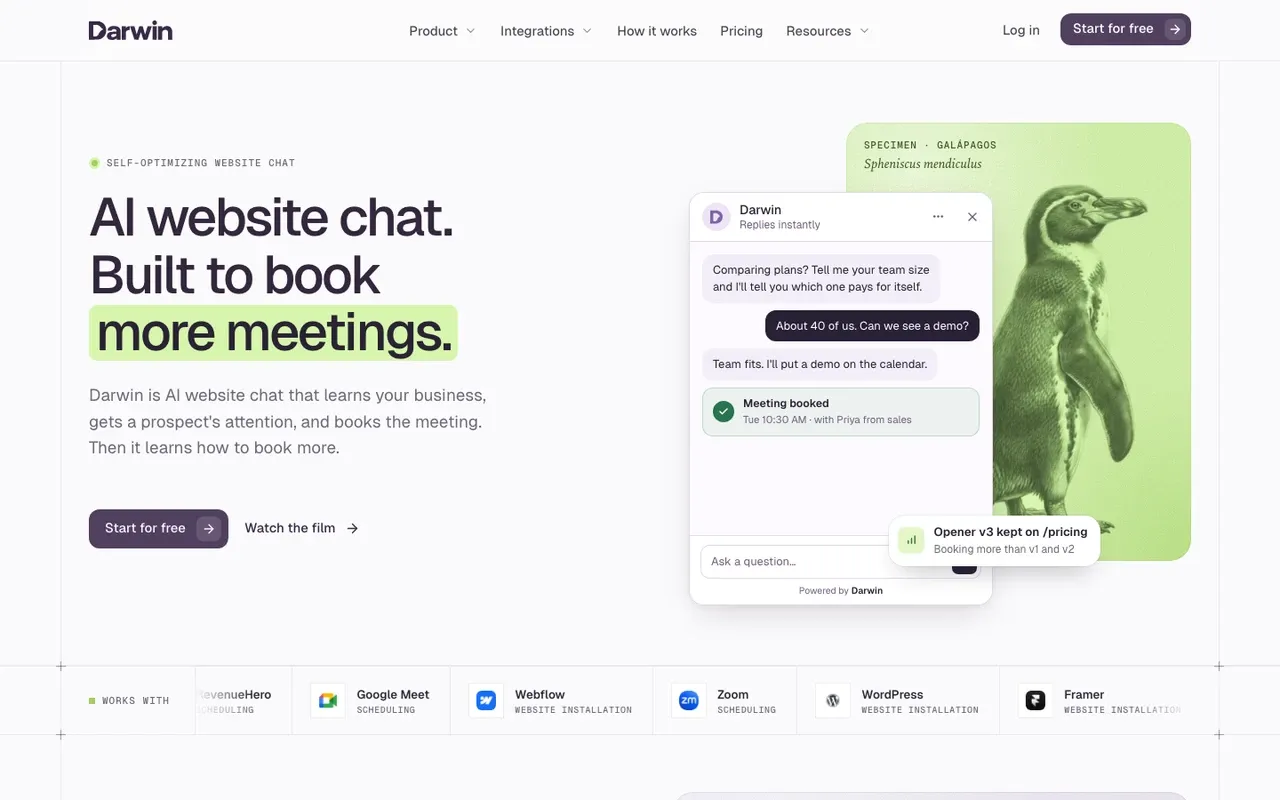
Darwin takes over one of Intercom's jobs, sales chat, and none of its support work. Give it your website address and it reads your pages, drafts the assistant and writes the first opening lines. When a visitor wants to talk, Darwin shows open slots from your reps' calendars without leaving the chat, using Calendly, Google Calendar or RevenueHero.
With automatic testing on, Darwin tries different opening lines on each page, promotes the ones that bring more visitors to the booking step (never one that books fewer meetings) and starts the next test from the winner. Among the other tools here, Intercom, Zendesk and Qualified let you A/B test messages you write yourself, LiveChat suggests trying campaign variations by hand, Tidio can show visitors different welcome messages at random, Qualified also says Piper adjusts to your team's feedback, and Warmly says its top tier auto-learns and its popups promote a winning offer automatically. The rest do not describe testing their openings on their public pages.SourcesDarwinIntercomZendesk helpLiveChatQualifiedWarmly
You pay for booked meetings and qualified requests, not seats or answers, and chats are unlimited on every plan. Darwin's Free plan costs $0/mo and includes 5 free credits; after those it charges $30/credit. Plans with credits included every month start at $299/mo.SourcesDarwin
See the setup in how Darwin works, and every plan on the pricing page.
Intercom vs Darwin
| Tool | Starting price | Free plan or trial | Native booking | How it charges |
|---|---|---|---|---|
| Intercom | $39/seat/mo | 14 day trial | Via integration | Seats + Fin outcomes |
| Darwin | $0/mo | 5 free credits | In chat: Calendly, Google, RevenueHero | Plan fee + credits |
SourcesDarwin +1
Darwin pros
- With automatic testing on, it tests its own openings and promotes the winners
- Drafts its setup from your website URL
- Offers a time inside the chat, through Calendly, Google Calendar or RevenueHero
- Priced per booked meeting or qualified request, not per seat or per answer
Darwin cons
- Website chat only: no email sequences, no visitor identification
- Not a support inbox; there is no ticketing
- A young product with a shorter track record than the incumbents
Darwin fits a team that bought Intercom to book sales meetings and would rather pay per meeting than per seat and per answer. If you also need a help desk, keep Intercom or choose from the support group.
How we reviewed Darwin: Our own product. Facts come from Darwin's public docs and pricing page, checked on the same schedule as every other tool; cons written by the team that builds it.
Reviewed Oct 5, 2026
Qualified: an enterprise AI SDR, now part of Salesforce
Enterprise revenue teams that run on Salesforce and want an AI SDR with a services team behind it.
Small teams without Salesforce, or anyone who wants a price before a sales call.
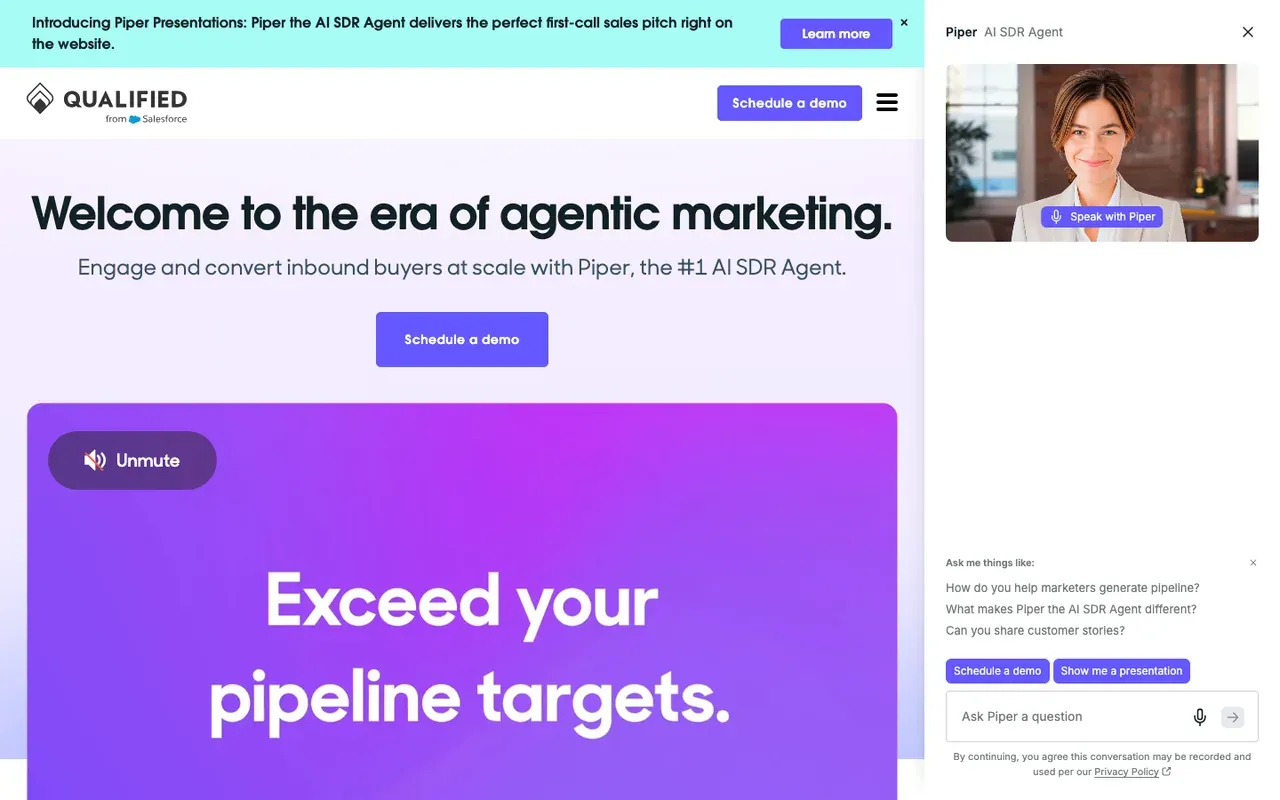
Qualified is sales chat at enterprise scale, and Salesforce now owns it. Its AI SDR, Piper, uses Salesforce and marketing data to recognise target accounts, greets them by name and can bring a rep into the conversation while the visitor is still on the page. Piper schedules sales meetings on the right rep's calendar.SourcesSalesforceQualified +1
Piper answers from content your team uploads, such as messaging, product details and FAQs. Qualified publishes no price: each tier on its pricing page ends in a demo button. When we asked Piper for a starting price or a typical range on 2 October 2026, it said it could not share either.SourcesQualified
Side-by-side: Darwin vs Qualified.
Intercom vs Qualified
| Tool | Starting price | Free plan or trial | Native booking | How it charges |
|---|---|---|---|---|
| Intercom | $39/seat/mo | 14 day trial | Via integration | Seats + Fin outcomes |
| Qualified | Quote only; its chat gives no range | Not documented | Yes | Quote-based |
SourcesQualified +1
Qualified pros
- Deep Salesforce integration and account-level personalization
- Piper books meetings and follows up by email, on video, voice and text
- Mature enterprise support and implementation
- Part of Salesforce since April 2026, so it sits natively in that stack
Qualified cons
- No published pricing and no trial
- Built for Salesforce shops; smaller teams pay for depth they will not use
- Implementation is a project, not an afternoon
What Qualified users say
Users like
The other big upside is the AI SDR working around the clock.
Qualified's Piper AI SDR qualifies and books visitors around the clock, so SDRs no longer need to staff the chat.
engage high-intent website visitors in real time and connect them with the right sales reps
Qualified engages website visitors in real time, routes them to the right rep and books meetings on the spot.
Users complain about
The AI sometimes has issues … and it sends people down the wrong path.
Qualified's AI agent needs ongoing training and content upkeep; some say it sends visitors down the wrong path.
Its a premium product that is premium priced.
Qualified is premium-priced; several reviewers call it expensive, though most of them add that it pays off.
Reviewers' words, our summaries · reviews read Oct 6, 2026
Qualified suits an enterprise on Salesforce that used Intercom for sales and has a RevOps team to run Piper.
How we reviewed Qualified: Read its pricing, product and help pages on 11 September 2026 and again on 5 October 2026; asked Piper, the chat on Qualified's own website, for a price on 2 October 2026. No trial.
Reviewed Oct 5, 2026
Warmly: know the company before the chat starts
B2B teams that want to know which companies are on the site, then chat with them.
Teams whose main problem is the conversation itself, or budgets under five figures a year.
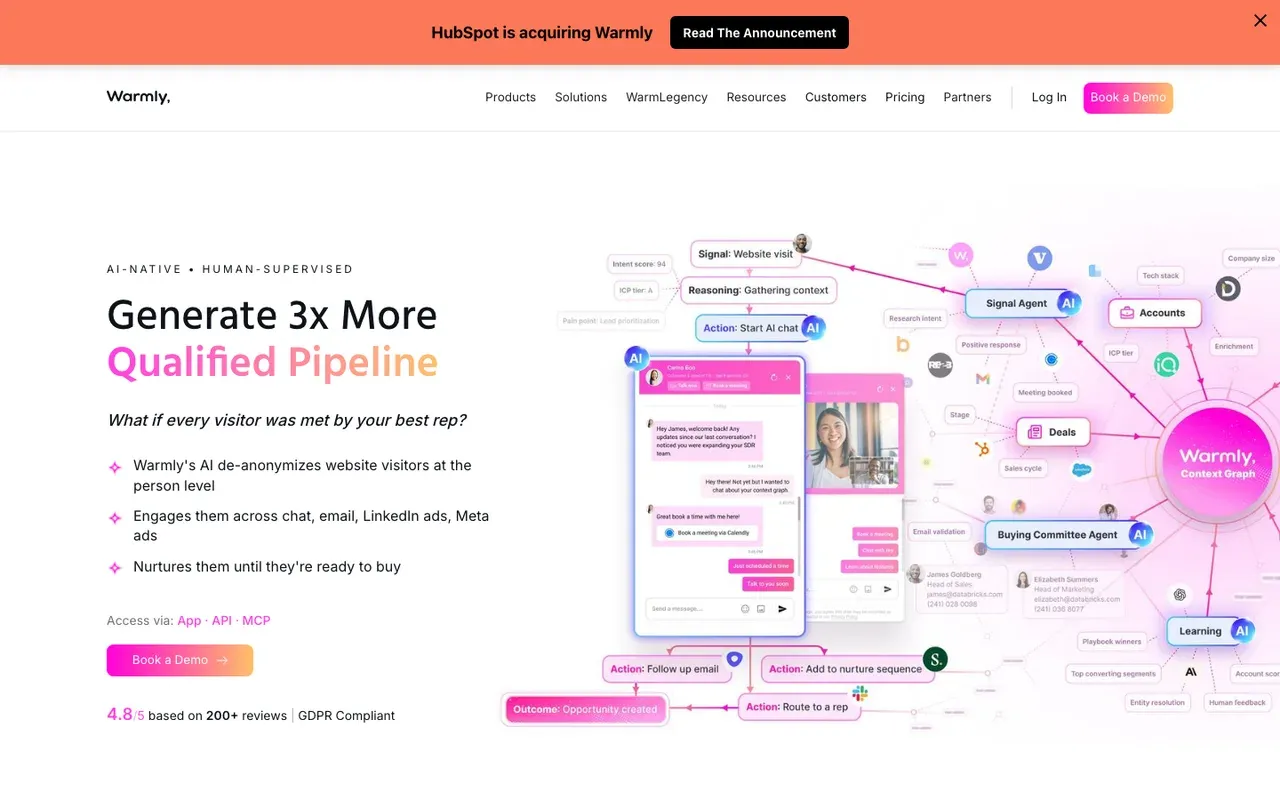
Warmly is for sales teams that want to know which company a visitor works for before anyone types. Warmly names the visiting company first; its AI inbound agent then qualifies the visitor and books the meeting inside the chat, on Google Calendar, Outlook or Chili Piper.
Warmly agreed in June 2026 to be acquired by HubSpot, and says existing contracts, pricing and integrations stay as they are for now.SourcesWarmly
It is sold on annual or quarterly contracts with prices on the website. AI Web-Deanonymization starts at $10,000 per year; Inbound Chat at $20,000 per year. Setup uses your website pages, documents, FAQs and example conversations, trained in Warmly's AI Studio on paid plans.SourcesWarmly
Side-by-side: Darwin vs Warmly.
Intercom vs Warmly
| Tool | Starting price | Free plan or trial | Native booking | How it charges |
|---|---|---|---|---|
| Intercom | $39/seat/mo | 14 day trial | Via integration | Seats + Fin outcomes |
| Warmly | $10,000/yr | Not documented | Yes | Annual contracts |
SourcesWarmly +3
Warmly pros
- Company-level visitor identification built in
- Books directly onto Google, Outlook or Chili Piper calendars
- The Autopilot tier adds automated outreach to identified accounts
Warmly cons
- Contracts start at five figures a year, with no free plan
- Automatic tests of AI chat openings are not described
- Agreed in June 2026 to be acquired by HubSpot, so ask about the roadmap if you run another CRM
What Warmly users say
Users like
Warmly's engagement tools, like AI-powered inbound chat, significantly improve visitor engagement.
Teams like Warmly's AI chat for engaging visitors in real time and turning site visits into demo requests.
SourcesG2The initial setup was very simple, and the CSMs were very helpful
Reviewers say Warmly is quick to set up, usually with an onboarding or success manager doing much of the work.
SourcesG2
Users complain about
100 users visited my websites then i will get data of only about 30-40 people
Warmly identifies only part of the traffic, and reviewers report wrong people, wrong accounts or unusable contacts.
SourcesG2there is no autosave, so you can possibly lose all your work
Some find Warmly's workflows and chatbot builder confusing or buggy, e.g. no autosave or settings that don't save.
SourcesG2
Reviewers' words, our summaries · reviews read Oct 6, 2026
Warmly suits a sales team that values account identification as much as the chat, and can commit to an annual contract.
How we reviewed Warmly: Read its pricing, product and help pages on 11 September 2026 and again on 5 October 2026. No trial.
Reviewed Oct 6, 2026
If you need live chat on a budget
Some teams never needed a platform. If you want a widget on the site, a bot for routine questions and a small bill, these four cover it, from free to a modest price per seat. None of them documents booking a meeting inside the chat.
Tidio: live chat and an AI bot for small shops
Small businesses and online stores that want an affordable widget with an AI agent.
B2B sales teams that need the meeting booked inside the chat, not a link.
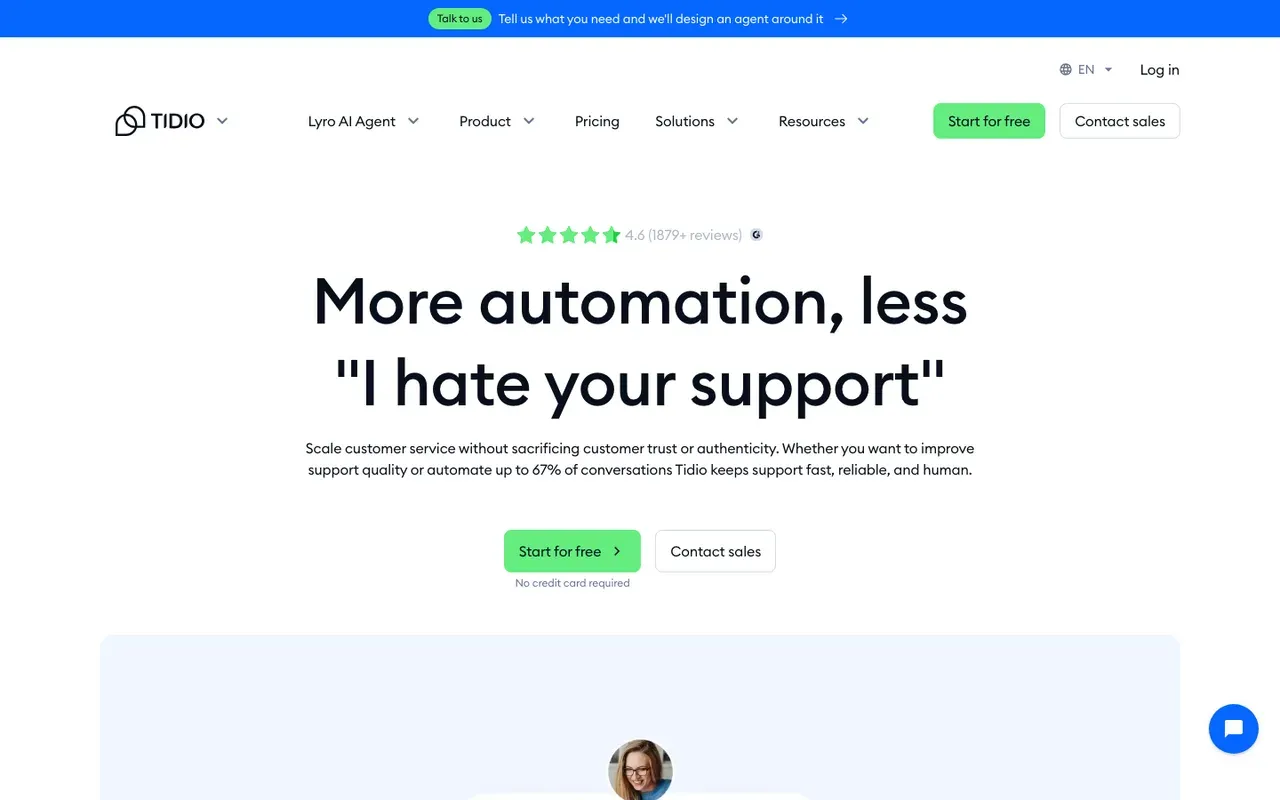
Tidio suits a small business or online store that wants live chat and an AI chatbot without a support platform around them. It has a free plan, and paid plans start at $29/mo. Lyro, the AI agent, is priced separately. Lyro's quota starts at $39 per month for 50 conversations on monthly billing.SourcesTidio
Lyro learns from website URLs you paste in. Lyro can share a Calendly scheduling link through a Book-a-call Action. The visitor books on a scheduling page rather than inside the conversation, which is fine for a shop and a gap for a sales team.SourcesTidio +1
Side-by-side: Darwin vs Tidio.
Intercom vs Tidio
| Tool | Starting price | Free plan or trial | Native booking | How it charges |
|---|---|---|---|---|
| Intercom | $39/seat/mo | 14 day trial | Via integration | Seats + Fin outcomes |
| Tidio | $0/mo | 7 day trial | Shares a Calendly link | Conversation-based |
Tidio pros
- A free plan, and a free trial of the paid features
- Lyro trains on website URLs you provide
- Simple setup for non-technical teams
Tidio cons
- Meeting booking is a shared link, not a calendar inside the chat
- Priced by conversation volume, so costs climb with traffic
- Built for support and e-commerce, not B2B pipeline
What Tidio users say
Users like
The AI replies are well-suited and provide accurate responses to our customers.
Tidio's Lyro AI agent takes routine, repetitive questions off small support teams.
I had the widget live and a basic bot flow running in under an hour
Small teams find Tidio quick to install and easy to use day to day.
Users complain about
AI-generated responses sometimes need a quick review to make sure they fit the context
Tidio's AI replies can miss context, feel impersonal or get answers wrong, so specific questions still need a person.
SourcesG2Lyro conversations are billed separately, so costs get unpredictable on higher-traffic sites.
Tidio's real bill often runs well above the entry price once Lyro, Flows and more conversations are added.
Reviewers' words, our summaries · reviews read Oct 6, 2026
Tidio is the budget widget to try first if your Intercom chat mostly answered shoppers' questions.
How we reviewed Tidio: Read its pricing, product and help pages on 11 September 2026 and again on 5 October 2026. No trial.
Reviewed Oct 5, 2026
LiveChat: people in the chat, AI beside them
Teams with people staffing the chat all day who want mature queues and reports around them.
Teams that want AI to answer visitors without buying a second product, or that need a free plan.
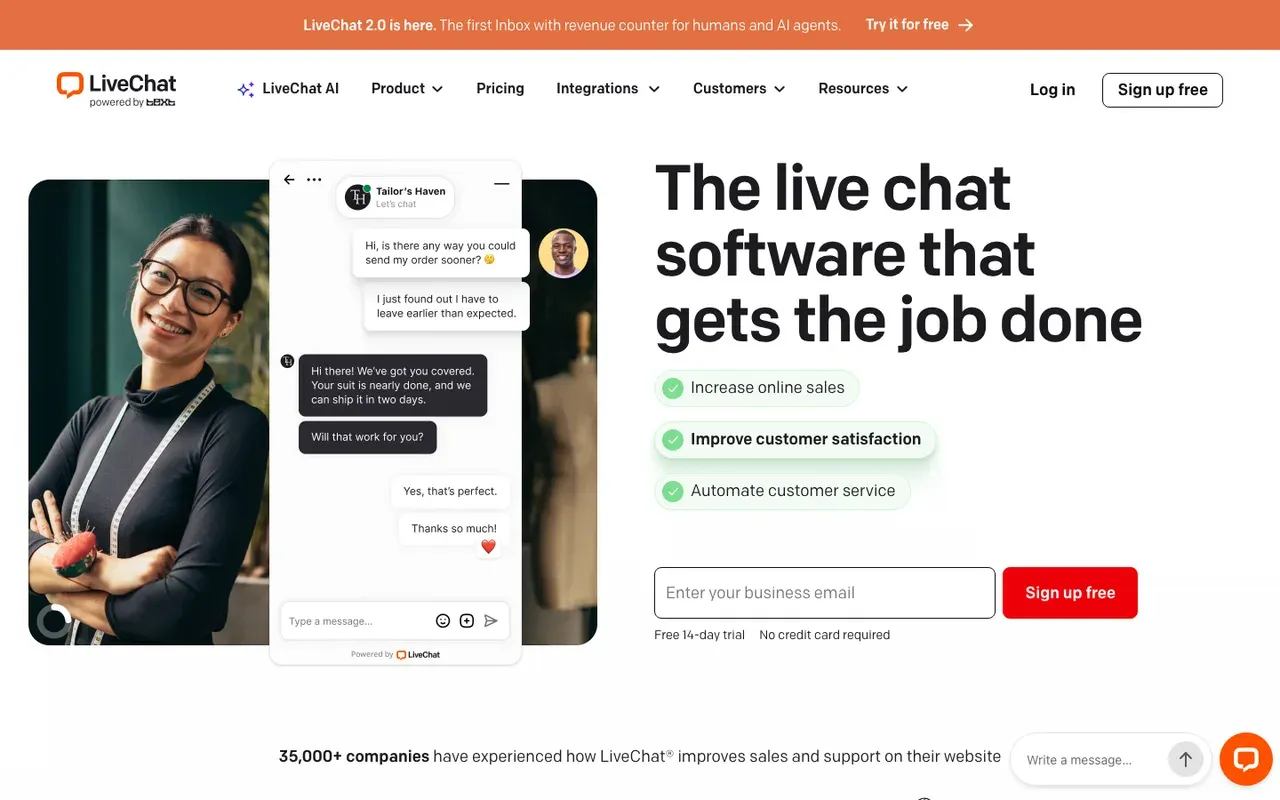
LiveChat is for teams that want people answering chats, with AI helping them rather than replacing them. LiveChat's Starter plan is $25 per person per month on monthly billing. A 14 day trial lets you try it. An AI agent that talks to visitors on its own is a separate product with its own price. The customer-facing AI Agent is a separate Text product from $19 per user per month, billed annually.SourcesLiveChat +1
A visitor who wants a meeting is sent from the welcome screen to an external scheduling page.
Side-by-side: Darwin vs LiveChat.
Intercom vs LiveChat
| Tool | Starting price | Free plan or trial | Native booking | How it charges |
|---|---|---|---|---|
| Intercom | $39/seat/mo | 14 day trial | Via integration | Seats + Fin outcomes |
| LiveChat | $25/agent/mo | 14 day trial | Link to scheduler | Per agent |
SourcesLiveChat
LiveChat pros
- Mature live chat with queues and agent reports
- Copilot learns from your website and PDFs to help agents reply
- Greetings and campaigns can be targeted to pages by rules
- A free trial without a card
LiveChat cons
- Every agent is a paid seat, and there is no free plan
- The AI agent that answers visitors is a separate Text product
- Booking is a link to an outside scheduling page
What LiveChat users say
Users like
I like that the initial setup was very easy and straightforward.
Reviewers find LiveChat easy to install on a site and easy for agents to use from day one.
The support is always excellent
LiveChat's own support team wins steady praise for fast, patient help, often by name.
Users complain about
Automation features, while helpful, can feel generic if overused
Some reviewers want more from LiveChat's AI: more customization and less robotic bot replies.
SourcesSoftware AdviceG2the cost seems to be raising all the time
LiveChat is called pricey, with prices rising, per-seat plans and paid add-ons for extra features.
Reviewers' words, our summaries · reviews read Oct 6, 2026
LiveChat suits a team whose agents want to stay in the conversation, with AI as their assistant.
How we reviewed LiveChat: Read its pricing, product and help pages in September 2026 and again on 5 October 2026, including the Copilot and welcome-screen help pages. No trial.
Reviewed Oct 5, 2026
Chatwoot: open-source chat you can host
Teams with a developer who want an open-source support inbox, self-hosted or in Chatwoot's cloud.
Owners who want a finished product with no upkeep, or chat that books meetings.
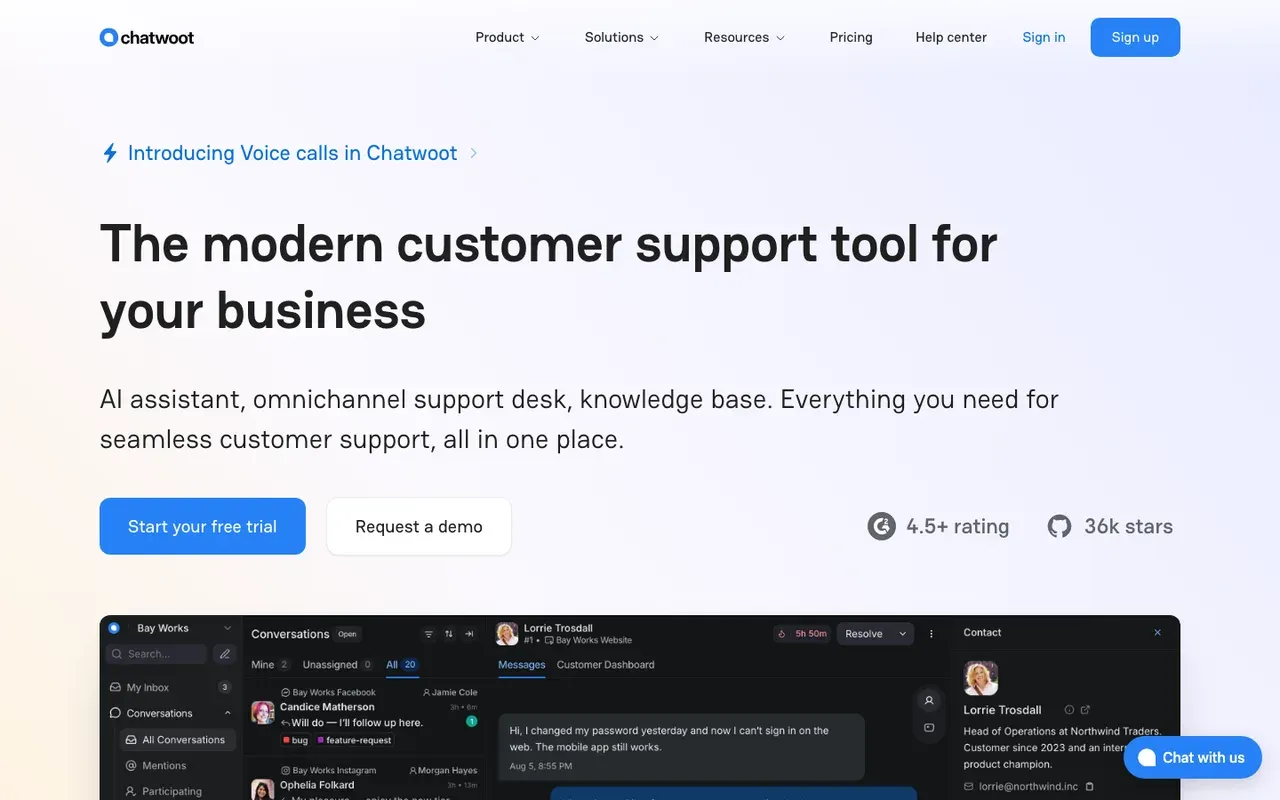
Chatwoot is the open-source choice: a shared inbox, a website chat widget and an AI assistant called Captain, on Chatwoot's cloud or your own servers. Chatwoot's Hacker plan is $0 per agent per month for up to 2 agents and 500 conversations a month. The Startups plan costs $19/agent/mo, and paid plans start with a free trial. Captain AI credits are included per plan (300 on Startups, 500 on Business, 800 on Enterprise); extra credits cost $20 per 1,000.SourcesChatwoot
Captain learns from your help center, PDFs and website, and keeps up as they change. Chatwoot's pricing page does not document meeting booking. Hosting it yourself removes the subscription and adds the work of running servers.SourcesChatwoot +1
Pricing details are on Chatwoot's pricing page.
Intercom vs Chatwoot
| Tool | Starting price | Free plan or trial | Native booking | How it charges |
|---|---|---|---|---|
| Intercom | $39/seat/mo | 14 day trial | Via integration | Seats + Fin outcomes |
| Chatwoot | $0/mo | Free plan | Not documented | Per agent or self-hosted |
Chatwoot pros
- Open source, with self-hosting as a real option
- A free cloud plan for very small teams
- Captain learns from your help center, PDFs and website
- AI credits included with each paid cloud plan
Chatwoot cons
- Self-hosting means someone runs the servers and the upgrades
- Meeting booking is not documented
- Paid cloud plans are priced per agent
Chatwoot fits an engineering-led team that would rather run its own chat than pay for Intercom.
How we reviewed Chatwoot: Read its pricing and product pages in September 2026 and again on 5 October 2026, including the Captain section. No trial.
Reviewed Oct 5, 2026
tawk.to: free live chat when a person answers
Small businesses on a tight budget whose own staff answer the chats.
Teams that want AI included in the base price, or a meeting booked inside the chat.
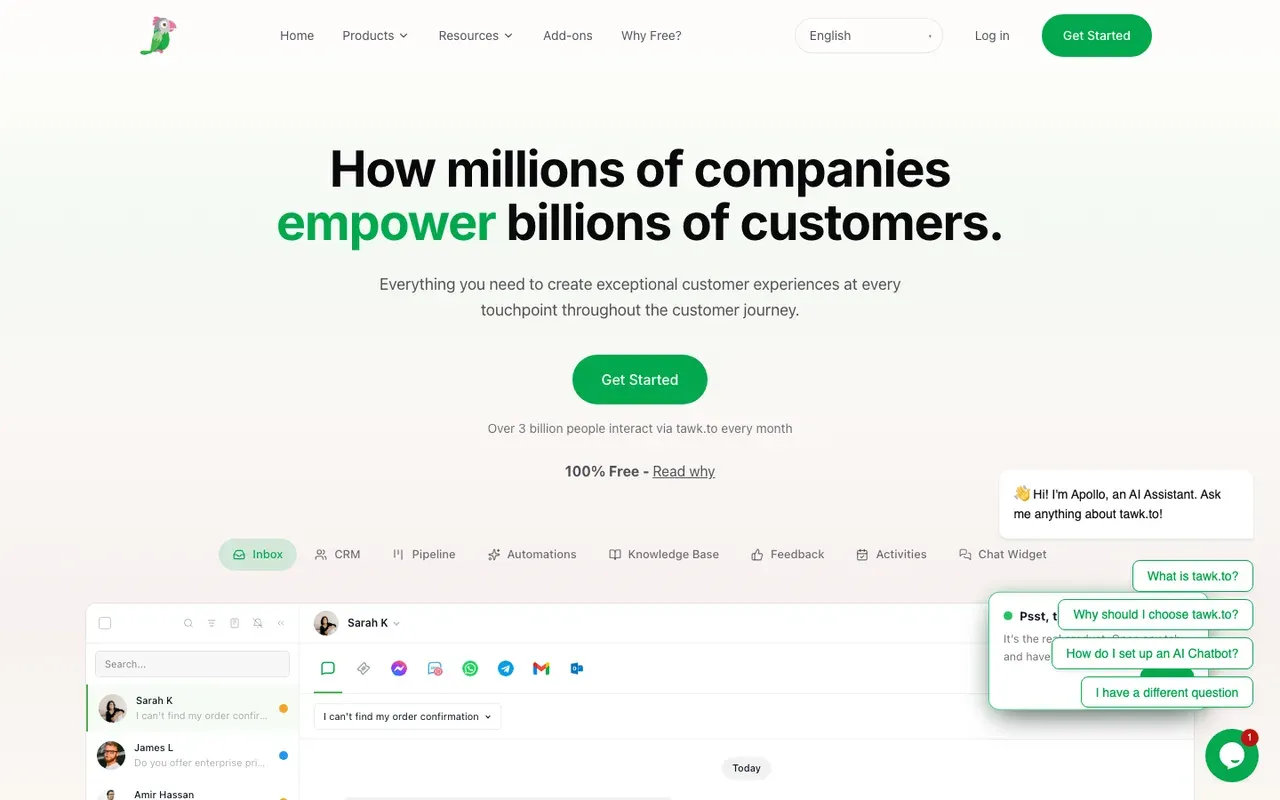
tawk.to's live chat is free, with unlimited agents. That makes tawk.to the simplest way off Intercom's bill if a person answers your chats. The paid extras are small. AI Assist, which answers chats from your website, documents and FAQs, starts at $29 per month; removing the Powered by tawk.to branding is $29 per month.Sourcestawk.to +3
AI Assist agents train on your public website (crawled, with re-crawl), uploaded documents, FAQs and shortcuts. tawk.to does not document meeting booking.Sourcestawk.to +1
Pricing details are on tawk.to's pricing page.
Intercom vs tawk.to
| Tool | Starting price | Free plan or trial | Native booking | How it charges |
|---|---|---|---|---|
| Intercom | $39/seat/mo | 14 day trial | Via integration | Seats + Fin outcomes |
| tawk.to | $0/mo | Free forever | Not documented | Free + add-ons |
tawk.to pros
- Live chat is free, with unlimited agents
- No per-seat charges as the team grows
- AI Assist can train on your public website, documents and FAQs
tawk.to cons
- AI Assist and branding removal are each a paid monthly add-on
- Built around people answering; the AI is an extra, not the core
- Meeting booking is not documented
What tawk.to users say
Users like
the mobile app for iOS and Android makes it super convenient to use
tawk.to users like answering chats from its phone and desktop apps instead of staying at a browser.
We just added the chat widget code to the website, and it started working.
Reviewers find tawk.to quick to install on a website, with a snippet or the WordPress and Shopify plugins.
Users complain about
29$ a month to remove one line of text with no exceptions
tawk.to is free, but removing its branding and adding extras costs more than some users think fair.
BUT the widget on the bottom right of my website would not go away.
Some users say tawk.to broke their site, or that its chat widget stayed visible after they uninstalled it.
Reviewers' words, our summaries · reviews read Oct 6, 2026
tawk.to is the free fallback for a team that answers chats itself and needs nothing more.
How we reviewed tawk.to: Read its pricing, product and help pages in September 2026 and again on 5 October 2026. No trial.
Reviewed Oct 5, 2026
Intercom pricing vs the alternatives
Intercom charges for people and for outcomes. The alternatives charge in one of four ways, and the model will shape your bill more than any single price.
Seats plus metered AI. This is Intercom's model, and Help Scout, Zendesk, Freshchat, Front, Chatwoot, LiveChat and HubSpot follow it. Intercom starts at $39/seat/mo, Help Scout's paid plans at $30/user/mo, Front at $25/seat/mo and Zendesk at $69/agent/mo. Each one meters its AI on top, by resolution, session, conversation, credit or extra seat. It works for support teams that track deflection, and the bill grows as the AI takes on more.SourcesIntercomHelp ScoutFrontZendesk
Flat or free. Crisp charges $45/mo per workspace with AI credits included, tawk.to is free with paid add-ons, and Tidio has a free plan with paid plans from $29/mo. The cost stays predictable for as long as the chat only needs to answer questions.SourcesCrispTidio
Annual contracts. Qualified and Warmly sell to sales teams on contracts. Qualified quotes after a demo, and Warmly's tiers start at $10,000/yr.SourcesWarmly
Per booked meeting. Darwin's Free plan has no monthly fee and charges $30/credit once the free credits are used; plans with a monthly allowance start at $299/mo. A month with plenty of chats and no meetings costs little.SourcesDarwin
Before comparing, split your last Intercom invoice into seats, Fin and add-ons. That shows which model would have cost you less, and Darwin's pricing page lists what a booking costs on each plan.
How to switch from Intercom without losing anything
Most teams can get through this in a week. The first three steps make sure you keep your history; the last three make sure you keep your pipeline.
- Export everything before you cancel: conversations, contacts, help center articles and whatever content Fin was trained on. Once the account closes, Intercom's export is the only copy you will have.
- Write down the baseline. Pull three months of chat volume and resolution rate, and if you used Fin for Sales, the number of meetings booked per page. Whatever you pick next has to beat these figures, and you will not be able to pull them later.
- Rebuild your knowledge from the source rather than from Intercom. Most of the tools above read your website or help center directly, so fix the stale pages before you point a new assistant at them.
- Decide, in one sentence, what the chat is for. Support tools and sales tools part ways at this step. If the answer is meetings, wire up the booking flow and book a test meeting yourself before anyone else sees it.
- Swap the script. Take the Intercom Messenger snippet out, drop the new widget in, and click through every page template to make sure it shows up where you expect.
- Overlap the two if your contract allows it. Put the new tool on part of your traffic for a week, check it against your baseline, then move everything across.
How to choose an Intercom alternative
Thirteen tools is a lot to keep in your head, so here they are again by situation.
- A support team leaving over price. Try Help Scout first, or Crisp if you want one flat rate.
- A large support organisation that needs ticketing depth. Look at Zendesk.
- A support team that wants a free start and, now and then, a call booked from the chat. Freshchat.
- A team that works from email, with chat on the side. Front.
- A sales team already on HubSpot. Switch on HubSpot's chat this week before you spend anything.
- A team that bought Intercom to book sales meetings and wants to set it up alone, paying per meeting. Try Darwin.
- An enterprise on Salesforce with a RevOps team. Qualified is the one to demo.
- A team that wants to know which companies visit before they talk. Warmly.
- A small business or store. Tidio. If you want people answering with AI assisting them, LiveChat.
- Engineers who want to host it themselves. Chatwoot. If you only need a free widget, tawk.to.
Whichever you choose, ask what the bill counts. Seats count people, resolutions count answers, contracts cover the platform, and Darwin counts meetings. Pick the model that matches what you want the chat to produce.
Questions about Intercom alternatives.
What is the best Intercom alternative?
It depends on what you use Intercom for. Support teams leaving over price usually start with Help Scout, and larger support organisations with Zendesk. If you already pay for HubSpot, its chat is the first thing to switch on. If the chat's job is booking sales meetings and you want to set it up yourself, Darwin is the closest match; we make Darwin, so weigh that accordingly.
Is Intercom now called Fin?
The company is. On 12 May 2026 Intercom renamed the company Fin; Intercom remains the name of its customer service platform. On 10 September 2026 Salesforce completed its acquisition of Fin, formerly Intercom, for about $3.6 billion. Nothing public yet says how Intercom's plans or prices will change under Salesforce.
Is there a cheaper alternative to Intercom?
For most teams, yes, but compare the pricing model as well as the seat price. Help Scout's paid plans start at $30/user/mo and Front's at $25/seat/mo, against Intercom's $39/seat/mo, and both still meter their AI. Crisp charges one price per workspace, so adding teammates costs nothing. tawk.to's live chat is free. Darwin charges per booked meeting, so a busy month with few meetings costs little.
Is there a free Intercom alternative?
Several. Help Scout, Freshchat, Crisp, Chatwoot, tawk.to, Tidio and HubSpot all have free plans, each capped on seats, conversations or features, so read the limits first. Darwin's Free plan has no monthly fee and includes 5 free credits, then charges per booked meeting or qualified request. Intercom offers a 14 day trial and no free plan.
What is the best alternative to Intercom Fin?
Decide what you want the AI to do. For support, Help Scout's AI Answers and Zendesk's AI agents do the same job and also bill per resolution, while Freshchat's Freddy AI Agent bills per session. If you want the AI to book sales meetings, Darwin answers from your website, books inside the chat and charges per meeting rather than per answer.
Which Intercom alternative is best for sales teams?
Four tools on this list were built for sales. Start with HubSpot if it is already your CRM. Darwin suits teams that want chat to book meetings and want to set it up themselves. Qualified is built for enterprises on Salesforce, and Warmly for teams that want to identify visiting companies before they talk.
Sources & references (122)
Supporting material for the product details in this article. Each source keeps its own access date.
- Today Intercom becomes Fin Intercom · Accessed
- Salesforce Completes Acquisition of Fin Salesforce · Accessed
- Salesforce Signs Definitive Agreement to Acquire Fin Salesforce · Accessed
- Salesforce Signs Definitive Agreement to Acquire Qualified (editor's note: completed April 1, 2026) Salesforce · Accessed
- Intercom standard pricing after Early Stage Intercom · Accessed
- Intercom pricing Intercom · Accessed
- Our test chats with Intercom's Fin Intercom · Accessed
- Book meetings with Calendly using Fin for Sales Intercom · Accessed
- Book meetings with HubSpot using Fin for Sales Intercom · Accessed
- Fin pricing Intercom · Accessed
- Intercom pricing FAQs Intercom · Accessed
- Our test chat asking Qualified's Piper for a price Qualified · Accessed
- Help Scout Pricing Help Scout · Accessed
- Help Scout reviews (G2 reviews syndicated on AWS Marketplace) G2 (via AWS Marketplace) · Accessed
- Help Scout Reviews from Real Users TrustRadius · Accessed
- Help Scout Reviews Software Advice · Accessed
- Zendesk pricing Zendesk · Accessed
- Zendesk Suite reviews (G2 reviews syndicated on AWS Marketplace) G2 (via AWS Marketplace) · Accessed
- Zendesk Suite Reviews from Real Users TrustRadius · Accessed
- About connecting external content to Zendesk for use across knowledge experiences Zendesk · Accessed
- Connecting knowledge sources to power generative replies in AI agents Zendesk · Accessed
- Creating an AI agent for your web and mobile channels Zendesk · Accessed
- Configuring messaging responses for web and mobile channels Zendesk · Accessed
- Creating an AI agent to automatically resolve customer issues Zendesk help · Accessed
- Announcing expanded access to AI agent capabilities for all Zendesk customers Zendesk help · Accessed
- Freshchat pricing Freshworks · Accessed
- Freshchat reviews (G2 reviews syndicated on AWS Marketplace) G2 (via AWS Marketplace) · Accessed
- Freshchat Reviews Software Advice · Accessed
- Integrate Google Calendar with Freshchat Freshworks · Accessed
- Configure Knowledge Sources for Freddy AI Agent Freshworks · Accessed
- Front Pricing Front · Accessed
- Front Reviews from Real Users TrustRadius · Accessed
- Front Reviews Software Advice · Accessed
- Front reviews G2 · Accessed
- Crisp pricing Crisp · Accessed
- Crisp Reviews Software Advice · Accessed
- Crisp - Live Chat and Chatbot, WordPress.org plugin reviews WordPress.org · Accessed
- Crisp reviews G2 · Accessed
- HubSpot Sales Hub pricing HubSpot · Accessed
- HubSpot Product and Services Catalog: HubSpot Credits Rate Sheet HubSpot · Accessed
- Service Hub Enterprise reviews (G2 reviews syndicated on AWS Marketplace) G2 (via AWS Marketplace) · Accessed
- HubSpot Service Hub Reviews Software Advice · Accessed
- Choose your rule-based chatbot actions HubSpot · Accessed
- Set up customer agent actions to qualify leads HubSpot · Accessed
- Manage the customer agent's content sources HubSpot · Accessed
- How Darwin improves your openings Darwin · Accessed
- A/B test different message variations Intercom · Accessed
- Performing A/B testing for AI agents Zendesk help · Accessed
- Engage visitors using Campaigns LiveChat · Accessed
- The Agentic Marketing Platform powering Piper the AI SDR Agent Qualified · Accessed
- Warmly pricing Warmly · Accessed
- Darwin pricing: plans, credits and add-ons Darwin · Accessed
- Connect your scheduling page Darwin · Accessed
- Set up with Darwin Darwin · Accessed
- Piper the AI SDR Agent Qualified · Accessed
- The Playbook for Setting Up and Measuring Piper the AI SDR Qualified · Accessed
- Qualified reviews (G2 reviews syndicated on AWS Marketplace) G2 (via AWS Marketplace) · Accessed
- Piper the AI SDR by Qualified Reviews TrustRadius · Accessed
- Qualified pricing Qualified · Accessed
- Warmly Is Joining HubSpot Warmly · Accessed
- Warmly reviews G2 · Accessed
- Warmly AI Chatbot Warmly · Accessed
- Using Chili Piper Booking Links in Warmly Chat & AI Inbound Autopilot Agent Warmly · Accessed
- How to Build and Configure Your First AI Chat Agent (Setting up AI Studio) Warmly · Accessed
- Autopilot: Let your AI agent run the full inbound conversation Warmly · Accessed
- Tidio pricing Tidio · Accessed
- Lyro Action templates Tidio · Accessed
- Lyro – a quick setup Tidio · Accessed
- Tidio: AI Chatbot & Live Chat reviews Shopify App Store · Accessed
- Tidio Reviews Software Advice · Accessed
- Tidio reviews G2 · Accessed
- LiveChat pricing (current LiveChat plans) LiveChat · Accessed
- Text live chat pricing LiveChat · Accessed
- LiveChat Reviews Software Advice · Accessed
- LiveChat: AI live chat by Text, Shopify App Store reviews Shopify App Store · Accessed
- LiveChat reviews G2 · Accessed
- LiveChat Reviews from Real Users TrustRadius · Accessed
- Website Widget: Welcome Screen LiveChat · Accessed
- Chatwoot Pricing Chatwoot · Accessed
- Chatwoot homepage: Captain AI Chatwoot · Accessed
- tawk.to Pricing tawk.to · Accessed
- tawk.to Live Chat tawk.to · Accessed
- Why is tawk.to free? tawk.to · Accessed
- tawk.to Add-ons tawk.to · Accessed
- tawk.to Automation: AI Agents + Workflows tawk.to · Accessed
- tawk.to Live Chat reviews Shopify App Store · Accessed
- Tawk.To Live Chat plugin reviews WordPress.org · Accessed
- tawk.to Reviews Software Advice · Accessed
- tawk.to reviews G2 · Accessed
- tawk.to Reviews from Real Users TrustRadius · Accessed
- tawk.to Add-ons tawk.to · Accessed
- Crisp AI: train an AI on your data Crisp · Accessed
- Create a rule-based chatbot HubSpot · Accessed
- Warmly Warmly · Accessed
- Text Copilot: AI-powered personal assistant LiveChat · Accessed
- Creating an AI agent for your web and mobile channels Zendesk · Accessed
- Choose your rule-based chatbot actions HubSpot · Accessed
- Set up customer agent actions to qualify leads HubSpot · Accessed
- HubSpot Sales Hub pricing HubSpot · Accessed
- Manage customer agent knowledge sources HubSpot · Accessed
- Create a rule-based chatbot HubSpot · Accessed
- Set guidelines for the customer agent HubSpot · Accessed
- Create a rule-based chatbot HubSpot · Accessed
- Set guidelines for the customer agent HubSpot · Accessed
- How Darwin improves your openings Darwin · Accessed
- Connect your scheduling page Darwin · Accessed
- Set up with Darwin Darwin · Accessed
- Darwin plans and booking prices Darwin · Accessed
- Plans and included meetings Darwin · Accessed
- Piper the AI SDR Agent Qualified · Accessed
- The Playbook for Setting Up and Measuring Piper the AI SDR Qualified · Accessed
- Qualified pricing Qualified · Accessed
- Warmly AI Chatbot Warmly · Accessed
- Using Chili Piper Booking Links in Warmly Chat & AI Inbound Autopilot Agent Warmly · Accessed
- Warmly pricing Warmly · Accessed
- Warmly is joining HubSpot Warmly · Accessed
- Lyro Action templates Tidio · Accessed
- Lyro – a quick setup Tidio · Accessed
- Tidio pricing Tidio · Accessed
- LiveChat pricing LiveChat · Accessed
- tawk.to Pricing tawk.to · Accessed
- Why is tawk.to free? tawk.to · Accessed