TL;DR
- Choose by the reason you are leaving. If the bill is the problem, Crisp charges one flat price per workspace and tawk.to is free. If support has grown into a real job, Freshchat or Help Scout is the next step. If your chat should book calls, Darwin is built for that, and it gets better on its own.
- Tidio sizes its paid plans by conversations that someone on your team replies to, and Lyro, the AI agent, is sold as a separate quota. Both grow with your traffic.
- Only one tool here improves without anyone touching it. Darwin keeps testing its opening lines and keeps the ones that book more calls, while the others wait for you to edit them.
The best Tidio alternative depends on why you are leaving. If you want your website chat to book calls rather than only answer questions, start with Darwin. It learns your business from your site, offers visitors a time on your calendar inside the conversation, and starts free. If your team runs on HubSpot, try the free chat you already own before buying anything. For the same kind of live chat on a calmer bill, Crisp charges one flat price per workspace, tawk.to costs nothing, Chatwoot is open source, and LiveChat suits teams where a person answers every chat. And if support has outgrown a widget, Freshchat and Help Scout are the gentle step up, while Intercom and Zendesk are full help desks with prices to match.
Most people searching for one have hit the same few walls: a bill that grows with the conversations your team answers, an AI agent sold separately, a small free plan, and booking that only some plans can do.
A word about who wrote this. We make Darwin, AI website chat that answers buying questions and books meetings, so we are not neutral here. Most tools below do jobs Darwin does not try to do, such as running a support inbox, and we say so where it matters. Prices come from each vendor's published pages, with the date we checked them.
Tidio alternatives at a glance
Same order as the article: chat that books calls, live chat on a budget, then help desks. Price and booking come right after who each tool is for. The last column is where Darwin differs from everything else here, because it improves without anyone touching it. Hover a cell for the full finding and the date we checked.
| Tool | Built for | Starting price | Free plan or trial | Native booking | Learns from your site | How it charges | Improves on its own |
|---|---|---|---|---|---|---|---|
 Darwin Darwin | Inbound AI SDR, chat | $0/mo | 5 free bookings | Via integration | Yes | Plan fee + bookings | Yes |
 HubSpot HubSpot | CRM with chat | $0/mo | Free tools | Yes | URL import | Seats + credits | Not documented |
 Crisp Crisp | Inbox + chat widget | $0/mo | Free plan | Not documented | Not documented | Flat per workspace | Not documented |
 tawk.to tawk.to | Free live chat | $0/mo | Free forever | Not documented | Knowledge base only | Free + add-ons | Not documented |
 Chatwoot Chatwoot | Open-source inbox | $0/mo | Free plan | Not documented | Not documented | Per agent or self-hosted | Not documented |
 LiveChat LiveChat | Human live chat | $25/agent/mo | 14 day trial | Link to scheduler | Agent-assist only | Per agent | Manual tests |
 Freshchat Freshchat | Support messaging | $0/mo | 14 day trial | Via integration | URL import | Seats + sessions | Not documented |
 Help Scout Help Scout | Support inbox | $0/mo | Free plan | Not documented | Website + sources | Seats + per resolution | Not documented |
 Intercom Intercom | Support + AI sales | $39/seat/mo | 14 day trial | Via integration | Content import | Seats + Fin outcomes | Not documented |
 Zendesk Zendesk | Support platform | $69/agent/mo | 14 day trial | Not documented | Crawler import | Seats + resolutions | Not documented |
Values come from shared product facts, checked Sep 11, 2026 to Oct 1, 2026. Sources
Why teams look for a Tidio alternative
Tidio earns its place on a lot of small websites. It is easy to set up, Lyro answers from website pages you point it at, and the Shopify actions suit online stores. The reasons to move tend to show up later, as the business grows into the pricing.
- The bill follows your traffic. Plans are sized by billable conversations, the chats a person on your team replies to, so a busy month can push you up a plan.
- The AI is a second purchase. Lyro has its own quota, priced by the number of AI conversations.
- The free plan is a sample. It caps billable conversations, Flows visitors and lifetime Lyro conversations tightly, and it shows Tidio branding.
- Booking is a link, and not on every plan. The Calendly action Lyro uses is reserved for the Plus and Premium plans and some Lyro subscribers.
- Nothing improves unless you edit it. Flow messages are written by hand, and Tidio documents no way to test opening lines on its own.
If the first three bother you most, a cheaper live chat tool will fix them. If it is the last two, you need a different kind of tool.
Tidio alternatives that book calls from the chat
This group is for B2B and service businesses, from agencies to clinics, whose best outcome from a chat is a call on the calendar. Tidio offers a Calendly link on its higher plans; these two make the meeting part of the product.
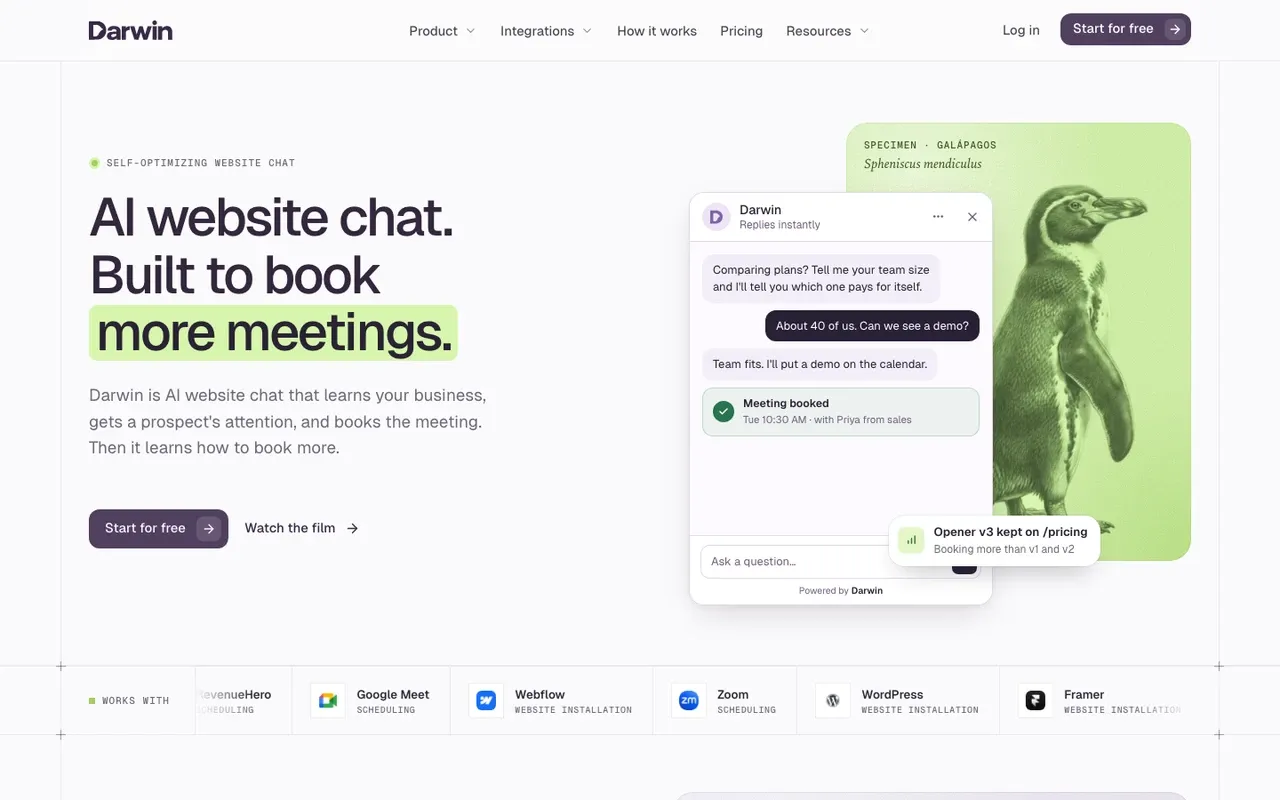
Darwin: AI chat that books calls and improves on its own
B2B and service businesses whose chat should turn visitors into booked calls, starting free.
Stores whose chats are mostly about orders, and teams that need ticketing, outbound email or visitor identification.
Setup starts from your web address. Darwin reads the site, drafts its settings and a first opening line, and you review them before launch. Visitors get answers from your own pages, then pick a time on your calendar through Calendly, RevenueHero or HubSpot Meetings without leaving the chat.
The bigger difference from Tidio comes after launch. A Tidio Flow says what you wrote until you change it. Darwin keeps trying new opening lines on pages with enough traffic, keeps the ones that book more calls and builds the next test from the winner, so the chat gets better on its own the longer it runs.
Billing runs the other way round, too. A conversation costs nothing; a booked meeting does. Origin costs $0/mo and comes with 5 free bookings, included once rather than every month. Origin charges $20 per booked meeting after the introductory allowance. Paid plans start with Adapt at $99/mo and include a monthly booking allowance. Origin and Adapt show a small Darwin badge on the widget.
See how Darwin works, and compare plans on the pricing page.
Tidio vs Darwin
| Tool | Starting price | Free plan or trial | Native booking | How it charges |
|---|---|---|---|---|
 Tidio Tidio | $0/mo | 7 day trial | Via integration | Conversation-based |
| Darwin | $0/mo | 5 free bookings | Via integration | Plan fee + bookings |
Darwin pros
- The only tool here that improves its own opening lines
- Books the call inside the chat, on the scheduler you already use
- Bills per booked meeting, never per conversation or seat
Darwin cons
- Not a help desk: no ticketing or shared support inbox
- No outbound email or visitor identification
- Younger than most of this list, with a shorter track record
Verdict. The right move away from Tidio when the chat's job is filling your calendar. If its job is answering order questions, look elsewhere.
Facts checked Sep 11, 2026Darwin
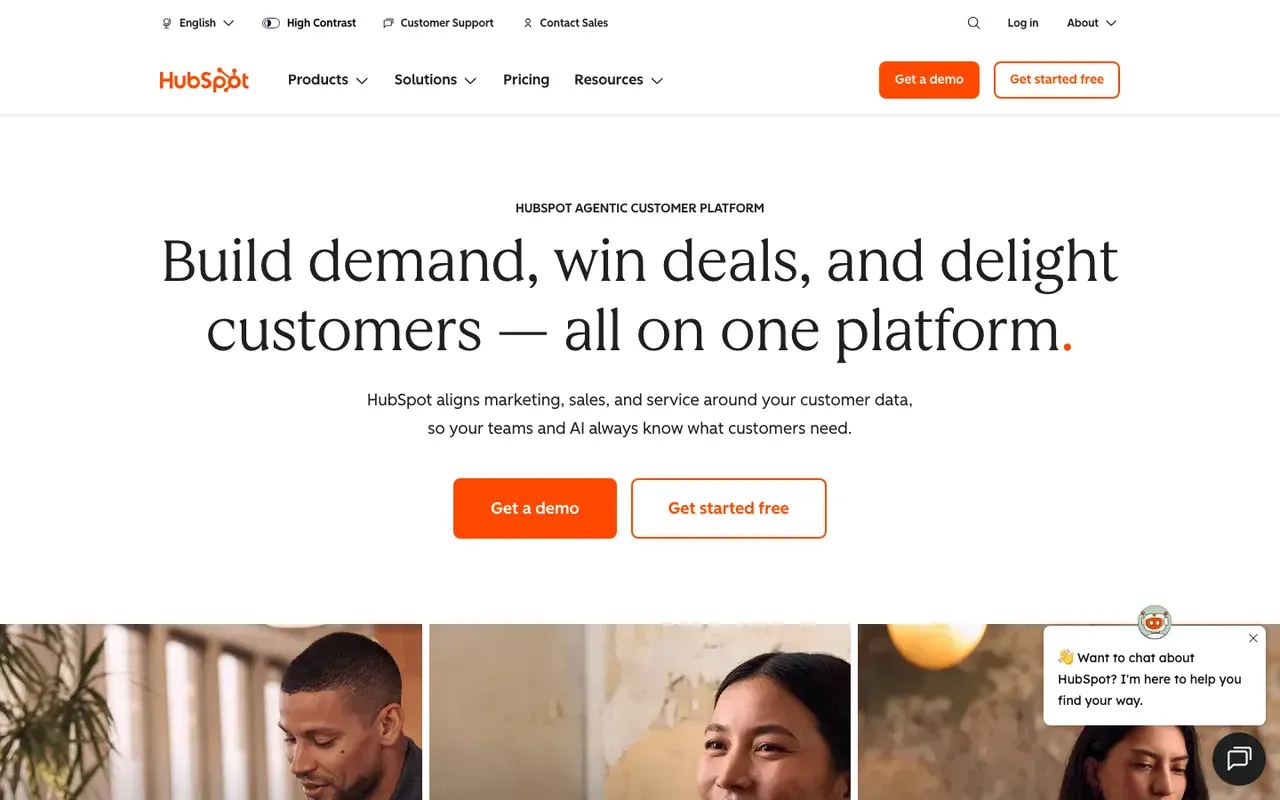
HubSpot: free live chat if your CRM is already HubSpot
Service businesses and B2B teams already on HubSpot CRM.
Small businesses on another CRM, or anyone who wants AI without a Professional hub.
Tidio vs HubSpot is less about chat than about your CRM. If your contacts already live in HubSpot, you own a chat widget you may never have switched on. Free tools include live chat and a limited chatbot with HubSpot branding. Sales Hub Starter, at $20/seat/mo, removes the branding.
Booking is where HubSpot pulls ahead of Tidio for a service business. Chatbots share a HubSpot meetings link; the customer agent can route qualified leads to a meeting link.
The AI is where the cost climbs. The Breeze customer agent learns from your public pages, but it needs a Professional or Enterprise hub and spends credits on every resolved conversation. Professional includes 3,000 HubSpot Credits; Starter includes no customer-agent usage.
Side-by-side: Darwin vs HubSpot.
Tidio vs HubSpot
| Tool | Starting price | Free plan or trial | Native booking | How it charges |
|---|---|---|---|---|
| Tidio | $0/mo | 7 day trial | Via integration | Conversation-based |
| HubSpot | $0/mo | Free tools | Yes | Seats + credits |
HubSpot pros
- Free live chat and a basic chatbot inside the CRM
- Meetings links that already know your reps' calendars
- The customer agent can learn from public web pages
HubSpot cons
- The AI agent needs a Professional hub and runs on credits
- The free chat shows HubSpot branding
- Bots are flows you write by hand
Verdict. If HubSpot is already your CRM, switch the free chat on first. Adopting a CRM just to replace Tidio is a big step.
Facts checked Sep 11, 2026HubSpot
Cheaper live chat: free and flat-rate Tidio alternatives
Most people leaving Tidio want the same thing for less: a chat widget, a shared inbox, some AI, and a bill that does not jump when the site gets busy. These four run from free to a modest monthly price.
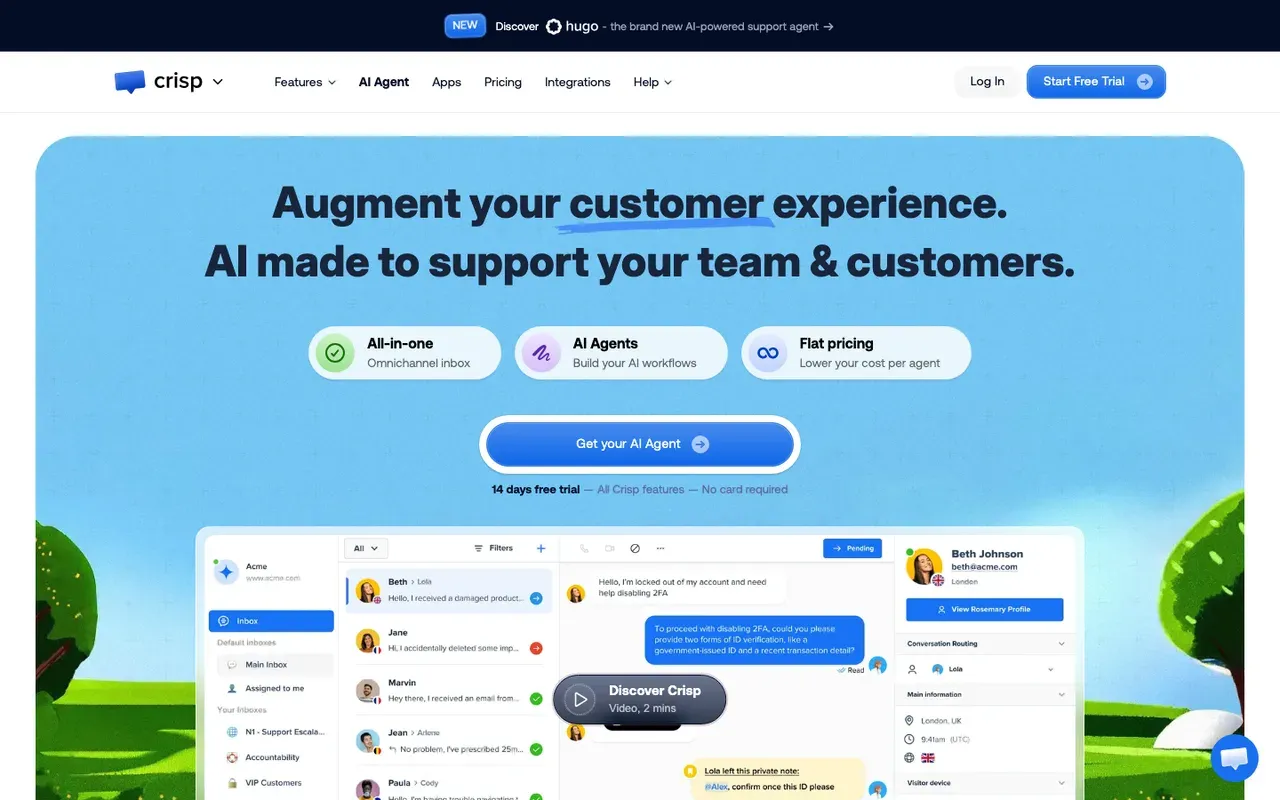
Crisp: one flat price, however many chats come in
Small support teams and stores that want Tidio's mix of chat, inbox and AI on a flat bill.
Teams that need meetings booked from the chat.
Of everything here, Crisp is the closest like-for-like swap, so a Tidio vs Crisp decision mostly comes down to how you want to be billed. You keep a chat widget, a shared inbox and an AI agent. What changes is that Crisp charges one rate for the whole workspace, and a busy month does not move it.
The Free plan is free forever with 2 seats included. When you outgrow it, Mini costs $45/mo, and you can trial any paid plan without handing over a card. The AI is where Crisp differs most from Tidio, because it comes inside the plan price instead of as a second quota. AI credits are included per plan: $5 on Mini, $25 on Essentials, $75 on Plus.
What you lose is certainty in two places. Crisp's pricing page says nothing about booking meetings, and it does not say what the AI learns from, which Tidio spells out for Lyro.
Tidio vs Crisp
| Tool | Starting price | Free plan or trial | Native booking | How it charges |
|---|---|---|---|---|
| Tidio | $0/mo | 7 day trial | Via integration | Conversation-based |
| Crisp | $0/mo | Free plan | Not documented | Flat per workspace |
Crisp pros
- One flat workspace price, so a busy month costs the same
- A free plan with no time limit
- AI credits included with every paid plan
Crisp cons
- Meeting booking is not documented
- The pricing page does not say what the AI learns from
Verdict. The straight swap for a Tidio user whose real problem is the conversation-based bill.
Facts checked Sep 16, 2026Crisp
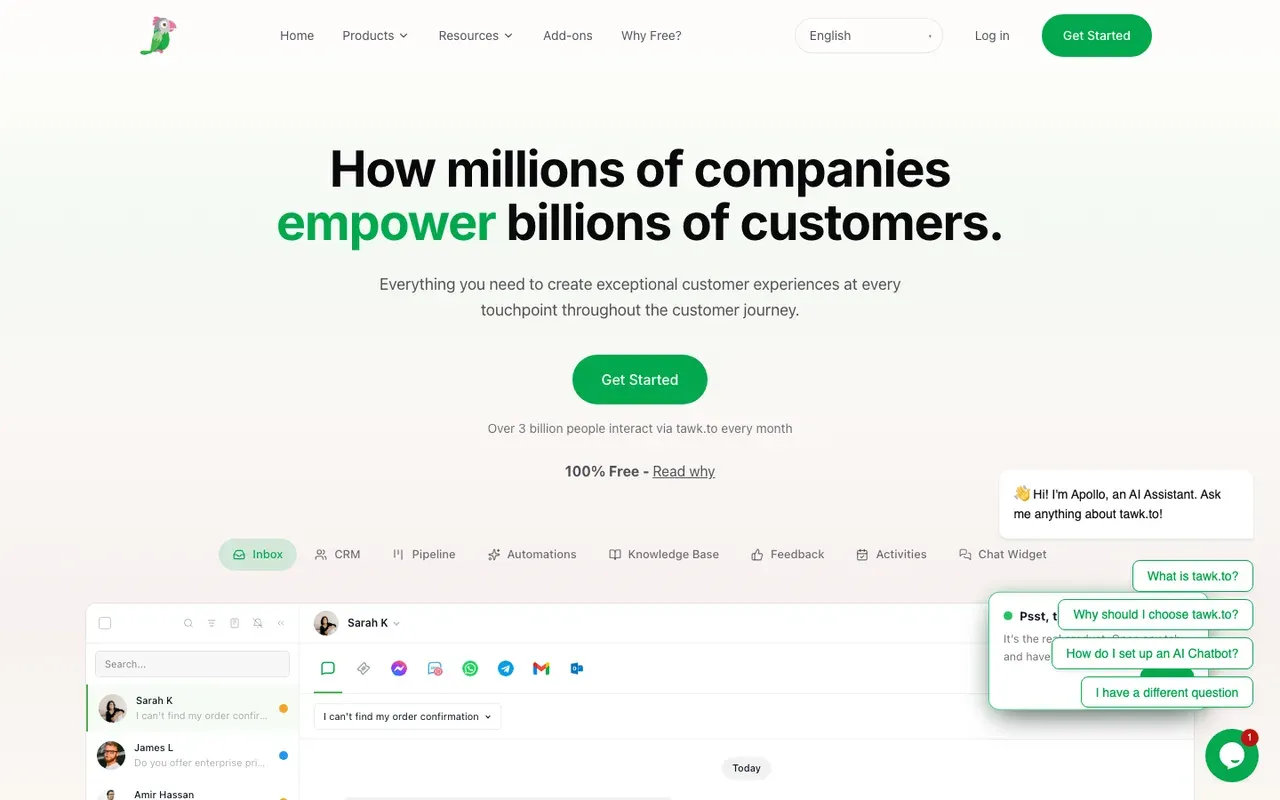
tawk.to: free live chat for teams that answer by hand
Small businesses on a tight budget whose own people answer every chat.
Anyone who wants AI that reads the website, or booking inside the chat.
If your trouble with Tidio is that the free plan runs out, tawk.to is the simplest fix. The live chat product is free, with unlimited agents. You pay only for the extras you add, so on price, Tidio vs tawk.to is barely a contest. AI Assist answers chats from your knowledge base from $29 per month; removing the Powered by tawk.to branding is $29 per month.
The trade-off is the AI. It does not read your web pages the way Lyro does, so its answers are only as good as the knowledge base you write and keep current. Meeting booking is not documented either. Neither matters much in a shop where a person picks up every chat.
Tidio vs tawk.to
| Tool | Starting price | Free plan or trial | Native booking | How it charges |
|---|---|---|---|---|
| Tidio | $0/mo | 7 day trial | Via integration | Conversation-based |
| tawk.to | $0/mo | Free forever | Not documented | Free + add-ons |
tawk.to pros
- Free live chat for your whole team
- No per-seat charges as the team grows
- Cheap monthly add-ons for AI and branding removal
tawk.to cons
- AI Assist answers from a knowledge base you write, not your website
- Meeting booking is not documented
Verdict. The cheapest way off Tidio. Good when people answer the chats, thin if you wanted AI to carry them.
Facts checked Sep 16, 2026tawk.to
Chatwoot: an open-source inbox you can host yourself
Teams with a developer who want an open-source inbox they can host.
Owners who want a finished product with no upkeep.
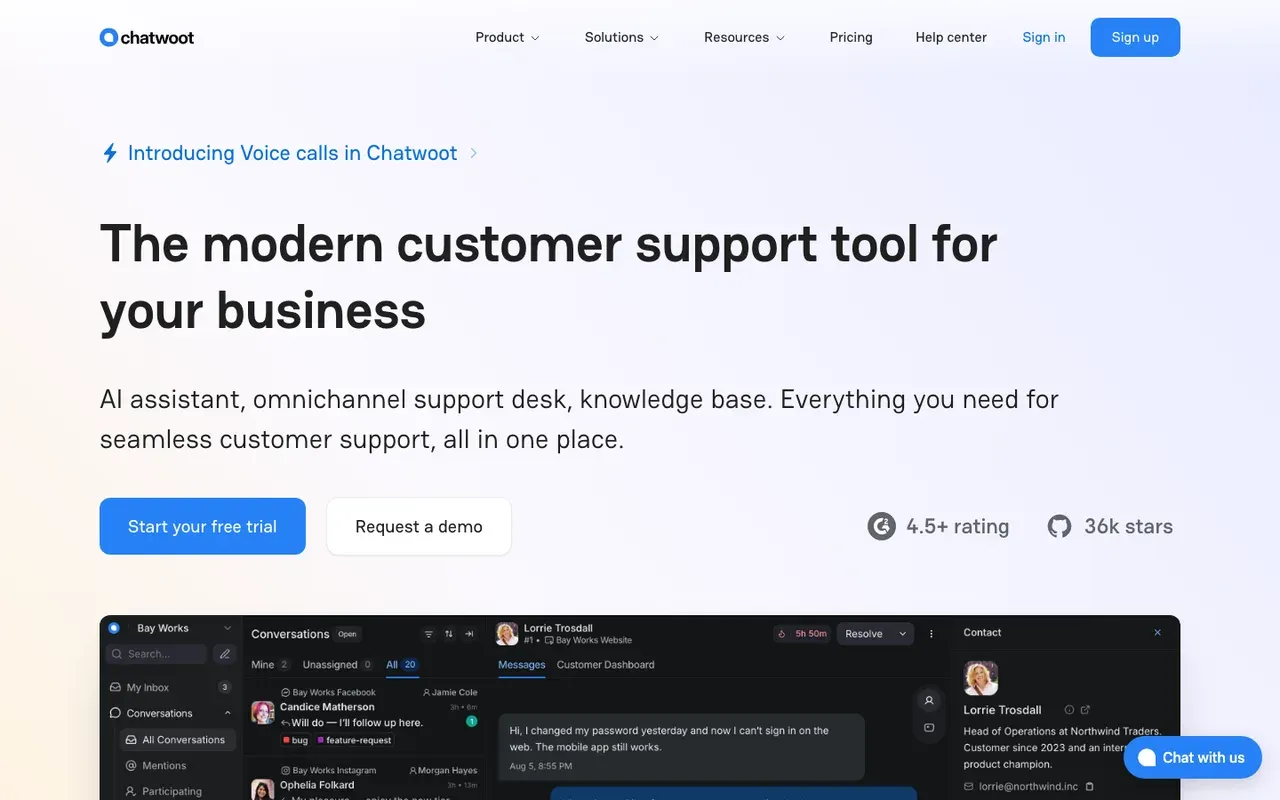
Chatwoot covers the same ground as Tidio, with live chat, a shared inbox and an AI agent called Captain, but it is open source. You can host it yourself or pay per agent for the cloud version.
The Hacker plan is $0 per agent per month for up to 2 agents and 500 conversations a month. That is enough to try it properly. Startups, the first paid tier, costs $19/agent/mo on annual billing. Captain is billed differently from Lyro, too. Captain AI credits are included per plan (300 on Startups, 500 on Business, 800 on Enterprise); extra credits cost $20 per 1,000.
Tidio vs Chatwoot
| Tool | Starting price | Free plan or trial | Native booking | How it charges |
|---|---|---|---|---|
| Tidio | $0/mo | 7 day trial | Via integration | Conversation-based |
| Chatwoot | $0/mo | Free plan | Not documented | Per agent or self-hosted |
Chatwoot pros
- Open source, with self-hosting as a real option
- A free cloud plan to start on
- AI credits included with each paid plan
Chatwoot cons
- Meeting booking is not documented
- What Captain trains on is not specified
- Self-hosting means someone has to look after the servers
Verdict. A good home for a team that likes to own its tools. Without a developer, Crisp is the easier choice.
Facts checked Sep 16, 2026Chatwoot
LiveChat: polished human chat, priced per agent
Teams with people staffing the chat all day who want mature tools around them.
Teams that want AI to answer visitors alone, or that need a free plan.
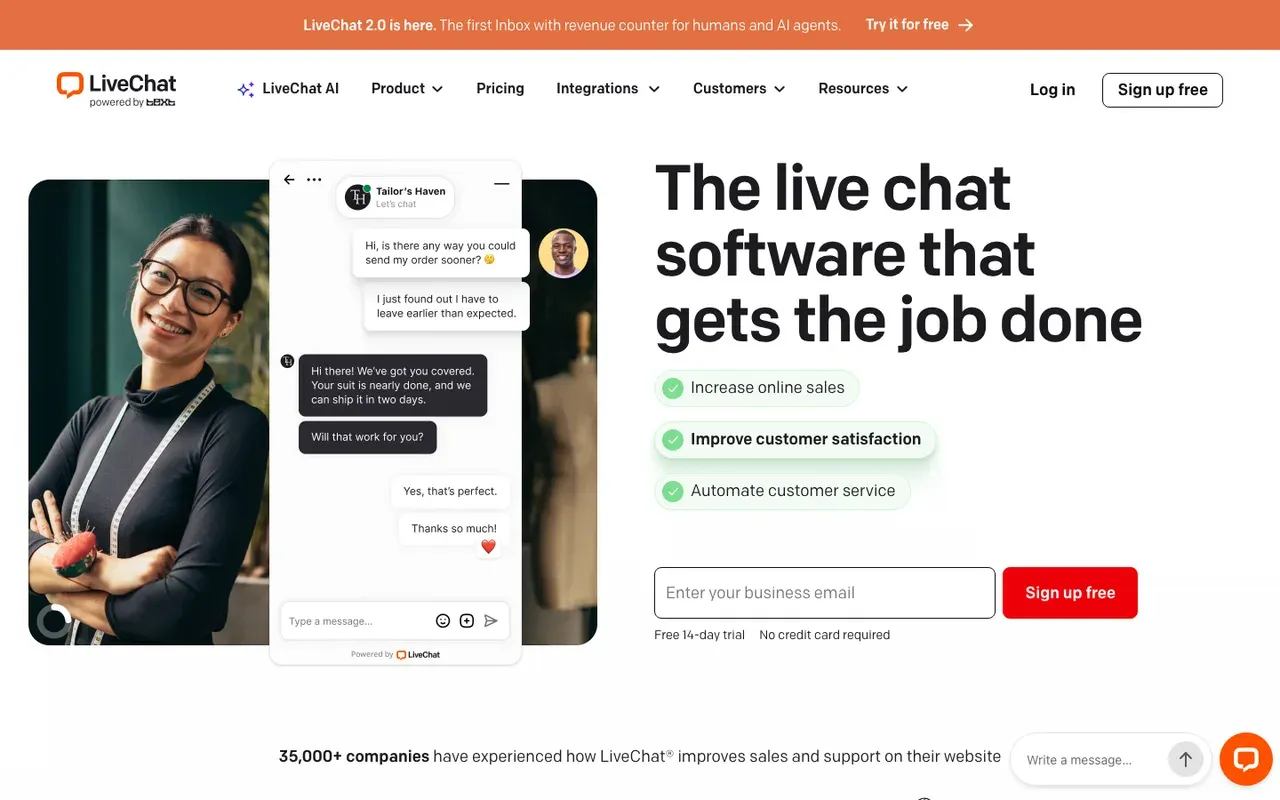
LiveChat vs Tidio really comes down to who answers your chats. LiveChat, made by a company called Text, assumes a person does and builds everything around them: queues, tickets, reports, and a Copilot that can read your website and help your agents reply faster. If people answer your chats, it is the most polished tool for them on this list.
The catch is the bill. There is no free tier, though you can start with a 14 day trial. After that, Starter costs $25/agent/mo on monthly billing, which pays for your people and the AI that assists them. Visitor-facing AI is where the cost grows. The customer-facing AI Agent is a separate Text product from $19 per user per month.
Booking works much as it does in Tidio: the welcome screen can link out to a scheduling page, so the visitor gets a link rather than a calendar in the chat.
Side-by-side: Darwin vs LiveChat.
Tidio vs LiveChat
| Tool | Starting price | Free plan or trial | Native booking | How it charges |
|---|---|---|---|---|
| Tidio | $0/mo | 7 day trial | Via integration | Conversation-based |
| LiveChat | $25/agent/mo | 14 day trial | Link to scheduler | Per agent |
LiveChat pros
- Mature live chat with tickets, queues and agent reports
- Copilot can crawl your website to help agents answer
- Greetings you can target to pages with rules
LiveChat cons
- No free plan, and every agent is a paid seat
- Visitor-facing AI is a separate product
- Booking is a link to an outside scheduler
Verdict. The upgrade if people, not bots, answer your chats and better tools are worth a per-seat price.
Facts checked Sep 11, 2026LiveChat (Text)
Help desk alternatives for when support outgrows Tidio
Some teams leave Tidio because support has become a job of its own. These four are full support platforms, and since Darwin is not one, we stick to what each vendor publishes.
Freshchat: free for small teams, with calendar slots in chat
Growing support teams that want a free start, Freddy AI and a path to Freshdesk.
Teams that want the AI, not a person, to offer the meeting.
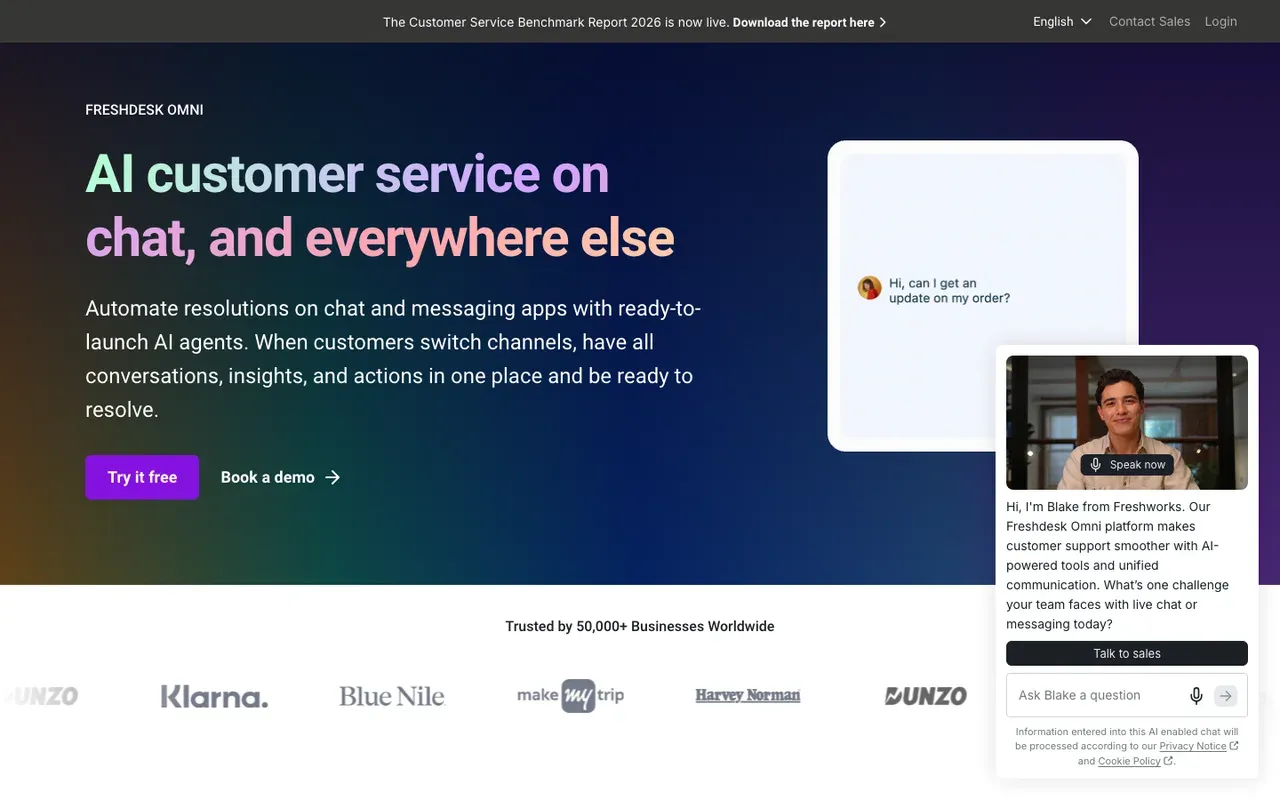
Freshchat, from Freshworks, is the gentlest step up from Tidio for a support team that has grown. The Free plan has no monthly fee for up to 10 agents.
Growth, the first paid plan, costs $23/agent/mo on monthly billing and adds the Freddy AI Agent, which learns from web pages you add by URL, much as Lyro does. Paid plans include 500 free Freddy AI Agent sessions. After that, sessions are billed in blocks.
The pleasant surprise is the calendar. Agents share a Google Calendar and visitors pick a slot in the chat. A person starts it from the inbox; a bot-led booking step is not documented.
Side-by-side: Darwin vs Freshchat.
Tidio vs Freshchat
| Tool | Starting price | Free plan or trial | Native booking | How it charges |
|---|---|---|---|---|
| Tidio | $0/mo | 7 day trial | Via integration | Conversation-based |
| Freshchat | $0/mo | 14 day trial | Via integration | Seats + sessions |
Freshchat pros
- A free plan sized for a team
- Freddy AI learns from web pages you add
- Visitors can pick a calendar slot inside the chat
Freshchat cons
- Two meters: per-agent seats plus AI sessions
- Booking is started by an agent, not the bot
Verdict. A sensible next step for a support team that has outgrown Tidio.
Facts checked Sep 11, 2026Freshworks
Help Scout: a calm shared inbox for small support teams
Small and mid-sized support teams that want a shared inbox and a help center.
Sales teams, or anyone who needs the chat to book meetings.
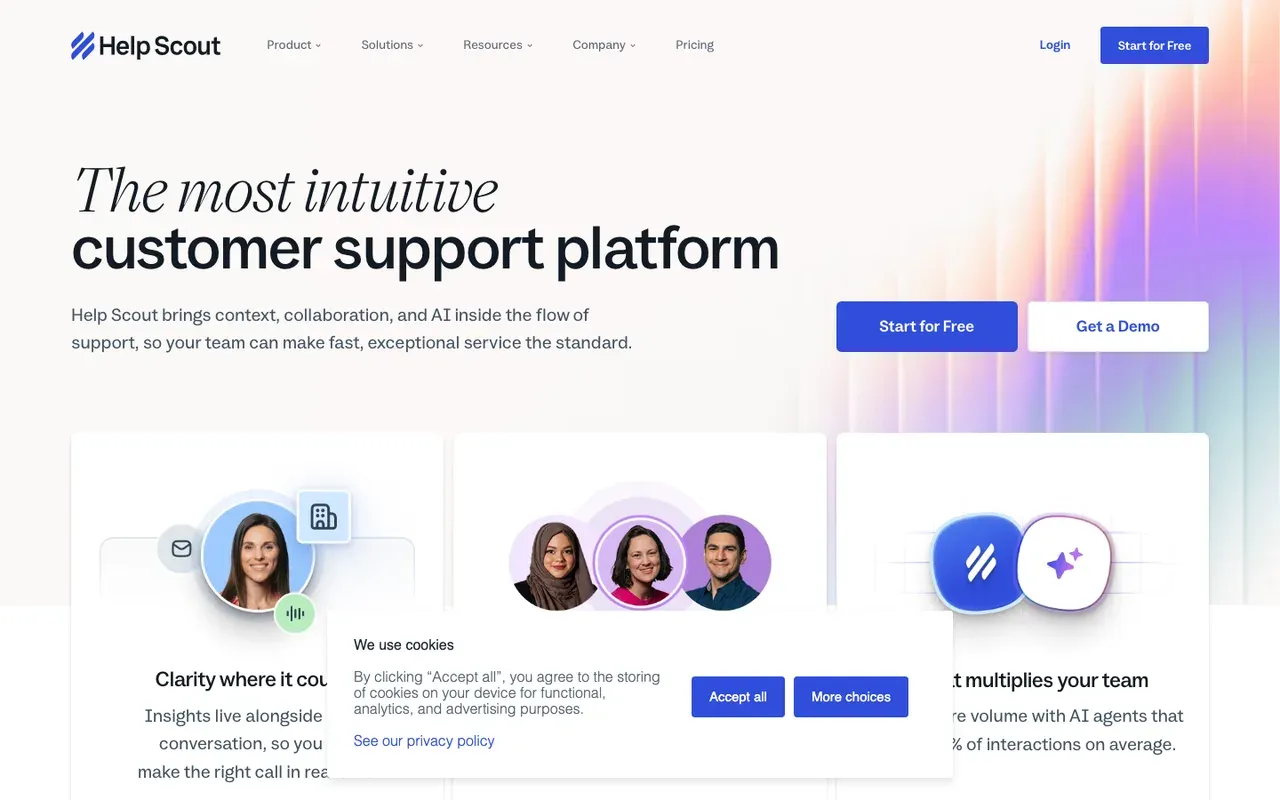
Help Scout suits the point where support stops being a widget and becomes a job. You get a shared inbox, Docs for your help center, and Beacon, the widget on your site.
The Free plan covers 5 users, 1 Inbox and 1 Docs site. Beyond that, Standard costs $25/user/mo. The AI is priced by result rather than by conversation. AI Answers costs $0.75 per resolution as an add-on.
Meeting booking is not documented for Beacon or the inbox, so this is a support pick, not a sales one.
Tidio vs Help Scout
| Tool | Starting price | Free plan or trial | Native booking | How it charges |
|---|---|---|---|---|
| Tidio | $0/mo | 7 day trial | Via integration | Conversation-based |
| Help Scout | $0/mo | Free plan | Not documented | Seats + per resolution |
Help Scout pros
- A free plan with an inbox and a help center
- AI Answers can learn from your website
- A free trial of AI Answers before any fee
Help Scout cons
- Two meters: seats plus a per-resolution AI fee
- Meeting booking is not documented
Verdict. A calm step up from Tidio for a small support team that wants a proper help desk.
Facts checked Sep 16, 2026Help Scout
Intercom: the premium messenger, with a premium bill
Funded companies that want one polished messenger for support, with AI and a sales assist.
Small businesses leaving Tidio to save money.
Intercom is roughly Tidio with a much bigger budget behind it: a messenger, a shared inbox, ticketing and Fin, an AI agent that answers from your content. It is among the most capable tools here, and among the most expensive.
The bill has two layers. Essential starts at $39/seat/mo on monthly billing. Fin pricing starts at $0.99 per outcome. As with Lyro, the AI is a separate bill, though Intercom charges for what Fin gets done rather than for every conversation. There is a 14 day trial, and no free plan after it.
For a B2B site, the sales side is the interesting part. Fin for Sales can qualify leads and book in Messenger.
Side-by-side: Darwin vs Intercom.
Tidio vs Intercom
| Tool | Starting price | Free plan or trial | Native booking | How it charges |
|---|---|---|---|---|
| Tidio | $0/mo | 7 day trial | Via integration | Conversation-based |
| Intercom | $39/seat/mo | 14 day trial | Via integration | Seats + Fin outcomes |
Intercom pros
- A polished messenger, inbox and help center in one product
- Fin for Sales can book meetings in the chat
- Messenger can pull your logo and colors from your domain
Intercom cons
- Seats plus per-outcome AI fees, so the bill grows as Fin succeeds
- More product, and more cost, than most Tidio users need
Verdict. Worth it when support is a core function with a budget to match.
Facts checked Sep 11, 2026Intercom

Zendesk: the full help desk for larger support teams
Support organisations with several channels, routing rules and reporting needs.
Small businesses, or anyone who wants the chat to book meetings.
Zendesk is where support goes once it has become a department, with ticketing, messaging, a help center and AI agents in one suite. It is the furthest move from Tidio on this list, in depth and in price.
Messaging starts on Suite Team, at $69/agent/mo on monthly billing. Zendesk offers a 14-day free trial. Its AI agents learn from your help center and from pages a web crawler brings in. AI agents are billed per automated resolution beyond the plan allowance. The rate is not on the pricing page, so ask before you sign.
Tidio vs Zendesk
| Tool | Starting price | Free plan or trial | Native booking | How it charges |
|---|---|---|---|---|
| Tidio | $0/mo | 7 day trial | Via integration | Conversation-based |
| Zendesk | $69/agent/mo | 14 day trial | Not documented | Seats + resolutions |
Zendesk pros
- Deep ticketing, routing and reporting
- AI agents that learn from your help center and a web crawler
- A free trial before you commit
Zendesk cons
- Per-agent pricing near the top of this list, and no free plan
- The AI's per-resolution rate is not published
- Meeting booking is not documented
Verdict. Choose it when support is the whole job and the team is big enough to use the depth.
Facts checked Sep 11, 2026Zendesk
Tidio pricing vs the alternatives
Tidio's own price list is the number to beat, so begin there. The Free plan has no monthly fee. Starter costs $29/mo, and a conversation only counts toward its allowance when someone on your team replies. Starter includes 100 billable conversations; Growth starts at 250. Lyro, the AI agent, is billed on top of that. Lyro's quota starts at $39 per month for 50 conversations on monthly billing. If you want to try the paid features first, there is a 7 day trial, and it needs no card.
Two tools keep the bill flat or free. Crisp charges one price for the whole workspace, starting at $45/mo however busy the month gets. tawk.to's live chat is free, and you pay monthly only for add-ons.
Most of the list charges per seat and puts the AI on a meter. You pay for each person, then the AI is billed in sessions, resolutions, outcomes or credits. Help Scout's Standard plan, for example, is $25/user/mo before any AI fees.
Darwin charges per booked meeting and never for conversations. Origin costs $0/mo and charges per booking once the free ones are used. The paid plans are Adapt, Evolve and Apex. Adapt includes 5 bookings, Evolve 20 and Apex 60 per month.
Which model is cheapest depends on what a busy month means for you. More chats push up Tidio's quotas and every AI meter. More booked calls push up per-meeting pricing, along with the pipeline paying for it. Darwin's pricing page shows what each plan includes, Darwin vs Tidio puts the two side by side, and Tidio lists its plans on its own pricing page.
How to switch from Tidio
Most small teams can move in a week, as long as they do it in this order.
- Save what you built. Copy out Lyro's Q&A, the URLs it learns from and the wording of your Flows, and download whatever conversation and contact data your plan lets you export.
- Write down this month's numbers: billable conversations, Lyro conversations, leads and booked calls. That is the baseline the new tool has to beat.
- Decide what the chat is for. Support points you to the help desk group above; booked calls point you to the first group.
- Point the new tool at your own content, and fix outdated pages before an AI starts quoting them.
- If the chat should book meetings, connect your calendar and book a test call yourself to check it lands on the right person's calendar.
- Swap the snippet. Remove the Tidio script or WordPress plugin, add the new widget, and check every page template, on mobile too.
- Cancel Tidio last, once the new tool has a week or two of results against your baseline.
How to choose a Tidio alternative
Ten tools is too many to hold in your head, so here they are again by the situation you are in.
- Start with Darwin if the point of your chat is booked calls. It is free to start, and it keeps improving its own opening lines after launch.
- Already paying for HubSpot? Then the free chat and meetings links are sitting in your account, and they cost nothing to try.
- Crisp is the straight swap when the conversation-based bill is your only real complaint about Tidio.
- If a person answers every chat anyway and the budget is zero, tawk.to will do.
- Chatwoot is for teams with a developer who would rather run the software themselves.
- LiveChat earns its per-seat price when people staff the chat all day.
- For a support team that wants a free start with AI, Freshchat is the easy next step, and Help Scout is the calmer choice for a small team that also wants a help center.
- Intercom and Zendesk are for support departments with budgets to match. Neither is a way to save money.
- Running a Shopify store where most chats are about orders? A store-focused help desk such as Gorgias may suit you better than Darwin, and staying on Tidio is a fair choice too.
Whatever you pick, choose the tool whose bill grows only when the number you care about does.
Questions about Tidio alternatives.
What is the best Tidio alternative?
It depends on why you are leaving. If the bill is the problem, Crisp's flat workspace price or the free tawk.to will fix it. If support has become a real job, Freshchat or Help Scout is the natural next step. If your chat should book calls for a B2B or service business, Darwin is built for that and keeps improving its own opening lines as it runs.
Is Tidio free or paid?
Both. The Free plan has no monthly fee. It caps billable conversations and lifetime Lyro conversations tightly, though, and the widget shows Tidio branding. Paid plans start with Starter at $29/mo, with Lyro sold as a separate quota. You can test the paid features first with a 7 day trial.
How much does Tidio cost, and how is Lyro billed?
Starter is the entry paid plan at $29/mo, and each plan includes a set number of billable conversations, meaning chats someone on your team replies to. Lyro has its own meter. Lyro's quota starts at $39 per month for 50 conversations on monthly billing. In practice you budget twice, once for people and once for the AI.
Is there a free alternative to Tidio?
Yes, several. tawk.to's live chat is free for your whole team. Crisp, Chatwoot, Freshchat and Help Scout have free plans with tighter limits, and HubSpot's free tools include live chat and a basic bot. Darwin's Origin plan costs $0/mo. It comes with 5 free bookings, then charges per booking.
Which Tidio alternative books meetings?
Darwin is built around it: a visitor who is ready picks a time inside the chat, through Calendly, RevenueHero or HubSpot Meetings. HubSpot's chatbots share a meetings link, and Intercom's Fin for Sales can book in Messenger. In Freshchat, an agent can share a calendar so the visitor picks a slot in the chat. Tidio's own answer is a Calendly link from Lyro, on some plans only.
Tidio vs Crisp: which is better?
Mostly it comes down to how you want to be billed. Tidio sizes its plans by conversations and sells Lyro on top, while Crisp charges one flat price per workspace with AI credits included in the paid plans. Tidio says more about how its AI learns, and it can send a Calendly link. If a predictable bill matters most, we would pick Crisp. If you rely on Tidio's Shopify actions, check how Crisp handles them before you move.
Sources & references (38)
Supporting material for the product details in this article. Each source keeps its own access date.
- How Darwin improves your openings Darwin · Accessed
- Connect your scheduling page Darwin · Accessed
- Darwin plans and booking prices Darwin · Accessed
- Set up with Darwin Darwin · Accessed
- Plans and included meetings Darwin · Accessed
- HubSpot Sales Hub pricing HubSpot · Accessed
- Manage the customer agent's content sources HubSpot · Accessed
- Choose your rule-based chatbot actions HubSpot · Accessed
- Set up customer agent actions to qualify leads HubSpot · Accessed
- Create a rule-based chatbot HubSpot · Accessed
- Set guidelines for the customer agent HubSpot · Accessed
- Crisp pricing Crisp · Accessed
- tawk.to Pricing tawk.to · Accessed
- Chatwoot Pricing Chatwoot · Accessed
- LiveChat pricing LiveChat (Text) · Accessed
- Website Widget: Welcome Screen LiveChat (Text) · Accessed
- Text Copilot: AI-powered personal assistant LiveChat (Text) · Accessed
- Engage visitors using Campaigns LiveChat (Text) · Accessed
- Freshchat pricing Freshworks · Accessed
- Integrate Google Calendar with Freshchat Freshworks · Accessed
- Configure Knowledge Sources for Freddy AI Agent Freshworks · Accessed
- How to build a simple bot flow with the bot builder Freshworks · Accessed
- Help Scout Pricing Help Scout · Accessed
- Intercom pricing Intercom · Accessed
- How to train Fin for Sales Intercom · Accessed
- Intercom standard pricing after Early Stage Intercom · Accessed
- Intercom pricing FAQs Intercom · Accessed
- Book meetings with Calendly using Fin for Sales Intercom · Accessed
- Book meetings with HubSpot using Fin for Sales Intercom · Accessed
- A/B test different message variations Intercom · Accessed
- Zendesk pricing Zendesk · Accessed
- Creating an AI agent for your web and mobile channels Zendesk · Accessed
- Configuring messaging responses for web and mobile channels Zendesk · Accessed
- About connecting external content to Zendesk for use across knowledge experiences Zendesk · Accessed
- Connecting knowledge sources to power generative replies in AI agents Zendesk · Accessed
- Tidio pricing Tidio · Accessed
- Lyro Action templates Tidio · Accessed
- Lyro – a quick setup Tidio · Accessed