Connect RevenueHero
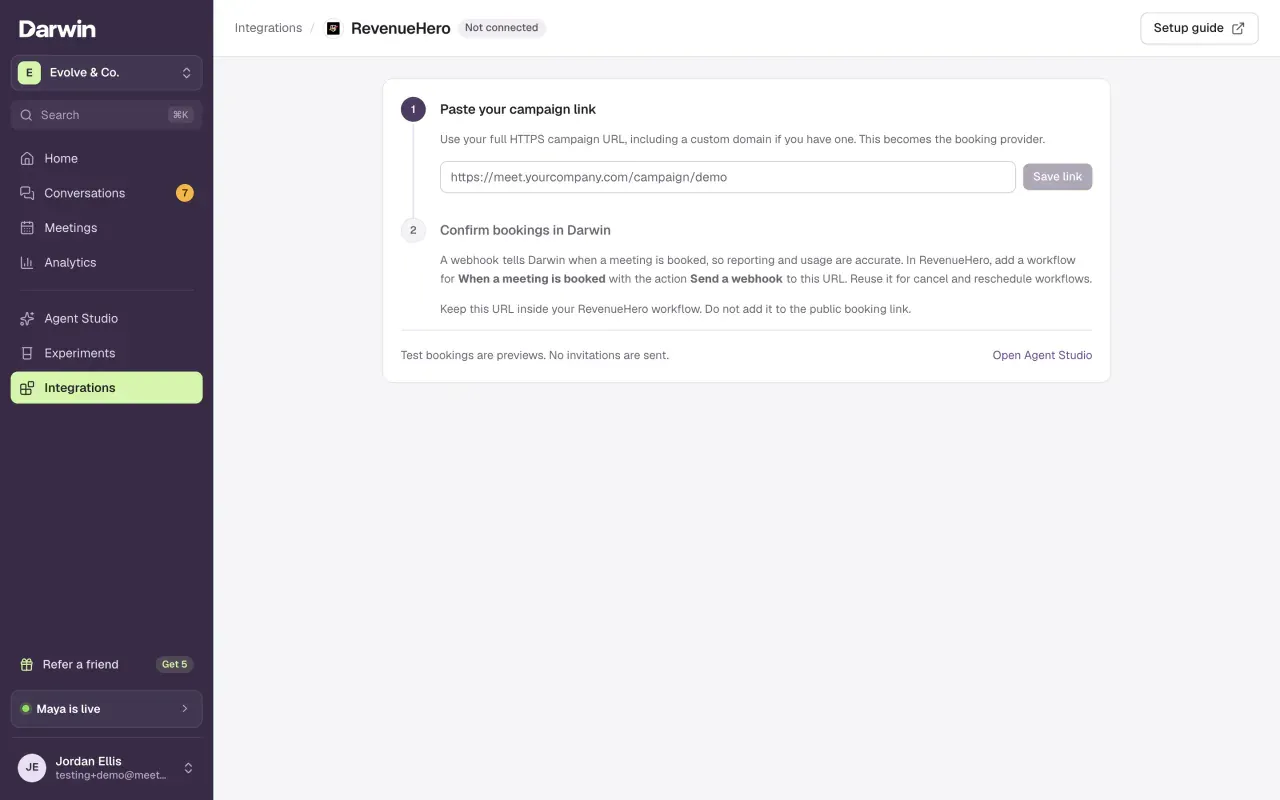
Integrations → RevenueHero: paste your campaign link so visitors book through your routing inside Darwin's chat, then add the booking webhook so Darwin can confirm each meeting.
- In Darwin: Integrations → Scheduling → RevenueHeroOpen in Darwin
- Updated
Darwin opens your RevenueHero campaign inside the chat with the visitor's name and email filled in. RevenueHero's routing picks the rep; a webhook tells Darwin the meeting was booked.
Copy your campaign link in RevenueHero
In RevenueHero, go to Routers → Campaign and copy the public link of the campaign Darwin should use. It looks like
https://your-team.schedulehero.io/campaign/demo, or uses your own domain, such ashttps://meet.yourcompany.com/campaign/demo.Open RevenueHero in Darwin
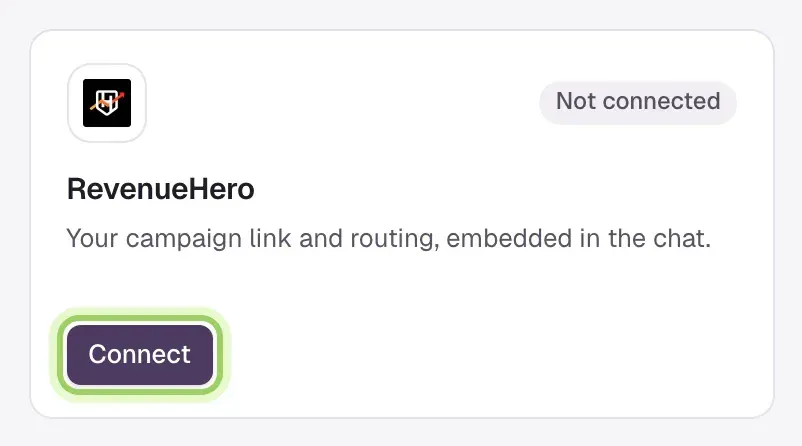
Open Integrations and select Connect on the RevenueHero card, under Scheduling.
Paste the link and save
Paste the full HTTPS link into the campaign link box and select Save link. RevenueHero now handles new bookings from the chat.

Add the booking webhook
Under Confirm bookings in Darwin, select Copy URL. In RevenueHero, create a workflow with the trigger When a meeting is booked and the action Send a webhook to that URL, then turn it on. Add the same URL to your cancel and reschedule workflows.
Keep the URL inside the workflow. Don't add it to the public booking link.

Check it
Book a test meeting with a teammate through the chat on your website. Once RevenueHero's webhook arrives, step 2 shows Receiving booking confirmations with the time of the last one, and the meeting appears in Meetings.
Good to know
- Paste the plain campaign link. Darwin adds the visitor's details and its booking reference (in
utm_content), so keep that value intact in your workflow. - Without the webhook, a booking the browser reports waits for confirmation and doesn't use a credit.
- Darwin rejects links that aren't HTTPS, don't use the
/campaign/path, or point to the RevenueHero dashboard. - The Agent Studio preview uses sample times and never opens your live campaign.