Experiments aren't moving
Find out why Darwin's opening experiments aren't starting or finishing: automatic testing is off, the background check is delayed, a page needs more views, the test limit is reached, or a winner is waiting for you.
- In Darwin: Experiments → SettingsOpen in Darwin
- Updated
Most of the time a test that isn't moving is waiting for visitors. These checks tell you whether that's the case or something needs you.
Check automatic testing is on
At the top of Experiments, the Automatic testing switch should be on. When it's off, Darwin doesn't start new tests or apply winners, though running tests keep collecting views.

Read the status in Settings
Open Experiments → Settings. The badge next to Run tests automatically (1) says what's happening, and Apply winners for me (2) decides whether a winning opening goes live by itself.
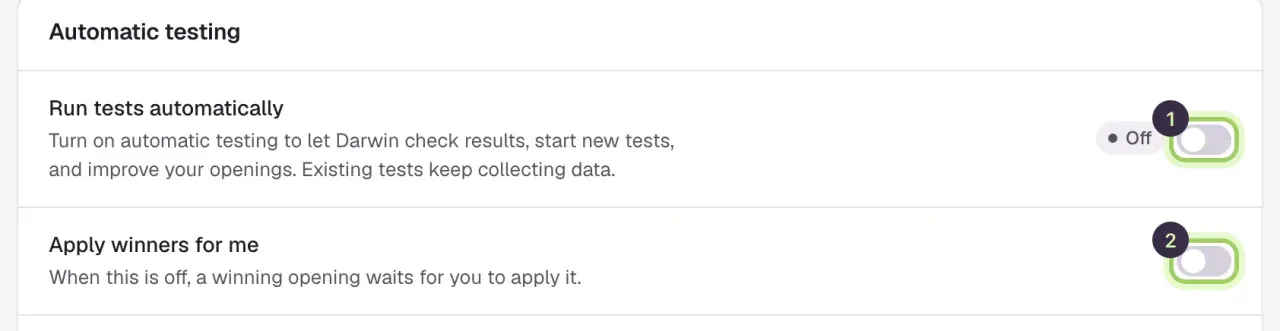
- Off: Automatic testing is turned off.; Turn on Run tests automatically.
- Starting: It's on, and the first check hasn't run yet.; Wait for it; it runs shortly.
- On or Checking: Darwin checks your tests every few hours, and at least once a day.; Nothing. Look at your pages' views (next step).
- Retrying: The last check didn't finish. Darwin tries again.; Wait for the next check. Your current openings stay live.
- Needs attention: Checks are delayed.; Contact support. Your current openings stay live.
- Not connected: The background service isn't connected.; Contact support. You can run a check with Check now.
Check the page has enough views
Open Experiments → Pages. Status shows Testing, Winner in use or No active test, and Views · 28 days shows how many visitors saw an opening. A page gets a test of its own once it reaches the views set under Limits; quieter pages share a test with similar pages or the rest of the site. Test this page starts one now.
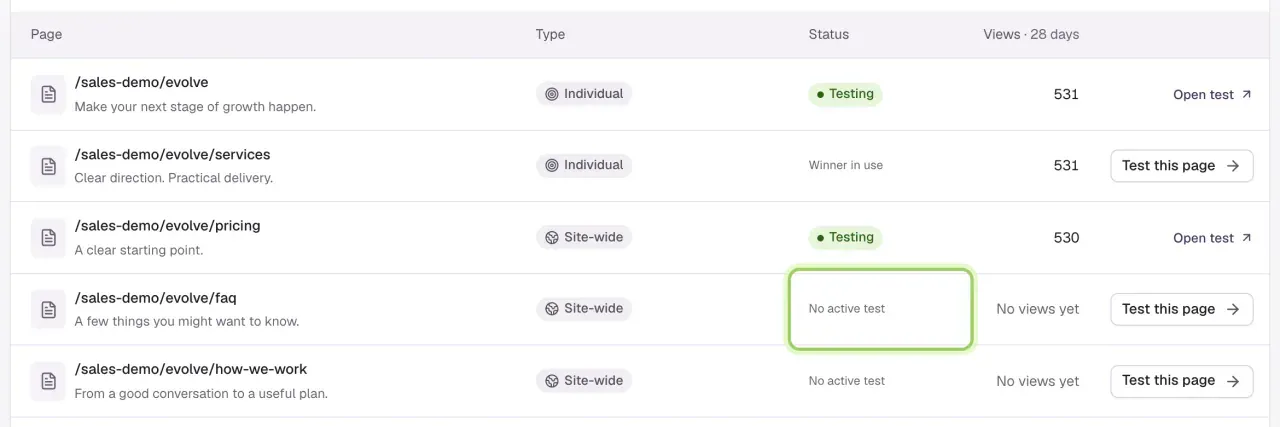
A page with no views yet usually doesn't have the chat installed, or gets few visitors. See The chat isn't showing.
Check the test limit
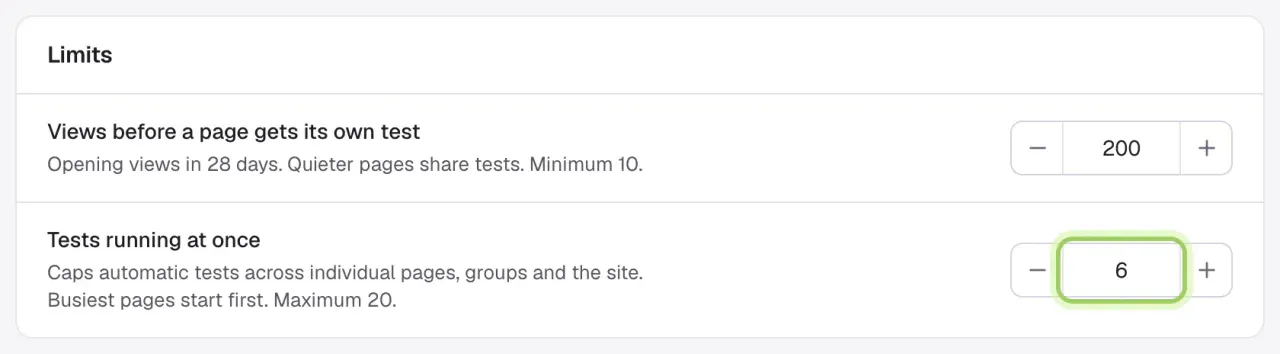
In Experiments → Settings → Limits, Tests running at once caps how many automatic tests run together, up to 20. When it's reached, eligible pages wait, busiest first.
Look at recent checks
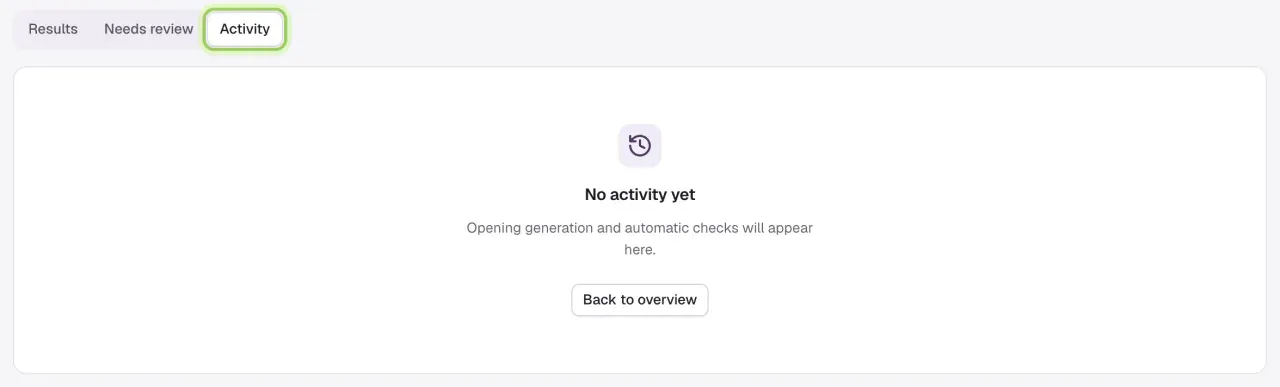
Open Experiments → History → Activity to see each check Darwin ran and any problem it hit. Then select Check now in Settings once and wait for it; selecting it again won't speed anything up.
Other things you may see
- Ready to apply: a test found a winner, and Apply winners for me is off. Open the test and apply it if you agree. See Review tests and apply winners.
- Paused: the test is paused. Open it to see why and resume it.
- Still gathering results on the Overview: the test has run for a while without a clear answer. It shows how many days in it is and, when Darwin can tell, how long until a clear answer.
- A result shown as — means there isn't enough data on both sides yet. It isn't zero.
Good to know
- Testing a page on its own skips the shared test and the limit, but it doesn't bring visitors any faster.
- If a test ends without a clear winner, keeping the current opening is a normal result.