The chat isn't showing
Fix a Darwin chat that doesn't appear on your website: check that the agent is live, the domain is allowed, the site tag is installed, and the opening message isn't hidden.
- In Darwin: Agent Studio → Visibility & privacyOpen in Darwin
- Updated
Test on your published website, not in your site builder's editor, and in a new private window so an earlier visit doesn't hide anything. Then work down these checks.
Check that your agent is live
Open Agent Studio. The top right should read Live on and your site. If it reads Not live, save or discard any changes, then turn the switch on. The sidebar also shows whether your agent is live.

On Free, Darwin also pauses on your website once the five free credits are used, until you add a card. A bar at the top of Darwin then says Darwin is paused on your website. All 5 free credits are used. The workspace owner can select Add a card on it. See Plans and credits. If a paid plan's payment failed, the chat still shows but stops offering bookings and forms until the card works.
Check the domain is allowed
In Agent Studio → Visibility & privacy, look at Allowed domains. The exact address visitors use must be listed:
www.example.comandexample.comare different, and*.example.comcovers subdomains but notexample.comitself. Type a missing one and select Add domain; it saves straight away.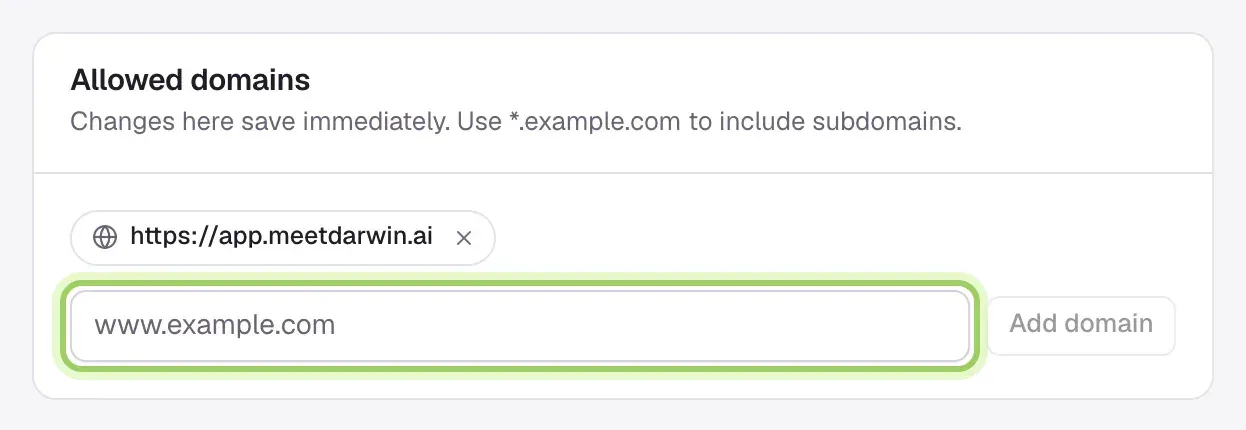
Check the site tag is on the page
Open Integrations → Site tag. Make sure the tag from this workspace is on every page, publish your site, then select Check installation. If you use a tag manager or a site builder, check that the change is published and that your site's cache isn't serving an old page. Use only one copy of the tag.
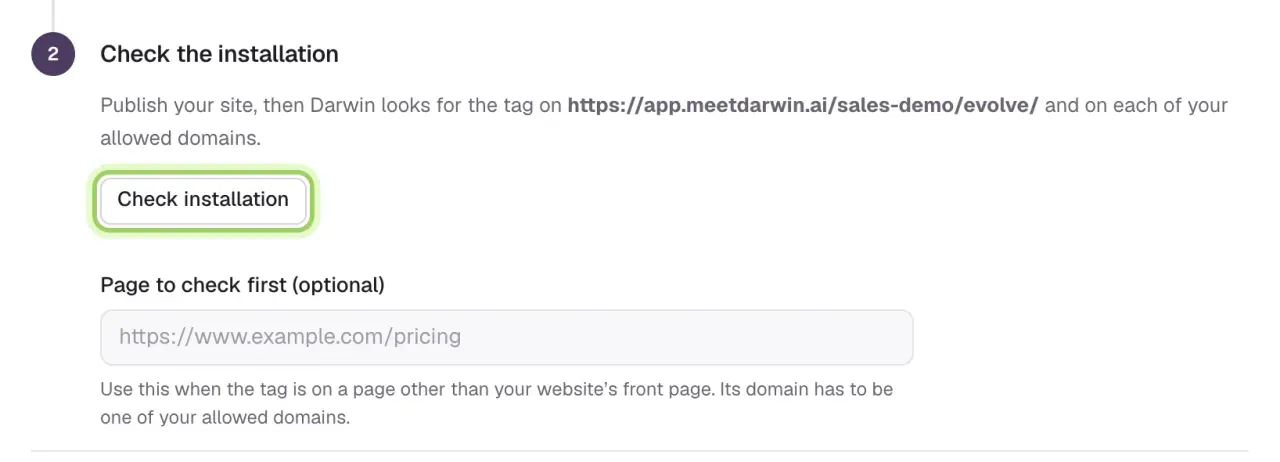
Check installation reads the page's HTML. A tag that a tag manager adds later may not be found there even though the chat works on the live page.
If only the opening message is missing
The chat button is there but the message next to it isn't? The message appears 2.5 seconds after the page starts loading. On a phone it also waits until the visitor has scrolled about 40% of the page. It doesn't show to a visitor who closed it earlier in the same tab, or who already chatted.
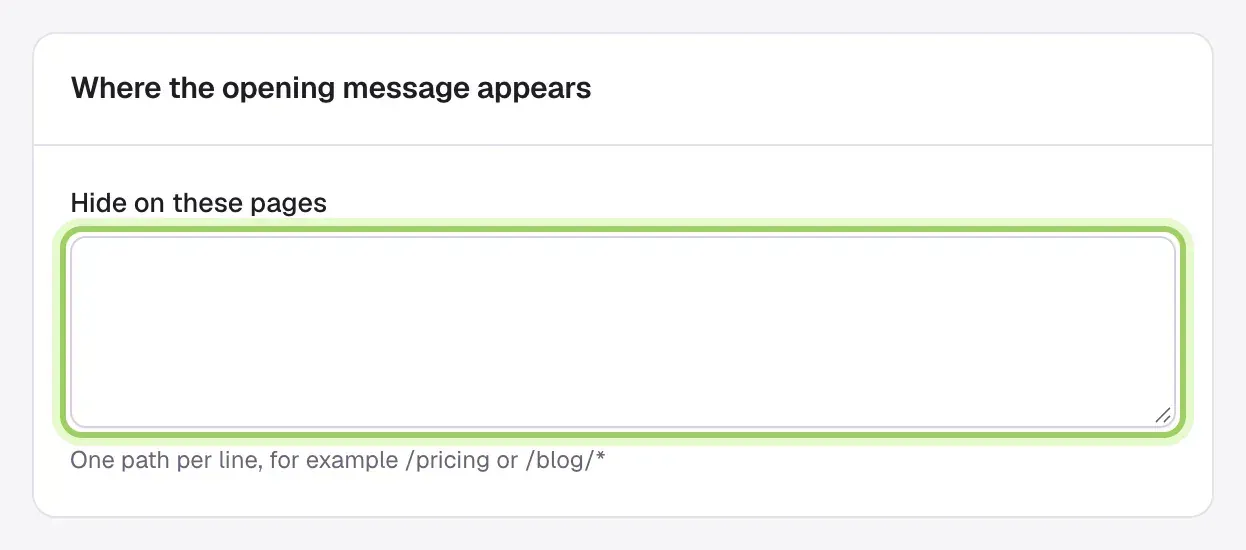
Also check Hide on these pages under Where the opening message appears: any path listed there never shows the message.
Rule out the browser and your site
Try again without ad or script blockers. If your site has a cookie consent tool or a content security policy, ask your developer whether it blocks scripts from
app.meetdarwin.ai. If something else floats in the bottom-right corner, such as another chat or a cookie banner, it can cover Darwin's chat button.
Still not showing?
Contact support with the page address, the browser you used and what you see. A screenshot of your browser's console helps.