Choose your email updates
Settings → Notifications: turn Darwin's emails on or off for this workspace: Bookings, Personal links, Milestones, Experiments, Weekly report, Plan tips, and Setup tips & product updates. Credit alerts and billing emails go to owners.
- In Darwin: Account menu → NotificationsOpen in Darwin
- Updated
Pick the emails Darwin sends you about this workspace. Your choices are yours alone: they don't change what your teammates get.
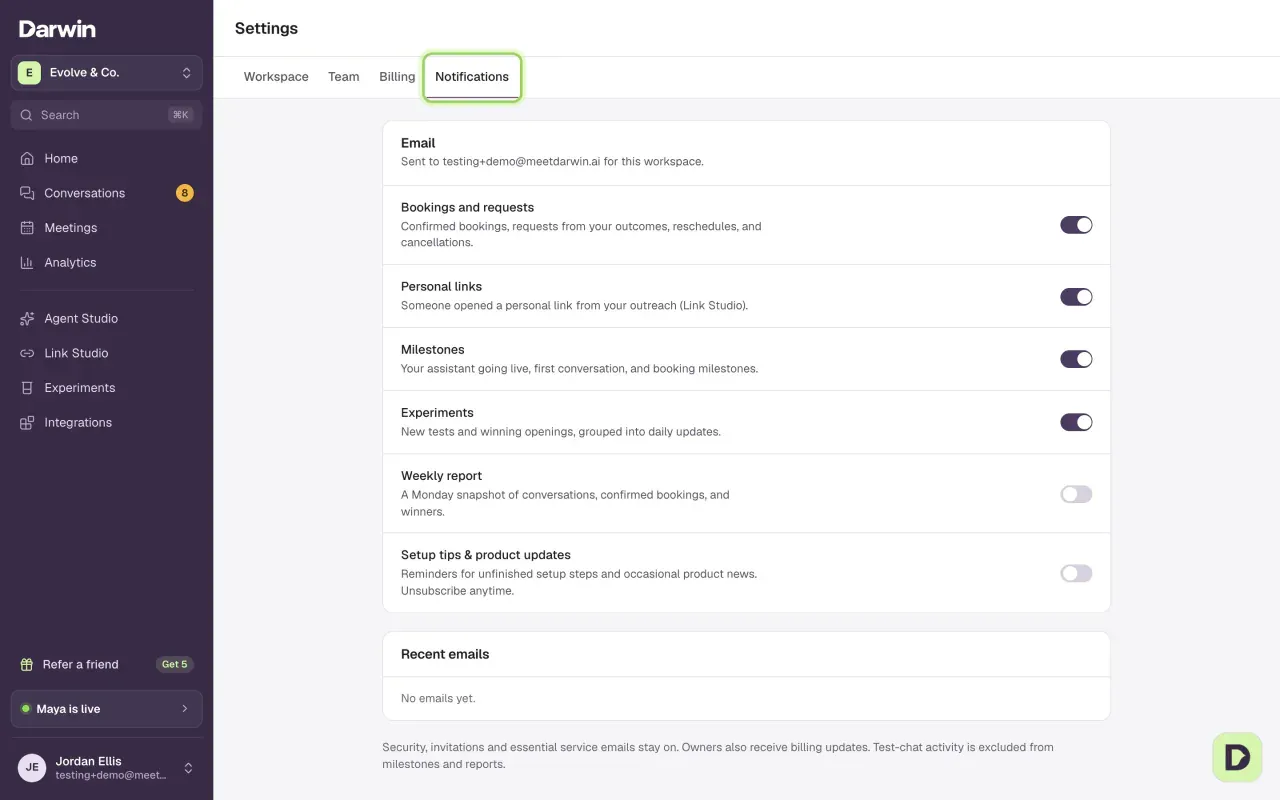
The emails you can choose
The Email section shows the address they go to. Each switch covers one kind of email.
Bookings and requests (on to start): an email when a meeting is booked, rescheduled or canceled, and when a visitor sends one of your outcome forms, with their answers.

Personal links (on to start): an email when someone opens one of your personal links, once per person per link each day.
Milestones (on to start): your agent going live, its first conversation, and booking milestones.

Experiments (on to start): new tests and winning openings, grouped into one daily email.

Weekly report (off to start): a Monday snapshot of conversations, confirmed bookings and winning openings.

Plan tips (on to start): ways to spend less or get more from your plan. When a bigger credit add-on would have cost less last month, owners get one email saying how much. If you try something your plan doesn't include, such as a second fit rule on Free, you may get one follow-up the next day about the plan that has it.
Setup tips & product updates: reminders about setup steps you haven't finished, and occasional product news. It's on if you agreed to it when you created your account.

Change your choices
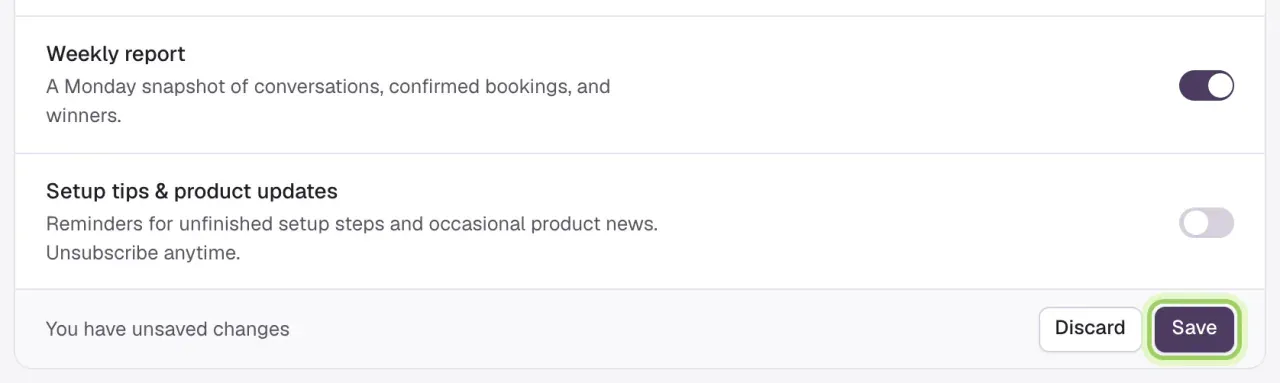
Flip the switches, then save
Turn on the emails you want and off the ones you don't. In the bar that appears, select Save, or Discard to put the switches back.
Check what was sent
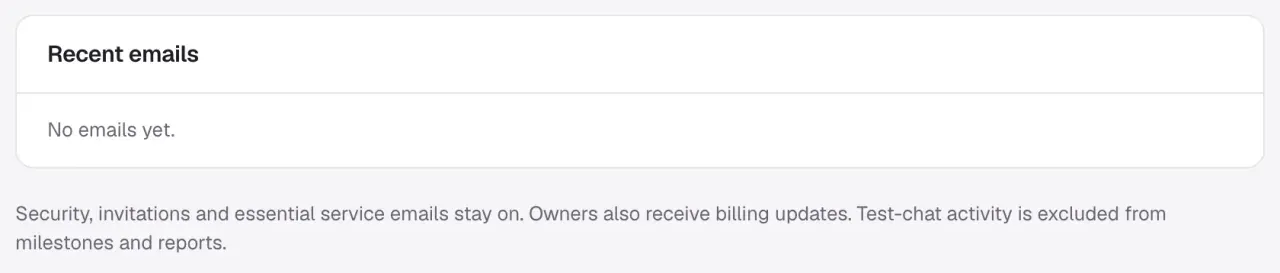
Recent emails lists what Darwin sent you, with a status: Queued (waiting to send), Sent (accepted by the email service), Delivered, or Not delivered. None of these mean the email was opened.
Setup tips follow your progress
With Setup tips & product updates on, Darwin writes about one unfinished step at a time: set up your agent, install it on your website, try a test chat, then turn on automatic testing. Steps you've finished are skipped.
- The first reminder comes at least a day after a step becomes your next one. A follow-up comes three days later, and a last offer of help four days after that. Then reminders for that step stop.
- Darwin checks your progress again just before sending, so finishing a step cancels its remaining reminders.
Good to know
- Some emails always reach you: sign-in and password emails, invitations, and essential service messages. Owners also get billing emails; admins and members don't. These include receipts, payment alerts, plan changes, and credit alerts when 80% and then all of the month's credits are used and when the first extra credit is charged. On Agency, credit alerts for the pool go to the agency's owners only.
- Every optional email has an Unsubscribe link. It turns off that kind of email for that workspace, and you can turn it back on here.
- Activity from test chats doesn't trigger milestones and isn't counted in the weekly report.
- An email missing? Check the address at the top of Email, your spam folder, and its status in Recent emails. Darwin stops sending to an address that bounced or was reported as spam. Contact support if it still doesn't arrive.