Manage your workspaces
Settings → Workspace: rename your workspace, change the website Darwin reads, switch between workspaces and create a new one with its own agent, team, plan and billing.
- In Darwin: Account menu → Workspace settingsOpen in Darwin
- Updated
A workspace is one business in Darwin: its own agent, knowledge, conversations, team, plan and billing. One login can belong to several.
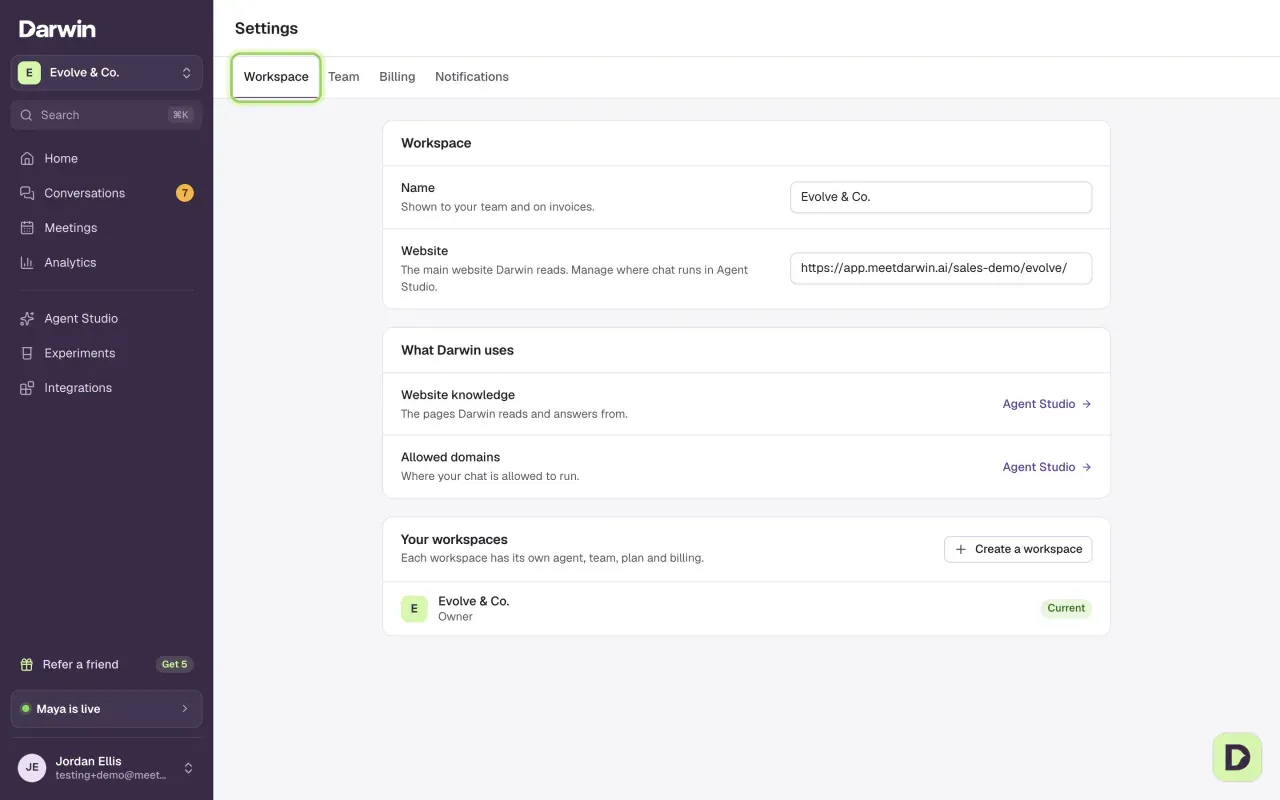
Open Workspace settings
Select your name at the bottom of the sidebar to open the account menu, then Workspace settings. Team, Billing and Notifications open the same Settings screen on their own tab.
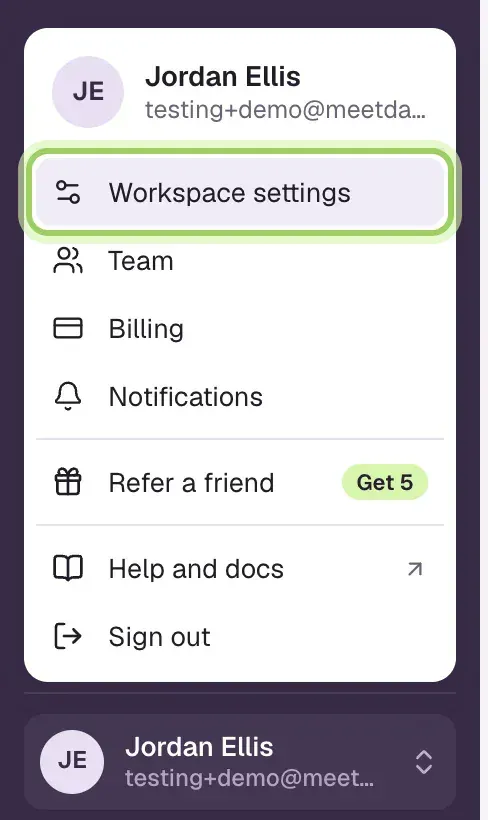
Rename the workspace or change its website
Change Name or Website. A bar appears under them: select Save to keep the change, or Discard to put it back. Owners and admins can make these changes.
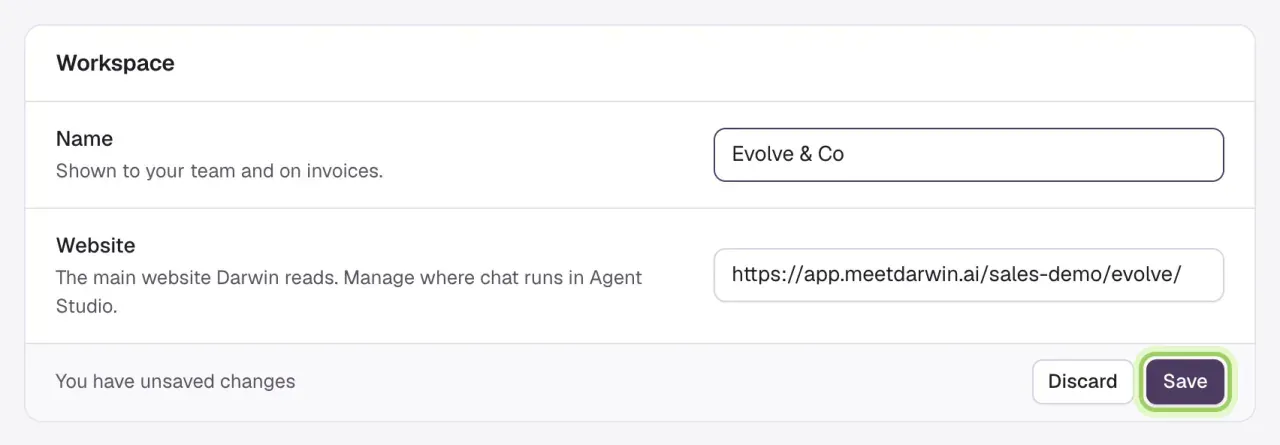
Switch to another workspace
Select the workspace name at the top of the sidebar and pick a workspace from Your workspaces. Darwin reloads in that workspace. You can also select Switch next to it in Your workspaces on this screen.
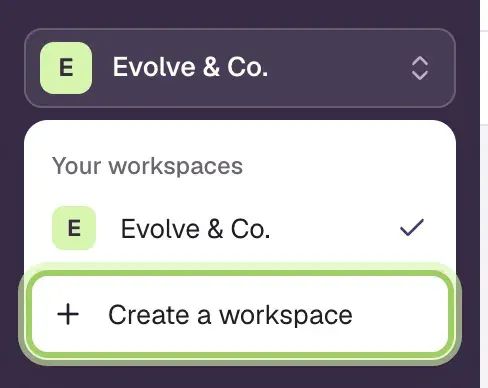
Create a workspace
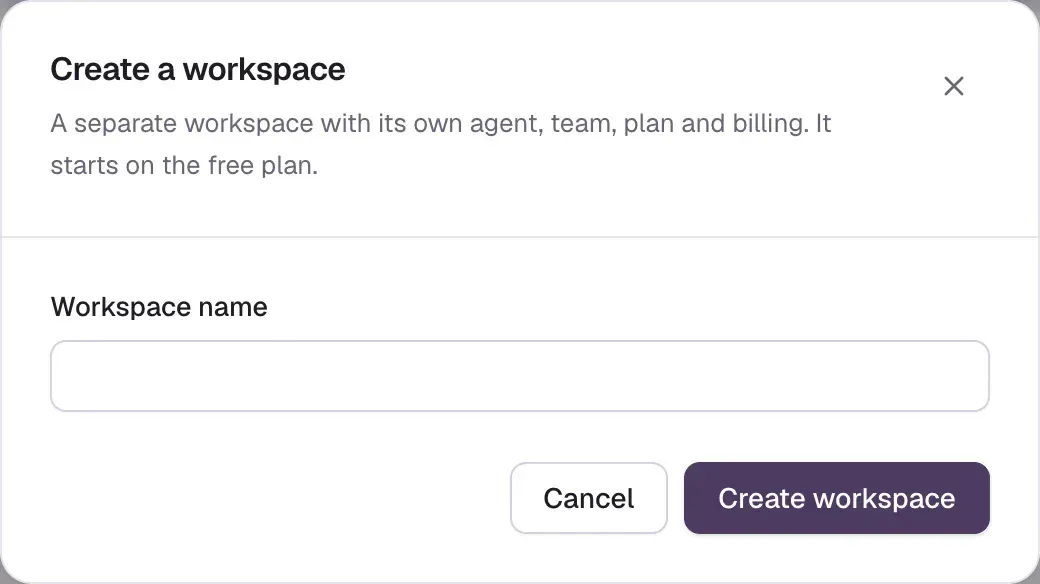
Select Create a workspace, here under Your workspaces or at the bottom of the workspace menu.

Enter a Workspace name and select Create workspace. Darwin switches to the new workspace and starts its setup.
Good to know
- A new workspace starts on Free. Only the first workspace you own gets 5 free credits, so Darwin stays paused on a further workspace's website until it has a card or a plan. It shares nothing with your other workspaces: not knowledge, allowed domains, team, card or credits. See Plans and credits.
- On Agency, a new workspace for a client can join your pool of credits instead. If you own an Agency workspace, the button reads Create workspace and asks for the Workspace type: Client workspace, billed through your agency, with the client's Website, or Separate workspace, with its own plan. You can also select Create client workspace on the Agency page. In Your workspaces, each one says Own billing, Billed through your agency, or Pays for its client workspaces.
- Name is what your team sees and what appears on invoices. The name visitors see in the chat is the agent's name, set in Agent Studio → Messages.
- Your role can differ between workspaces. Owning one doesn't make you an owner of another.
- If Darwin is open in another tab, refresh it after you switch. Darwin refuses a change sent from a tab still showing the other workspace, so it never lands in the wrong one.