Connect Google Meet
Integrations → Google Calendar → booking rules: Google Meet comes with Darwin's Google Calendar connection. Keep it as the video call and every booking gets a Meet link.
- In Darwin: Integrations → Scheduling → Google CalendarOpen in Darwin
- Updated
Google Meet has no card of its own: it comes with Google Calendar. Google adds the Meet link when Darwin creates the event, so there's no Meet account to link.
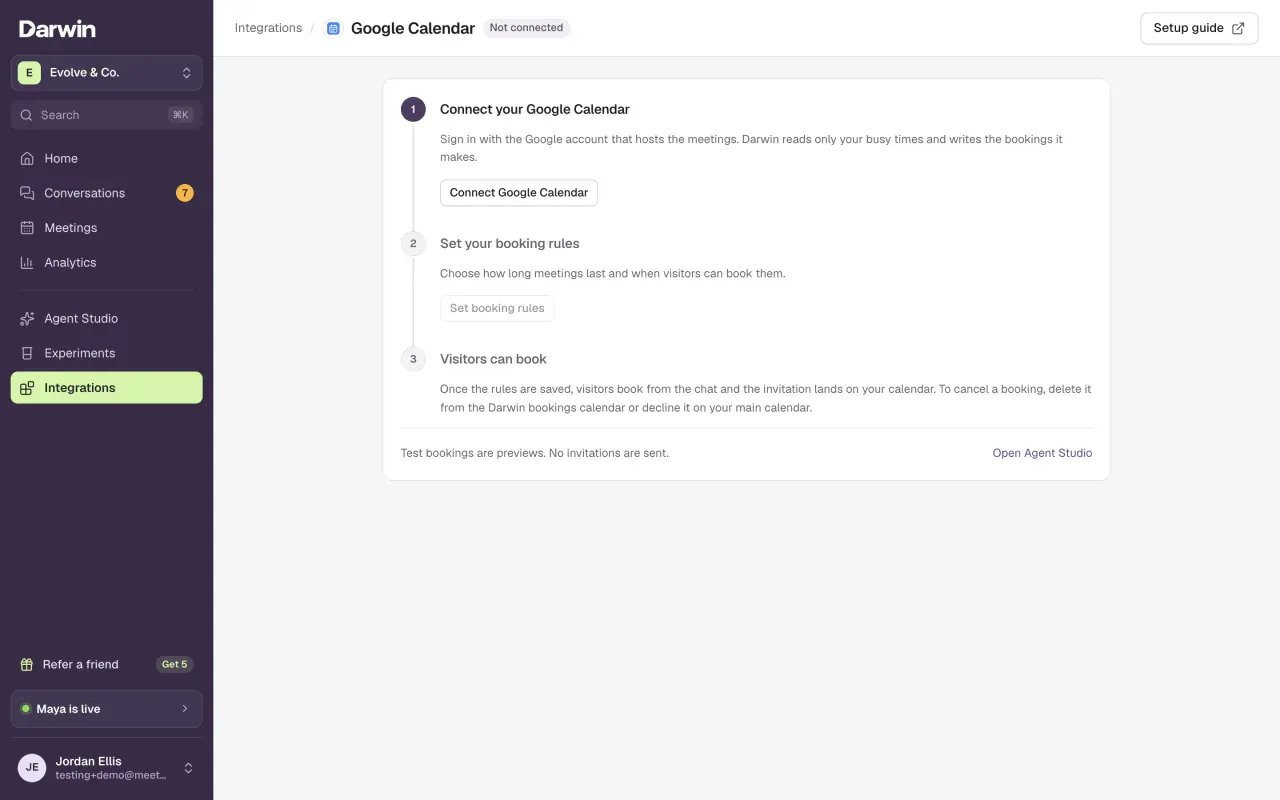
Connect Google Calendar
Open Integrations → Google Calendar and select Connect Google Calendar. That one sign-in is all Meet needs. The full walkthrough is in Connect Google Calendar.
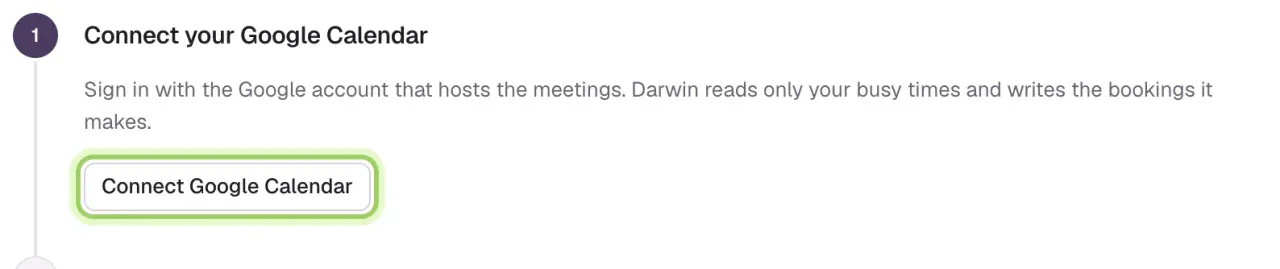
Choose Google Meet as the video call
Select Set booking rules (or Change if they're saved). Under Video call, pick Google Meet, then select Save booking rules.

Check the first booking
The saved rules show the video call. When a visitor books, open the event on your Darwin bookings calendar: the Meet link is on it, and on the invitation Google sends the visitor.
Good to know
- Meet uses the settings of the Google account you connected.
- Changing Video call to Zoom or None affects new bookings only. Existing events keep their link.
- Booking with Calendly instead? Choose a Calendly meeting type with a Google Meet location and Calendly adds the link. See Connect Calendly.