Connect Calendly
Integrations → Calendly: connect your Calendly account, choose the meeting type visitors book, and let them pick a time inside Darwin's chat.
- In Darwin: Integrations → Scheduling → CalendlyOpen in Darwin
- Updated
Connect Calendly and visitors pick a time inside the chat. Calendly creates the booking and sends the invitation.
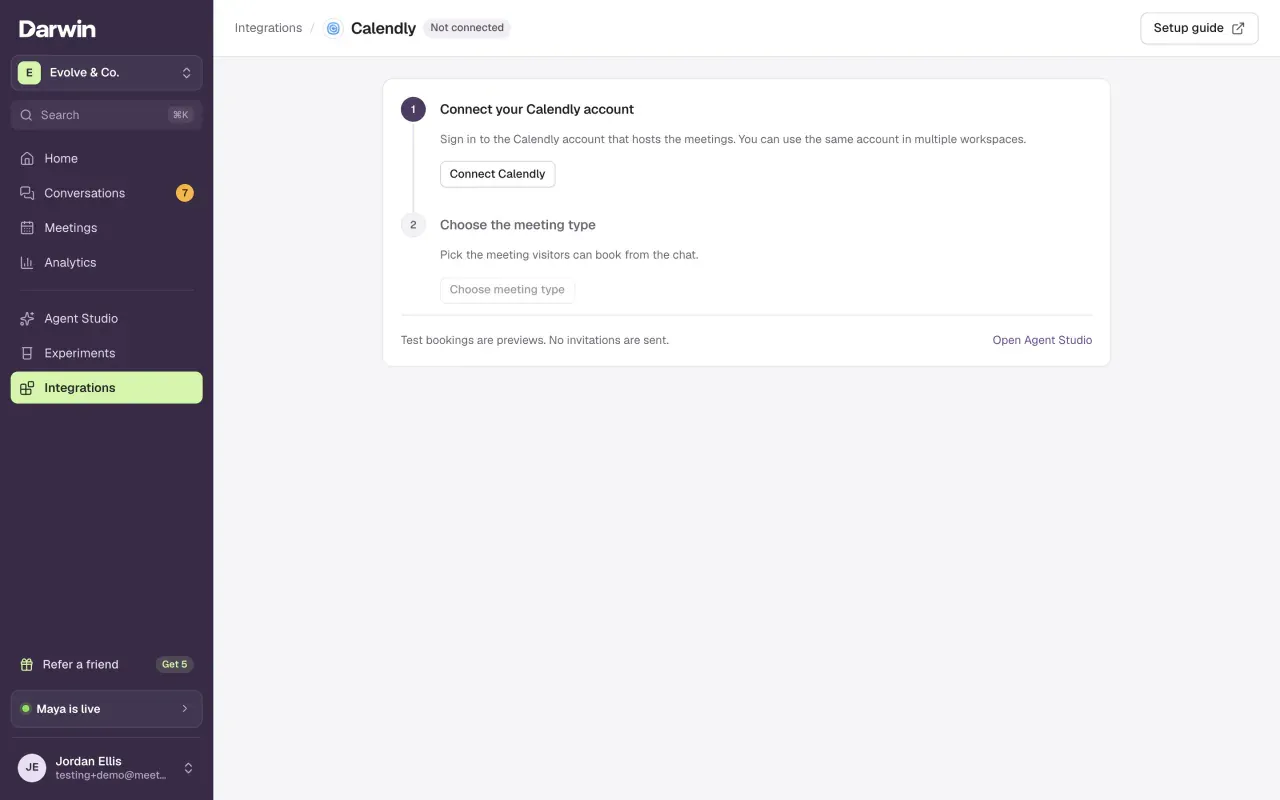
Open Calendly
Open Integrations and select Connect on the Calendly card, under Scheduling.
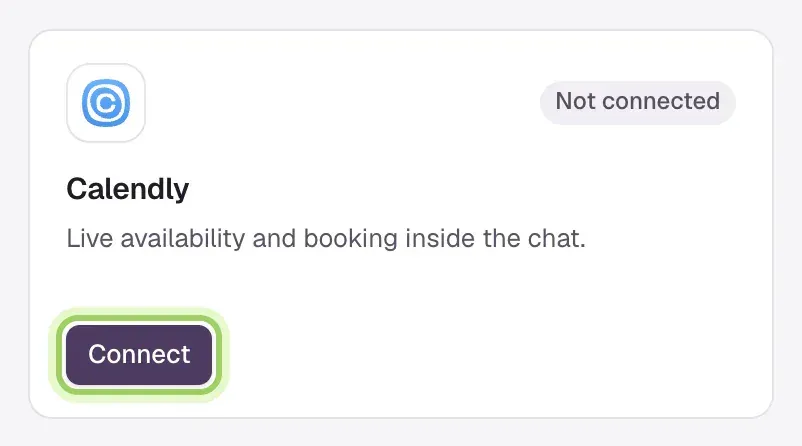
Connect your Calendly account
Select Connect Calendly. Calendly opens its sign-in page: sign in to the account that hosts the meetings and approve the permissions it lists. You come back to Darwin, and step 1 shows the account's name and email.

Choose the meeting type
Select Choose meeting type, pick the meeting visitors can book, then select Use this meeting. From now on Calendly handles new bookings from the chat.

Meeting types Darwin can't book show unavailable in the list, with the reason under it. Darwin books single-host, one-to-one meetings that don't take a payment and have one Google Meet or Zoom location. Calendly creates the video link itself.
Check it
The top of Integrations now says Calendar: Calendly in use with your meeting type. To try the flow, select Open Agent Studio and ask the preview to book a meeting. Test bookings are previews, so no invitation is sent.
When the connection needs attention
The card and the top of Integrations show what to do:
- Choose a meeting type (the card shows Finish connection): the account is connected but no meeting is chosen yet. Do step 3.
- Finish connection beside the account: Darwin couldn't turn on booking confirmations from Calendly. Select Finish connection to try again.
- Reconnect needed: Calendly no longer accepts the saved connection. Select Reconnect Calendly and sign in again.
If the warning stays, contact support with the workspace name and the message you see.
Good to know
- Calendly Standard or higher is needed. Change hours, calendar conflicts, duration and invitation details in Calendly; select Change in Darwin to pick another meeting type.
- One Calendly account can serve several Darwin workspaces. Connect it in each one; each records the bookings from its own chat.
- One provider handles new bookings at a time. Saving Google Calendar booking rules or a RevenueHero link switches bookings to that provider.
- Disconnect stops new bookings in this workspace. Other workspaces and existing invitations are not changed.