Connect Slack
Post a Slack message when a visitor asks for a person in Darwin's chat, through Zapier: Darwin's Visitor Asked for a Person trigger and Slack's Send Channel Message action.
- In Darwin: Integrations → CRM & automation → ZapierOpen in Darwin
- Updated
Post to a Slack channel the moment a visitor asks to talk to a person, so someone can step in while they're still on your site. This runs through Zapier: Darwin's Zapier app starts the Zap and Slack's Zapier app does the work.
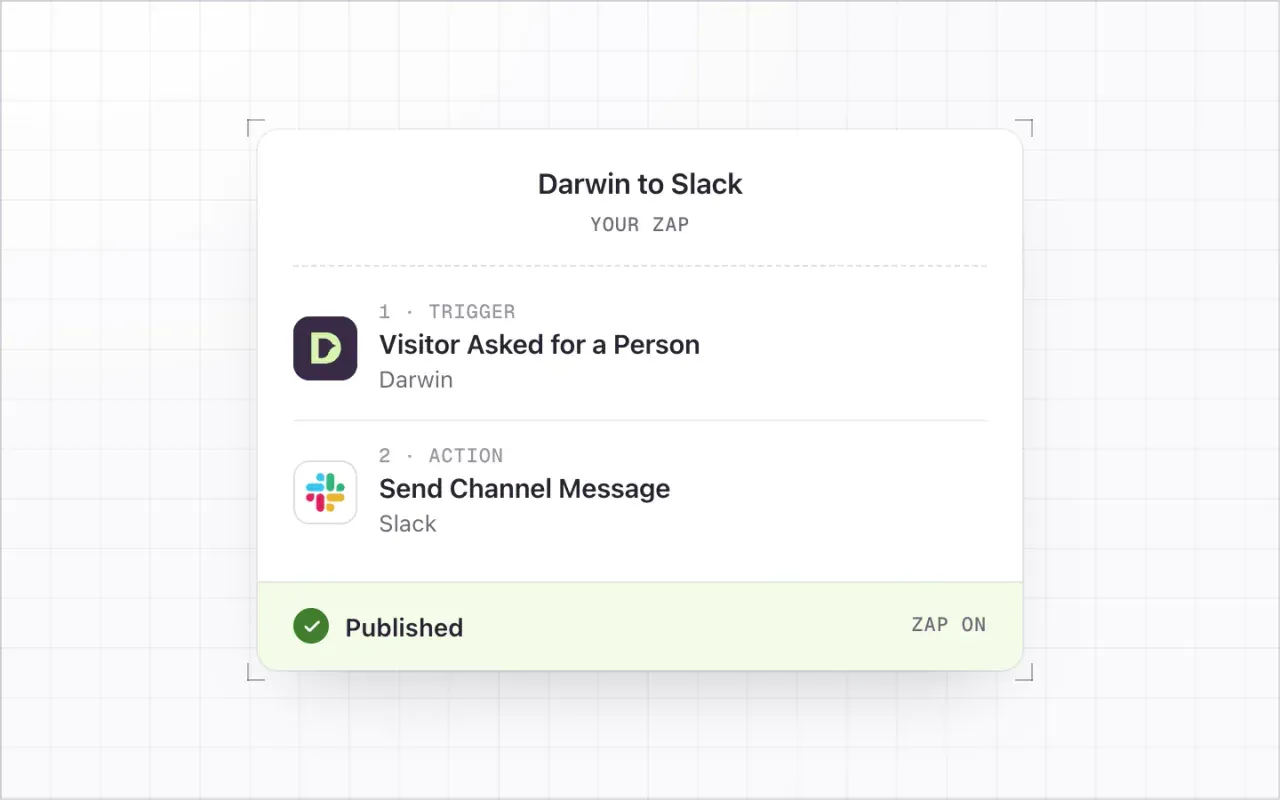
You need: A Zapier account (the free plan works for this two-step Zap) and permission to add apps to your Slack workspace. If your workspace restricts apps, an admin may need to approve Zapier.
Add Darwin to Zapier
In Darwin, open Integrations and select Connect on the Zapier card. Select Add Darwin to Zapier (1) while signed in to Zapier and accept the invite. Darwin is in private beta on Zapier, so the invite adds it to your account.
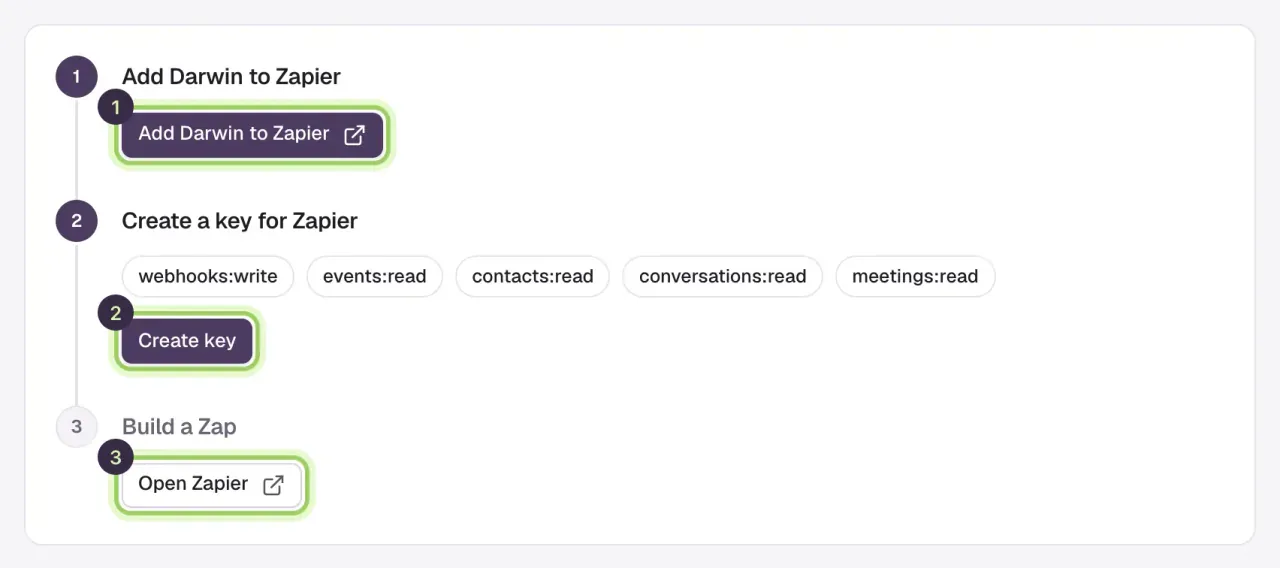
Create a key for Zapier
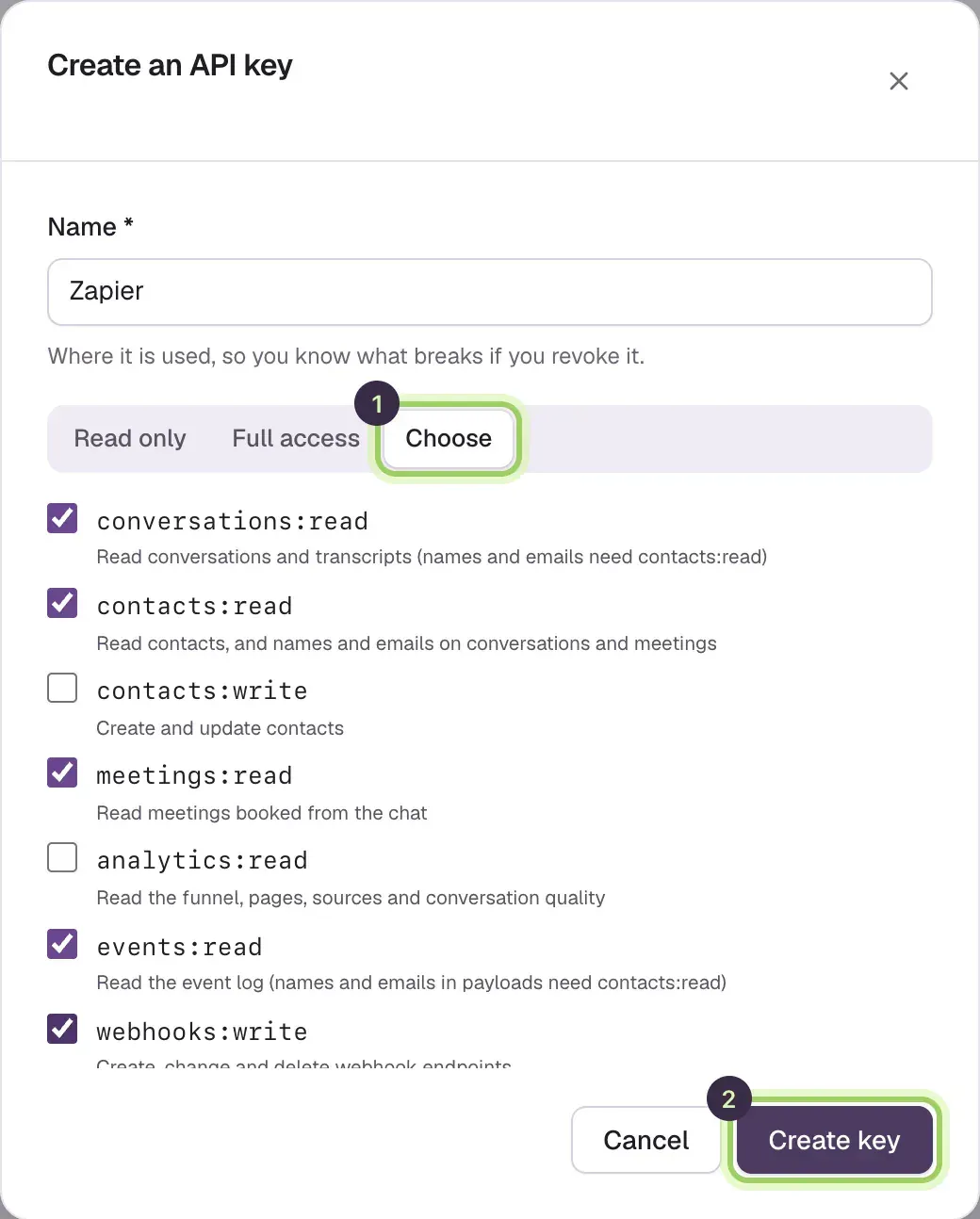
Select Create key (2). In Integrations → API, name the key Zapier, select Choose and tick the scopes Darwin lists, then select Create key and copy it. Darwin shows it only once.
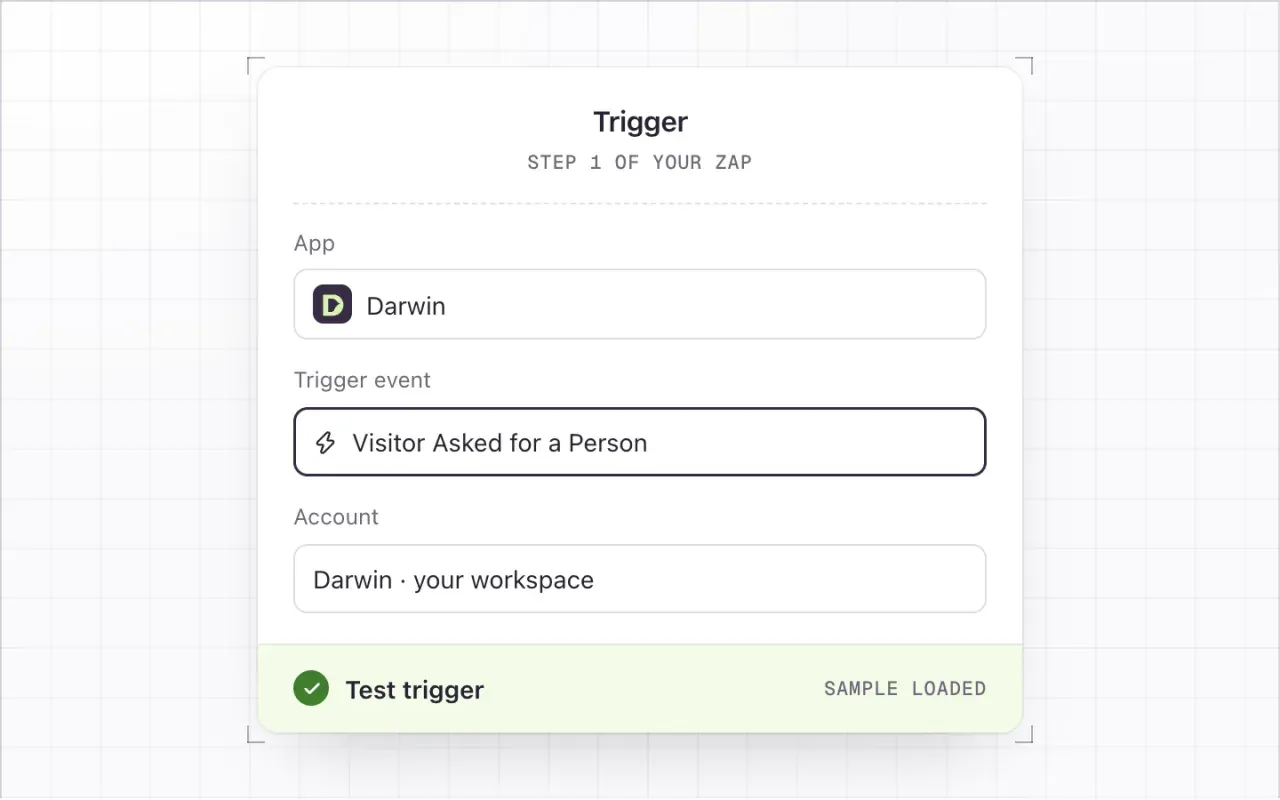
Start the Zap with Darwin's Visitor Asked for a Person trigger
In Zapier, create a Zap. Choose Darwin as the app and Visitor Asked for a Person as the trigger event. Connect your Darwin account by pasting the key, then select Test trigger to load a sample with the visitor's details and why they asked for a person.
Add Slack's Send Channel Message action
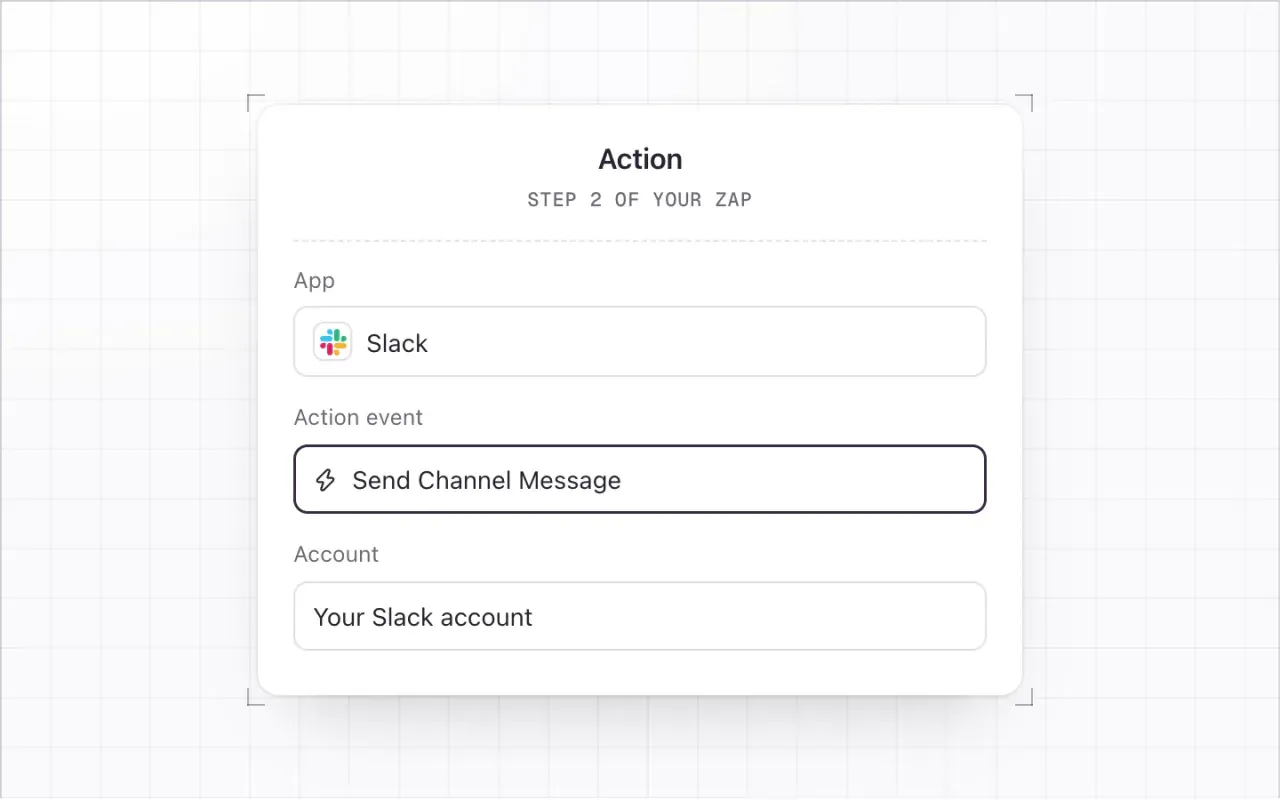
Add an action step. Choose Slack as the app and Send Channel Message as the action event, then connect your Slack account.
Map the fields
Pick a Channel such as
#sales. For Message Text, combine Darwin's fields, for example:{{Full name}} ({{Email}}) asked for a person on {{Page URL}}: {{Why they asked for a person}}. Open the chat: {{Darwin url}}. Set Bot Name toDarwin.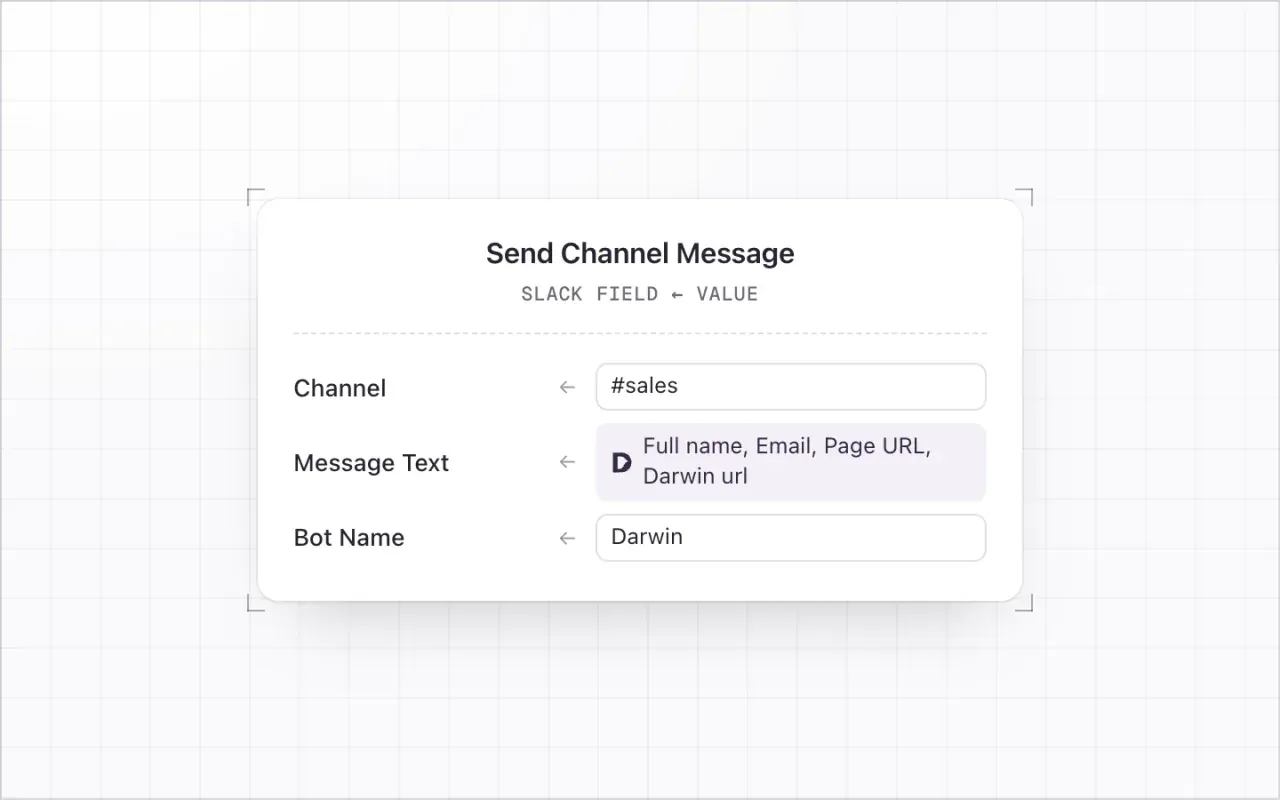
Test and publish
Select Test step and check the result in Slack. Then select Publish. Back in Darwin, Build a Zap lists the Zap with its event; Open Zapier manages it.
Good to know
- More alerts worth a Zap each: New Lead to
#leads, Meeting Booked to your team channel, Opening Test Winner to marketing. - To message one person instead of a channel, use Send Direct Message.
- Zaps act on new events from the moment you publish. Earlier leads are in Conversations, which you can export as a CSV.
- Chats in Agent Studio's preview never start a Zap. Test with a real chat on your website, or with the sample from Test trigger.