Find anything with Search
Search (⌘K): jump to any screen or report, start a common task such as following up with leads, or search your chats by name, email, page or question.
- In Darwin: Search, at the top of the sidebarOpen in Darwin
- Updated
Search at the top of the sidebar takes you anywhere in Darwin from the keyboard: any screen or report, a common task, or the chats that mention a name, email, page or question.
Open Search
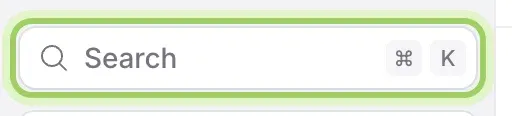
Select Search at the top of the sidebar, or press ⌘K (Ctrl+K on Windows) from any screen.
Go to a screen
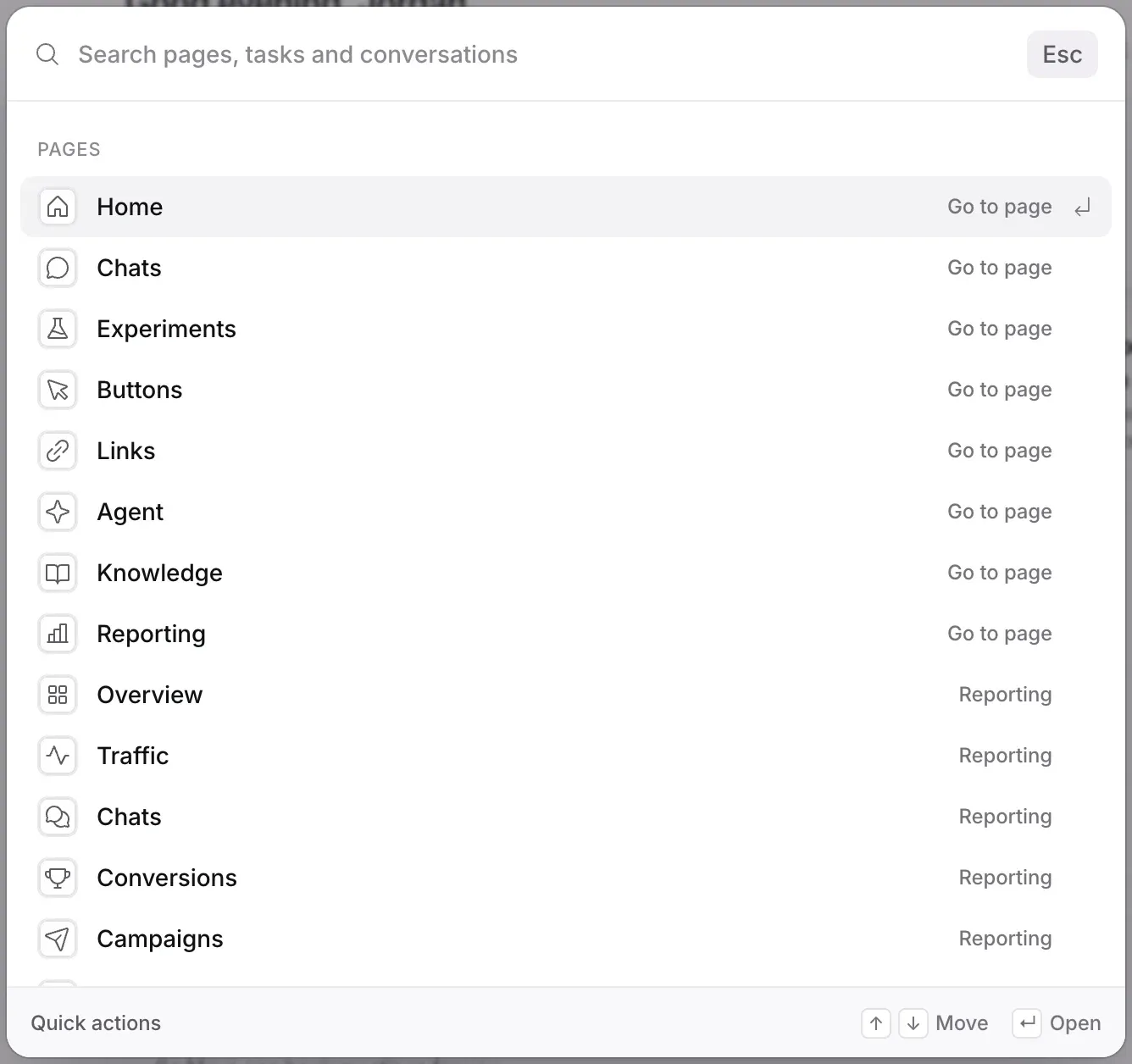
With nothing typed, Search lists every screen under Pages, from Home to each report in Reporting. Use the arrow keys to move and Enter to open one.
Start a task or search your chats
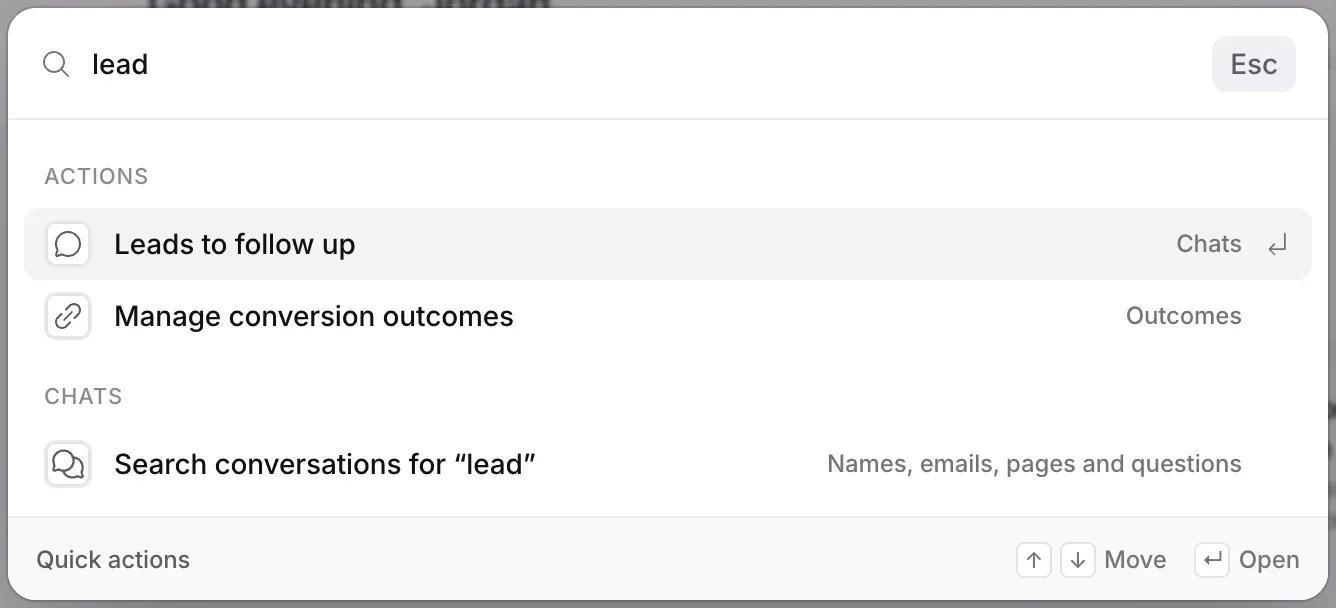
Start typing to narrow the list. Actions offers common tasks, such as Leads to follow up or Connect a calendar. The last line, Search conversations for what you typed, opens Chats with that search, matching names, emails, pages and visitors’ questions.
Good to know
- Press Esc to close Search without going anywhere.
- To ask a question rather than find a screen, use Ask Darwin.