Help visitors who want a person
Chats → Wants a person: find the visitors who asked to talk to someone on your team, see why they asked, and reply. Post each request to Slack through Zapier.
- In Darwin: Chats → Wants a personOpen in Darwin
- Updated
When a visitor asks to talk to a person, your agent records the request with their reason, tells them it’s recorded for your team, and asks for their email if it doesn’t have one. It does the same when someone says it isn’t helping, or asks about their own account, billing, or a legal or tax question it shouldn’t answer. Those chats wait for you in Chats → Wants a person.
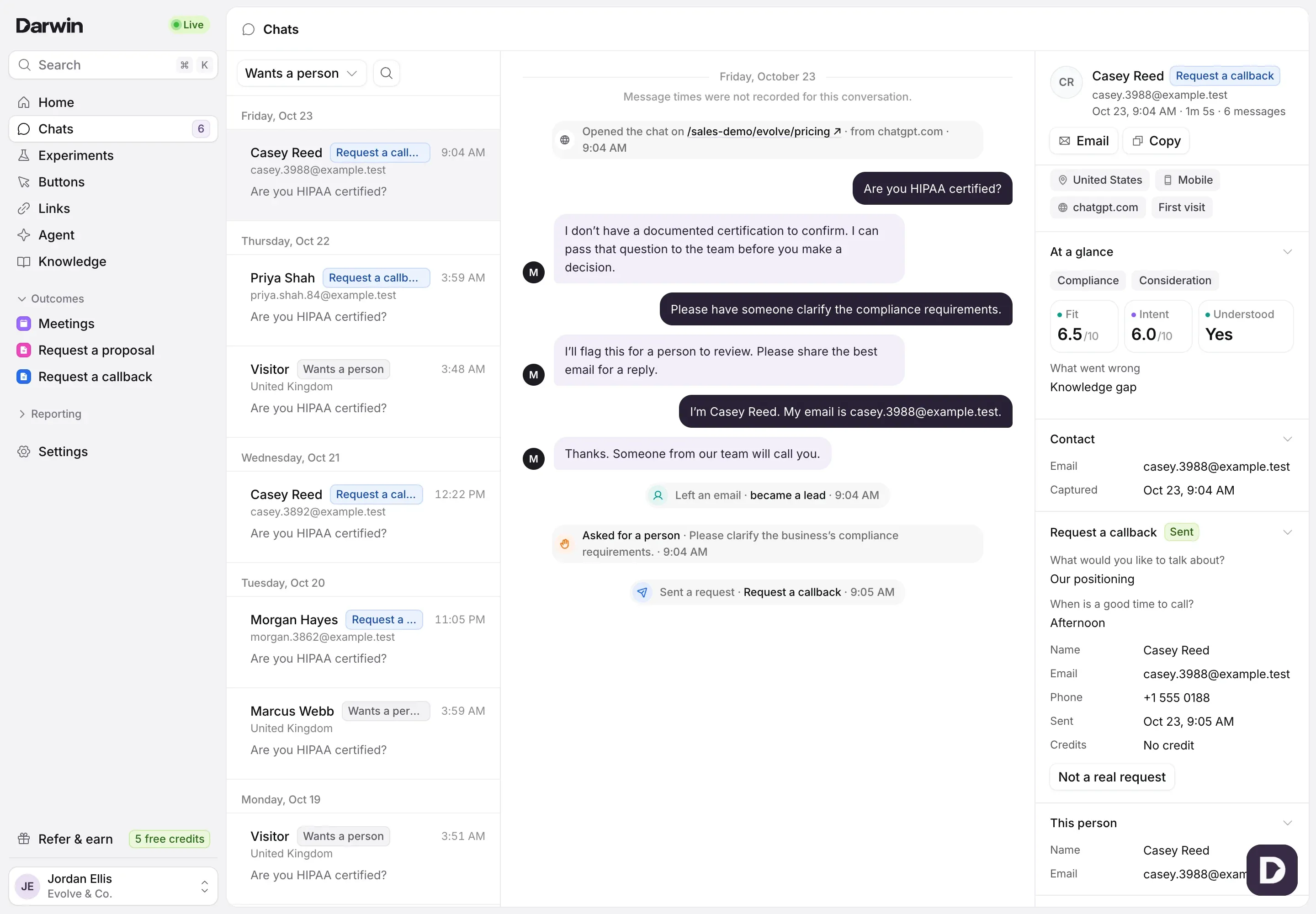
Open the requests
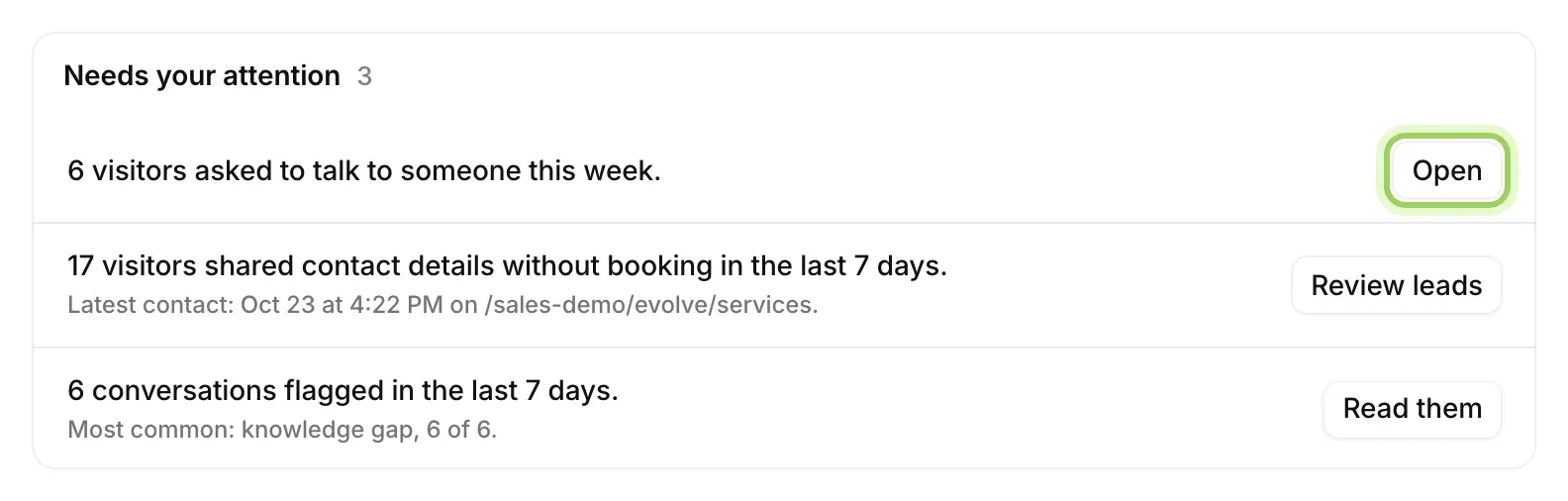
In Chats, switch the view at the top of the list to Wants a person. The newest request is first. Home’s Needs your attention shows how many visitors asked this week, with Open.
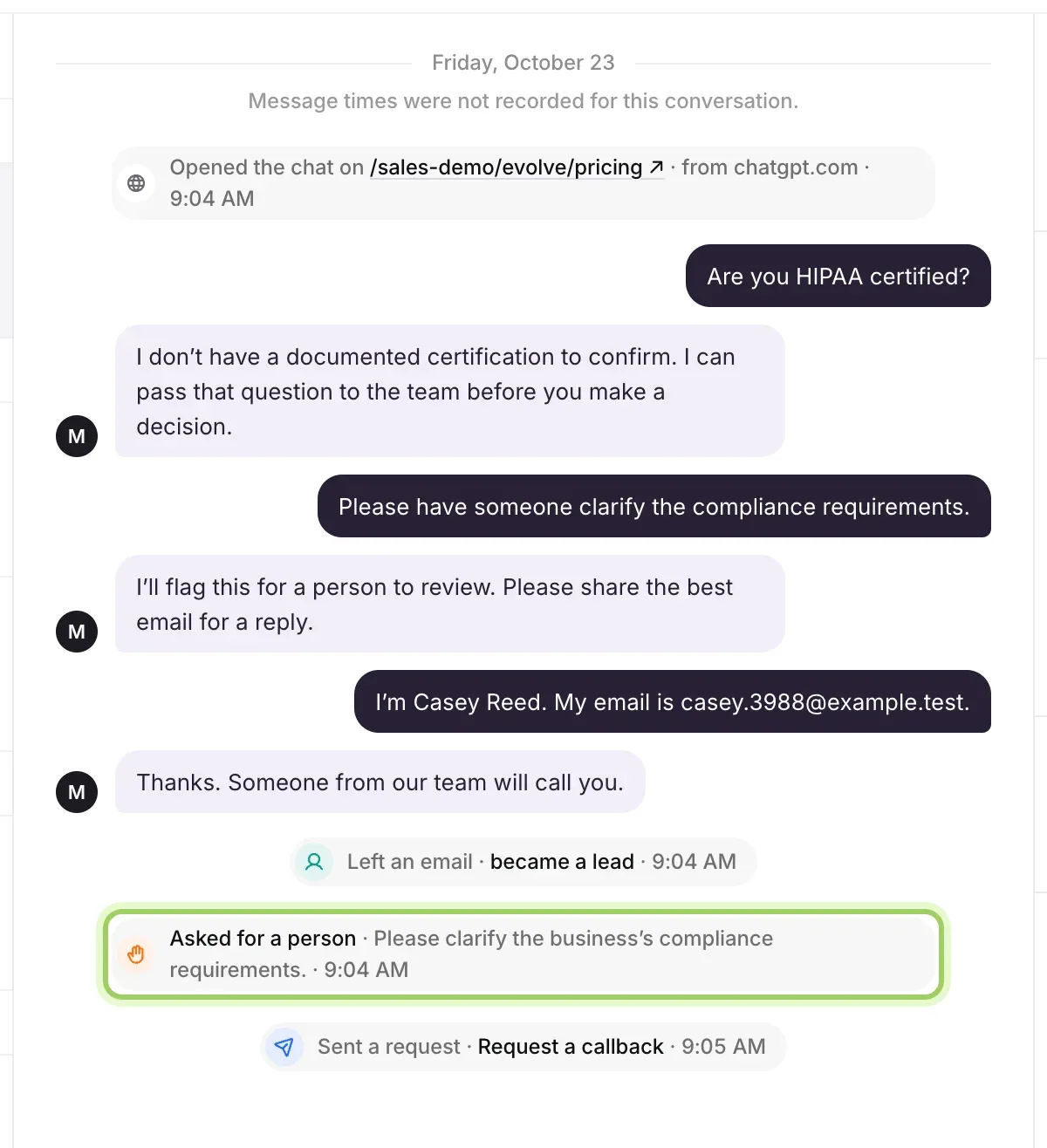
See why they asked
Select a chat. The line Asked for a person in the conversation gives their reason and when they asked. Whatever else came of the chat, such as an email or a form they sent, shows in the lines around it.
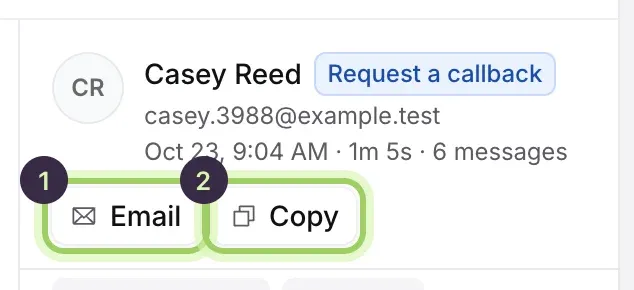
Reply
If they left an email, select Email (1) on the right to reply from your own email app, or Copy (2) to paste the chat into a note for a colleague.
Get told the moment someone asks
Darwin doesn’t send an email for each request. To get one in Slack as it happens, use Zapier’s Visitor Asked for a Person trigger: see Post requests for a person to Slack.
Good to know
- Your agent doesn’t promise visitors a follow-up or a reply time, so reply when you can.
- Opening a chat doesn’t join the visitor’s conversation.
- The Chats report counts these requests as Asked for a person. See Chats report.