Refer & earn
Refer & earn: share your invite link or invite friends by email. Each friend starts with free credits and no card, and you get free credits when their Darwin goes live, up to a set number of friends.
- In Darwin: Refer & earnOpen in Darwin
- Updated
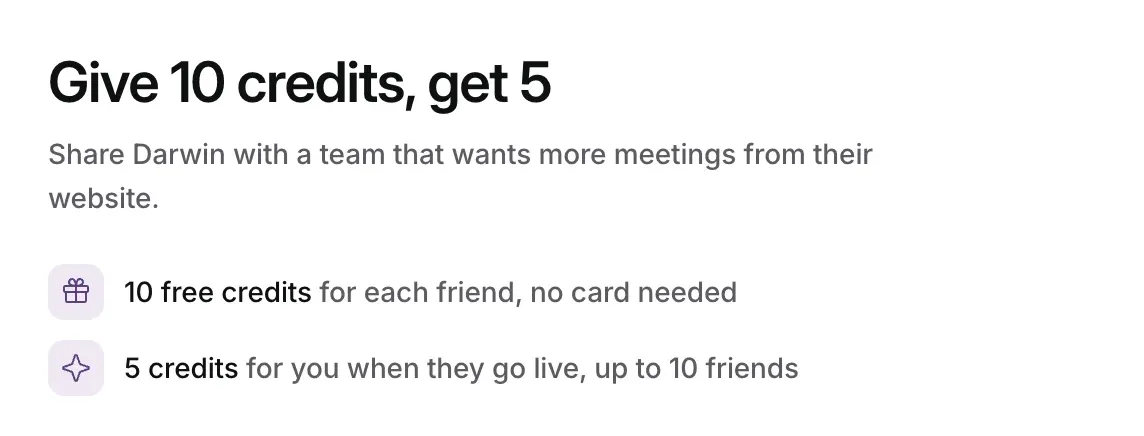
Refer & earn lets you invite other teams to Darwin. Each friend starts with free credits and no card, and your workspace gets free credits once their Darwin is live on their own website. The page shows today's amounts, such as Give 10 credits, get 5.
Open Refer & earn
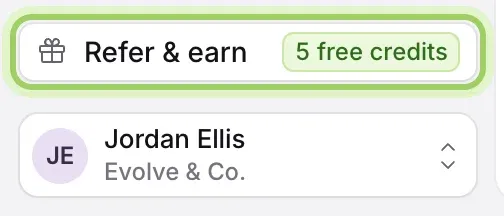
Select Refer & earn near the bottom of the sidebar, just above your name. The chip beside it shows what you get for each friend.
Share your link
Select Copy invite link at the top right, or Copy beside your link on the page, and paste it wherever you like: a message, an email, a post. Anyone new to Darwin who signs up with it counts as your friend.

Or invite friends by email
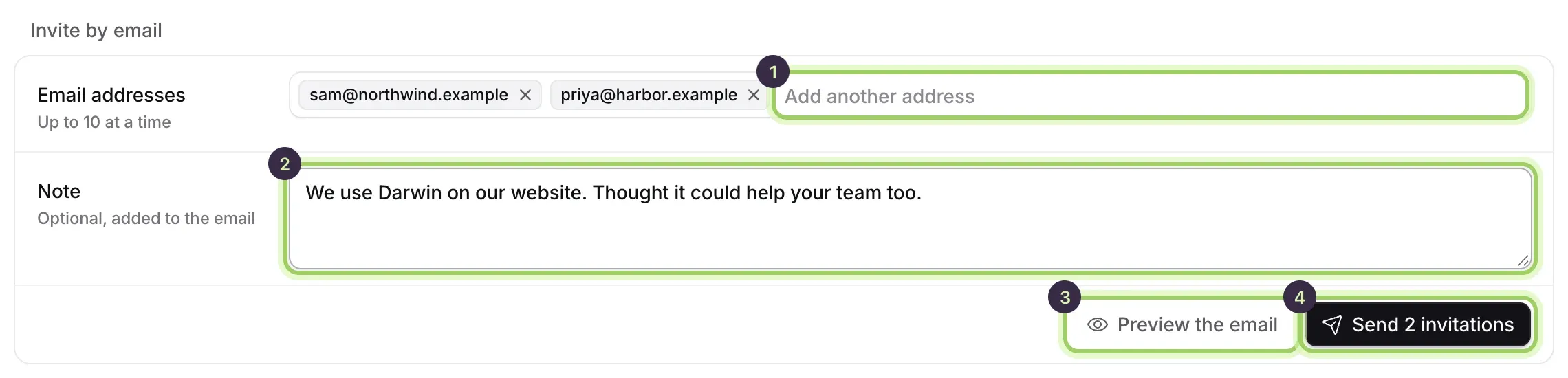
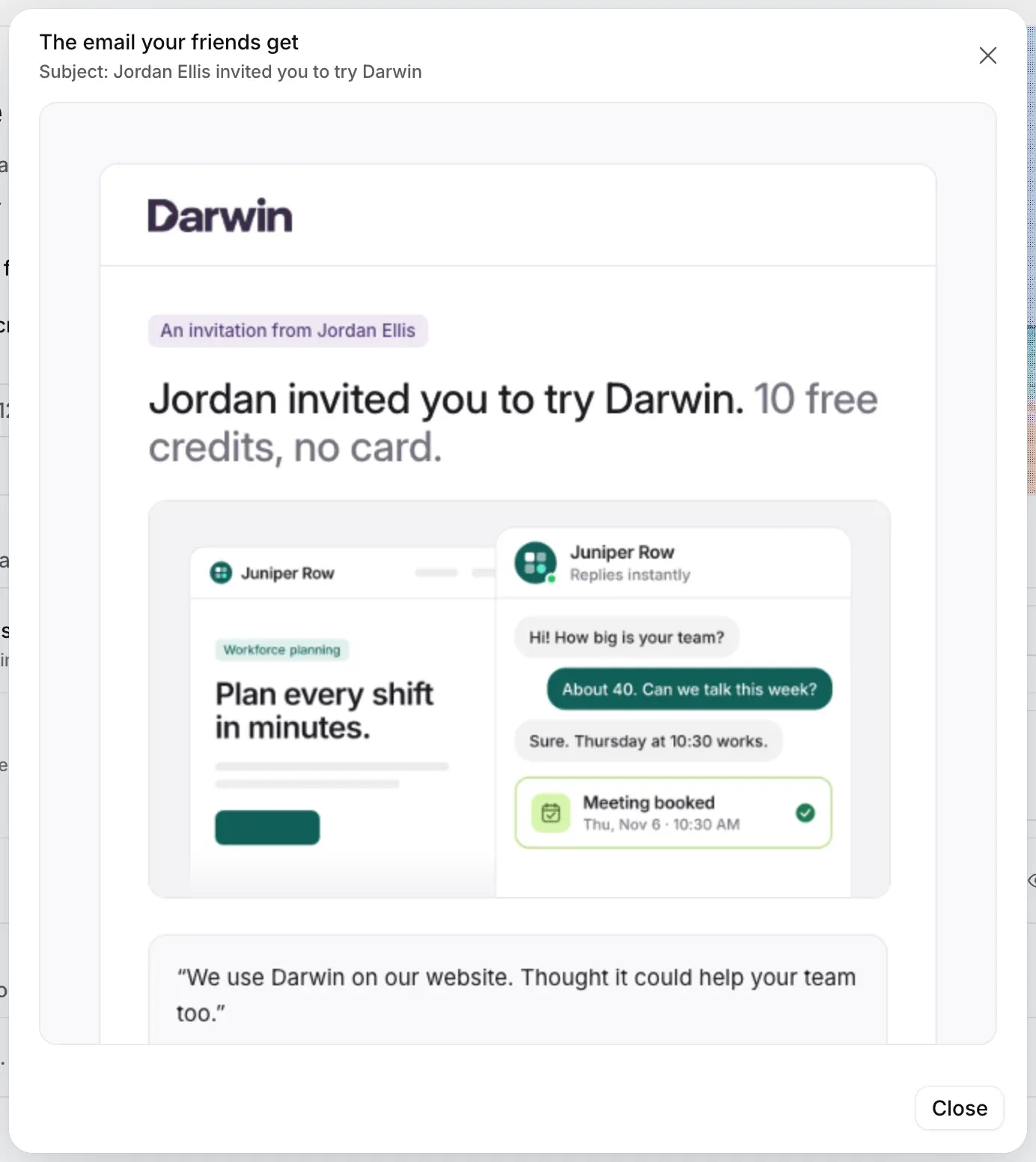
Under Invite by email, type an address in Email addresses (1) and press Enter; add up to 10 at a time. Add an optional Note (2), which goes into the email. Preview the email (3) shows what they'll get. Then select Send invitation, or Send 2 invitations for two (4).
After sending, each address shows what happened, such as Invitation sent, Already on Darwin, so they can't be referred, or Someone else invited them this week.
Follow your invitations
Your invitations lists every friend you invited and everyone who signed up with your link, with the date and a status: Invited, Confirming their email, Signed up · not live yet, Live, Live · reward limit reached or Not eligible. The line above it counts how many friends you've been rewarded for and the credits you've earned.

When you get your credits
Your free credits arrive once your friend's Darwin is live on their own website: Darwin has found it installed there and it's switched on. Each friend counts once, and the page says how many friends you can be rewarded for. After that limit, friends still get their free credits.
Free credits are used after your plan's credits and before any extra credit is charged. See Plans and credits.
Good to know
- You can only refer people new to Darwin. An address that already has an account is never emailed and never earns a reward, and neither does a friend on your own website.
- Nobody gets more than one invitation a week, and you can send up to 30 a day across your workspaces. Addresses that unsubscribed or bounced are skipped.
- A note can't contain links: the email already has the button your friend needs.
- In an Agency client workspace, the credits go to the agency's pool.
- If the page says Refer & earn is paused right now, your link and invitations work again when it's back.