Knowledge report
Reporting → Knowledge: pages your agent learned, pages failing or stale, the questions it couldn’t answer by topic, how often it understood visitors, and the pages it looked up.
- In Darwin: Reporting → KnowledgeOpen in Darwin
- Updated
The Knowledge report answers whether your agent knows enough: what it couldn’t answer, and which pages it learned, failed to read or hasn’t read in a while.
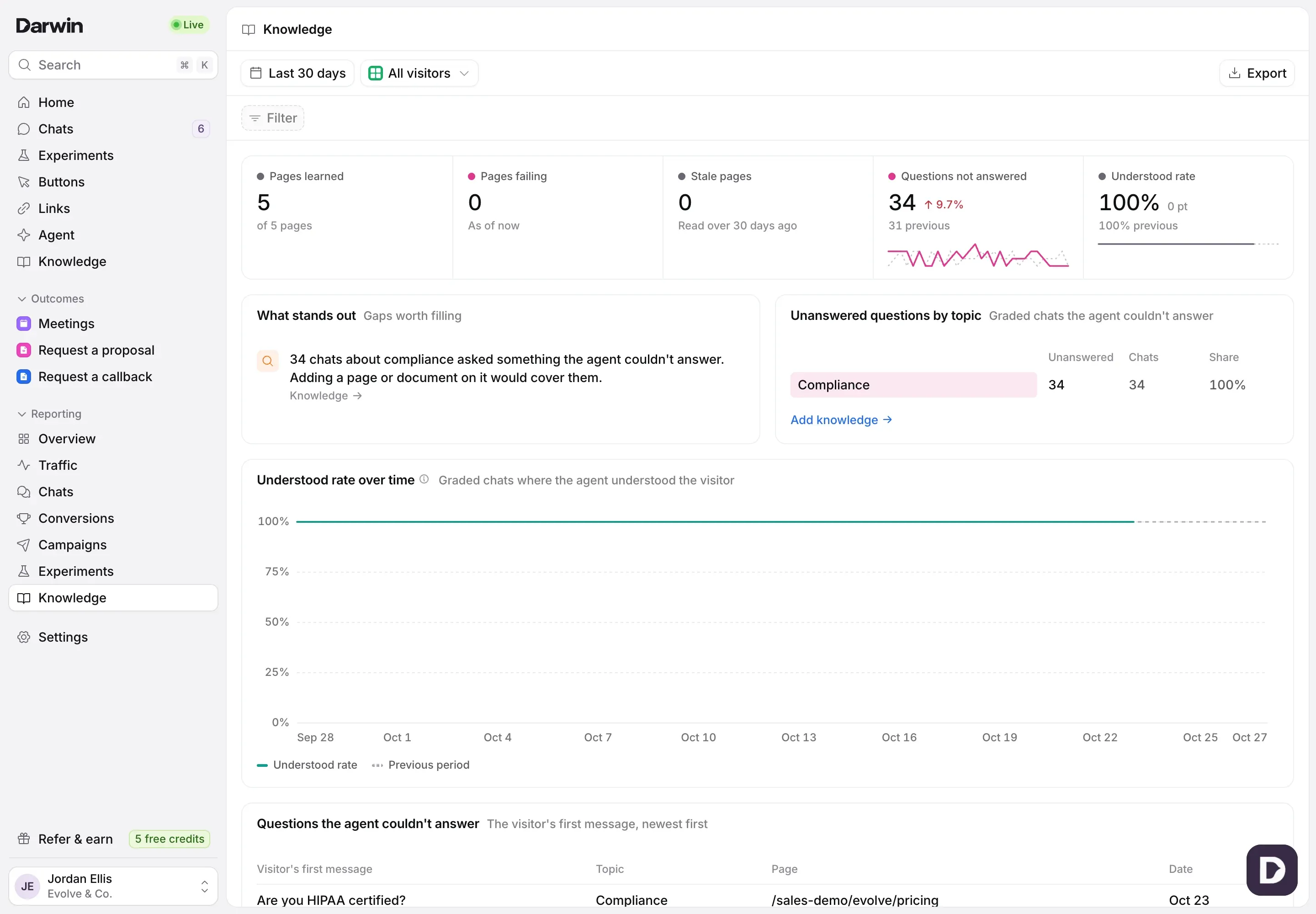
Open the report
Open Reporting in the sidebar and select Knowledge. It opens on Last 30 days; change the range, filter or view at the top as on every report. See Understand your results in Reporting.
Read the numbers
Pages learned counts the pages and documents your agent can answer from now. Pages failing are pages it couldn’t read. Stale pages are website pages last read more than 30 days ago; documents you uploaded never go stale. Questions not answered and Understood rate come from graded chats.

Find the gaps
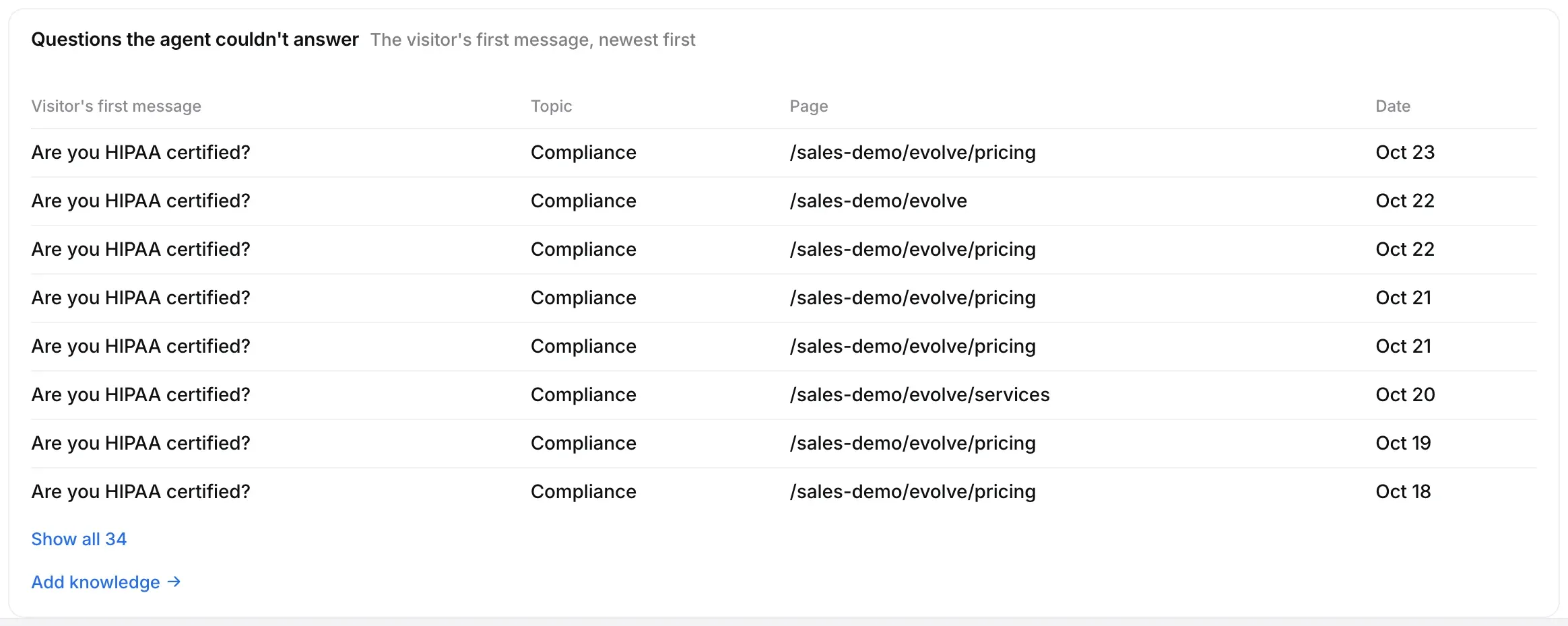
Unanswered questions by topic shows which topics your agent couldn’t answer, with their share of all chats. Questions the agent couldn’t answer lists each one in the visitor’s own words, with the topic, page and date. Select a row to read the chat, or Add knowledge to fill the gap.
Check your pages
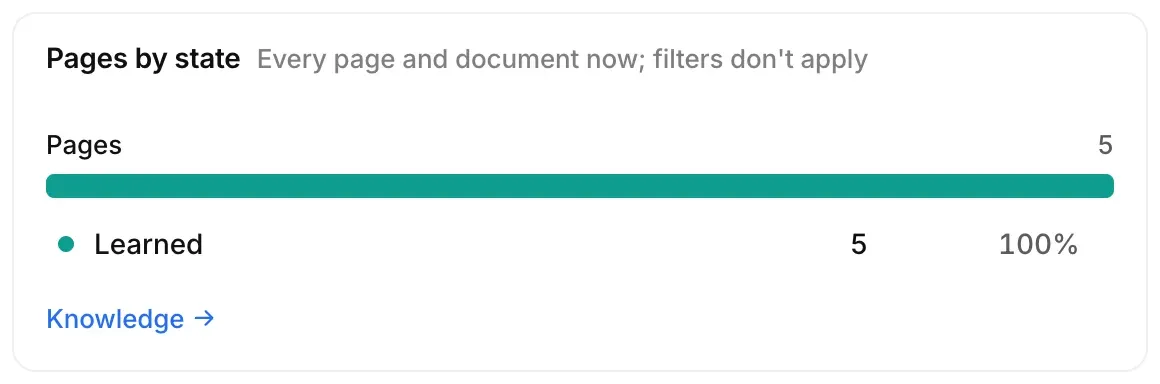
Pages by state counts every page and document now: learned, stale, waiting to be read or failing. Failing pages says what went wrong with each, and Recently read lists pages read or re-read in the range. Select a row to open Knowledge.
Good to know
- Pages by state, Failing pages and Recently read show your pages as they are now; filters don’t apply to them.
- Pages the agent looked up lists pages that came up in your agent’s searches during chats, once there are some.