Experiments report
Reporting → Experiments: tests running, pages and visitors in tests, winners applied and their lift, openings ranked by booking-step rate, and visitors in tests against the rest.
- In Darwin: Reporting → ExperimentsOpen in Darwin
- Updated
The Experiments report answers whether testing is lifting your results: how much of your traffic is in tests, which openings do best, and what the winners changed.
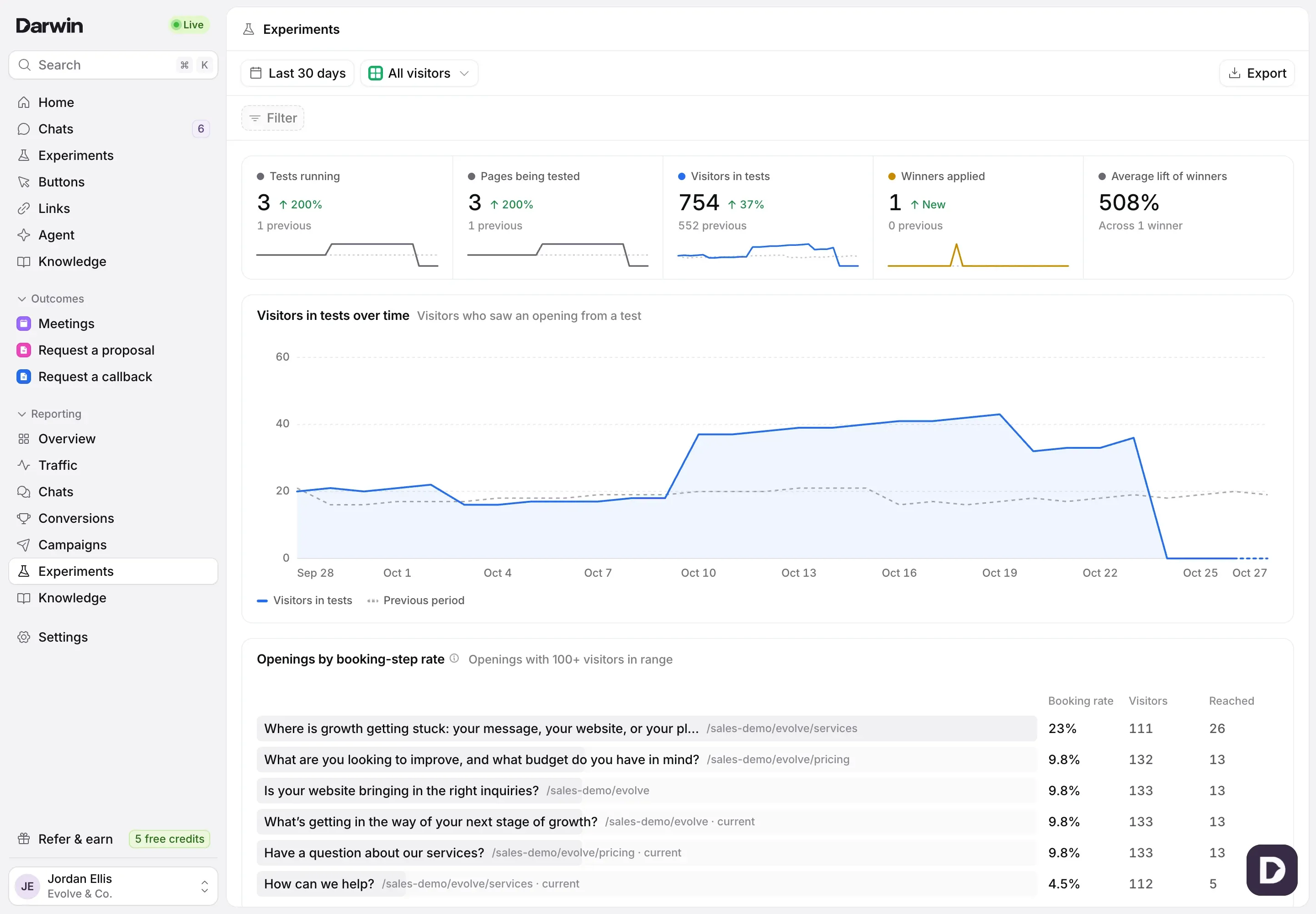
Open the report
Open Reporting in the sidebar and select Experiments. It opens on Last 30 days; change the range, filter or view at the top as on every report. See Understand your results in Reporting.
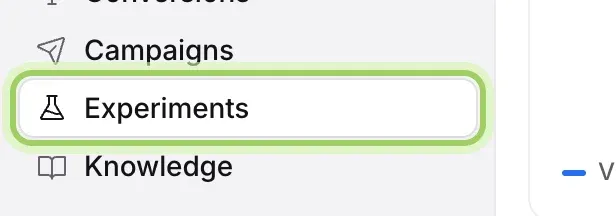
Read the numbers
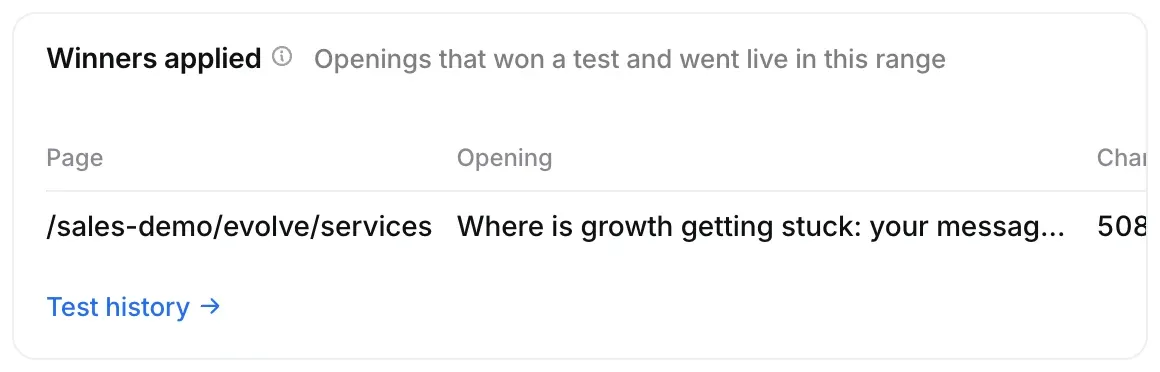
Tests running counts tests that showed an opening in the range. Pages being tested and Visitors in tests count the pages and visitors that saw a test opening. Winners applied counts winning openings that went live, and Average lift of winners is how many more visitors they got to the booking step than the openings they replaced.

Rank your openings
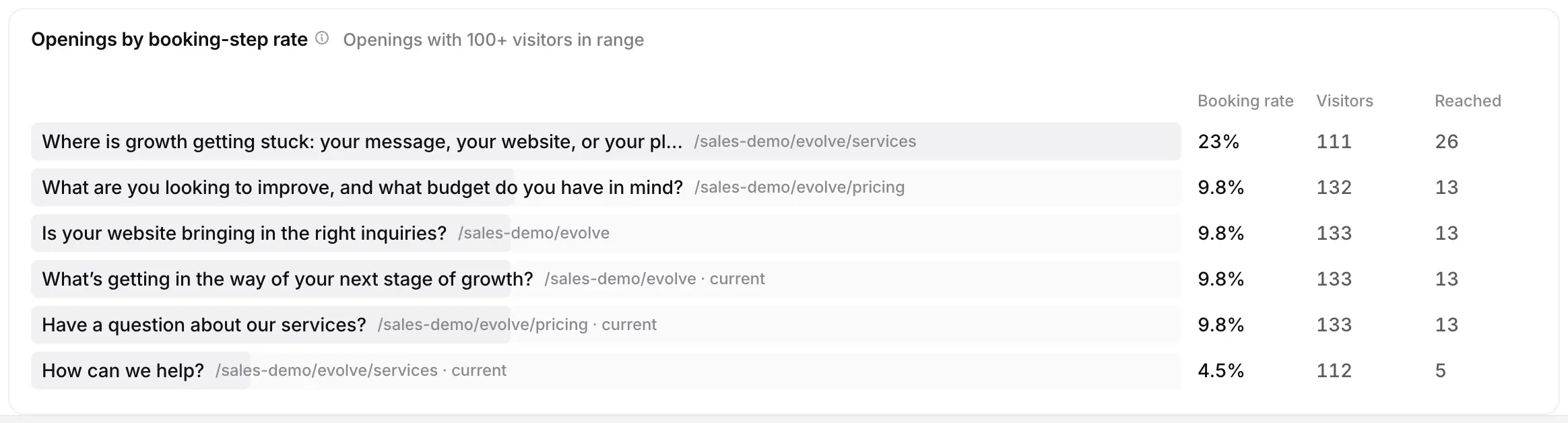
Openings by booking-step rate lists openings seen by 100 or more visitors, by the share who reached the booking step: they saw booking times, asked for a meeting or booked. Your current openings are marked current.
See where your tests stand
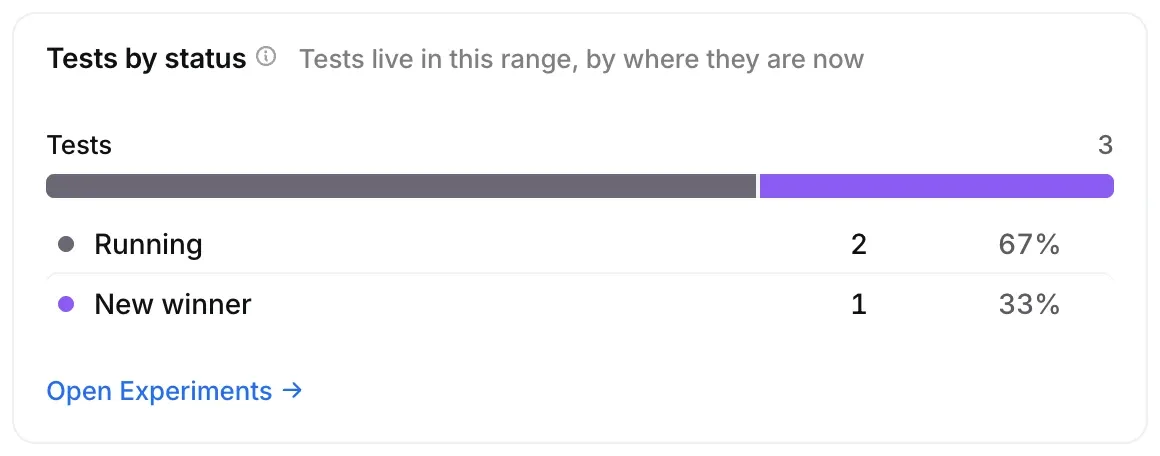
Tests by status splits tests into running, winner ready, paused, new winner and kept current. In tests vs not compares the conversion rate of visitors who saw a test opening with those who didn’t.
Look at the winners
Winners applied lists the openings that won and went live in the range, with the page, the opening, the change and when it was applied. Test history opens Experiments → History.
Good to know
- In tests vs not isn’t a controlled comparison: tests run on the pages chosen for them. Each test’s own current opening is the fair comparison; see Review tests and apply winners.
- Winners applied and Tests by status count every test in your workspace; filters don’t change them.