Write your business context
Knowledge → Business context: edit the summary Darwin wrote from your website and add what your pages leave out, such as who you help, how pricing works, when a meeting is worth booking and what you don’t offer.
- In Darwin: Knowledge → Business contextOpen in Darwin
- Updated
Business context is a summary of your business that your agent reads alongside your pages. Darwin writes the first version from your website; you keep it right and add what your site leaves out.
Open Business context
Select Knowledge in the sidebar, then Business context above the table. The panel shows the summary Darwin wrote.
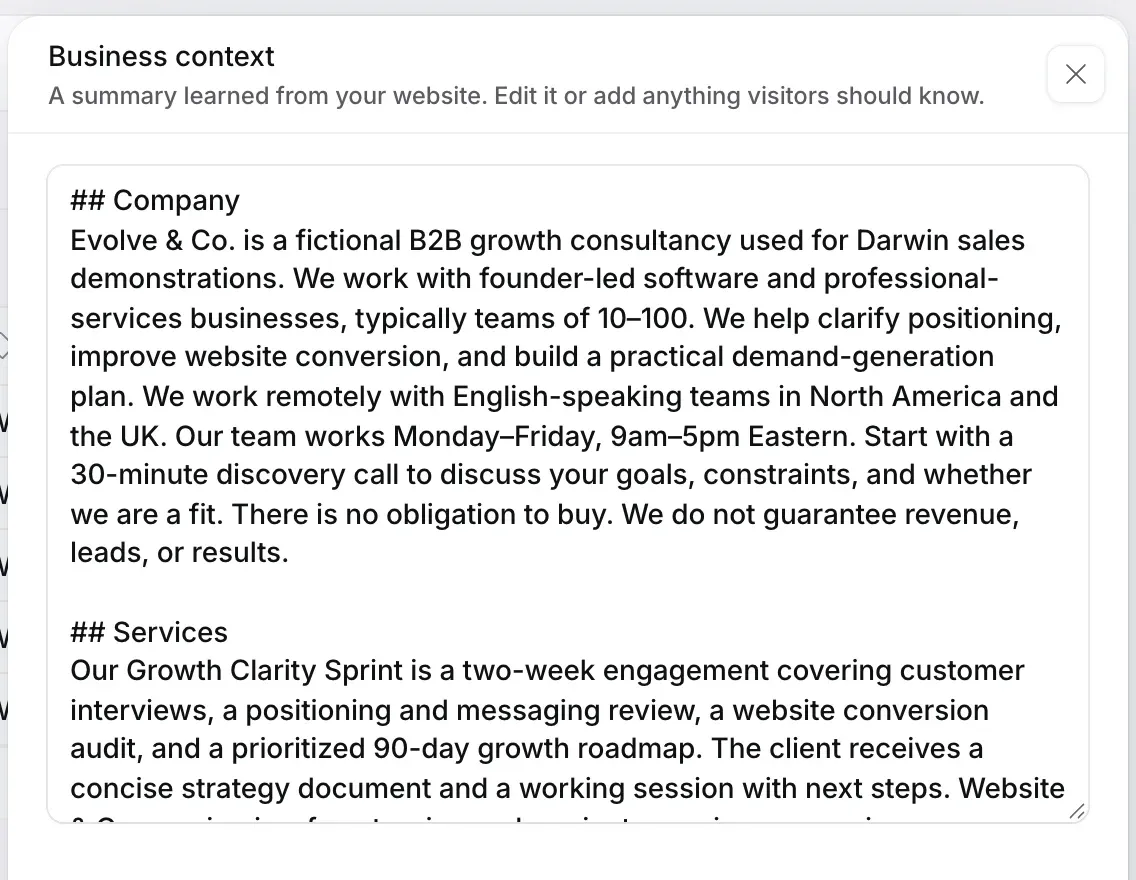
Edit and add facts
Write in plain sentences, the way you'd brief a new salesperson. Useful things to add:
- Who you help, and who you don't.
- How pricing works, even as a range, and what's included.
- When a meeting is worth booking, and what happens on the call.
- What you don't offer, in one sentence each, for example "We don't offer phone support."
Remove anything out of date. An old price here can outweigh the right one on a page.
Save
Select Done to close the panel, then Save changes in the bar at the bottom. Your website's chat uses the new context from then on.

Try it
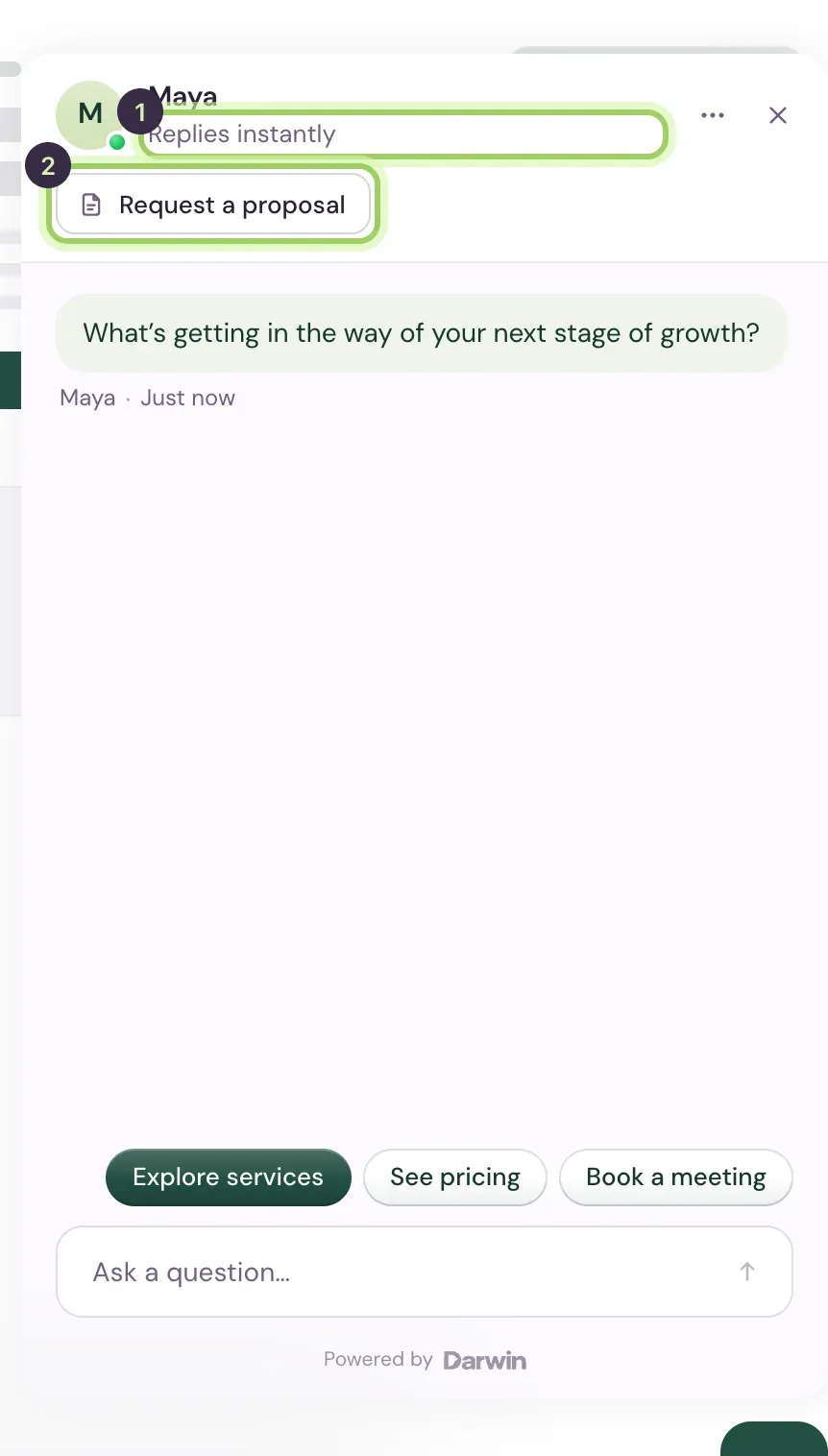
Select Agent in the sidebar and ask the preview a question your new facts answer. The preview uses unsaved changes too, so you can try before you save.
Good to know
- Business context can be up to 20,000 characters. Short, specific sentences work better than long paragraphs.
- If your website couldn't be read at all, Knowledge offers Business context next to Add knowledge so you can still say what the business does.
- Keep passwords and private customer details out of it: your agent may use anything here in a reply.