Fix a page Darwin couldn't read
Knowledge → Needs attention: what Couldn’t read, Refresh failed and Reading mean, why a page fails, how Darwin retries, and how to fix the page or put its facts somewhere your agent can read them.
- In Darwin: Knowledge → Needs attentionOpen in Darwin
- Updated
A page Darwin can't read gives your agent nothing to answer from, or an old copy. Needs attention collects those pages in one place.
Open Needs attention
Select Knowledge in the sidebar, open the view menu at the top left (1) and choose Needs attention. It lists pages that are Reading, Refresh failed or Couldn’t read (2).

See what went wrong
Point at the status to see Darwin's reason. Reporting → Knowledge also lists Failing pages with What went wrong and when Darwin last tried.
- Couldn’t read: Darwin has never read the page, so your agent has nothing from it.
- Refresh failed: the latest read failed. Your agent keeps answering from the copy it read before.
- Reading: Darwin is reading it now. Wait a few minutes.

Fix the cause
Most failures come from the page itself:
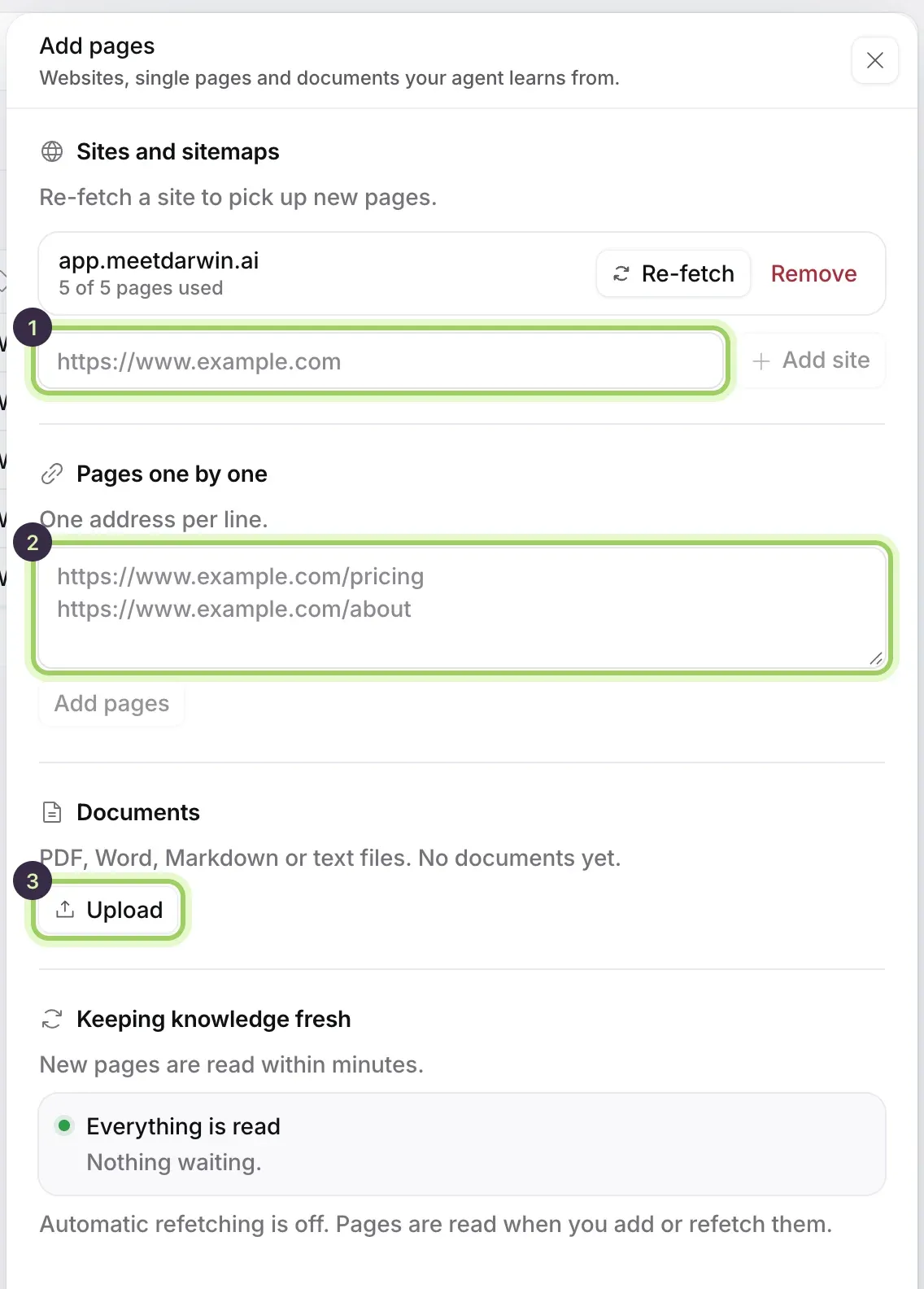
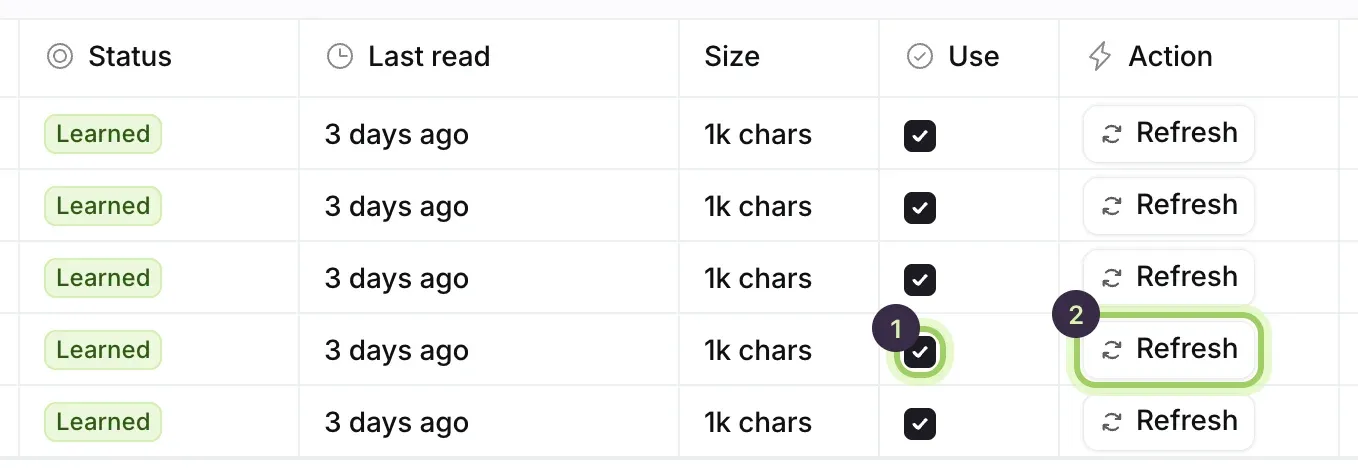
- It no longer exists, or moved. Untick Use and add the new address under Add knowledge → Pages one by one.
- It's behind a login, or shows its text only after a click. Upload the content as a document, or add the facts to your business context.
- Your site was down or blocked Darwin for a moment. Select Refresh to try again.
Refresh, then save
After you fix the page, select Refresh beside it. When it reads Learned, select Save changes if you changed anything else on Knowledge.
Good to know
- Darwin retries a page it has never read by itself: after 1 hour, then 2, 4, 8 and 16 hours. After that it stops trying until you select Refresh.
- A page that fails doesn't stop the others from being read.
- If many pages fail at once, check that your website is up, then contact support with one of the addresses.