
TL;DR
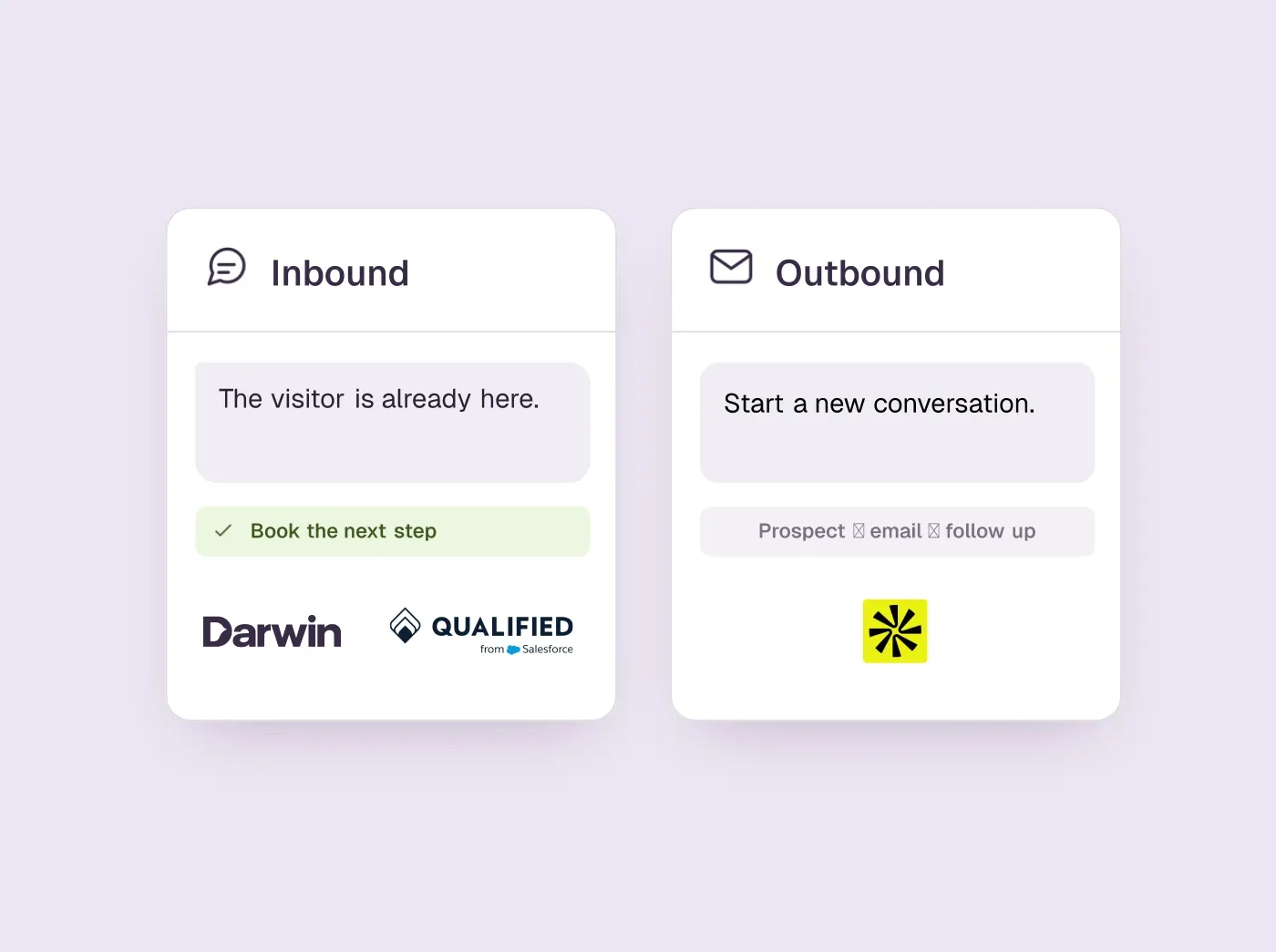
- “AI SDR” covers two jobs. Outbound agents find people who have never heard of you and write to them. Inbound agents answer the people already on your website and book the meeting. Decide which job you are hiring for before you compare tools.
- For outbound, 11x sells through a demo, Artisan, AiSDR and Regie.ai publish at least their entry prices, and Amplemarket and Apollo add AI to platforms your reps run themselves.
- For inbound, Qualified is the usual enterprise choice, Darwin is the one you can set up yourself and pay for per meeting, and Warmly, Breakout and Docket sit between them. 11x's Julian also answers website chat.
- Check the unit on the invoice (seats, contacts, credits, a contract or meetings). It shapes the bill more than the headline price.
How we researched this
- 12 products reviewed. Each one says how and when, under its heading.
- 98 sources. Each with the date it was read. See the list.
- Facts last checked .
Written by Ari Goldstein, Founder & CEO, Darwin. We make Darwin, one of the products reviewed here; our editorial policy says how we handle that.
Pick an AI SDR by where your leads come from. If you need conversations with people who have not found you yet, you want an outbound agent: 11x if you want AI workers bought through a demo, Artisan if you want an AI BDR with approval controls, AiSDR for a full agent at a published monthly price, Regie.ai for a small team on a budget, and Amplemarket or Apollo if your reps run the campaigns and want AI help inside the tool.
If people already visit your website and leave without talking to anyone, you want an inbound agent. Enterprises on Salesforce usually start with Qualified. Darwin is the closest match you can set up yourself and pay for per booked meeting. Warmly suits teams that want to know which companies are visiting, Breakout and Docket handle forms and chat in one agent, and HubSpot's chat is worth switching on first if HubSpot is already your CRM. 11x sells a separate agent for each job: Alice for outbound and Julian for inbound.
The two jobs share a label and little else, and most lists of AI SDR tools cover only the outbound kind. This one keeps them in separate groups so you can skip the half you do not need.
A disclosure before the list: we make Darwin, an inbound AI SDR that lives in your website chat, so we are not neutral. The outbound group comes first because that is what most people mean by an AI SDR. Among the inbound tools, Darwin comes second, after Qualified, because for answering a visitor and booking the meeting it is the closest match you can install yourself; its section also lists what it cannot do. Prices and plan details are taken from each vendor's own website and carry the date we last confirmed them.
AI SDR tools at a glance
Outbound tools come first, then inbound. “Built for” says which job each tool does, and “Native booking” says whether the agent puts the meeting on a calendar itself. Hover over a cell to see the full finding and the date we checked it.
| Tool | Built for | Native booking | Starting price | Free plan or trial | How it charges |
|---|---|---|---|---|---|
 11x | Outbound + inbound phone and chat | Email, phone and chat | Not documented | Not documented | By quote |
 Artisan | Outbound AI BDR | From email replies | Free; Intern from $250/mo | Free trial + free plan | Credits; startup list prices |
 AiSDR | Outbound + inbound follow-up | From outreach replies | $250/mo | Free setup, pay to launch | Per contact allowance |
 Regie.ai | Outbound agent | Not documented | $0/mo | Free plan | Monthly, no contract |
 Amplemarket | Outbound sequencing + AI | Not documented | $600/mo | Free trial | Annual, users included |
 Apollo | Data + sequences | Scheduler for reps | $0/mo | Free plan | Seats + credits |
 Qualified | Enterprise AI SDR | Yes | Quote only; its chat gives no range | Not documented | Quote-based |
 Darwin | Inbound AI SDR, chat | In chat: Calendly, Google, RevenueHero | $0/mo | 5 free credits | Plan fee + credits |
 Warmly | Visitor ID + chat | Yes | $10,000/yr | Not documented | Annual contracts |
 Breakout | Inbound AI SDR | Yes | $500/mo | 30 day trial (Signals) | Tiered monthly |
 Docket | Inbound demand agent | Yes | $4,000/mo | No | Annual, by feature tier |
 HubSpot | CRM with chat | Meetings link | $0/mo | Free tools | Seats + credits |
Values come from shared product facts, checked Oct 2, 2026 to Oct 20, 2026. Sources
Inbound and outbound AI SDRs are two different jobs
An outbound AI SDR works the top of the cold-outreach funnel. It pulls a list from a contact database, researches each person, writes a message, sends it by email, phone or LinkedIn, handles the first reply and passes anything warm to a rep. You judge it on reply rates and meetings per thousand contacts, and you usually pay per seat, per contact or in credits.
An inbound AI SDR replaces the contact form and the wait for a reply. Someone is on your pricing page with a question right now. The agent answers it from your content, asks a qualifying question and offers a time on a rep's calendar. You judge it on conversations per hundred visits and meetings per page, and you pay per seat, per conversation, on an annual contract or, in Darwin's case, per booked meeting.
The difference that matters most is intent. An outbound agent is only as good as its list and its offer, and it competes with every other AI sending cold email. An inbound agent talks to people who chose to visit you. If the problem is that too few of the right people find you, start outbound. If they find you and leave without a conversation, start inbound.
- Outbound: finds people, writes and sends, handles replies. Judged on replies and meetings per contact.
- Inbound: answers visitors, qualifies, books. Judged on meetings per page.
- Both: qualify, book, hand off to a person and write to your CRM.
How we picked and checked these tools
A tool made the list if an AI agent does the first part of a sales development rep's job, starting the conversation, qualifying and getting a meeting booked, either with prospects it finds or with visitors on your website. Apollo and Amplemarket are platforms where the AI helps a rep rather than working alone; they are here because many teams weigh them against the agents for the same budget. We left out contact databases with no agent and live chat inboxes that do not qualify.
- Sources. We read each vendor's own pricing, product and help pages in September 2026, then read them again on 5 October 2026. Each price, plan and capability in this guide is stored as a fact with its source and the date we last confirmed it, and a table cell shows both when you hover over it.
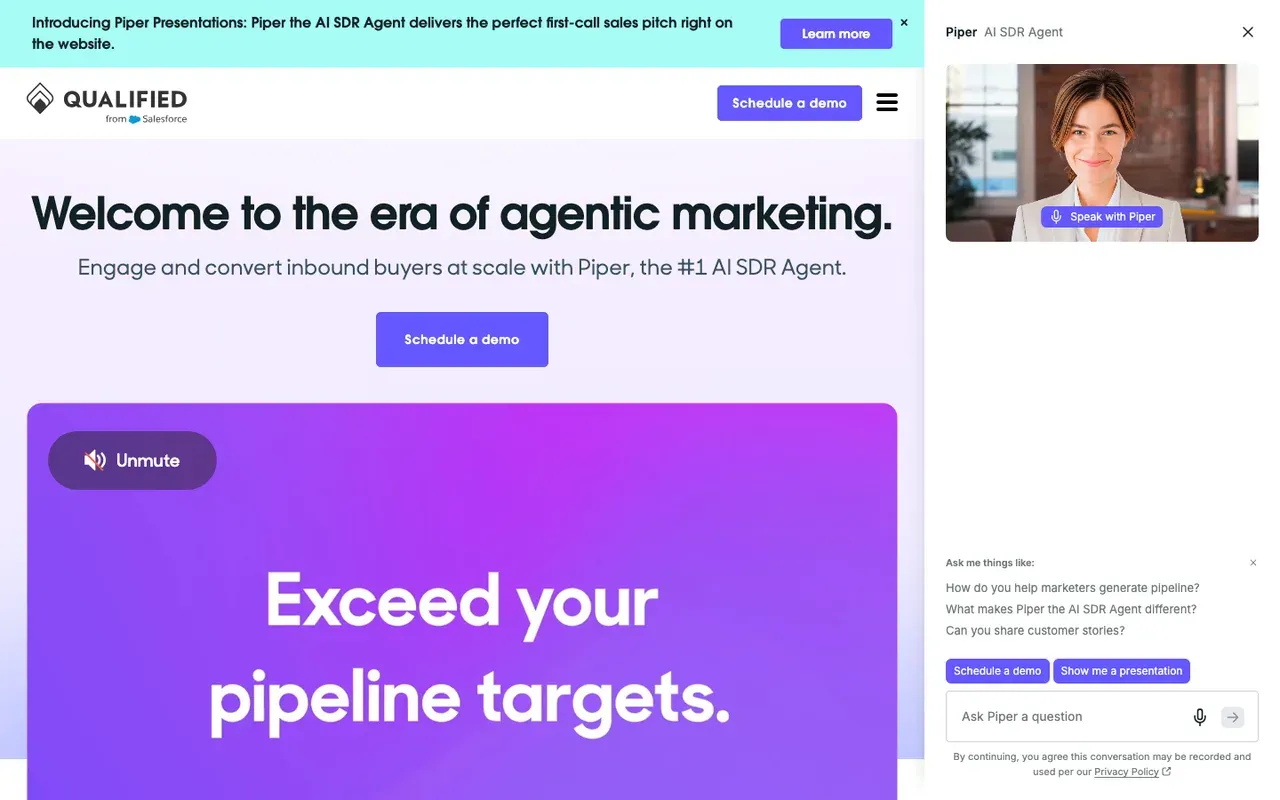
- One question to a chat. Qualified publishes no prices, so on 2 October 2026 we asked Piper, the chat on Qualified's own website, what it costs. We gave no contact details and booked nothing.SourcesQualified
- Limits. We did not buy or trial every tool, and we do not repeat vendors' own outcome claims. Not documented in a cell means the vendor's public pages did not confirm the capability, which is different from a no.
- Our own product. Darwin's facts are checked on the same schedule as everyone else's, and its section lists what it does not do.
Each tool's pros and cons come from one review of that product that we keep up to date and reuse wherever the product appears on our blog. The summaries and verdicts were written for this guide, for a buyer deciding between AI SDRs.
Best outbound AI SDR tools: prospecting, email and replies
Six tools that find people and start conversations with them. They run from full agents that work the whole loop (11x, Artisan, AiSDR), through an agent workspace where a rep approves the output (Regie.ai), to sales platforms with AI built in (Amplemarket, Apollo). We do not build outbound software, so these sections stick to what each vendor publishes.
11x: best for AI workers on outbound and inbound
Larger teams buying AI digital workers for outbound and inbound, through a demo-led sale.
Teams that want a published price, a trial or a self-serve start.
- Starting price
- Not documented
- Free plan or trial
- Not documented
- Native booking
- Email, phone and chat
- Improves on its own
- Not documented
11x sells AI “digital workers” rather than software seats. Alice is the outbound worker: she runs sequences across email, phone, chat, social, SMS and WhatsApp, works the replies and books meetings. Julian is the inbound worker. When a prospect lands on your site, he answers questions in the chat, qualifies them and books the right rep, and he follows up form fills by phone, SMS and WhatsApp.Sources11x
That makes 11x one of the few vendors with a separate agent for each half of the job. It is also one of the hardest to price: the website lists no price, no plan and no trial, and every route leads to a demo, with the quote after it.Sources11x
Details are on 11x's site and Julian's page.
11x pros
- Alice runs outreach across email, phone, chat, social, SMS and WhatsApp
- Julian answers inbound leads in website chat, by phone, SMS and WhatsApp
- Both workers book meetings with your reps
- Messages written for each prospect
11x cons
- No published pricing, plans or trial
- Every route runs through a demo and a quote
- A larger commitment than a self-serve tool
What 11x users say
Users like
Users complain about
Sometimes 11x misses the mark on an email or LinkedIn message sequence
11x's messages can miss the mark, sound robotic or overreach, and need prompt tuning to get right.
SourcesG2It doesn't always follow up appropriately, even when someone has already replied.
11x doesn't always handle replies: sequences can keep sending after a prospect has answered.
SourcesG2
Reviewers' words, our summaries · reviews read Oct 6, 2026
11x is worth a demo if you want AI workers on both outbound and inbound under one contract. If you need a price before the first call, start with AiSDR or Regie.ai.
How we reviewed 11x: Read its homepage on 16 September 2026, and its homepage and Julian page again on 5 October 2026, when 11x.ai/pricing returned a 404. No trial is offered to test.
Reviewed Oct 5, 2026
Artisan: best for an AI BDR with approval controls
Outbound teams that want an AI BDR with a built-in contact database and approval controls on what it sends.
Teams that want an agent for their own website chat, or a list price for a larger team without a sales call.
- Starting price
- Free; Intern from $250/mo
- Free plan or trial
- Free trial + free plan
- Native booking
- From email replies
- Improves on its own
- Not documented
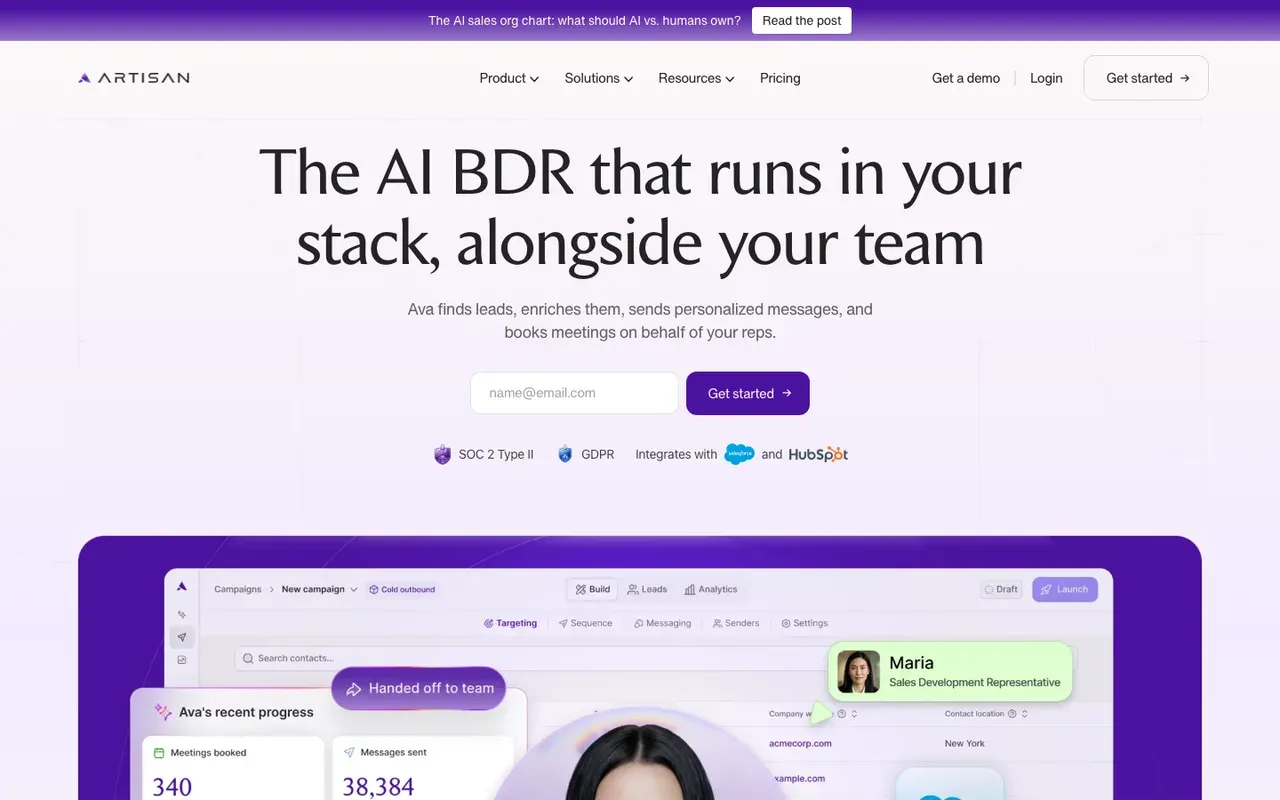
Artisan's AI BDR, Ava, works from a built-in database of B2B contacts. She picks leads that match your profile, writes and sends outreach in your reps' names from your own domains, handles the replies, and books a meeting when someone says yes. You decide how much she does alone: approve messages before they go out, lock tone and calls to action, ban phrases, and set when a person steps in.SourcesArtisan
Artisan lists prices for startups and quotes for larger teams. Artisan's Free plan is $0 with 300 credits a month; Intern, the first plan that runs campaigns, is $250 a month billed annually ($280 monthly). New accounts start with a free trial that needs no card. Business and enterprise plans are sized on a sales call by lead volume, mailboxes and dialer seats.SourcesArtisan
Plans are described on Artisan's pricing page.
SourcesArtisan
Artisan pros
- Ava finds leads, writes and sends outreach, and handles replies
- Positive replies become booked meetings automatically
- Approvals, tone locks and escalation rules on what goes out
- Startup plans are listed, with a free plan and a free trial without a card
Artisan cons
- Business and enterprise plans are priced by quote
- Credits are scoped to leads, mailboxes and dialer seats, so the bill grows with volume
- Outbound only; no website chat agent
What Artisan users say
Users like
crafting personalized messages, which has led to way better response rates than previous tools
Artisan's personalized emails earn better reply rates than reviewers' previous tools.
SourcesG2The initial setup was extremely fast, just a few clicks.
Reviewers find Artisan quick to set up and intuitive to use.
SourcesG2
Users complain about
You have to be checking before allowing emails to be sent
Artisan's AI emails can sound AI-written, pull in irrelevant details or get facts wrong.
SourcesG2some minimal platform glitches when trying to create lists or delete contacts
Artisan's interface can be clunky, with lag, glitches and too many tabs.
SourcesG2
Reviewers' words, our summaries · reviews read Oct 6, 2026
Artisan suits a team that wants an outbound agent and still wants a say in every message. A startup can try it on the free trial; a larger team should get the quote in writing.
How we reviewed Artisan: Read its pricing and product pages on 16 September 2026 and again on 5 October 2026. Did not trial it.
Reviewed Oct 5, 2026
AiSDR: best for a full outbound agent at a list price
Teams that want one AI agent to run outreach and follow-up across email, phone and LinkedIn through to a booked meeting.
Teams that want a free trial that actually sends, or need an agent in their own website chat.
- Starting price
- $250/mo
- Free plan or trial
- Free setup, pay to launch
- Native booking
- From outreach replies
- Improves on its own
- Not documented
AiSDR runs outreach across email, phone and LinkedIn. It researches each prospect from LinkedIn activity and company news, writes and sends the messages, answers objections, and books a meeting once the prospect wants to talk to sales. It also follows up inbound leads over the same channels, though not in a chat on your website.
Unlike 11x, AiSDR prints a price for every plan, sized by how many contacts it works each month. AiSDR's Solo plan is $250 per month on monthly billing, for 200 contacts a month. Explore is $900 per month for 800 monthly contacts; Scale is $2,500 per month for 2,500 contacts. Those two larger plans run on quarterly contracts paid in advance. There is no free trial that sends, but you can sign up without a card and build a campaign before paying to launch it.SourcesAiSDR
Plans are listed on AiSDR's pricing page.
SourcesAiSDR
AiSDR pros
- Researches, writes, sends and handles replies through to a booked meeting
- Email, phone and LinkedIn from one agent
- Follows up inbound leads as well as cold prospects
- Published monthly prices, sized by contacts worked
AiSDR cons
- No free sending trial; you pay before the first campaign goes out
- The larger plans need a quarterly contract paid in advance
- Website chat is not among its documented channels
What AiSDR users say
Users like
The messaging feels natural, relevant and personalised.
AiSDR's AI writes context-rich, personalized outreach that reviewers say feels human.
SourcesG2Interface is user-friendly, we only needed one walkthrough session to understand the platform.
Reviewers find AiSDR easy to learn and onboard onto.
SourcesG2
Users complain about
Reviewers' words, our summaries · reviews read Oct 6, 2026
AiSDR is the pick if you want one agent to own outbound from research to booked meeting and would rather read a price than book a demo.
How we reviewed AiSDR: Read its pricing and product pages on 16 September 2026 and again on 5 October 2026. Did not trial it.
Reviewed Oct 5, 2026
Regie.ai: best for a small team's first outbound agent
Small outbound teams that want AI agents to research, draft and dial on a self-serve monthly plan.
Teams that need the agent to book meetings itself, or an agent for their own website chat.
- Starting price
- $0/mo
- Free plan or trial
- Free plan
- Native booking
- Not documented
- Improves on its own
- Not documented
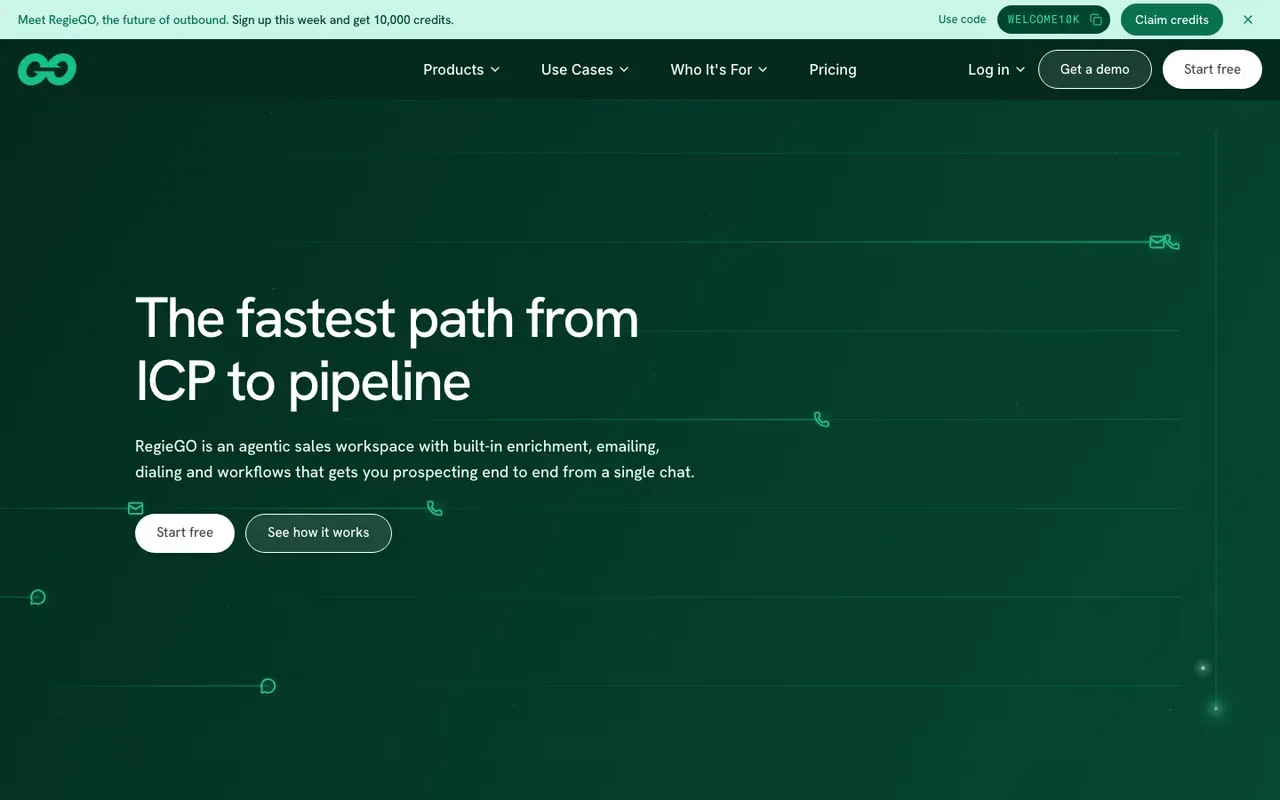
Regie.ai, now sold as RegieGO, is a workspace of outbound agents. They research accounts, draft messages, enrich contacts and dial, and a rep decides what goes out. Regie's Free plan is $0 with 250 one-time credits. Pro is $49 per month, self-serve with no contract. A per-seat Team plan sits above Pro, and Enterprise plans are priced by quote.SourcesRegie.ai
Regie's public pages do not describe the agents booking meetings themselves, or anything that runs on your own website, so a person takes over once a prospect replies.
Plans are listed on Regie's pricing page.
Regie.ai pros
- A free plan with one-time credits
- Self-serve Pro and per-seat Team plans, monthly with no contract
- Research, drafting, enrichment and dialing in one workspace
Regie.ai cons
- Meeting booking by the agents is not described on its public pages
- No website chat or inbound agent
- Enterprise plans are priced by quote
What Regie.ai users say
Users like
Users complain about
the writing style was too salesy
Regie.ai's AI copy often needs editing; reviewers call it robotic, salesy or too generic.
SourcesG2a bit of a learning curve when first setting up dial sessions and sequences
Regie.ai takes real setup and calibration effort, with a learning curve on personas and dialer sessions.
SourcesG2
Reviewers' words, our summaries · reviews read Oct 6, 2026
Regie.ai is the lowest-cost way in this guide to try an outbound agent. Pair it with an inbound tool if visitors to your site also need answering.
How we reviewed Regie.ai: Read its pricing and product pages on 16 September 2026 and again on 5 October 2026. Did not trial it.
Reviewed Oct 5, 2026
Amplemarket: best for AI inside a sequencing platform
Outbound teams of several reps that want AI copy, voice messages and reply drafting inside a full sequencing platform.
Solo sellers, teams that want a monthly term, or anyone after an agent that books meetings by itself.
- Starting price
- $600/mo
- Free plan or trial
- Free trial
- Native booking
- Not documented
- Improves on its own
- Not documented
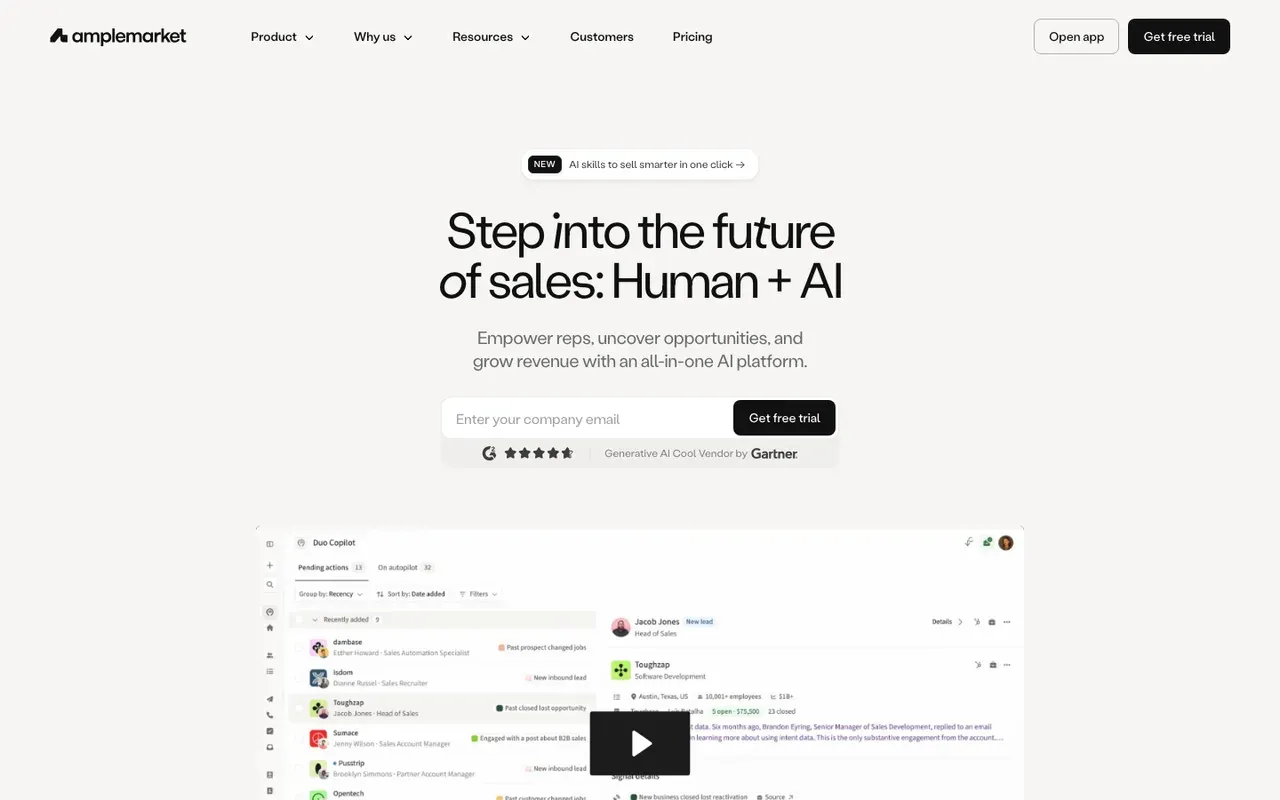
Amplemarket is a sequencing platform for reps with its Duo AI built in: sequences across email, phone and social, AI-written emails, AI voice messages, and a drafted reply for every prospect email. Amplemarket's Startup plan is $600 per month on an annual term, with 2 users included. Growth and Elite are priced by quote. All plans include a free trial.SourcesAmplemarket
Amplemarket's pricing page does not say that Duo books meetings by itself. The reps run the sequences and the AI does much of the writing.
Plans are listed on Amplemarket's pricing page.
Amplemarket pros
- Multichannel sequences across email, phone and social
- Duo AI writes emails and voice messages and drafts replies
- A free trial on every plan
Amplemarket cons
- The entry plan runs on an annual term
- Growth and Elite are priced by quote
- Meeting booking by its AI is not described on the pricing page
What Amplemarket users say
Users like
My favorite is the duo copilot and how well Amplemarket uses AI signals
Amplemarket's Duo AI copilot surfaces signals and drafts sequences, saving reps hours of prospecting.
SourcesG2The interface is intuitive and easy to navigate, which made onboarding relatively quick.
Reviewers find Amplemarket intuitive and quick to learn.
SourcesG2
Users complain about
Duo Copilot sequences needs to be reviewed, as it may not generate the best message
Amplemarket's AI-written messages still need checking; some sound robotic or don't connect.
SourcesG2information is outdated, particularly when someone has recently changed companies or roles
Amplemarket's contact data is sometimes outdated, such as people who changed jobs or wrong phone numbers.
SourcesG2
Reviewers' words, our summaries · reviews read Oct 6, 2026
Amplemarket fits a team of several reps who want AI help inside the tool they sequence from, rather than an agent that works on its own.
How we reviewed Amplemarket: Read its pricing and product pages on 16 September 2026 and again on 5 October 2026. Did not trial it.
Reviewed Oct 5, 2026
Apollo: best for contact data and sequences on a free plan
Sales teams that want contact data, email sequences, a dialer and a meeting scheduler in one platform, starting on a free plan.
Teams that want an AI agent to run outreach and book meetings without a rep running the campaigns.
- Starting price
- $0/mo
- Free plan or trial
- Free plan
- Native booking
- Scheduler for reps
- Improves on its own
- Not documented
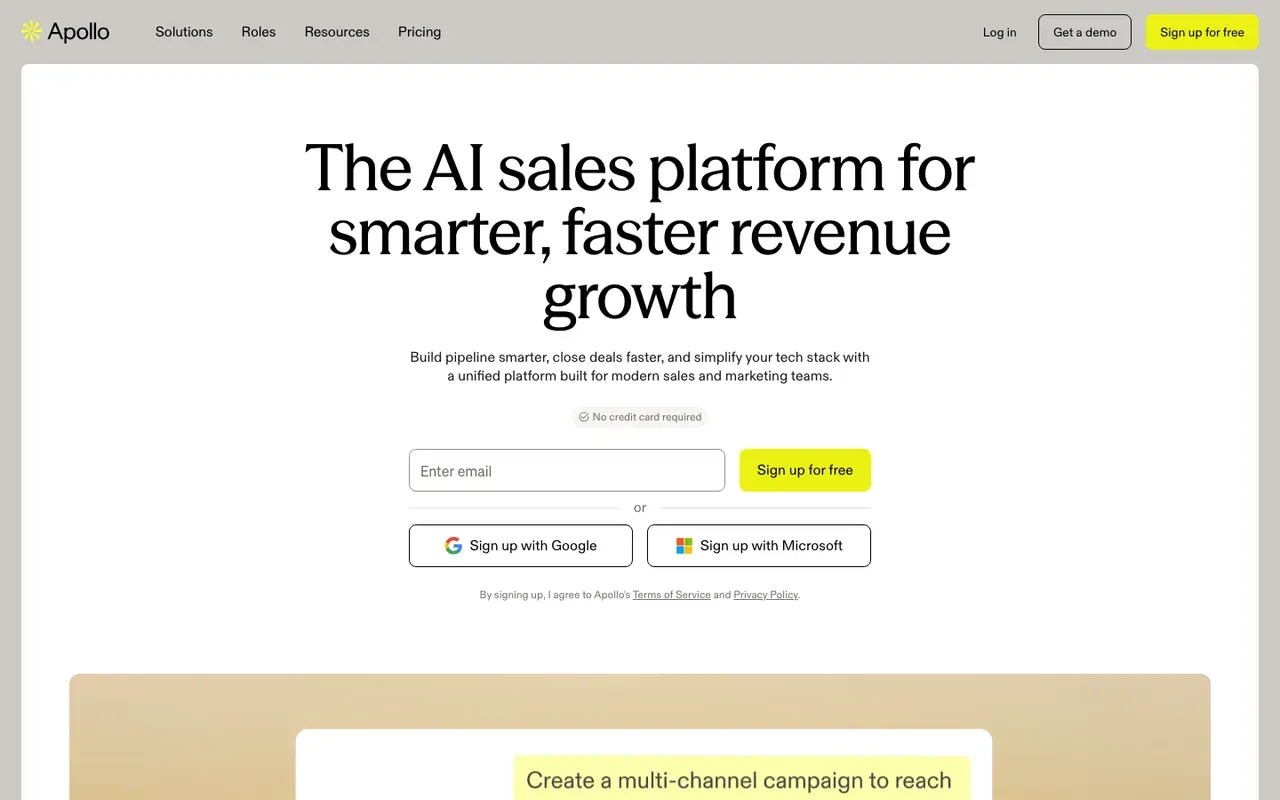
Apollo is the contact database many outbound teams already log in to, with sequences, a dialer, a meeting scheduler and AI assistance added on top. Apollo's Free plan is $0 with 900 credits per seat per year, granted monthly. Paid plans are per seat on annual billing, from $49/seat/mo for Basic, and exports and enrichment use credits.SourcesApollo
Apollo's scheduler routes meetings to the right rep by CRM owner or round robin, but its pages do not describe an AI agent that books on its own. Its Inbound add-on is sold as website visitor identification and form enrichment, not as a chat agent.SourcesApollo
Plans are listed on Apollo's pricing page.
SourcesApollo
Apollo pros
- A free plan, plus 14-day trials of the paid plans
- Contact data, sequences, dialer and scheduler in one login
- The scheduler routes meetings by CRM owner or round robin
- An Inbound add-on identifies companies visiting your website
Apollo cons
- A platform with AI help, not an agent; reps still build and run campaigns
- Exports and enrichment use credits, so heavy use adds up
- An AI agent that books meetings by itself is not described
What Apollo users say
Users like
Apollo offers an extensive, highly accurate B2B contact database.
Apollo.io's large contact database makes it quick to find verified work emails and phone numbers for prospects.
SourcesTrustRadiusSoftware AdviceG2The filters really are an excellent tool.
Apollo.io's filters let teams build tightly targeted lead lists by industry, company size, role, location and intent.
SourcesTrustRadiusSoftware AdviceG2
Users complain about
The email sounded way too robotic.
Apollo.io's AI-written emails can sound robotic or generic, so reviewers rewrite them before sending.
SourcesTrustRadiusG2the credit limit on lower-tier plans can run out quickly
Apollo.io's credit-based pricing is hard to predict, and reviewers say credits run out fast or get spent without warning.
SourcesTrustRadiusSoftware AdviceG2
Reviewers' words, our summaries · reviews read Oct 6, 2026
Apollo is the place to start if your reps run outbound themselves and want data and sequences in one login. It gives them AI help; it does not replace the work.
How we reviewed Apollo: Read its pricing and meetings pages on 16 September 2026 and its pricing page again on 5 October 2026. Did not trial it.
Reviewed Oct 5, 2026
Best inbound AI SDR tools: from website visitor to meeting
Six tools that talk to the people already on your site. Qualified comes first as the enterprise option most teams look at, then Darwin, which is ours, as the one you can set up yourself. The rest run from account identification (Warmly) to forms and chat in one agent (Breakout, Docket) to the chat you may already own (HubSpot). 11x's inbound worker, Julian, also answers website chat; it is covered in the 11x section above. The same tools, compared as chat platforms, are in our guide to conversational marketing platforms.
Qualified: best for enterprise teams on Salesforce
Enterprise revenue teams that run on Salesforce and want an AI SDR with a services team behind it.
Small teams without Salesforce, or anyone who wants a price before a sales call.
- Starting price
- Quote only; its chat gives no range
- Free plan or trial
- Not documented
- Native booking
- Yes
- Improves on its own
- Feedback + manual A/B
Qualified's AI SDR, Piper, is built around Salesforce, which now owns the company. Salesforce completed its acquisition of Qualified, the maker of Piper, on 1 April 2026. Piper recognises target accounts when they arrive, greets them by company, and can bring a live rep into the conversation while the visitor is still on the page. When the visitor is ready to talk, Piper books the meeting on the right rep's calendar.SourcesSalesforce
Qualified's Piper learns from messaging, product details, knowledge bases and FAQs that you upload. Qualified publishes no prices; each plan ends in a demo button. When we asked Piper on 2 October for a starting price or a typical range, it said it could not share either.SourcesQualified +2
Side-by-side: Darwin vs Qualified.
SourcesQualified +1Qualified (Qualified University knowledge base)
Qualified pros
- Deep Salesforce integration and account-level personalization
- Piper books meetings and follows up by email, on video, voice and text
- Mature enterprise support and implementation
- Part of Salesforce since April 2026, so it sits natively in that stack
Qualified cons
- No published pricing and no trial
- Built for Salesforce shops; smaller teams pay for depth they will not use
- Implementation is a project, not an afternoon
What Qualified users say
Users like
The other big upside is the AI SDR working around the clock.
Qualified's Piper AI SDR qualifies and books visitors around the clock, so SDRs no longer need to staff the chat.
engage high-intent website visitors in real time and connect them with the right sales reps
Qualified engages website visitors in real time, routes them to the right rep and books meetings on the spot.
Users complain about
The AI sometimes has issues … and it sends people down the wrong path.
Qualified's AI agent needs ongoing training and content upkeep; some say it sends visitors down the wrong path.
Its a premium product that is premium priced.
Qualified is premium-priced; several reviewers call it expensive, though most of them add that it pays off.
Reviewers' words, our summaries · reviews read Oct 6, 2026
Qualified is the inbound pick for an enterprise that runs on Salesforce and has a RevOps team to run it. If you are not on Salesforce, the rest of the inbound group will be quicker to start.
How we reviewed Qualified: Read its pricing, product and help pages on 11 September 2026 and again on 5 October 2026; asked Piper, the chat on Qualified's own website, for a price on 2 October 2026. No trial.
Reviewed Oct 5, 2026
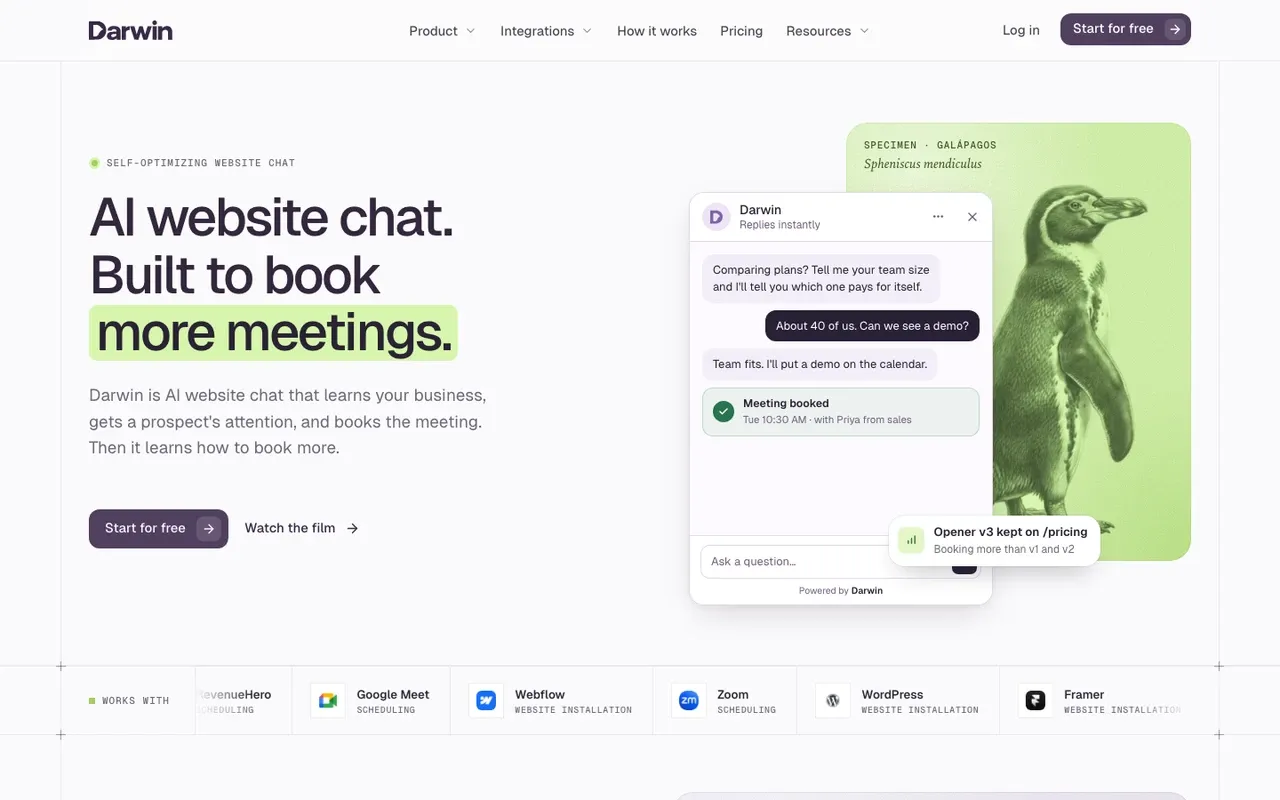
Darwin: an inbound AI SDR you can set up yourself
Teams that want website chat to book sales meetings, set up themselves and priced per meeting or qualified request.
Teams that need a support inbox, outbound email, or company-level visitor identification.
- Starting price
- $0/mo
- Free plan or trial
- 5 free credits
- Native booking
- In chat: Calendly, Google, RevenueHero
- Improves on its own
- Yes
Darwin covers the inbound half of an SDR's job, and you can set it up without a sales call. Give it your website address and it reads the site to draft its knowledge, brand and opening lines. When a visitor asks something, it answers from your content; when they are ready, it offers a time inside the chat through Calendly, Google Calendar or RevenueHero.
With automatic testing on, Darwin tries different opening lines on each page, promotes the ones that bring more visitors to the booking step (never one that books fewer meetings) and starts the next test from the winner. The other inbound tools here describe this differently or not at all. Qualified describes Piper adjusting to operator feedback and A/B tests of two versions your team builds. Warmly says its Autopilot tier auto-learns, and its popups promote a winning offer automatically. Docket says a customer success manager runs A/B tests but does not say what is tested. Breakout describes testing openers per segment and keeping the winner, without saying how the winner is chosen. HubSpot and 11x do not describe testing their openings at all.SourcesDarwinQualifiedWarmlyDocket
Darwin charges for meetings and qualified requests rather than seats or contacts. Its Free plan costs $0/mo and includes 5 free credits once; after those, it charges $30/credit. Paid plans start at $299/mo with credits included. See how Darwin works or compare plans on the pricing page.SourcesDarwin
SourcesDarwin +1
Darwin pros
- With automatic testing on, it tests its own openings and promotes the winners
- Drafts its setup from your website URL
- Offers a time inside the chat, through Calendly, Google Calendar or RevenueHero
- Priced per booked meeting or qualified request, not per seat or per answer
Darwin cons
- Website chat only: no email sequences, no visitor identification
- Not a support inbox; there is no ticketing
- A young product with a shorter track record than the incumbents
Darwin fits a B2B team that wants website visitors answered and booked by an agent it can install this week and pay for per meeting. It does not prospect, send email or identify companies, so pair it with an outbound tool if you need both.
How we reviewed Darwin: Our own product. Facts come from Darwin's public docs and pricing page, checked on the same schedule as every other tool; cons written by the team that builds it.
Reviewed Oct 5, 2026
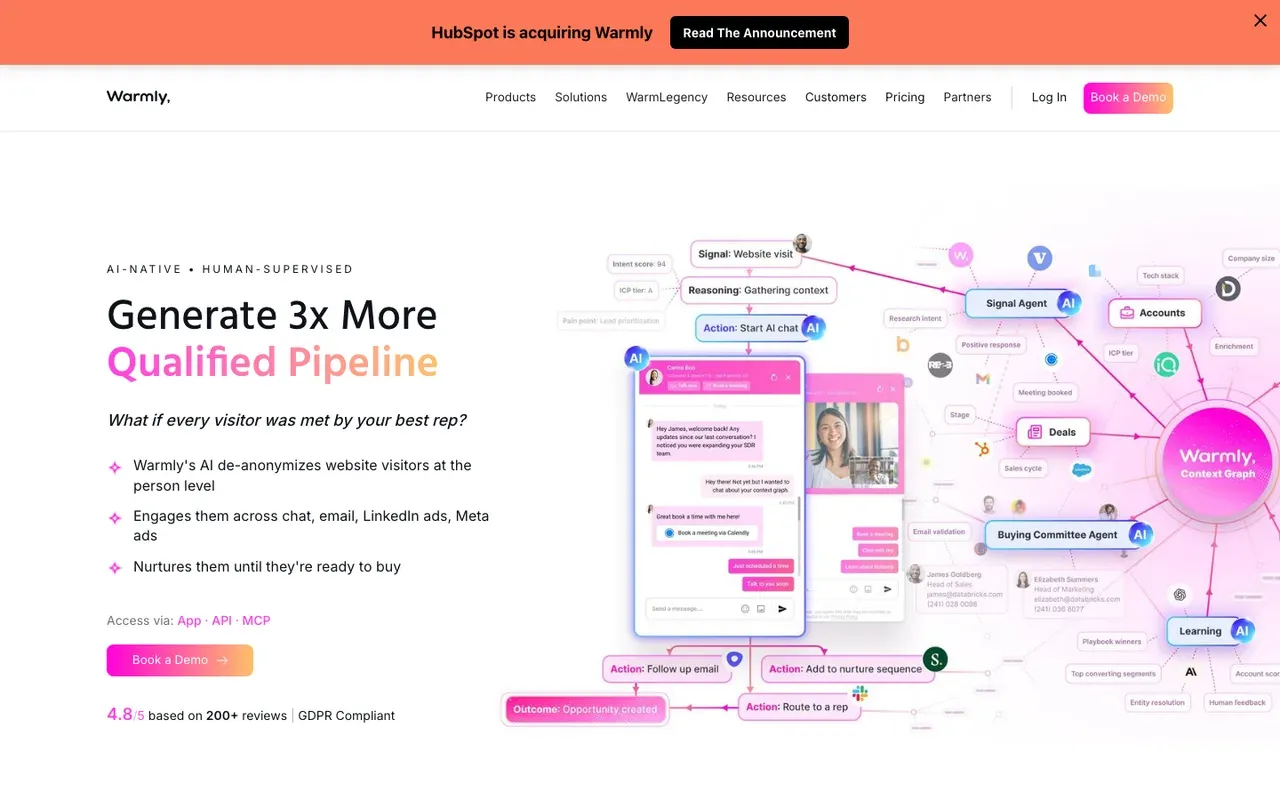
Warmly: best for knowing which companies are visiting
B2B teams that want to know which companies are on the site, then chat with them.
Teams whose main problem is the conversation itself, or budgets under five figures a year.
- Starting price
- $10,000/yr
- Free plan or trial
- Not documented
- Native booking
- Yes
- Improves on its own
- Auto-learn + popup tests
Warmly starts with identification. It tells you which companies are on your site, and its AI inbound agent then starts the conversation and qualifies the visitor. Warmly books meetings directly in the chat, through Google Calendar, Outlook or Chili Piper links. On the Autopilot tier it also reaches out to identified accounts, a small outbound motion of its own.SourcesWarmly +1
Warmly agreed in June 2026 to be acquired by HubSpot, and says existing contracts, pricing and integrations stay as they are for now.SourcesWarmly
Warmly's Inbound Chat plan starts at $20,000/yr, on an annual or quarterly contract. The agent learns from your website pages, documents, FAQs and sample conversations, trained in Warmly's AI Studio on paid plans.SourcesWarmly
Side-by-side: Darwin vs Warmly.
SourcesWarmly +5
Warmly pros
- Company-level visitor identification built in
- Books directly onto Google, Outlook or Chili Piper calendars
- The Autopilot tier adds automated outreach to identified accounts
Warmly cons
- Contracts start at five figures a year, with no free plan
- Automatic tests of AI chat openings are not described
- Agreed in June 2026 to be acquired by HubSpot, so ask about the roadmap if you run another CRM
What Warmly users say
Users like
Warmly's engagement tools, like AI-powered inbound chat, significantly improve visitor engagement.
Teams like Warmly's AI chat for engaging visitors in real time and turning site visits into demo requests.
SourcesG2The initial setup was very simple, and the CSMs were very helpful
Reviewers say Warmly is quick to set up, usually with an onboarding or success manager doing much of the work.
SourcesG2
Users complain about
100 users visited my websites then i will get data of only about 30-40 people
Warmly identifies only part of the traffic, and reviewers report wrong people, wrong accounts or unusable contacts.
SourcesG2there is no autosave, so you can possibly lose all your work
Some find Warmly's workflows and chatbot builder confusing or buggy, e.g. no autosave or settings that don't save.
SourcesG2
Reviewers' words, our summaries · reviews read Oct 6, 2026
Warmly suits a team for whom knowing the account matters as much as the conversation, with a five-figure annual budget to match.
How we reviewed Warmly: Read its pricing, product and help pages on 11 September 2026 and again on 5 October 2026. No trial.
Reviewed Oct 6, 2026
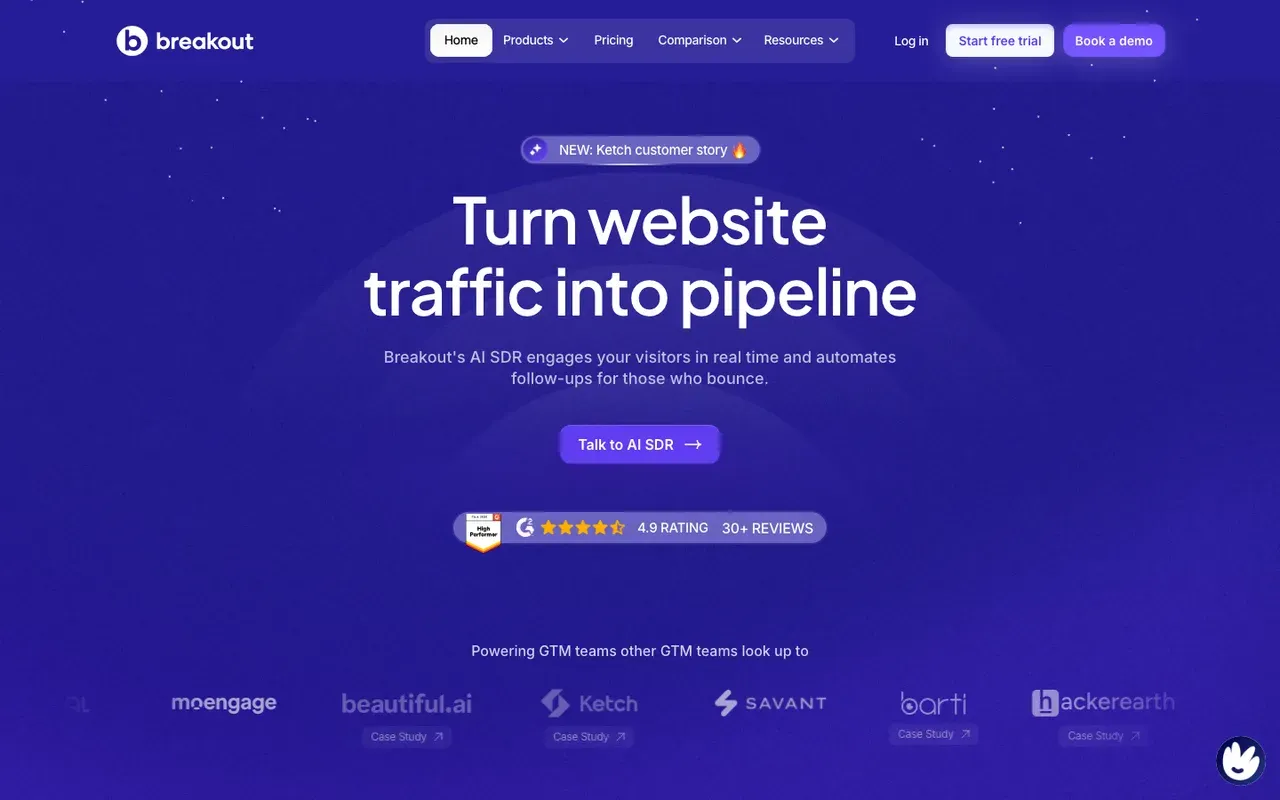
Breakout: best for one agent across forms and chat
B2B revenue teams that want an inbound AI SDR covering forms and chat together.
Teams that want to start free, or that only need chat and not forms.
- Starting price
- $500/mo
- Free plan or trial
- 30 day trial (Signals)
- Native booking
- Yes
- Improves on its own
- Segment opener tests
Breakout is an inbound AI SDR that covers the website chat and the demo form in one product. Breakout books meetings in the chat and from its Smart Forms, with pre-filled one-click calendar booking.SourcesBreakout +1
Breakout publishes its prices. Signals starts at $500/mo, and Growth, the tier that includes the AI SDR, at $2,000/mo. Signals comes with a free trial that needs no card. The agent answers from a knowledge base you point it at; Breakout's docs do not say whether it reads your website by itself.SourcesBreakout +1
Side-by-side: Darwin vs Breakout.
SourcesBreakout +3Breakout Help Center
Breakout pros
- One-click calendar booking from chat and smart forms
- A free 30-day trial without a card on the Signals plan
- Published monthly pricing
Breakout cons
- Growth, the tier with the AI SDR, starts at four figures a month
- Whether it learns from your website on its own is not specified
- Plans run on annual contracts priced by tier and seats
Breakout is a sensible mid-market pick if your form and your chat should be handled by one agent. The price of the Growth tier puts the AI SDR out of reach for most small teams.
How we reviewed Breakout: Read its pricing, product and help pages on 11 September 2026 and again on 5 October 2026. No trial.
Reviewed Oct 5, 2026
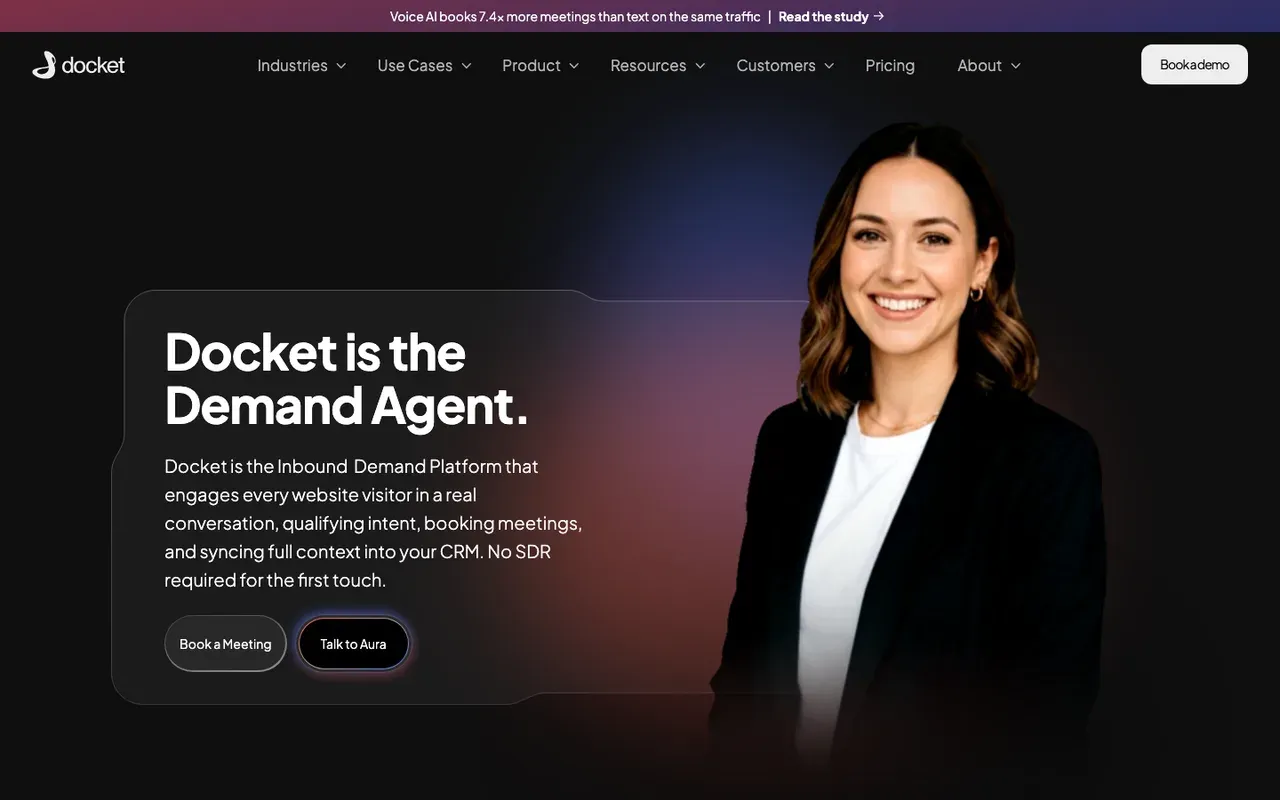
Docket: best for heavy traffic and deep sales content
Mid-market and enterprise B2B teams with heavy traffic and a deep sales content library.
Smaller sites, self-serve buyers, or anyone who wants to try before signing an annual contract.
- Starting price
- $4,000/mo
- Free plan or trial
- No
- Native booking
- Yes
- Improves on its own
- CSM-run A/B tests
Docket is an inbound demand platform for B2B, whose AI agent talks to every website visitor. Its answers come from what Docket calls a Sales Knowledge Lake, which pulls in CRM records, call recordings, documents and wikis, so the agent can take detailed product questions a rep would normally answer.SourcesDocket +1
Docket includes meeting booking with calendar integration on every plan. You sign for a year, plans are tiered by features, conversations are unlimited, and the Core tier starts at $4,000/mo. Docket states a free trial is not available.SourcesDocket +1
Side-by-side: Darwin vs Docket.
SourcesDocket +1
Docket pros
- Unlimited conversations on every plan
- Knowledge from calls, CRM and documents, not only web pages
- Docket's team handles implementation
Docket cons
- Annual contracts from $4,000/mo, with no trial
- Not self-serve; implementation is done for you
- Opening tests are run by a Docket CSM, not automatically
What Docket users say
Users like
DocketAI can quickly answer and summarises details across a number of valuable internal resources
Docket gives sellers fast answers to product and technical questions from their company's own knowledge, often inside Slack.
SourcesG2It qualifies intent, routes leads, and even schedules meetings with our reps in real time.
Docket's newer website agent is said to answer complex product questions, qualify visitors and book meetings.
SourcesG2
Users complain about
The tool is only as good as the data you feed it
Docket's answers are sometimes inaccurate or outdated, so reps double-check or rephrase their questions.
SourcesG2for companies with multiple product lines (like us), you’ll want to invest time upfront
Docket's website agent takes upfront work for companies with many product lines or custom lead flows.
SourcesG2
Reviewers' words, our summaries · reviews read Oct 6, 2026
Docket earns its price on a busy site with a large sales content library. On a smaller site, the annual contract is hard to justify.
How we reviewed Docket: Read its pricing, product and help pages on 11 September 2026 and again on 5 October 2026. No trial.
Reviewed Oct 5, 2026
HubSpot: best if HubSpot is already your CRM
Companies already on HubSpot CRM who want chat without another vendor.
Companies on another CRM, or teams that want chat to improve without hand-editing flows.
- Starting price
- $0/mo
- Free plan or trial
- Free tools
- Native booking
- Meetings link
- Improves on its own
- Not documented
HubSpot is not an AI SDR vendor, but a HubSpot customer already owns much of the inbound kit. HubSpot's free tools include live chat and a limited chatbot with HubSpot branding. The AI piece is the Breeze customer agent, which answers from your website pages and knowledge base and can qualify leads. The customer agent uses 50 HubSpot Credits per resolved conversation. It needs a Professional or Enterprise hub; Sales Hub Starter, at $20/seat/mo, does not include it.SourcesHubSpot +1
Chatbots share a HubSpot meetings link; the customer agent can route qualified leads to a meeting link. The visitor books through that link rather than picking a time in the conversation, but the link is already tied to your reps' calendars and your contacts.SourcesHubSpot +1
Side-by-side: Darwin vs HubSpot.
SourcesHubSpot +2
HubSpot pros
- Free live chat and bots, native to the CRM
- Meetings links and routing already in the platform
- The customer agent learns from public website URLs
HubSpot cons
- The AI agent costs credits on top of seats and needs Professional or higher
- Bots are flow builders; you write the openings by hand
- Sales chat is a feature here, not the product
What HubSpot users say
Users like
Its easy to use and onboard new colleagues
Most reviewers find HubSpot Service Hub easy to learn and use day to day.
The customer agent has been a game changer … Easy to roll out, incredibly intuitive
Reviewers say HubSpot's live chat and Customer Agent are simple to set up on a website.
Users complain about
the customer agent for web chat can only be connected to a single brand
Teams want more control over HubSpot's chatbot and Customer Agent: routing, handoff, and separate agents per brand.
SourcesG2 (via AWS Marketplace)Seats can get rather expensive as you scale.
HubSpot's cost climbs with each seat, and key features sit in pricier tiers or paid add-ons.
Reviewers' words, our summaries · reviews read Oct 6, 2026
If HubSpot is your CRM, switch on the chat and customer agent you already pay for before buying an inbound AI SDR. Add a dedicated tool when you want the meeting booked inside the conversation.
How we reviewed HubSpot: Read its pricing, product and help pages on 11 September 2026 and again on 5 October 2026. Did not set up a HubSpot account for this review.
Reviewed Oct 5, 2026
What to look for in an AI SDR tool
Six questions to ask on every demo. The first one tells you which half of this guide to read.
- Where do the leads come from? From your website or from a contact database. That is inbound versus outbound, and it decides the rest.
- How does it qualify? By conversation, by form, by enrichment data, or by a person reading the replies.
- Does it book the meeting itself? On whose calendar, and does the prospect have to leave the conversation to do it?
- What does it learn from? Your website, your documents, your CRM or a prospect database. Ask what happens when your pricing page changes.
- What improves without a person changing it? Ask what the tool tests by itself, if anything, and what it needs from you to get better.
- What is the unit on the invoice? Seats charge for people, contacts and credits charge for activity, contracts charge for the platform, and per-meeting pricing charges for the result. Match the unit to the thing you want more of.
AI SDR versus human SDR: what the AI should own
The honest version of this section is short. AI SDRs are excellent at the parts of the job that are repetitive and fast: answering the same question for the hundredth time at 2 a.m., following up within a minute, offering a time slot, writing the first draft. They are poor at the parts that need judgment about a specific company: knowing that this prospect is a bad fit despite ticking every box, or that a champion just changed jobs.
So the pattern that works is sequencing, not replacement. Let the AI own the first conversation, the qualifying question and the calendar, and let a person own the meeting and everything after it. On a website that split comes naturally, because the agent's job ends when the meeting is booked. In outbound it takes more care, because a badly aimed agent sending at scale can do damage a single rep never could.
AI SDR pricing models compared
Prices in this guide run from free to a quote, and the unit on the invoice tells you more than the number.
Per seat. Apollo's paid plans start at $49/seat/mo on annual billing, and HubSpot's Sales Hub Starter at $20/seat/mo; both add credits for heavier use. Amplemarket sells annual plans with users included, from $600/mo. Seats are predictable, but they charge for people rather than results.SourcesApolloHubSpotAmplemarket
Per contact or credit. AiSDR's Solo plan costs $250/mo for a monthly contact allowance, and Regie's Pro plan $49/mo with a pool of credits. Artisan's startup plans also run on monthly credits. This model works when the size of your list is what limits you.SourcesAiSDRRegie.ai
Per contract. 11x and Qualified quote after a demo, as does Artisan for business and enterprise plans. Qualified's own chat would not give us a starting price or a range. Warmly's Inbound Chat starts at $20,000/yr, Docket's Core plan at $4,000/mo billed annually, and Breakout's Growth tier at $2,000/mo. These are budgets that need a business case.SourcesQualifiedWarmlyDocket +1Breakout +1
Per booked meeting. Darwin's Free plan costs $0/mo and includes 5 free credits once, then charges $30/credit; paid plans start at $299/mo with credits included. You are not charged per conversation, so a busy month costs more only if it books more meetings or takes more requests. The pricing page shows every plan and what an extra booking costs.SourcesDarwin
How to choose an AI SDR tool
Twelve tools and two jobs is a lot to hold in your head, so here is the same list sorted by situation.
- You want an agent to run outbound for you. Compare 11x, bought through a demo, and Artisan, which lists startup plans and lets you approve what goes out.
- You want a full outbound agent at a published price. AiSDR.
- A small team trying an outbound agent on a budget. Regie.ai.
- Your reps run the campaigns and want AI help in the tool. Amplemarket, or Apollo if you also need the contact data and a free plan.
- An enterprise on Salesforce that wants an inbound agent. Qualified.
- You want website visitors answered and booked, set up yourself and paid per meeting. Darwin.
- Knowing which companies visit matters as much as the chat. Warmly.
- One agent for forms and chat. Breakout, or Docket for heavy traffic and a deep content library.
- HubSpot is already your CRM. Switch on its chat and customer agent before buying anything.
- One vendor for both outbound and inbound agents. 11x, with Alice and Julian.
Many B2B teams end up with one tool from each group. Start with the gap that costs you more today: too few of the right people finding you, or too many leaving your site without a conversation.
AI SDR questions.
What is an AI SDR?
Think of the first hour of a salesperson's day, the part before any real meeting happens: starting conversations, working out who is serious, answering the same handful of questions, and getting a time on the calendar. An AI SDR is software that does that hour. The outbound kind does it with strangers over email and LinkedIn. The inbound kind does it with people who are already on your website, inside the chat.
What are the best AI SDR tools?
It depends which half of the job you are hiring for. For outbound, 11x and Artisan are the best-known agents; 11x sells through a demo, Artisan lists startup plans, AiSDR and Regie.ai publish monthly prices, and Amplemarket and Apollo add AI to platforms reps run themselves. For inbound, Qualified, Darwin, Warmly, Breakout and Docket book meetings from website chat, HubSpot can through a meetings link if you already use it, and 11x's Julian also answers website chat.
Can an AI SDR replace a human SDR?
Part of one. The repetitive first mile, meaning instant replies, the qualifying question, offering a time, the first draft of an email, is exactly what the AI is good at, and it does it at two in the morning without complaint. What it should not own is the judgment about which accounts matter, or the meeting itself. The teams getting results let the agent handle the first conversation and hand a person the calendar.
What features should I look for in AI SDR tools?
Ask where the leads come from, how the tool qualifies, whether it books the meeting itself or hands you a reply, and what it learns from. Then ask what improves without a person changing it, and what the unit on the invoice is: seats, contacts, credits, a contract or meetings. The last two questions separate the tools more than any feature list.
Which AI SDR is best for inbound pipeline?
Enterprises on Salesforce usually choose Qualified. If you want to set it up yourself and pay per booked meeting, Darwin is the closest fit; we make it, so weigh that. Warmly makes sense when knowing which companies are visiting matters as much as the conversation, and Breakout and Docket suit teams that want forms and chat handled by one agent. If you already buy 11x's Alice for outbound, ask about Julian for inbound.
How much do AI SDR tools cost?
Anywhere from nothing to a quote. Apollo, Regie.ai and Artisan have free plans, and Darwin's Free plan has no monthly fee. Regie's Pro plan costs $49/mo, AiSDR starts at $250/mo, Amplemarket at $600/mo on an annual term, and Warmly's Inbound Chat at $20,000/yr. Docket's annual plans start at $4,000/mo. Qualified and 11x quote after a demo, as do Artisan's larger plans.
Sources & references (98)
Supporting material for the product details in this article. Each source keeps its own access date.
- Our test chat asking Qualified's Piper for a price Qualified · Accessed
- Julian, the inbound digital worker 11x · Accessed
- 11x 11x · Accessed
- 11x reviews G2 · Accessed
- Artisan Pricing & plans Artisan · Accessed
- Artisan reviews G2 · Accessed
- Artisan product guide (llms-full.txt) Artisan · Accessed
- AiSDR Pricing AiSDR · Accessed
- AiSDR reviews G2 · Accessed
- AiSDR AiSDR · Accessed
- Regie.ai Pricing Regie.ai · Accessed
- Regie.ai reviews G2 · Accessed
- Amplemarket Pricing Amplemarket · Accessed
- Amplemarket reviews G2 · Accessed
- Apollo.io Pricing Apollo · Accessed
- Apollo.io Reviews from Real Users TrustRadius · Accessed
- Apollo.io Reviews, Pros and Cons Software Advice · Accessed
- Apollo.io reviews G2 · Accessed
- Apollo Meetings Apollo · Accessed
- Salesforce Signs Definitive Agreement to Acquire Qualified (editor's note: completed April 1, 2026) Salesforce · Accessed
- The Agentic Marketing Platform powering Piper the AI SDR Agent Qualified · Accessed
- The Playbook for Setting Up and Measuring Piper the AI SDR Qualified · Accessed
- Qualified reviews (G2 reviews syndicated on AWS Marketplace) G2 (via AWS Marketplace) · Accessed
- Piper the AI SDR by Qualified Reviews TrustRadius · Accessed
- Piper the AI SDR Agent Qualified · Accessed
- Qualified pricing Qualified · Accessed
- Automatic experience criteria Qualified (Qualified University knowledge base) · Accessed
- How Darwin improves your openings Darwin · Accessed
- Warmly Warmly · Accessed
- Docket platform Docket · Accessed
- Darwin pricing: plans, credits and add-ons Darwin · Accessed
- Connect your scheduling page Darwin · Accessed
- Set up with Darwin Darwin · Accessed
- Warmly AI Chatbot Warmly · Accessed
- Using Chili Piper Booking Links in Warmly Chat & AI Inbound Autopilot Agent Warmly · Accessed
- Warmly Is Joining HubSpot Warmly · Accessed
- Warmly pricing Warmly · Accessed
- Warmly reviews G2 · Accessed
- Warmly pricing Warmly · Accessed
- How to Build and Configure Your First AI Chat Agent (Setting up AI Studio) Warmly · Accessed
- Autopilot: Let your AI agent run the full inbound conversation Warmly · Accessed
- AI in Warmly FAQ Warmly · Accessed
- Smart Popups | Intent-Based Popups That Convert Warmly · Accessed
- Breakout vs Qualified Breakout · Accessed
- Inbound Agents — Breakout Breakout · Accessed
- Breakout pricing Breakout · Accessed
- The Inbound AI SDR — Breakout Breakout · Accessed
- Breakout blog: RB2B alternatives Breakout · Accessed
- The #1 Qualified Alternative in 2026 Breakout · Accessed
- Website personalization Breakout · Accessed
- Creating and configuring Nudges Breakout Help Center · Accessed
- Docket — the Demand Agent Docket · Accessed
- Docket pricing Docket · Accessed
- Docket FAQs Docket · Accessed
- Docket reviews G2 · Accessed
- Connecting Outlook Calendar for Marketing Agent Meetings Docket · Accessed
- HubSpot Sales Hub pricing HubSpot · Accessed
- HubSpot Product and Services Catalog: HubSpot Credits Rate Sheet HubSpot · Accessed
- Choose your rule-based chatbot actions HubSpot · Accessed
- Set up customer agent actions to qualify leads HubSpot · Accessed
- Service Hub Enterprise reviews (G2 reviews syndicated on AWS Marketplace) G2 (via AWS Marketplace) · Accessed
- HubSpot Service Hub Reviews Software Advice · Accessed
- HubSpot Credits HubSpot · Accessed
- Create a rule-based chatbot HubSpot · Accessed
- Set guidelines for the customer agent HubSpot · Accessed
- 11x 11x · Accessed
- Julian, the inbound digital worker 11x · Accessed
- Manage the customer agent's content sources HubSpot · Accessed
- Create a rule-based chatbot HubSpot · Accessed
- Piper the AI SDR Agent Qualified · Accessed
- The Playbook for Setting Up and Measuring Piper the AI SDR Qualified · Accessed
- Qualified pricing Qualified · Accessed
- How Darwin improves your openings Darwin · Accessed
- Connect your scheduling page Darwin · Accessed
- Set up with Darwin Darwin · Accessed
- Darwin plans and booking prices Darwin · Accessed
- Plans and included meetings Darwin · Accessed
- Warmly AI Chatbot Warmly · Accessed
- Using Chili Piper Booking Links in Warmly Chat & AI Inbound Autopilot Agent Warmly · Accessed
- Warmly pricing Warmly · Accessed
- Warmly is joining HubSpot Warmly · Accessed
- Breakout vs Qualified Breakout · Accessed
- Inbound Agents — Breakout Breakout · Accessed
- The Inbound AI SDR — Breakout Breakout · Accessed
- Breakout pricing Breakout · Accessed
- Docket pricing Docket · Accessed
- Docket — the Demand Agent Docket · Accessed
- Docket integrations Docket · Accessed
- Docket platform Docket · Accessed
- Docket integrations Docket · Accessed
- Getting Started with Web Ingestion in Docket Docket · Accessed
- Adding and Managing Web URLs Docket · Accessed
- Choose your rule-based chatbot actions HubSpot · Accessed
- Set up customer agent actions to qualify leads HubSpot · Accessed
- HubSpot Sales Hub pricing HubSpot · Accessed
- Manage customer agent knowledge sources HubSpot · Accessed
- Create a rule-based chatbot HubSpot · Accessed
- Set guidelines for the customer agent HubSpot · Accessed