
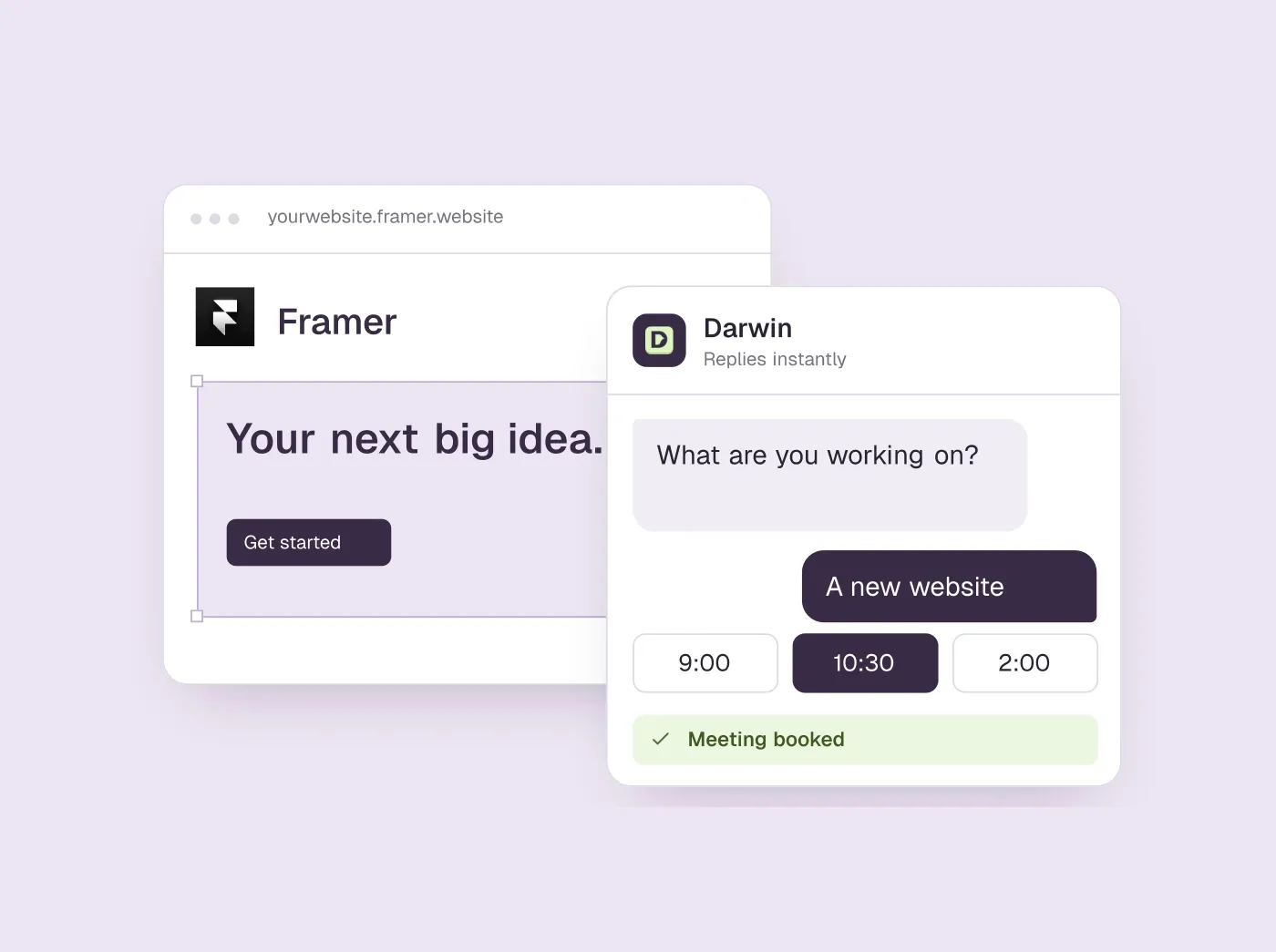
TL;DR
- Framer's built-in AI helps you build the site. It does not answer visitors, so every chatbot on a published Framer site comes from another vendor.
- There are three ways in: Framer's own Intercom component, a vendor's Framer instructions (Chatbase, Darwin, Elfsight, Jotform), or a standard snippet in custom code (HubSpot, Tidio).
- Pick by the site's job: support, one agent across channels, booked sales calls, an existing HubSpot account, a cheap answer widget, a small store or a free start.
- Framer can limit a script to chosen pages, so a sales chat can run on pricing and product pages and stay off the blog and the careers page.
How we researched this
- 7 products reviewed. Each one says how and when, under its heading.
- 88 sources. Each with the date it was read. See the list.
- Facts last checked .
Written by Ari Goldstein, Founder & CEO, Darwin. We make Darwin, one of the products reviewed here; our editorial policy says how we handle that.
The best chatbot for a Framer site depends on what the site is for. If support is the main job and nobody wants to touch code, use Intercom, because Framer ships a component for it. If the same AI agent should also answer email, voice or WhatsApp, Chatbase has its own Framer guide. If the site exists to book sales calls and you want to set the chat up yourself, Darwin is the closest match; it is ours, so read the disclosure below.SourcesChatbase
Elfsight is the low-cost choice for a widget that answers from your pages, and Jotform is a free start for a small business that takes reservations. Already sending leads into HubSpot? Switch on the chat that comes with the tracking code you have. Tidio suits a small online store that wants live chat with an AI agent. Building on WordPress or Webflow? We also compared the AI chatbots for WordPress and the best Webflow chatbots.
A disclosure before the list: we make Darwin, AI website chat that answers questions and books meetings, so we are not neutral. The list is grouped by how each tool gets onto a Framer site, because that is the first thing a Framer owner runs into: Framer's own component first, then the tools with Framer instructions of their own, then the ones that use a generic snippet. Darwin sits third, after Chatbase, because for a marketing site whose job is booked calls it is the closest fit you can install yourself. For support desks and online stores, other tools here are the better pick, and Darwin's section says what it does not do.
Framer AI chatbots at a glance
Tools are grouped by how they install: Framer's own component, then vendors with Framer instructions, then a generic snippet. “Learns from your site” means the assistant reads your pages itself. Hover over a cell for the full finding and the date we checked it.
| Tool | Install on Framer | Learns from your site | Native booking | Starting price | Free plan or trial | Improves on its own |
|---|---|---|---|---|---|---|
 Intercom Intercom | Native Framer component | Content import | Via integration | $39/seat/mo | 14 day trial | Not documented |
 Chatbase Chatbase | Custom code (head) | Websites, files, Notion | Calendly or Cal.com in chat | $0/mo | Free plan | Not documented |
 Darwin Darwin | Custom code, no app | Yes | In chat: Calendly, Google, RevenueHero | $0/mo | 5 free credits | Yes |
 Elfsight AI Chatbot Elfsight AI Chatbot | Embed block or custom code | Your URLs | Not documented | $0/mo | Free plan | Not documented |
 Jotform AI Chatbot Jotform AI Chatbot | Platforms tab (Framer listed) | Crawls your site | Google Calendar reservations | $0/mo | Free plan | Not documented |
 HubSpot HubSpot | Tracking code, end of body | URL import | Meetings link | $0/mo | Free tools | Not documented |
 Tidio Tidio | Generic snippet | URL scraper | Shares a Calendly link | $0/mo | 7 day trial | Manual message splits |
Values come from shared product facts, checked Oct 5, 2026 to Oct 20, 2026. Sources
Does Framer have an AI chatbot?
Not one that talks to your visitors. Framer's AI works inside the editor: its agent drafts pages, sections, copy and visuals, reviews a site for problems before you publish, and turns traffic data into suggestions. None of that answers a question from someone reading the published site.SourcesFramer
So a visitor-facing chatbot on Framer is always a third-party product, added in one of three ways. The next section shows how each one works.
How custom code works in Framer
Most chat tools go in through Framer's custom code settings. Open Project Settings, choose the Custom Code tab and add a script. You name it, choose where on the page the code goes, and pick either every page or a list of specific pages. You also decide whether it runs once or on every page visit.SourcesFramer
Each vendor names the slot it wants, and it is worth following exactly. Chatbase's Framer guide uses the start of the head. Elfsight's floating widget splits its code between the end of the head and the start of the body. HubSpot and Tidio ask for their code just before the closing body tag, which in Framer is the end of the body.SourcesChatbaseElfsightHubSpotTidio
Two other routes exist. An Embed block set to HTML puts a chat panel inside a page rather than in a corner, which Elfsight documents for its inline widget. And Framer has a ready-made Intercom component: drag it from the Integrations section of the Insert menu onto the canvas and paste your Intercom workspace ID.SourcesFramer
- Custom code. A floating chat on every page or on the pages you choose. The route most vendors document.
- Embed block. A chat panel that sits inside one page's layout.
- Native component. Intercom only; no code, just a workspace ID.
- Check the live site. Intercom's component is only a placeholder in the editor, so preview or publish before you judge any install.
How we picked and checked these chatbots
A tool made the list if a Framer site owner can add it today without a developer and it answers visitors with AI from the site's own content. We wanted a spread of jobs, from support and small stores to booking sales calls, and we left out live-chat tools that have no AI agent.
- What we read. Each vendor's pricing, product and help pages, including its Framer or custom-code instructions, in September 2026, plus Framer's own help pages on custom code and the Intercom component. We read the pricing pages and Framer instructions again on 5 October 2026. Every price, plan and capability is a fact with its source and the date it was last checked; hover over a table cell to see both.
- What we did not do. We did not install all seven on a Framer site or pay for every plan. A cell that says Not documented means the vendor's pages did not confirm the capability, which is different from a no.
- Where we stand. Darwin is our product. Its facts come from its public docs and pricing page and are checked on the same schedule as the others.
Best for, Not for, pros and cons come from our standing review of each product, which our other guides use too. The summary and verdict in each section are written for someone running a Framer site.
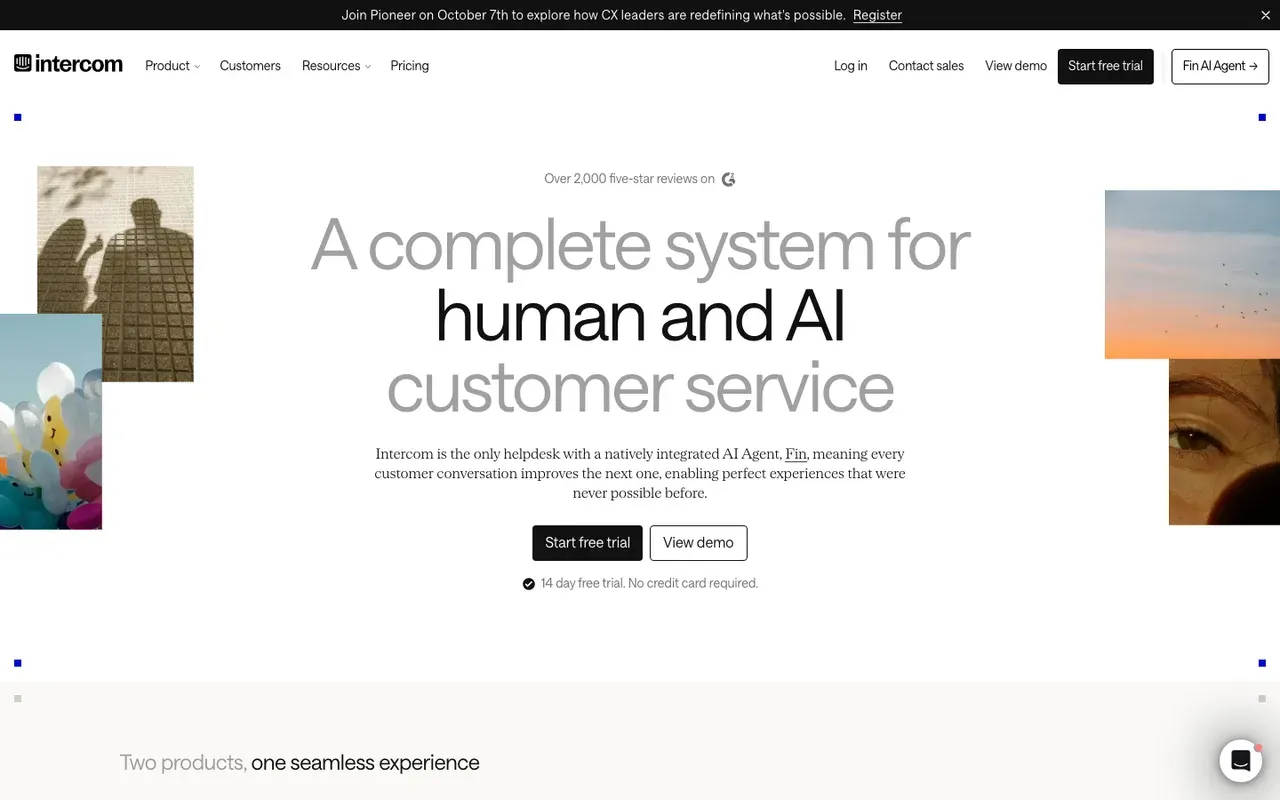
Intercom: support chat with no code on Framer
Support-led companies that want one messenger for service, with a sales assist on the side.
Sales teams that do not need a helpdesk and would rather not pay per seat and per answer.
- Install on Framer
- Native Framer component
- Starting price
- $39/seat/mo
- Free plan or trial
- 14 day trial
- Native booking
- Via integration
Intercom is the one tool of the seven with its own Framer component. Framer ships an Intercom component: find Intercom in the Integrations section, drag it onto the canvas and paste your workspace ID into the ID field. The Messenger appears once you preview or publish the site.SourcesFramer
What you get is a support product first, with Fin as its AI agent. Fin can use website content added to its knowledge. Sales help is an add-on. Fin for Sales can qualify leads and book in Messenger.SourcesIntercom +2
The cost adds up for a marketing site. Intercom's seats start at $39/seat/mo, and Fin is billed per outcome on top. Fin pricing starts at $0.99 per outcome. After the 14 day trial, there is no free plan.SourcesIntercom +2
If you are signing a longer contract, know who you are signing with. On 12 May 2026 Intercom renamed the company Fin; Intercom remains the name of its customer service platform. On 10 September 2026 Salesforce completed its acquisition of Fin, formerly Intercom, for about $3.6 billion. Framer's component still carries the Intercom name.SourcesIntercomSalesforce +1
Side-by-side: Darwin vs Intercom.
Intercom pros
- A strong support inbox and help center
- Fin drafts a sales playbook from a prompt or your pricing page
- Messenger imports your logo and colors from your domain
Intercom cons
- Two-layer pricing, seats plus outcome fees, so the bill grows when the AI succeeds
- Sales chat is an add-on to a support product
- No free plan after the trial
What Intercom users say
Users like
It’s helpful for resolving common customer issues and makes it easier to handle routine questions.
Intercom's Fin answers routine questions well when it can draw on a solid help center or knowledge base.
SourcesTrustRadius +1G2Fin allows us to provide 24x7 quick help to our customers
Intercom's Fin cuts first response times and gives customers answers around the clock.
SourcesTrustRadius +1G2
Users complain about
I don't like how much it hallucinates and gives people incorrect answers.
Intercom's Fin still gives wrong or made-up answers on nuanced questions or when content is large or messy.
SourcesTrustRadius +1G2even when instructions clearly say to avoid that and escalate immediately
Customers can struggle to reach a person through Intercom's Fin; handoff to a human is slow or unreliable.
SourcesTrustRadius +1G2
Reviewers' words, our summaries · reviews read Oct 6, 2026
Intercom is the easiest chatbot to put on a Framer site and the right one when support is the main job. A small sales team will feel the seat-plus-outcome pricing.
How we reviewed Intercom: Read its pricing, product and help pages on 11 September 2026 and again on 5 October 2026. No trial.
Reviewed Oct 5, 2026
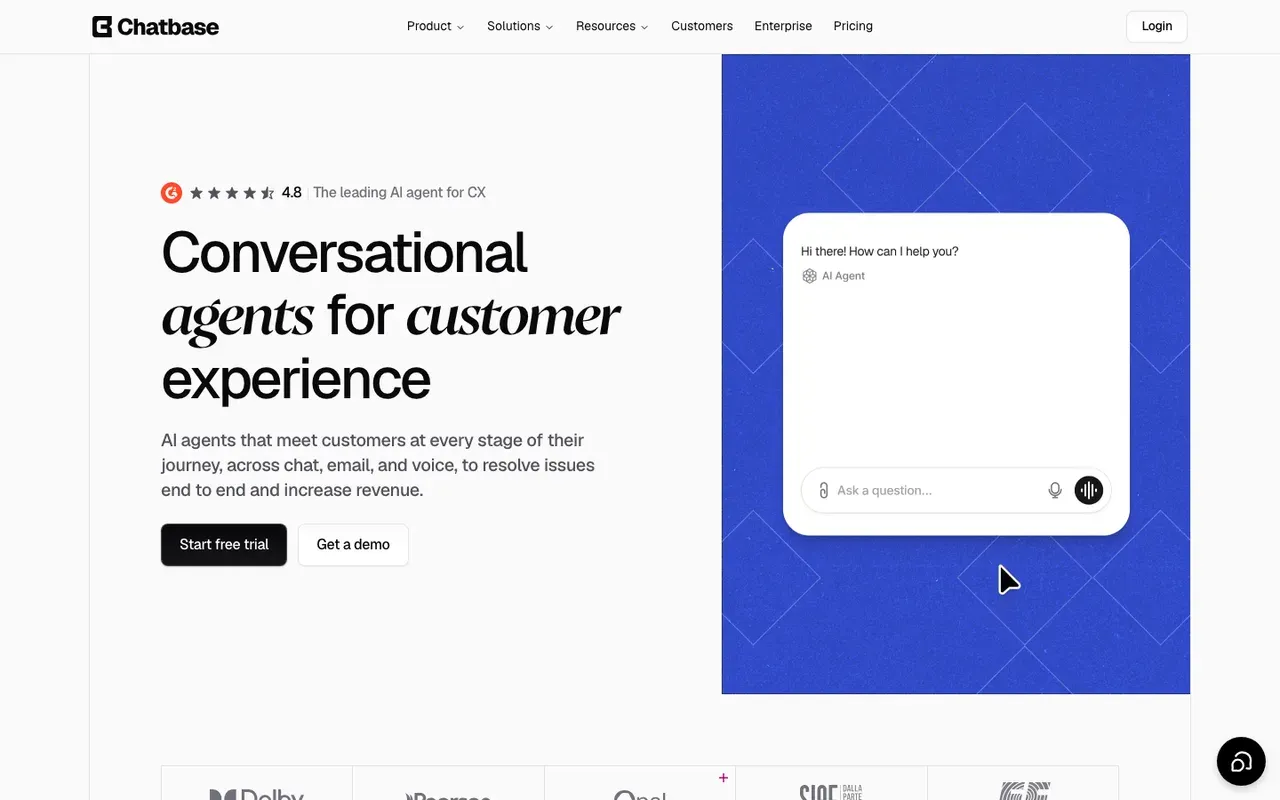
Chatbase: one AI agent for Framer and other channels
Teams that want one AI agent, trained on their website and documents, working across web chat, email, voice and WhatsApp.
Site owners who only want a simple chat bubble with the least setup.
- Install on Framer
- Custom code (head)
- Starting price
- $0/mo
- Free plan or trial
- Free plan
- Native booking
- Calendly or Cal.com in chat
Chatbase builds one AI agent from your content and lets you deploy it as a website widget or on email, voice and WhatsApp. Its Framer guide is short. Deploy as a Website widget, copy the script, and paste it into Framer's Start of head custom code box; a floating agent icon appears on the published site.SourcesChatbase +1
Chatbase trains on files, websites, text, Q&A, Notion pages and support tickets you add; link sources can be individual URLs or a sitemap crawl. For meetings, Chatbase uses actions. Calendly and Cal.com actions let customers check availability and book meetings without leaving the chat.SourcesChatbase +1
Chatbase's Free plan is $0 with 50 message credits a month and one member. Paid plans start with Hobby at $40 per month for 700 message credits; Standard is $150 for 4,000 and Pro $500 for 15,000. Every AI reply spends credits, so a Framer site with steady traffic will outgrow the free plan quickly.SourcesChatbase
The steps are in Chatbase's Framer guide.SourcesChatbase
Chatbase pros
- Books meetings in the chat through Calendly or Cal.com actions
- Trains on websites, files, Notion pages and support tickets
- An official WordPress plugin, and documented installs for Webflow and Framer
- One agent can work across chat, email, voice and WhatsApp
Chatbase cons
- The free plan's message credits run out fast
- Free-plan agents are deleted after 14 days of inactivity
- Removing Chatbase branding is a paid add-on
What Chatbase users say
Users like
Our visitors get instant answers 24/7
Chatbase answers routine customer questions instantly and around the clock, which reviewers say saves support time.
gives sizing advice and even suggests matching pieces and adds to cart
Shopify merchants credit Chatbase with product search, recommendations and order tracking inside the chat.
SourcesShopify App Store
Users complain about
Chatbase chatbots generate bad answers most of the time.
Chatbase sometimes gives wrong, inconsistent or made-up answers, according to reviews from 2023 and 2024.
SourcesSoftware AdviceWordPress.orgNo installation instructions, no dash…it doesn’t do anything.
Chatbase's WordPress plugin only adds the widget, and several users found it did nothing or came with no instructions.
SourcesWordPress.org
Reviewers' words, our summaries · reviews read Oct 6, 2026
Chatbase suits a Framer site that is one of several places the same agent answers. Budget for credits, and set up its Calendly or Cal.com action if you want bookings.
How we reviewed Chatbase: Read its pricing page and its help docs on data sources, actions and WordPress, Webflow and Framer installs on 16 September 2026 and again on 5 October 2026. No trial.
Reviewed Oct 5, 2026
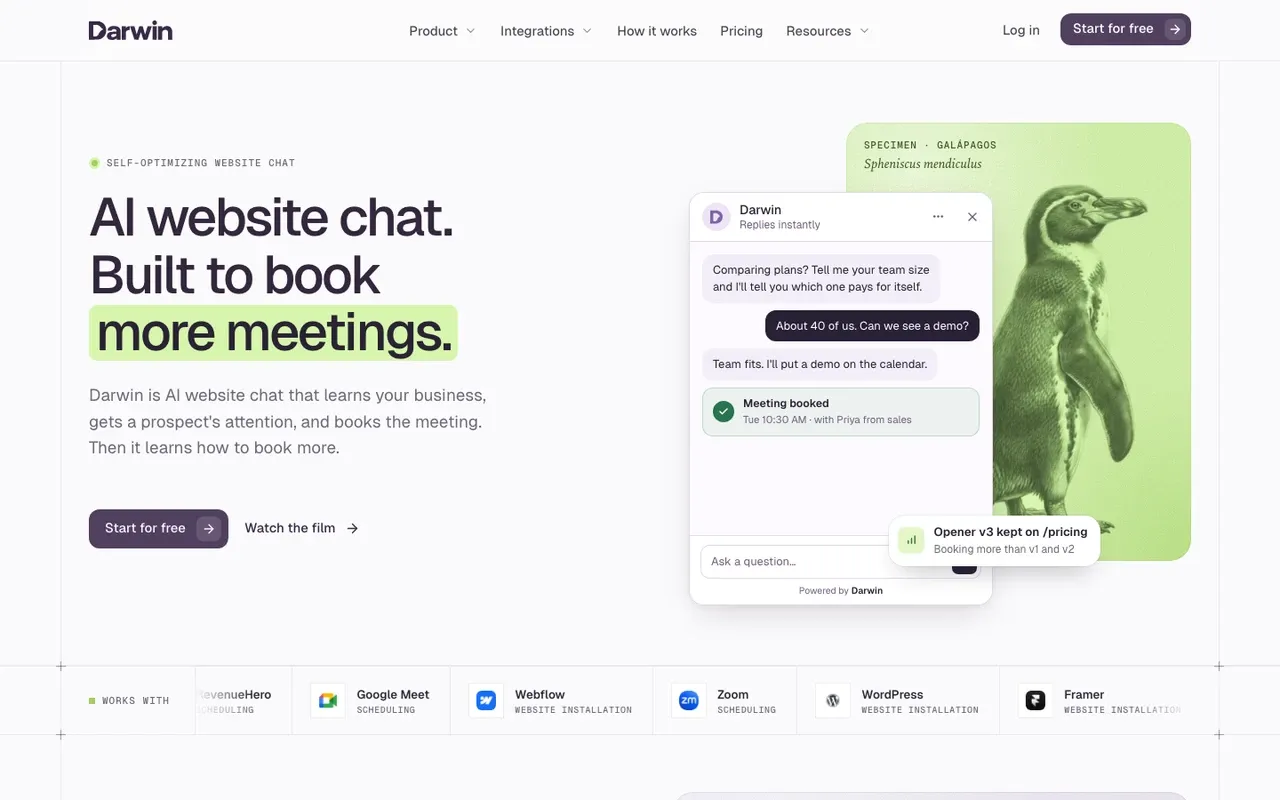
Darwin: website chat that books sales calls
Teams that want website chat to book sales meetings, set up themselves and priced per meeting or qualified request.
Teams that need a support inbox, outbound email, or company-level visitor identification.
- Install on Framer
- Custom code, no app
- Starting price
- $0/mo
- Free plan or trial
- 5 free credits
- Native booking
- In chat: Calendly, Google, RevenueHero
Paste your workspace snippet into Framer's site-wide custom code and publish; there is no separate Darwin marketplace app. Because the snippet lives in custom code rather than on the canvas, a redesign leaves it alone. Framer's page targeting also lets you limit the chat to the pages where buyers decide. The steps after the install are the same on any builder, and our guide to adding a chatbot to any website covers them.SourcesDarwin
Darwin discovers the relevant pages on your website and prepares its knowledge base from them. When a visitor sounds ready, Darwin offers a time inside the chat through Calendly, Google Calendar or RevenueHero, so the call is booked before they leave the page.SourcesDarwin +1
With automatic testing on, Darwin tries different opening lines on each page, promotes the ones that bring more visitors to the booking step (never one that books fewer meetings) and starts the next test from the winner. Among the other six, Intercom documents A/B tests of messages you write, where you pause the losing one yourself, and Tidio's flows can show different welcome messages at random without picking a winner; the pages we read for Chatbase, Elfsight, Jotform and HubSpot do not describe testing openings.SourcesDarwinIntercom
Darwin's Free plan costs $0/mo and includes 5 free credits, then charges $30/credit. Paid plans with credits included every month start at $299/mo.SourcesDarwin
The Darwin Framer integration page has the setup steps, and the plans are on the pricing page.
Darwin pros
- With automatic testing on, it tests its own openings and promotes the winners
- Drafts its setup from your website URL
- Offers a time inside the chat, through Calendly, Google Calendar or RevenueHero
- Priced per booked meeting or qualified request, not per seat or per answer
Darwin cons
- Website chat only: no email sequences, no visitor identification
- Not a support inbox; there is no ticketing
- A young product with a shorter track record than the incumbents
Darwin fits a Framer marketing site whose job is booked sales calls, set up by whoever runs the site. If the chat must handle support tickets or order questions, Intercom or Tidio is the better pick.
How we reviewed Darwin: Our own product. Facts come from Darwin's public docs and pricing page, checked on the same schedule as every other tool; cons written by the team that builds it.
Reviewed Oct 5, 2026
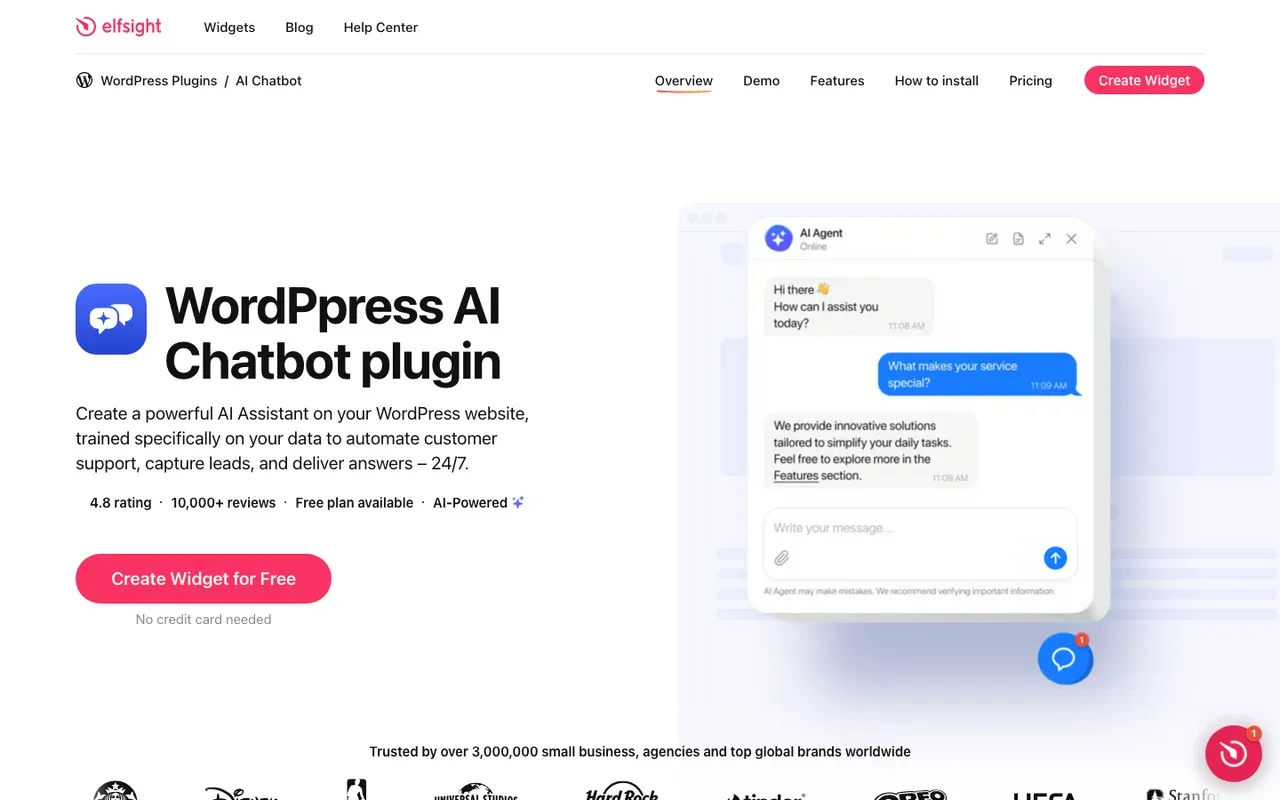
Elfsight: a low-cost answer widget, inline or floating
Small sites that want a low-cost, embeddable assistant that answers questions from their own pages.
Sites that need meetings booked in the chat, or that get more than light traffic on the low tiers.
- Install on Framer
- Embed block or custom code
- Starting price
- $0/mo
- Free plan or trial
- Free plan
- Native booking
- Not documented
Elfsight's help center has a Framer article with two routes. Static: add an Embed block from Utility, set Type to HTML and paste the code. Floating: put the script at the End of the head tag and the div at the Start of the body tag.SourcesElfsight
You train the Elfsight assistant on your site's content through its URLs, plus files and Q&A. Its chatbot pricing page does not mention booking meetings, so plan on a widget that answers questions and nothing more.SourcesElfsight
Elfsight's Free plan is $0 forever, with 1 chatbot, 50 messages and 200 views a month. Paid plans start with Basic at $5 per month billed yearly for 3 chatbots and 300 messages; Pro is $10 for 1,000 messages and Premium $20 for 3,000. Plans grow with messages and widget views rather than seats.SourcesElfsight
Both routes are in Elfsight's Framer article.SourcesElfsight
Elfsight AI Chatbot pros
- Embed code that works on WordPress, Webflow, Shopify, Wix and plain HTML
- Trains on your URLs, plus files and Q&A
- A free plan, and paid plans that start low when billed yearly
Elfsight AI Chatbot cons
- Low message caps on the free and Basic plans
- Going over the monthly view limit switches the widget off for a while
- Meeting booking is not described on its pricing page
Elfsight is the cheapest way to put an answering widget on a Framer site, as long as its message caps fit your traffic and nobody needs a booking.
How we reviewed Elfsight AI Chatbot: Read its pricing page and its WordPress and Webflow install guides on 16 September 2026 and again on 5 October 2026. No trial.
Reviewed Oct 5, 2026
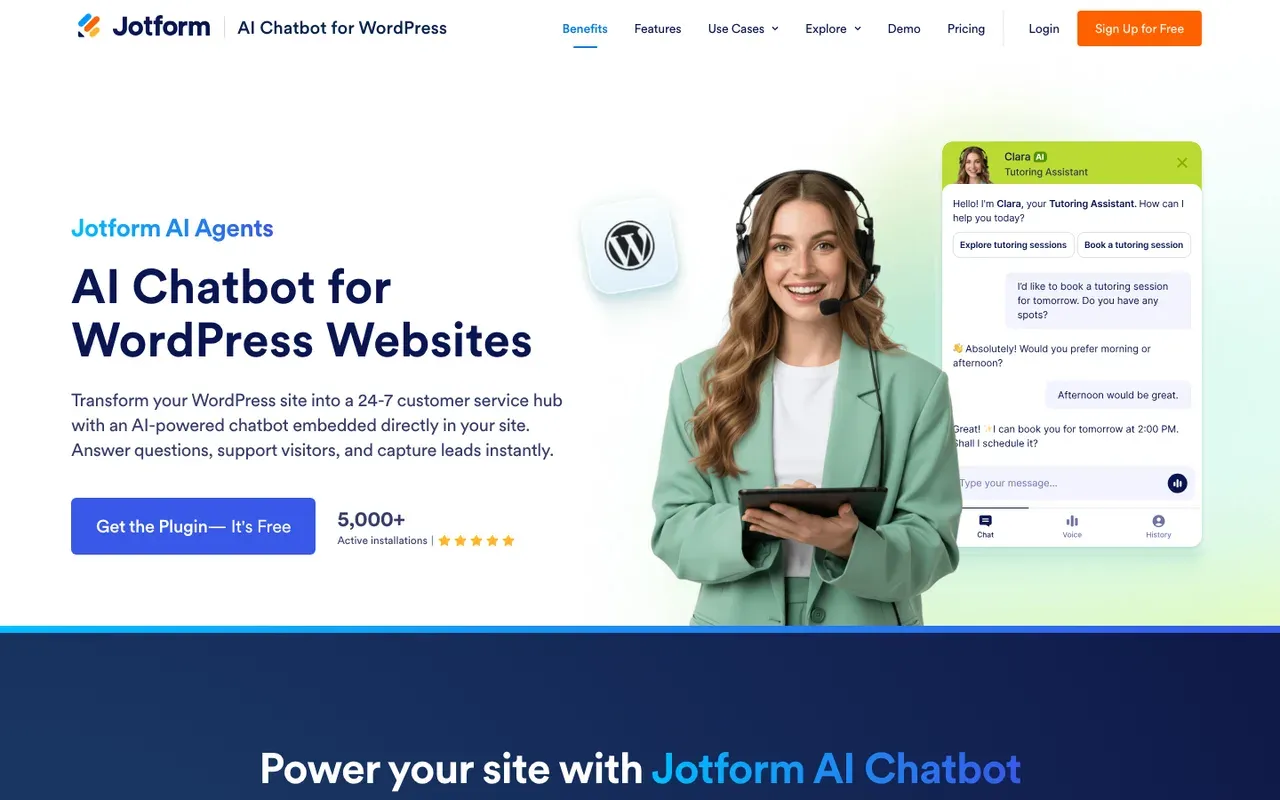
Jotform: a free start for small businesses
Small businesses that want a free AI chatbot that trains itself on their website and takes reservations.
Busy sites that would outgrow the free plan's cap, and B2B teams that want qualified sales meetings rather than reservations.
- Install on Framer
- Platforms tab (Framer listed)
- Starting price
- $0/mo
- Free plan or trial
- Free plan
- Native booking
- Google Calendar reservations
Framer is listed among supported platforms in AI Agent Builder under Publish, Platforms, which shows platform-specific install steps; the generic Embed on Your Site code also works. That makes Jotform a copy-and-paste install, like the others in this group.SourcesJotform
Once the agent is on your site, Jotform says it crawls your pages and refreshes its answers when you edit them. The AI agent can manage reservations based on your availability through Google Calendar.SourcesJotform
Jotform's Starter plan is free, with 100 monthly conversations and 5 active AI agents. The chatbot is priced inside Jotform's general plans, which cap conversations each month. Bronze, the first paid plan, costs $39/mo and raises the cap.SourcesJotform
The publishing steps are in Jotform's help center.SourcesJotform
Jotform AI Chatbot pros
- A free WordPress plugin, plus embed code for Webflow and other site builders
- Crawls your site and updates its answers when you edit content
- Takes reservations against your Google Calendar availability
- A free Starter plan, with paid tiers sized by conversations
Jotform AI Chatbot cons
- Every plan caps monthly conversations, and the free plan's cap is low
- The chatbot sits inside Jotform's account and plan structure
- Booking is built for reservations, not sales qualification
What Jotform AI Chatbot users say
Users like
The ability to give direct instructions for certain questions was a nice feature.
Jotform's AI chatbot is easy to customize, from its responses to a look that matches the brand.
Jotform AI Agents was easy to train with uploaded files and links to the website.
Reviewers find Jotform's AI chatbot easy to set up and train, with defaults that let them go live quickly.
Users complain about
getting the AI agent to handle more complex or very specific enquiries
Jotform's AI agent takes extra training and tuning to handle complex, specific or unusual questions well.
SourcesG2the strict usage limits on the lower pricing tiers make the platform expensive to scale
Jotform's free and lower tiers have tight usage limits, so scaling gets expensive.
SourcesG2
Reviewers' words, our summaries · reviews read Oct 6, 2026
Jotform is a sensible free start for a small business on Framer that takes reservations, if the free plan's conversation cap fits its traffic.
How we reviewed Jotform AI Chatbot: Read its WordPress and Webflow chatbot pages and its pricing page on 16 September 2026 and again on 5 October 2026. No trial.
Reviewed Oct 5, 2026
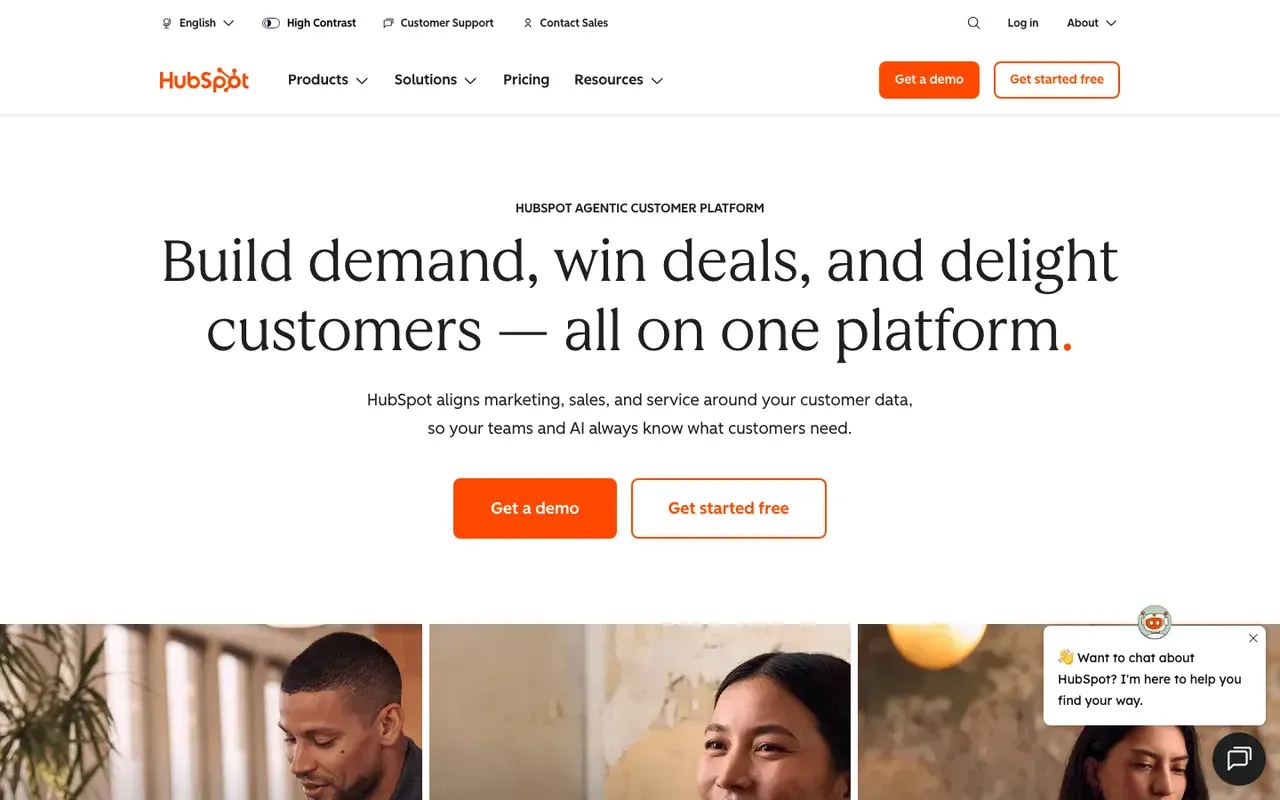
HubSpot: free chat if you already use HubSpot CRM
Companies already on HubSpot CRM who want chat without another vendor.
Companies on another CRM, or teams that want chat to improve without hand-editing flows.
- Install on Framer
- Tracking code, end of body
- Starting price
- $0/mo
- Free plan or trial
- Free tools
- Native booking
- Meetings link
HubSpot's chat runs on its tracking code, so if the code is already on your Framer site for forms or analytics, the widget needs no extra script. Paste the HubSpot tracking code before the closing body tag on each page; live chat widgets depend on it. In Framer that is the End of body custom code slot.SourcesHubSpot
HubSpot's free tools include live chat and a limited chatbot with HubSpot branding. AI answers come from the Breeze customer agent, which can import your public pages and is metered in HubSpot Credits. The customer agent uses 50 HubSpot Credits per resolved conversation.SourcesHubSpot +1
Chatbots share a HubSpot meetings link; the customer agent can route qualified leads to a meeting link. The visitor picks the time on a HubSpot meetings page, which is already tied to your reps' calendars and your contacts.SourcesHubSpot +1
Side-by-side: Darwin vs HubSpot.
SourcesHubSpot
HubSpot pros
- Free live chat and bots, native to the CRM
- Meetings links and routing already in the platform
- The customer agent learns from public website URLs
HubSpot cons
- The AI agent costs credits on top of seats and needs Professional or higher
- Bots are flow builders; you write the openings by hand
- Sales chat is a feature here, not the product
What HubSpot users say
Users like
Its easy to use and onboard new colleagues
Most reviewers find HubSpot Service Hub easy to learn and use day to day.
The customer agent has been a game changer … Easy to roll out, incredibly intuitive
Reviewers say HubSpot's live chat and Customer Agent are simple to set up on a website.
Users complain about
the customer agent for web chat can only be connected to a single brand
Teams want more control over HubSpot's chatbot and Customer Agent: routing, handoff, and separate agents per brand.
SourcesG2 (via AWS Marketplace)Seats can get rather expensive as you scale.
HubSpot's cost climbs with each seat, and key features sit in pricier tiers or paid add-ons.
Reviewers' words, our summaries · reviews read Oct 6, 2026
HubSpot is the first thing to try if your Framer site already sends leads into HubSpot; switching on the free chat costs nothing.
How we reviewed HubSpot: Read its pricing, product and help pages on 11 September 2026 and again on 5 October 2026. Did not set up a HubSpot account for this review.
Reviewed Oct 5, 2026
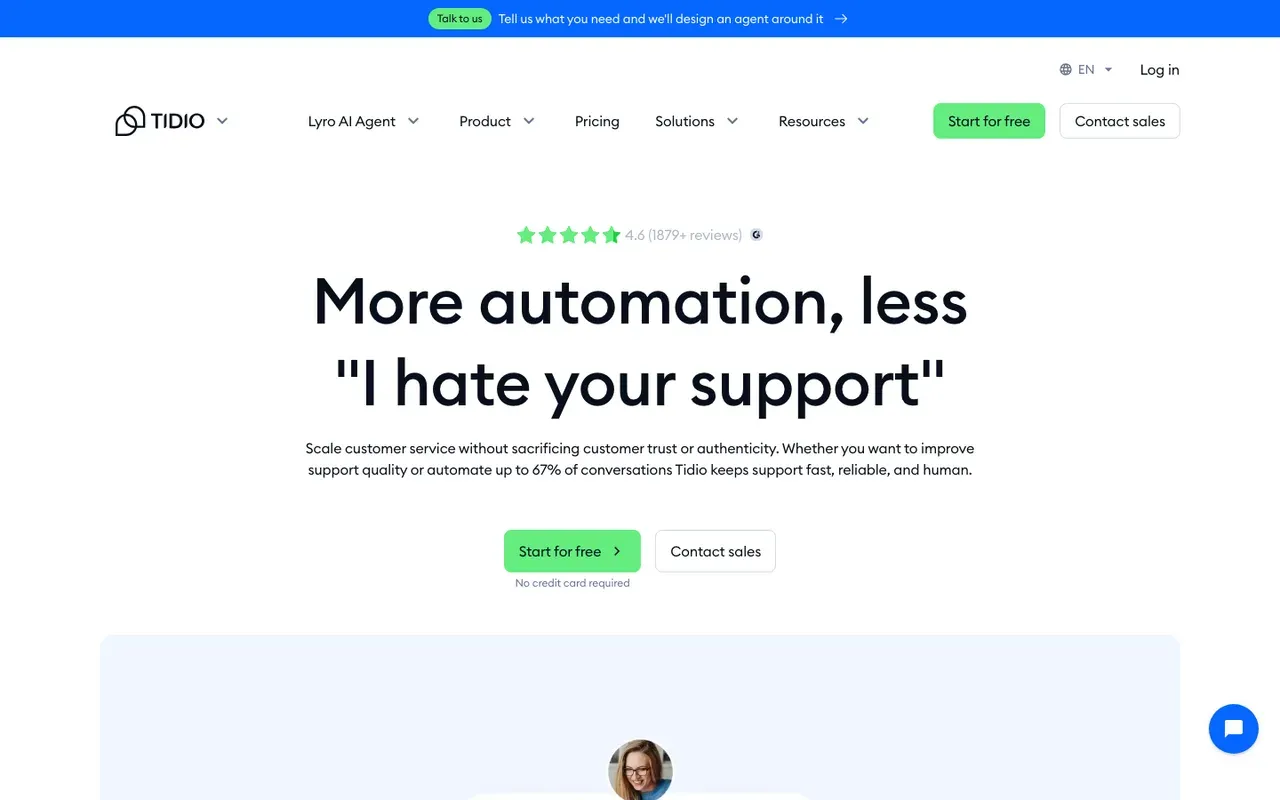
Tidio: live chat and AI for a small Framer store
Small businesses and online stores that want an affordable widget with an AI agent.
B2B sales teams that need the meeting booked inside the chat, not a link.
- Install on Framer
- Generic snippet
- Starting price
- $0/mo
- Free plan or trial
- 7 day trial
- Native booking
- Shares a Calendly link
Tidio's install guide is written for any website rather than for Framer, and its standard snippet works in Framer's custom code. Paste the Tidio JavaScript code above the closing body tag of your website; in Framer that is the End of body custom code slot.SourcesTidio
Tidio's Free plan has no monthly fee. Paid plans start at $29/mo, and Lyro, Tidio's AI agent, has its own quota. Lyro's quota starts at $39 per month for 50 conversations on monthly billing.SourcesTidio
Lyro learns from website URLs pasted as data sources. For calls, Tidio relies on a link. Lyro can share a Calendly scheduling link through a Book-a-call Action.SourcesTidio +1
Side-by-side: Darwin vs Tidio.
Tidio pros
- A free plan, and a free trial of the paid features
- Lyro trains on website URLs you provide
- Simple setup for non-technical teams
Tidio cons
- Meeting booking is a shared link, not a calendar inside the chat
- Priced by conversation volume, so costs climb with traffic
- Built for support and e-commerce, not B2B pipeline
What Tidio users say
Users like
The AI replies are well-suited and provide accurate responses to our customers.
Tidio's Lyro AI agent takes routine, repetitive questions off small support teams.
I had the widget live and a basic bot flow running in under an hour
Small teams find Tidio quick to install and easy to use day to day.
Users complain about
AI-generated responses sometimes need a quick review to make sure they fit the context
Tidio's AI replies can miss context, feel impersonal or get answers wrong, so specific questions still need a person.
SourcesG2Lyro conversations are billed separately, so costs get unpredictable on higher-traffic sites.
Tidio's real bill often runs well above the entry price once Lyro, Flows and more conversations are added.
Reviewers' words, our summaries · reviews read Oct 6, 2026
Tidio fits a small shop on Framer that wants live chat plus an AI agent for order and product questions. A B2B site that books calls will want the meeting inside the chat.
How we reviewed Tidio: Read its pricing, product and help pages on 11 September 2026 and again on 5 October 2026. No trial.
Reviewed Oct 5, 2026
How to add a chatbot to a Framer site
For every tool here except Intercom, the steps are the same and take a few minutes.
- Sign up with the vendor and give it your published Framer URL, so a tool that reads your pages can start learning them.
- Copy the website widget code from the vendor's dashboard.
- In Framer, open Project Settings, then Custom Code, and add a script. Put it in the slot the vendor names, and choose all pages or only the pages that should show the chat.
- Publish the site, then open the live URL in a private window.
- Ask the chat three questions a real buyer would ask. If it books meetings, book a test call and cancel it.
For a panel inside a page, add an Embed block, set it to HTML and paste the vendor's embed code. For Intercom, use the component in the Integrations section of the Insert menu. The Darwin Framer guide walks through the custom-code route with screenshots.
How to choose a chatbot for your Framer site
The same seven tools, sorted by the situation you are in.
- Support is the main job and nobody wants to touch code. Use Intercom through Framer's component.
- The same agent should also answer email, voice or WhatsApp. Look at Chatbase.
- The site exists to book demos or sales calls, and you will set it up yourself. Try Darwin; it is ours.
- You want the cheapest widget that answers from your pages. Elfsight.
- You are a small business that takes reservations and wants to start free. Jotform.
- Your leads already go into HubSpot. Switch on HubSpot's chat before buying anything.
- You run a small online store. Tidio.
Website builders questions.
Does Framer have a built-in AI chatbot?
No. Framer's AI helps you build: it drafts pages, copy and visuals and reviews the site before you publish. It does not answer people on the live site, so any chatbot you see on a Framer site was added from another vendor, through custom code, an Embed block or, for Intercom, Framer's own component.
How do I add a chatbot to Framer?
Copy the widget code from your chatbot vendor. In Framer, open Project Settings, go to Custom Code, add a script in the slot the vendor names, choose all pages or specific ones, and publish. For an inline panel, use an Embed block set to HTML. For Intercom, drag Framer's Intercom component onto the canvas and paste your workspace ID.
What is the best AI chatbot for a Framer website?
It depends on the site's job. Intercom suits support and needs no code. Chatbase suits an agent that also answers email or voice. Darwin suits a site that exists to book sales calls; we make it, so weigh that. HubSpot makes sense if you already use its CRM, and Elfsight, Jotform and Tidio suit small budgets, small businesses and small stores.
Is there a free chatbot for Framer?
Yes. Chatbase, Elfsight, Jotform and Tidio have free plans with message or conversation caps, and HubSpot's free tools include live chat and a basic chatbot. Darwin's Free plan has no monthly fee and includes 5 free credits, then charges per booking or qualified request. Intercom offers a trial but no free plan.
Can I show the chatbot on some Framer pages only?
Yes. When you add a script in Framer's custom code settings, you can pick specific pages instead of the whole site. That lets you keep a sales chat on pricing and product pages and leave it off the careers page or the blog.
Sources & references (88)
Supporting material for the product details in this article. Each source keeps its own access date.
- Chatbase Pricing Chatbase · Accessed
- Framer AI Framer · Accessed
- Framer Help: How to add custom code Framer · Accessed
- Chatbase Framer integration Chatbase · Accessed
- Adding Elfsight Widget to Framer Website Elfsight · Accessed
- Install the HubSpot tracking code HubSpot · Accessed
- Install Tidio on your Website Tidio · Accessed
- Framer Help: Adding Intercom to your site Framer · Accessed
- Framer Help: Adding Intercom to your site Framer · Accessed
- How to train Fin for Sales Intercom · Accessed
- Book meetings with Calendly using Fin for Sales Intercom · Accessed
- Book meetings with HubSpot using Fin for Sales Intercom · Accessed
- Intercom standard pricing after Early Stage Intercom · Accessed
- Intercom pricing Intercom · Accessed
- Intercom pricing FAQs Intercom · Accessed
- Today Intercom becomes Fin Intercom · Accessed
- Salesforce Completes Acquisition of Fin Salesforce · Accessed
- Salesforce Signs Definitive Agreement to Acquire Fin Salesforce · Accessed
- Fin (Intercom) Reviews from Real Users TrustRadius · Accessed
- Fin Review Insights TrustRadius · Accessed
- Fin (Intercom) reviews G2 · Accessed
- Chatbase data sources Chatbase · Accessed
- Chatbase actions documentation Chatbase · Accessed
- Chatbase Pricing Chatbase · Accessed
- Chatbase - AI agent for support and sales reviews Shopify App Store · Accessed
- Chatbase Reviews Software Advice · Accessed
- Chatbase plugin reviews WordPress.org · Accessed
- Darwin Framer integration Darwin · Accessed
- Set up with Darwin Darwin · Accessed
- Connect your scheduling page Darwin · Accessed
- How Darwin improves your openings Darwin · Accessed
- A/B test different message variations Intercom · Accessed
- Darwin pricing: plans, credits and add-ons Darwin · Accessed
- Adding Elfsight Widget to Framer Website Elfsight · Accessed
- Elfsight AI Chatbot Pricing Elfsight · Accessed
- How to Embed Your Agents to Other Platforms Jotform · Accessed
- Jotform AI Chatbot for WordPress Jotform · Accessed
- Jotform Pricing Jotform · Accessed
- Jotform AI Chatbot ‑ Live Chat reviews Shopify App Store · Accessed
- Jotform Reviews from Real Users TrustRadius · Accessed
- Jotform AI Agents reviews G2 · Accessed
- Install the HubSpot tracking code HubSpot · Accessed
- HubSpot Sales Hub pricing HubSpot · Accessed
- HubSpot Product and Services Catalog: HubSpot Credits Rate Sheet HubSpot · Accessed
- Choose your rule-based chatbot actions HubSpot · Accessed
- Set up customer agent actions to qualify leads HubSpot · Accessed
- Service Hub Enterprise reviews (G2 reviews syndicated on AWS Marketplace) G2 (via AWS Marketplace) · Accessed
- HubSpot Service Hub Reviews Software Advice · Accessed
- Manage the customer agent's content sources HubSpot · Accessed
- Install Tidio on your Website Tidio · Accessed
- Tidio pricing Tidio · Accessed
- Lyro – a quick setup Tidio · Accessed
- Lyro Action templates Tidio · Accessed
- Tidio: AI Chatbot & Live Chat reviews Shopify App Store · Accessed
- Tidio Reviews Software Advice · Accessed
- Tidio reviews G2 · Accessed
- Create a rule-based chatbot HubSpot · Accessed
- Set guidelines for the customer agent HubSpot · Accessed
- Edit your initial message (first flow) Tidio · Accessed
- Flow editor: Actions Tidio · Accessed
- My Flows section Tidio · Accessed
- Book meetings with Calendly using Fin for Sales Intercom · Accessed
- Book meetings with HubSpot using Fin for Sales Intercom · Accessed
- Intercom pricing Intercom · Accessed
- Intercom standard pricing after Early Stage Intercom · Accessed
- Intercom pricing FAQs Intercom · Accessed
- How to train Fin for Sales Intercom · Accessed
- Chatbase WordPress integration Chatbase · Accessed
- Chatbase Webflow integration Chatbase · Accessed
- How Darwin improves your openings Darwin · Accessed
- Connect your scheduling page Darwin · Accessed
- Set up with Darwin Darwin · Accessed
- Darwin plans and booking prices Darwin · Accessed
- Plans and included meetings Darwin · Accessed
- Adding Elfsight Widget to WordPress Website Elfsight Help Center · Accessed
- Elfsight AI Chatbot for Webflow Elfsight · Accessed
- Elfsight AI Chatbot Pricing Elfsight · Accessed
- Jotform AI Chatbot for Webflow Jotform · Accessed
- Choose your rule-based chatbot actions HubSpot · Accessed
- Set up customer agent actions to qualify leads HubSpot · Accessed
- HubSpot Sales Hub pricing HubSpot · Accessed
- Manage customer agent knowledge sources HubSpot · Accessed
- Create a rule-based chatbot HubSpot · Accessed
- Set guidelines for the customer agent HubSpot · Accessed
- Choose your rule-based chatbot actions HubSpot · Accessed
- Lyro Action templates Tidio · Accessed
- Lyro – a quick setup Tidio · Accessed
- Tidio pricing Tidio · Accessed