
TL;DR
- Pick by what the chat is for: Jotform or WPBot for a small business, Tidio for a WooCommerce store, Darwin for booking sales meetings, AI Engine for developers.
- You do not need a plugin. Darwin and Elfsight install as one script through Google Tag Manager, a snippet plugin or your theme footer, so there is nothing to update.
- Free rarely means unlimited. WPBot and AI Engine bill you through your AI provider, and the free plans from Jotform, Elfsight, Chatbase and Tidio cap usage each month.
- WPBot's full site training and in-chat booking are Pro features, so price Pro before you choose it for either.
How we researched this
- 8 products reviewed. Each one says how and when, under its heading.
- 48 sources. Each with the date it was read. See the list.
- Facts last checked .
Written by Ari Goldstein, Founder & CEO, Darwin. We make Darwin, one of the products reviewed here; our editorial policy says how we handle that.
The best AI chatbot for a WordPress site depends on what the chat is for. A small business that wants questions answered and appointments taken for free should start with Jotform's plugin, or with WPBot if it wants to choose the AI model behind the bot. A WooCommerce store will usually be best served by Tidio. If the chat's job is to turn visitors into booked sales meetings, Darwin is the closest match you can set up yourself. Developers who want to run everything on their own model keys should use AI Engine.
Three more suit narrower jobs. Chatbase fits a team that wants one agent on its website, email and voice. ChatBot.com fits a support team that is happy to pay per user after a trial. Elfsight is the cheapest way to add an assistant that answers from your pages. Moving to Webflow or Framer? See the best Webflow chatbots and the best AI chatbots for Framer.
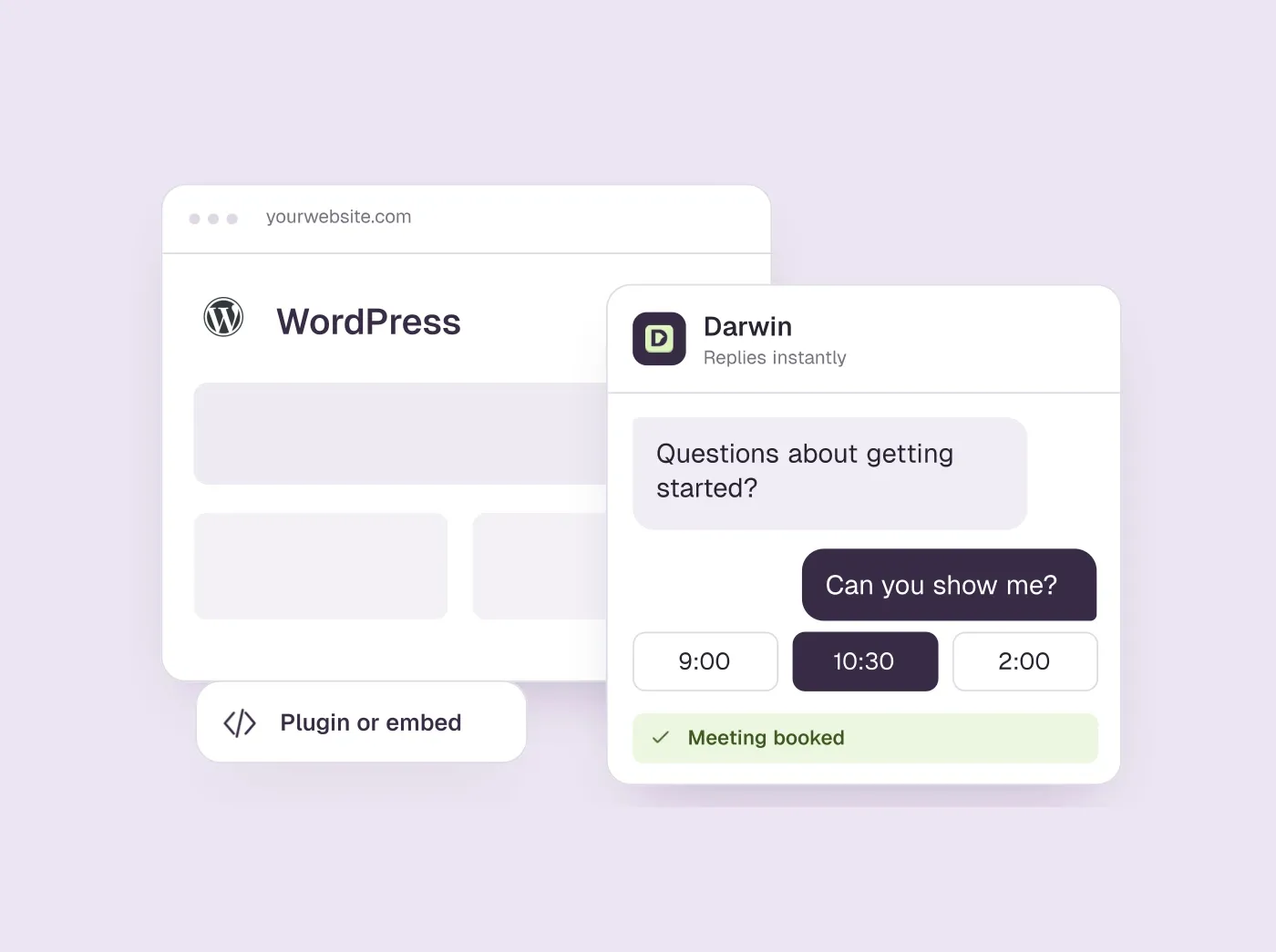
WordPress adds a second decision: a plugin that runs inside your site, or a script that loads from the vendor's servers. Six of the eight install as plugins; Darwin and Elfsight install as a script. The next section explains when each route makes sense.
A disclosure before the list: we make Darwin, AI website chat that answers questions and books meetings, so we are not neutral. We put it fourth, after the three plugins that suit most small WordPress sites, because it is built for one job, booking sales meetings from the chat. For a blog, a shop or a support desk, the tools above it fit better. Every price and plan detail below comes from the vendor's own pages and shows the date we checked it.
WordPress AI chatbots at a glance
Tools run from the free plugins that suit most small WordPress sites, through Darwin for sites whose chat should book sales meetings, to tools for narrower jobs. Install shows whether each one is a plugin or a script. Hover over a cell to see the full finding and the date we checked it.
| Tool | Install | Learns from your site | Native booking | Starting price | Free plan or trial | How it charges |
|---|---|---|---|---|---|---|
 Jotform AI Chatbot Jotform AI Chatbot | Plugin | Crawls your site | Google Calendar reservations | $0/mo | Free plan | Plan tiers, conversation caps |
 WPBot WPBot | Plugin | Pages, posts, sitemap | Google Calendar in chat (Pro) | Free plugin | Free version | Free + Pro upgrade |
 Tidio Tidio | Plugin | URL scraper | Shares a Calendly link | $0/mo | 7 day trial | Conversation-based |
 Darwin Darwin | Script or GTM, no plugin | Yes | In chat: Calendly, Google, RevenueHero | $0/mo | 5 free credits | Plan fee + credits |
 AI Engine AI Engine | Plugin | Embeddings you set up | Not documented | $0/mo | Free version | Free + Pro, your keys |
 Chatbase Chatbase | Plugin | Websites, files, Notion | Calendly or Cal.com in chat | $0/mo | Free plan | Message credits |
 ChatBot.com ChatBot.com | Plugin | Website + files | Offers a booking | $25/user/mo | 14 day trial | Per user + resolution caps |
 Elfsight AI Chatbot Elfsight AI Chatbot | Embed code | Your URLs | Not documented | $0/mo | Free plan | By messages and views |
Values come from shared product facts, checked Sep 16, 2026 to Oct 20, 2026. Sources
Plugin or script: which way to add a chatbot to WordPress
A plugin runs inside WordPress. It gets a settings page in your dashboard, it can read your posts directly, and it updates from the Plugins screen like everything else. A script is a single tag you add once, through Google Tag Manager, a snippet plugin such as WPCode, or your theme's shared footer. The chatbot then runs on the vendor's servers and reads your site the way a visitor does. The rest of the setup is the same on any site; our step-by-step guide to adding a chatbot covers it.
A plugin is the better route when the bot needs to live inside WordPress: to read private post types, to see WooCommerce carts and orders, or to run on your own AI keys. The cost is upkeep. Every plugin is one more thing that can clash with your caching layer, your page builder or the next core update, and a chatbot that loads its own files on every page can drag down a PageSpeed score.
A script is the better route for almost everything else. There is nothing to update, a theme change does not break it, and if you already use Tag Manager it is one more tag. The trade-off is that it only knows what is public, which for most business sites is exactly what the bot should know.
- Choose a plugin if you need WooCommerce data, private content or your own model keys.
- Choose a script if you want the quickest install, nothing to maintain, and a bot that reads your public pages.
- Either way, test with your caching plugin switched on: a cached page without the widget is the usual reason a chatbot seems to vanish.
How we picked and checked these chatbots
We started from the question a WordPress site owner asks: which chatbot can answer my visitors from my own content, and how does it get onto my site? A tool made the list if it installs on WordPress by plugin or script, uses AI to answer from your pages or documents, and publishes either a price or a free tier. We left out rule-based bots with no AI and platforms sold only after a demo.
- What we weighed. How each tool installs on WordPress, whether it reads your site by itself, whether it can book a meeting or an appointment inside the chat, what it costs to start, and how the bill grows with traffic.
- What we read. The vendor's own pricing page, product page and WordPress plugin listing or install guide, first in September 2026 and again on 5 October 2026. Each price, plan and capability below is stored as a fact with its source and the date it was last confirmed; hover a table cell to see both.
- What we did not do. We did not install every plugin or buy every paid plan, and we leave out vendors' own claims about results. A cell marked Not documented means the vendor's public pages did not confirm the capability, which is not the same as a no.
- Our own product. Darwin is ours. Its facts go through the same checks as everyone else's, and its section says what it does not do.
The Best for, Not for, pros and cons under each tool come from our shared review of that product, which other Darwin guides use too and which we recheck regularly. The summaries and verdicts are written for WordPress site owners.
Jotform: a free plugin that crawls your site
Small businesses that want a free AI chatbot that trains itself on their website and takes reservations.
Busy sites that would outgrow the free plan's cap, and B2B teams that want qualified sales meetings rather than reservations.
- Install
- Plugin
- Starting price
- $0/mo
- Free plan or trial
- Free plan
- Native booking
- Google Calendar reservations
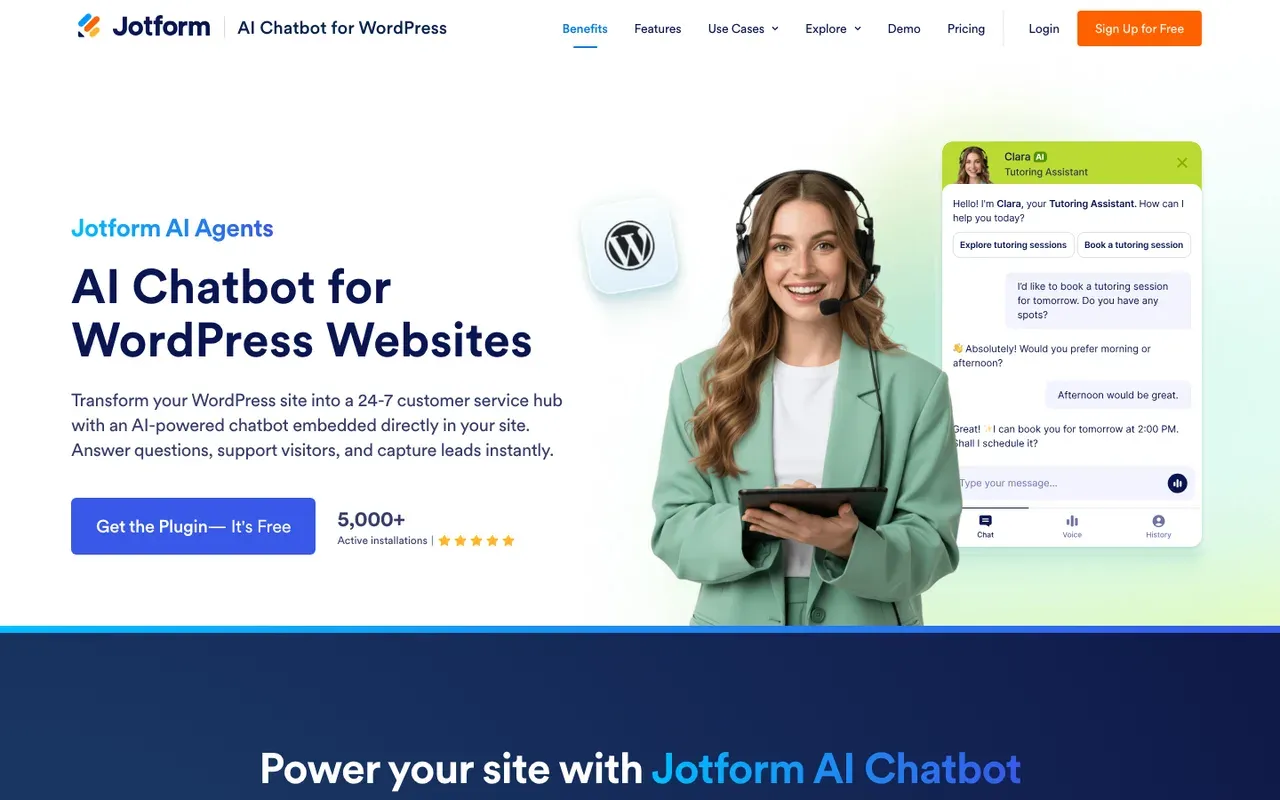
Jotform's chatbot is the easiest place for a small WordPress business to start. It is a free plugin: search the Plugins screen for Jotform AI Chatbot, activate it, and build the agent inside your WordPress admin. It crawls your site on its own and refreshes its answers when you add or edit a page, so there is no training step to manage.SourcesJotform
It can take bookings too. Connected to Google Calendar, Jotform's agent manages reservations against your availability, which suits a clinic, a salon or a consultancy better than a sales team.SourcesJotform
The chatbot runs on Jotform's account plans, and every plan caps conversations each month. Jotform's Starter plan is free, with 100 monthly conversations and 5 active AI agents. Jotform's paid tiers start at $39/mo, so check last month's traffic against the cap before you rely on the free plan.SourcesJotform
Install steps are on Jotform's WordPress chatbot page.
Jotform AI Chatbot pros
- A free WordPress plugin, plus embed code for Webflow and other site builders
- Crawls your site and updates its answers when you edit content
- Takes reservations against your Google Calendar availability
- A free Starter plan, with paid tiers sized by conversations
Jotform AI Chatbot cons
- Every plan caps monthly conversations, and the free plan's cap is low
- The chatbot sits inside Jotform's account and plan structure
- Booking is built for reservations, not sales qualification
What Jotform AI Chatbot users say
Users like
The ability to give direct instructions for certain questions was a nice feature.
Jotform's AI chatbot is easy to customize, from its responses to a look that matches the brand.
Jotform AI Agents was easy to train with uploaded files and links to the website.
Reviewers find Jotform's AI chatbot easy to set up and train, with defaults that let them go live quickly.
Users complain about
getting the AI agent to handle more complex or very specific enquiries
Jotform's AI agent takes extra training and tuning to handle complex, specific or unusual questions well.
SourcesG2the strict usage limits on the lower pricing tiers make the platform expensive to scale
Jotform's free and lower tiers have tight usage limits, so scaling gets expensive.
SourcesG2
Reviewers' words, our summaries · reviews read Oct 6, 2026
Jotform is the strongest free starting point for a small WordPress business that wants answers and appointments without any setup work.
How we reviewed Jotform AI Chatbot: Read its WordPress and Webflow chatbot pages and its pricing page on 16 September 2026 and again on 5 October 2026. No trial.
Reviewed Oct 5, 2026
WPBot: a native plugin with your choice of AI model
WordPress owners who want a native chatbot plugin, a choice of AI model, and appointments booked in the chat with Pro.
Sites not built on WordPress, and owners who would rather not manage an AI provider account and API key.
- Install
- Plugin
- Starting price
- Free plugin
- Free plan or trial
- Free version
- Native booking
- Google Calendar in chat (Pro)
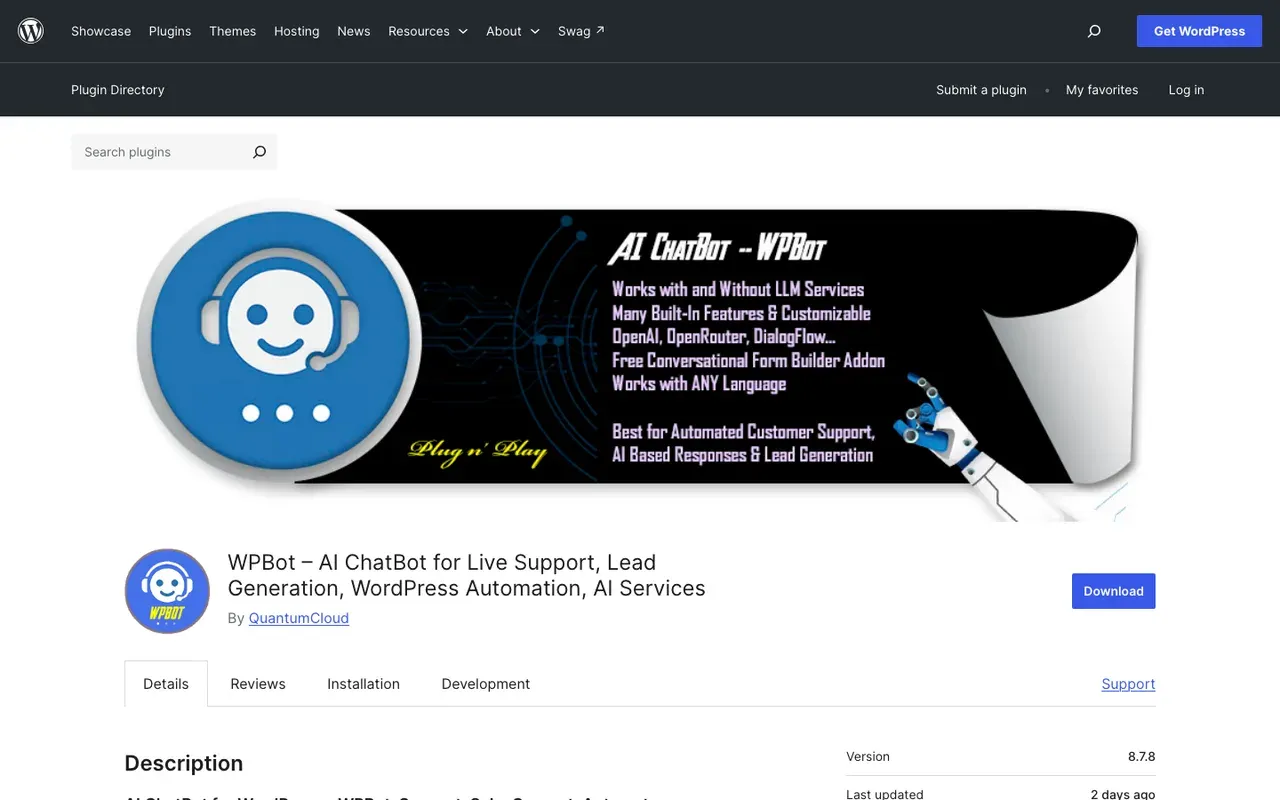
WPBot, by QuantumCloud, is a chatbot plugin on WordPress.org that runs on the AI model you pick: OpenAI, Gemini, models through OpenRouter, or Google's Dialogflow. You connect your own provider account and pay the provider directly for what the bot says. WPBot's free version has 5,000+ active installations and a 4.7 out of 5 rating.SourcesWordPress.org
Read the feature list closely, because the parts most businesses want are in WPBot Pro. Training on your pages, posts, custom post types and sitemap is listed as a Pro feature; the free version lists basic embedding of your site's content. Booking is also Pro: WPBot Pro connects Google Calendar so visitors can book appointments, consultations and reservations inside the chat.SourcesWordPress.org
The plugin page does not show what WPBot Pro costs, so get the price before you plan around it. Details are on the WPBot plugin page.SourcesWordPress.org
WPBot pros
- A native WordPress plugin with a free version on WordPress.org
- Runs on OpenAI, Gemini, OpenRouter models or Dialogflow
- Pro trains on your pages, posts, custom post types and sitemap
- Pro books appointments inside the chat through Google Calendar
WPBot cons
- Full site training and in-chat booking need the paid Pro version
- Pro pricing is not shown on the WordPress.org plugin page
- You pay your AI provider separately for usage
What WPBot users say
Users like
Their customer service and support is super fast, very friendly and professional
WPBot reviewers praise QuantumCloud's support as fast and hands-on, often fixing setup problems for them.
SourcesWordPress.orgWPBot Ultimate is a one time investment and well worth it.
Reviewers call WPBot affordable, praising the one-time Pro and add-on pricing over monthly chatbot plans.
SourcesWordPress.org
Users complain about
most of the things mentioned in their plan does not work
Some WPBot users report errors, site crashes or Pro modules that did not work as advertised.
SourcesWordPress.org
Reviewers' words, our summaries · reviews read Oct 6, 2026
WPBot suits a WordPress owner who wants a native plugin and control over the AI model, and who will buy Pro for site training and booking.
How we reviewed WPBot: Read its WordPress.org plugin page on 16 September 2026 and again on 5 October 2026. Did not install the plugin or buy Pro.
Reviewed Oct 5, 2026
Tidio: live chat and AI for WooCommerce stores
Small businesses and online stores that want an affordable widget with an AI agent.
B2B sales teams that need the meeting booked inside the chat, not a link.
- Install
- Plugin
- Starting price
- $0/mo
- Free plan or trial
- 7 day trial
- Native booking
- Shares a Calendly link
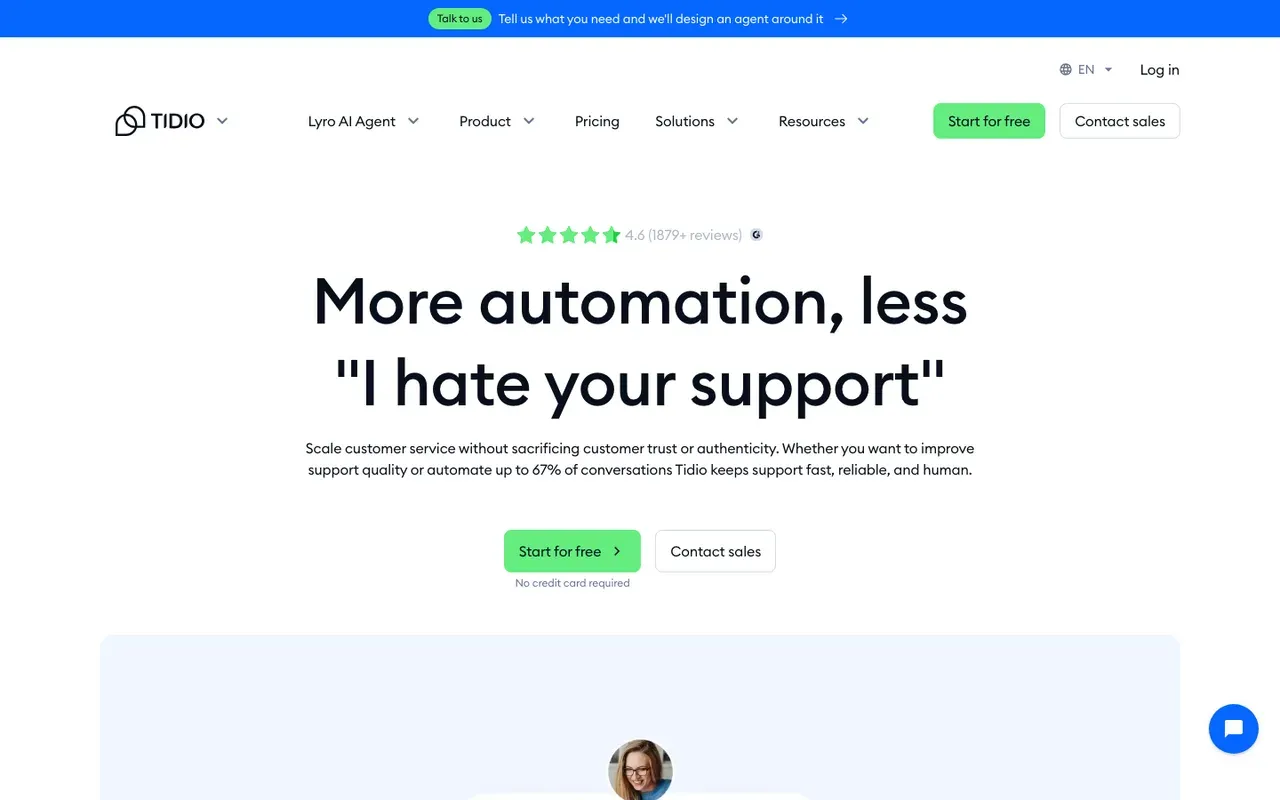
Tidio's native WordPress plugin has 70,000+ active installations and includes Lyro AI on the free plan with limited interactions. For a store, the plugin's WooCommerce integration matters most: Tidio says agents can see a visitor's cart and order history and send product cards inside the chat.SourcesWordPress.org
Tidio's Free plan has no monthly fee. Its Starter plan costs $29/mo, and Lyro, Tidio's AI agent, is billed separately. Lyro's quota starts at $39 per month for 50 conversations on monthly billing.SourcesTidio
The AI agent answers from website URLs you add as data sources. Lyro can share a Calendly scheduling link through a Book-a-call Action. The visitor picks a time on Calendly's page, not on a calendar inside the conversation.SourcesTidio +1
Side-by-side: Darwin vs Tidio.
Tidio pros
- A free plan, and a free trial of the paid features
- Lyro trains on website URLs you provide
- Simple setup for non-technical teams
Tidio cons
- Meeting booking is a shared link, not a calendar inside the chat
- Priced by conversation volume, so costs climb with traffic
- Built for support and e-commerce, not B2B pipeline
What Tidio users say
Users like
The AI replies are well-suited and provide accurate responses to our customers.
Tidio's Lyro AI agent takes routine, repetitive questions off small support teams.
I had the widget live and a basic bot flow running in under an hour
Small teams find Tidio quick to install and easy to use day to day.
Users complain about
AI-generated responses sometimes need a quick review to make sure they fit the context
Tidio's AI replies can miss context, feel impersonal or get answers wrong, so specific questions still need a person.
SourcesG2Lyro conversations are billed separately, so costs get unpredictable on higher-traffic sites.
Tidio's real bill often runs well above the entry price once Lyro, Flows and more conversations are added.
Reviewers' words, our summaries · reviews read Oct 6, 2026
Tidio is the safe choice for a WooCommerce store that wants live chat and an AI agent from one plugin; it is a support tool, not a way to book sales calls.
How we reviewed Tidio: Read its pricing, product and help pages on 11 September 2026 and again on 5 October 2026. No trial.
Reviewed Oct 5, 2026
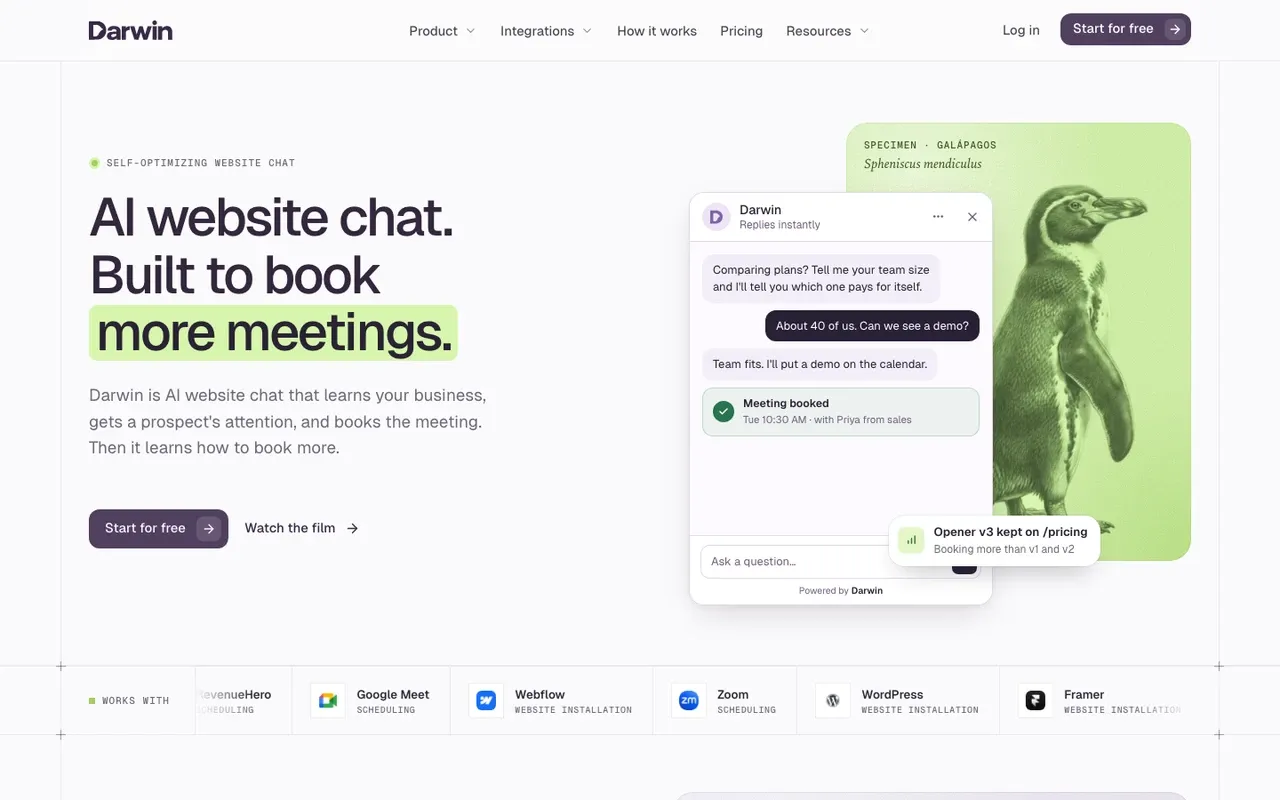
Darwin: chat that books sales meetings, no plugin
Teams that want website chat to book sales meetings, set up themselves and priced per meeting or qualified request.
Online stores that need WooCommerce order lookups, and teams that need a support inbox or outbound email.
- Improves on its own
- Yes
- Install
- Script or GTM, no plugin
- Starting price
- $0/mo
- Free plan or trial
- 5 free credits
- Native booking
- In chat: Calendly, Google, RevenueHero
Darwin is added through your script-insertion method or the shared theme footer; there is no separate Darwin marketplace app to install. That makes it a script rather than a plugin: you add one snippet through Google Tag Manager or a snippet plugin such as WPCode, and there is nothing to update on the Plugins screen afterwards.SourcesDarwin
Darwin discovers the relevant pages on your website and prepares its knowledge base from them. A visitor's question gets an answer from those pages and, when they are ready to talk, a meeting time inside the chat through Calendly, Google Calendar or RevenueHero.SourcesDarwin +1
The other difference shows up after launch. With automatic testing on, Darwin tries different opening lines on each page, promotes the ones that bring more visitors to the booking step (never one that books fewer meetings) and starts the next test from the winner. Of the eight tools here, it is the only one whose public pages describe testing its openings and keeping a winner. WPBot describes greetings and flows you write yourself, Tidio's flows can show different welcome messages at random without picking a winner, and the pages of the other five do not mention testing openings.SourcesDarwinWordPress.orgTidio
Darwin's Free plan costs $0/mo and includes 5 free credits once; after that it charges $30/credit, and paid plans with a monthly allowance start at $299/mo. The WordPress integration page has the install steps and the pricing page has the plans.SourcesDarwin
Darwin pros
- With automatic testing on, it tests its own openings and promotes the winners
- Drafts its setup from your website URL
- Offers a time inside the chat, through Calendly, Google Calendar or RevenueHero
- Priced per booked meeting or qualified request, not per seat or per answer
Darwin cons
- Website chat only: no email sequences, no visitor identification
- Not a support inbox; there is no ticketing
- A young product with a shorter track record than the incumbents
Darwin fits a WordPress site that exists to start sales conversations, such as a B2B company, an agency or a service business that wants booked calls rather than form fills. For a blog, a store or a support desk, pick one of the plugins above it.
How we reviewed Darwin: Our own product. Facts come from Darwin's public docs and pricing page, checked on the same schedule as every other tool; cons written by the team that builds it.
Reviewed Oct 5, 2026
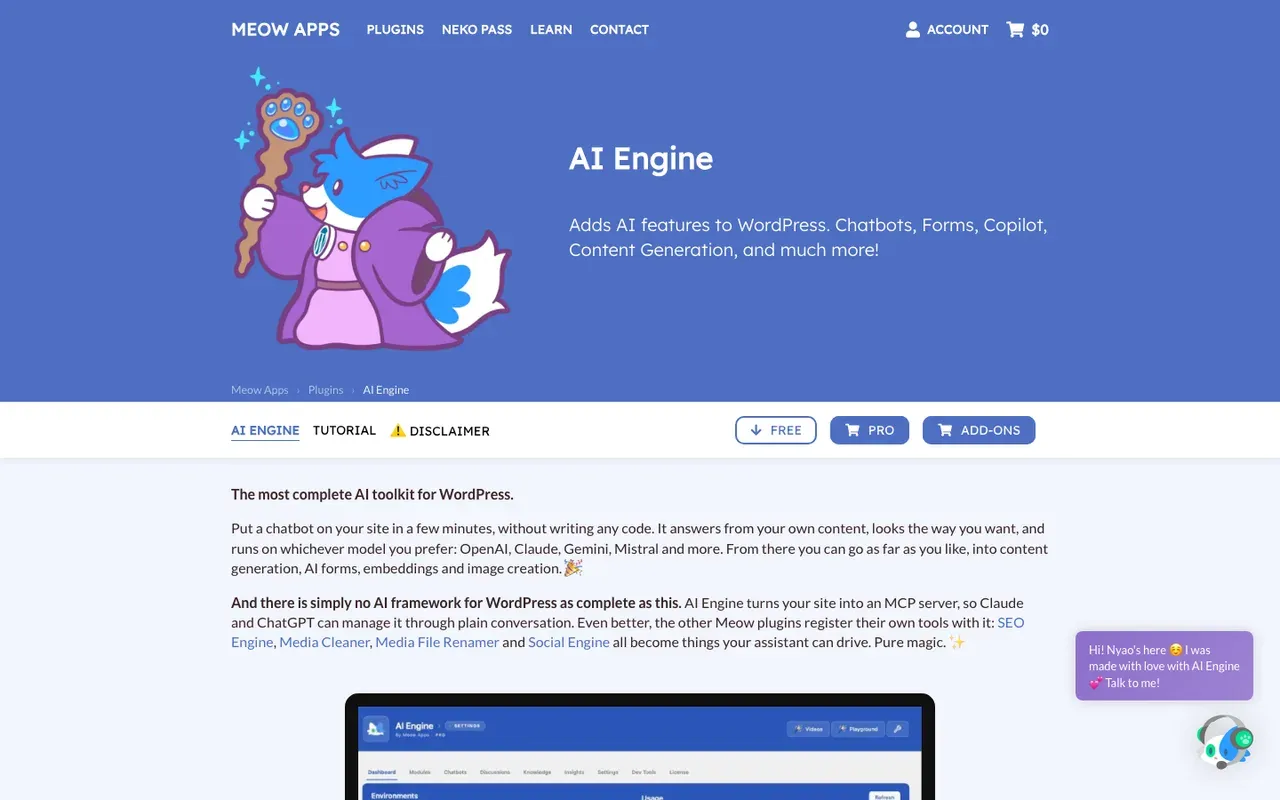
AI Engine: your own model keys, for developers
Developers and technical WordPress owners who want their own model keys, full control and no monthly chatbot fee.
Non-technical teams, sites not on WordPress, and anyone who needs meetings booked inside the chat.
- Install
- Plugin
- Starting price
- $0/mo
- Free plan or trial
- Free version
- Native booking
- Not documented
AI Engine, by Meow Apps, is a toolkit rather than a finished chatbot. It adds chatbots, AI forms, a copilot and content tools to WordPress, all running on your own accounts with providers such as OpenAI, Anthropic, Google and Mistral. AI Engine is a free plugin with a Pro licence, with no markup on tokens, no metered add-on and no lock-in.SourcesMeow Apps
That control comes with setup work. The chatbot answers from embeddings you build yourself, by pushing posts and PDFs into Pinecone, Qdrant, Chroma or an OpenAI vector store, and Meow Apps' product page does not describe meeting booking.SourcesMeow Apps
The free version is on WordPress.org. AI Engine Pro is listed at $79. Details are on Meow Apps' AI Engine page.SourcesMeow Apps +1
AI Engine pros
- Runs on your own OpenAI, Anthropic, Google or Mistral keys, with no token markup
- A free version on WordPress.org, plus a paid Pro licence
- Embeddings into Pinecone, Qdrant, Chroma or an OpenAI vector store
- Chatbots, AI forms, a copilot and content tools in one plugin
AI Engine cons
- Meeting booking is not described on its product page
- The knowledge base is embeddings you build, not an automatic crawl
- Aimed at people comfortable with API keys and vector databases
What AI Engine users say
Users like
I had it live in ~15 minutes and it feels native to WordPress.
Reviewers, including non-technical ones, get an AI Engine chatbot running on WordPress in minutes.
SourcesWordPress.orgEvery issue I’ve reported has been answered quickly and fixed within a day or two
AI Engine's developer and support team answer quickly and ship fixes fast, reviewers say.
SourcesWordPress.org
Users complain about
to get most of the benefits you have to get the pro version.
Some AI Engine features are Pro-only, and a few reviewers resent the subscription paywall.
SourcesWordPress.orgwon’t work without a valid OpenAI subscription… Constantly saying used up quota
AI Engine needs your own AI provider API key, and some users hit quota errors or unexpected token costs.
SourcesWordPress.org
Reviewers' words, our summaries · reviews read Oct 6, 2026
AI Engine is the right pick for a developer who wants to own the model, the keys and the data; a marketing team that wants a chatbot live this afternoon should look elsewhere.
How we reviewed AI Engine: Read the Meow Apps product page and Pro store page on 16 September 2026 and again on 5 October 2026. Did not install the plugin.
Reviewed Oct 5, 2026
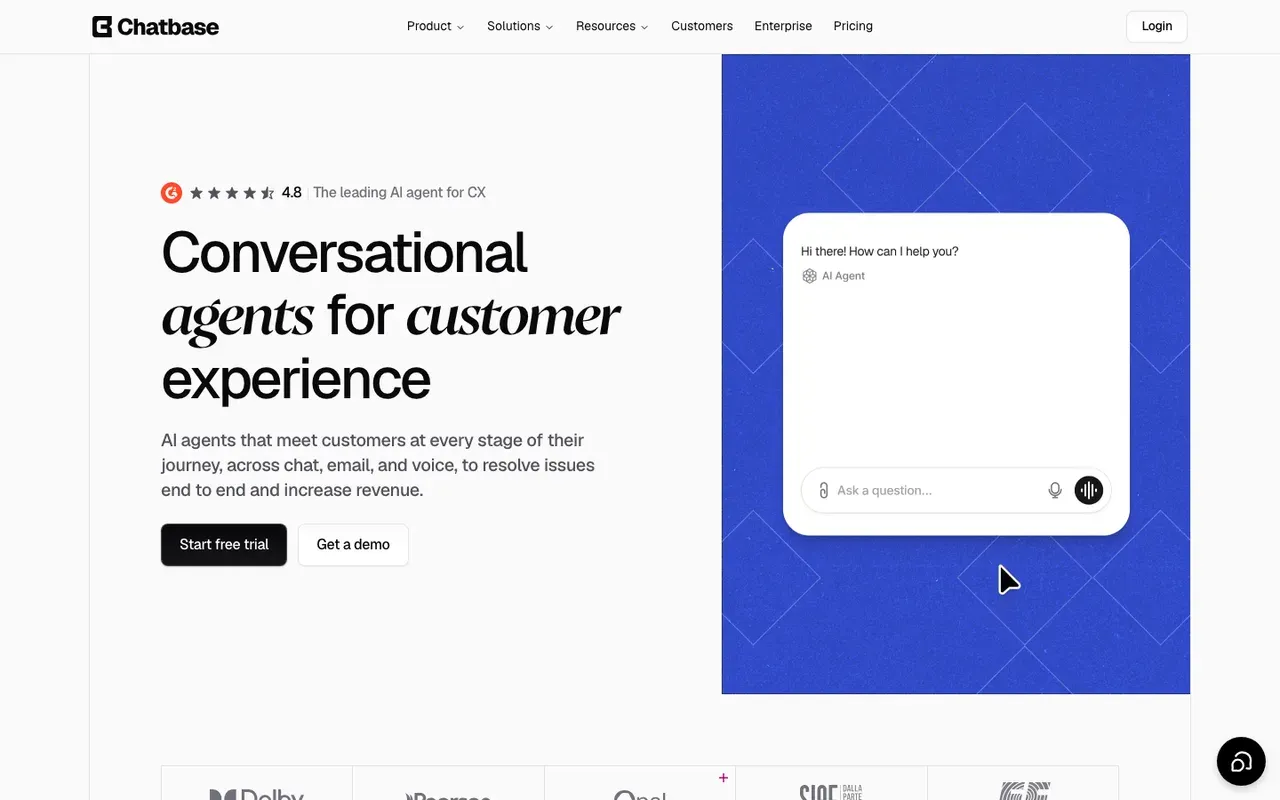
Chatbase: one agent for chat, email and voice
Teams that want one AI agent, trained on their website and documents, working across web chat, email, voice and WhatsApp.
Site owners who only want a simple chat bubble with the least setup.
- Install
- Plugin
- Starting price
- $0/mo
- Free plan or trial
- Free plan
- Native booking
- Calendly or Cal.com in chat
Chatbase builds an AI agent first and decides where it lives second: a website widget, email, voice or WhatsApp. Chatbase has a WordPress plugin: install and activate it, then paste your Agent ID into Settings, Chatbase options. Its guide calls WordPress the one platform where you do not paste an embed script.SourcesChatbase
Chatbase trains on files, websites, text, Q&A, Notion pages and support tickets you add; link sources can be individual URLs or a sitemap crawl. For booking, Chatbase's Calendly and Cal.com actions let a visitor check availability and pick a time without leaving the chat.SourcesChatbase +1
Chatbase's Free plan is $0 with 50 message credits a month and one member. The free plan has one more catch. Agents are deleted after 14 days of inactivity. Chatbase's paid plans start at $40/mo for Hobby and are priced by message credits. Details are on Chatbase's pricing page.SourcesChatbase
Chatbase pros
- Books meetings in the chat through Calendly or Cal.com actions
- Trains on websites, files, Notion pages and support tickets
- An official WordPress plugin, and documented installs for Webflow and Framer
- One agent can work across chat, email, voice and WhatsApp
Chatbase cons
- The free plan's message credits run out fast
- Free-plan agents are deleted after 14 days of inactivity
- Removing Chatbase branding is a paid add-on
What Chatbase users say
Users like
Our visitors get instant answers 24/7
Chatbase answers routine customer questions instantly and around the clock, which reviewers say saves support time.
gives sizing advice and even suggests matching pieces and adds to cart
Shopify merchants credit Chatbase with product search, recommendations and order tracking inside the chat.
SourcesShopify App Store
Users complain about
Chatbase chatbots generate bad answers most of the time.
Chatbase sometimes gives wrong, inconsistent or made-up answers, according to reviews from 2023 and 2024.
SourcesSoftware AdviceWordPress.orgNo installation instructions, no dash…it doesn’t do anything.
Chatbase's WordPress plugin only adds the widget, and several users found it did nothing or came with no instructions.
SourcesWordPress.org
Reviewers' words, our summaries · reviews read Oct 6, 2026
Chatbase is worth it when your WordPress site is one of several places the same agent should work; for a site that only needs a chat widget, it is more product than you need.
How we reviewed Chatbase: Read its pricing page and its help docs on data sources, actions and WordPress, Webflow and Framer installs on 16 September 2026 and again on 5 October 2026. No trial.
Reviewed Oct 5, 2026
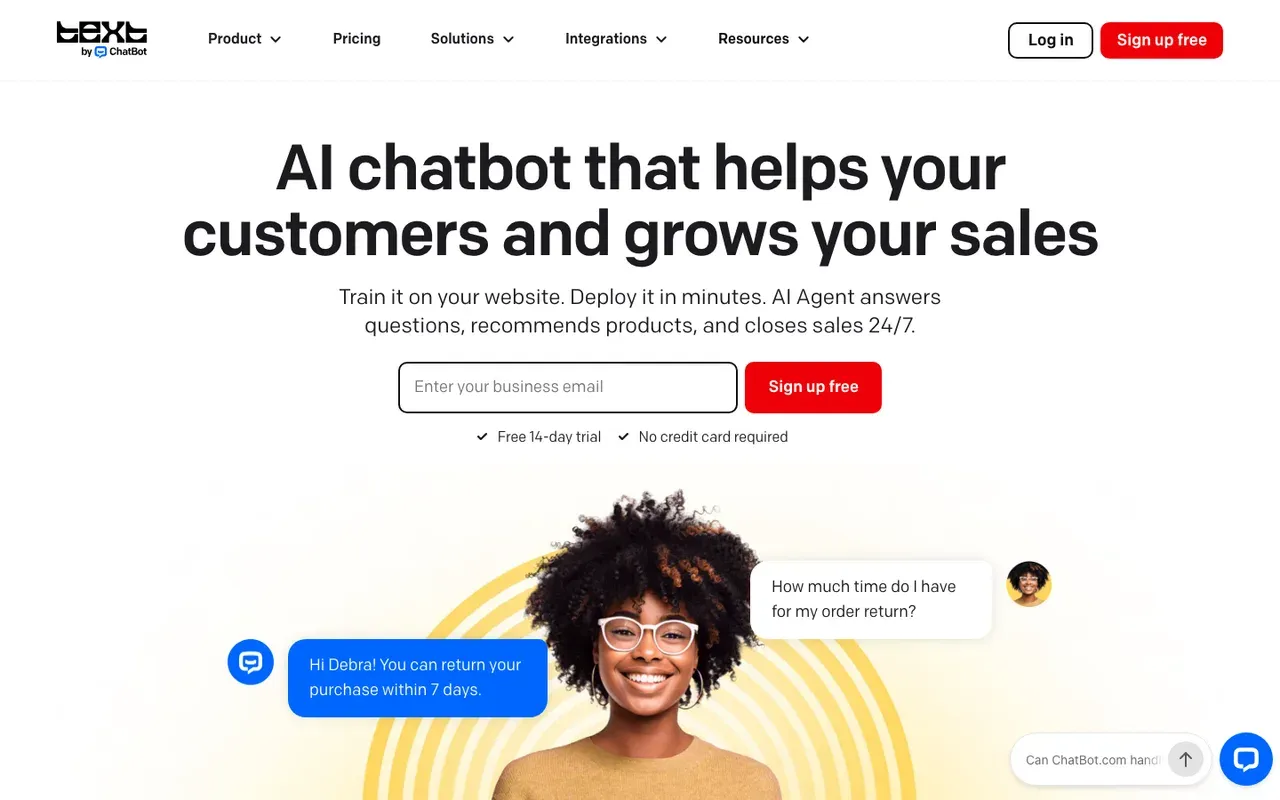
ChatBot.com: a paid plugin with the AI built in
Support teams that want an official plugin or native app, a knowledge base built from their site, and a trial before paying.
Sites that want a free plan long term, and teams that would rather not pay per user.
- Install
- Plugin
- Starting price
- $25/user/mo
- Free plan or trial
- 14 day trial
- Native booking
- Offers a booking
ChatBot.com is made by Text, which also makes LiveChat, and its WordPress plugin is called AI chatbot by Text. You can install it three ways: search for it on the Plugins screen and click Connect Text, start from the Website widgets screen in the Text app, or upload the .zip yourself. The AI comes with the plugin, so there is no API key to manage.SourcesChatBot.com
Your website becomes a knowledge source alongside uploaded files such as PDFs. The agent can also collect a visitor's details, ask follow-up questions and offer a consultation booking.SourcesChatBot.com
There is no free plan. ChatBot.com's Essential plan costs $25/user/mo on monthly billing, after a 14 day trial. ChatBot.com sells per-user plans with monthly AI resolution caps: 10 on Essential, 200 on Growth. Details are on ChatBot.com's WordPress page.SourcesChatBot.com
ChatBot.com pros
- An official WordPress plugin and a native Webflow app, with no code
- Its own AI is included, so there are no API keys to manage
- Answers from your website plus uploaded files
- Can qualify a lead and offer a consultation booking
ChatBot.com cons
- No free plan once the trial ends
- Per-user pricing, with a monthly cap on AI resolutions
- Built for customer service first, with selling added as a skill
ChatBot.com suits a support team that wants an official plugin with the AI included and is happy to pay per user once the trial ends.
How we reviewed ChatBot.com: Read its pricing page and its WordPress and Webflow integration pages on 16 September 2026 and again on 5 October 2026. No trial.
Reviewed Oct 5, 2026
Elfsight: the low-cost script for answering questions
Small sites that want a low-cost, embeddable assistant that answers questions from their own pages.
Sites that need meetings booked in the chat, or that get more than light traffic on the low tiers.
- Install
- Embed code
- Starting price
- $0/mo
- Free plan or trial
- Free plan
- Native booking
- Not documented
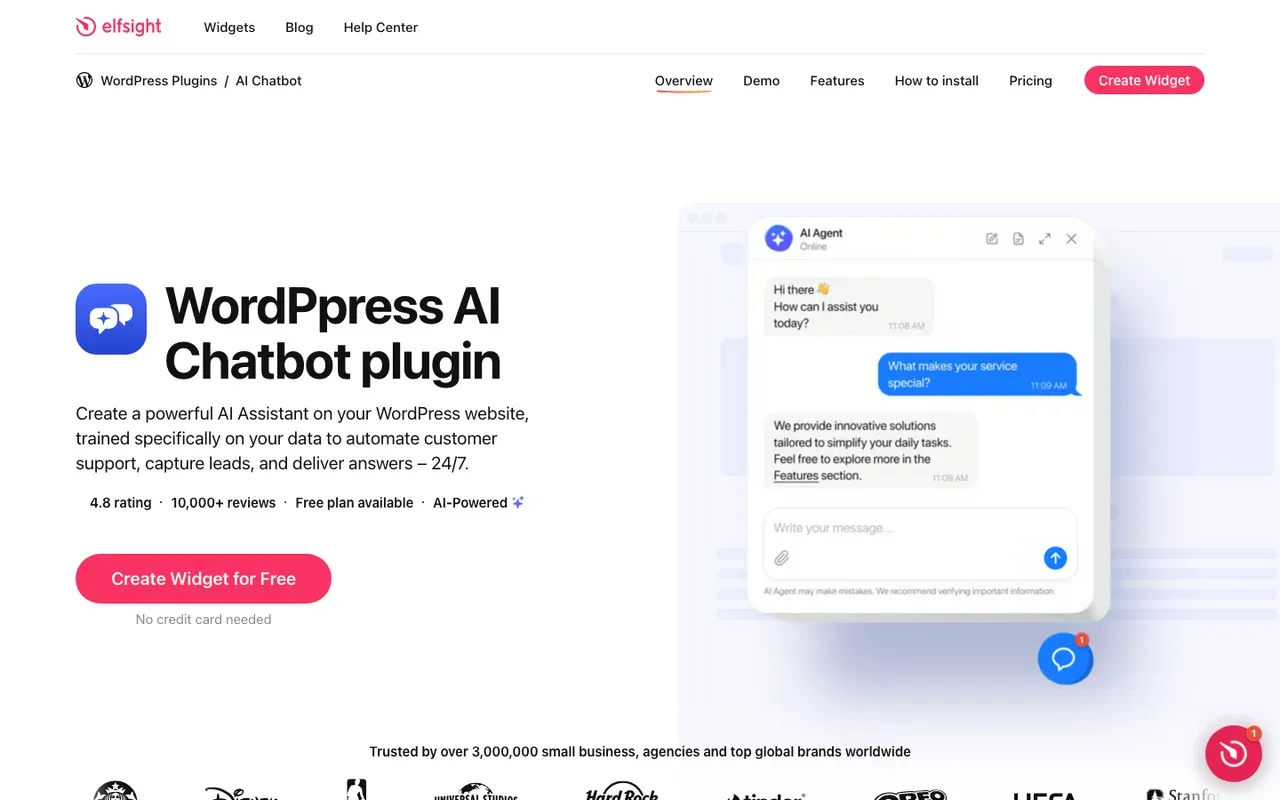
Elfsight sells a catalogue of website widgets, and its AI Chatbot is one of them. On WordPress it is a script rather than a plugin: you paste Elfsight's embed code into a page, a snippet plugin or your theme, and the same code works on Shopify, Wix and plain HTML sites.SourcesElfsight Help Center
You train the Elfsight assistant on your site's content through its URLs, plus files and Q&A. Elfsight's pricing page does not describe meeting booking.SourcesElfsight
Elfsight's Free plan is $0 forever, with 1 chatbot, 50 messages and 200 views a month. Elfsight's paid plans start at $5/mo billed yearly, and the tiers grow by messages and widget views rather than seats. Going over a plan's monthly view limit switches the widget off for a while, so size the plan to your traffic. Details are on Elfsight's pricing page.SourcesElfsight
Elfsight AI Chatbot pros
- Embed code that works on WordPress, Webflow, Shopify, Wix and plain HTML
- Trains on your URLs, plus files and Q&A
- A free plan, and paid plans that start low when billed yearly
Elfsight AI Chatbot cons
- Low message caps on the free and Basic plans
- Going over the monthly view limit switches the widget off for a while
- Meeting booking is not described on its pricing page
Elfsight is the cheapest way to add an assistant that answers from your pages, as long as your traffic stays small and you do not need booking.
How we reviewed Elfsight AI Chatbot: Read its pricing page and its WordPress and Webflow install guides on 16 September 2026 and again on 5 October 2026. No trial.
Reviewed Oct 5, 2026
Best free chatbot for a WordPress website
Most tools here can be started without paying, but free means something different for each one.
- Free plugins, paid AI. WPBot and AI Engine are free on WordPress.org, and you pay your AI provider for every answer the bot gives.SourcesWordPress.orgMeow Apps
- Free plans with monthly caps. Jotform's Starter plan is free, with 100 monthly conversations and 5 active AI agents. Elfsight's Free plan is $0 forever, with 1 chatbot, 50 messages and 200 views a month. Chatbase's Free plan is $0 with 50 message credits a month and one member. Tidio's Free plan has no monthly fee.SourcesJotformElfsightChatbaseTidio
- A trial, not a plan. ChatBot.com has no free plan; you get a 14 day trial and then pay per user.SourcesChatBot.com
- No monthly fee, pay per meeting. Darwin's Free plan costs $0/mo, with unlimited chats and 5 free credits included once; after those it charges $30/credit.SourcesDarwin
For a small site, the most useful free test is a plan whose cap you will not hit in the first month. Compare the conversation or message limit with last month's traffic before you choose.
How to add an AI chatbot to a WordPress website
There is one walkthrough per route, and either takes about ten minutes.
The plugin route
- In your dashboard, go to Plugins, then Add New, and search for the plugin by name: Jotform AI Chatbot, WPBot, Tidio, AI Engine, Chatbase, or AI chatbot by Text for ChatBot.com.
- Install and activate it, then open its settings from the left menu.
- Connect what it asks for. For WPBot and AI Engine that is your own AI provider key; for Chatbase it is your Agent ID; for the others it is your account with the vendor.
- Point it at your content: run the site crawl or the embedding step, and add any documents.
- Set the widget's look, position and first message, and choose which pages it appears on.
- Clear your cache, open the site in a private window and ask the bot three real questions from your pricing page.
The script route
- Create an account on the vendor's site. For Darwin, enter your website address so it can read your pages.
- Copy the snippet the vendor gives you.
- Add it once: as a Custom HTML tag on all pages in Google Tag Manager, in a snippet plugin such as WPCode, or in your theme's shared footer.
- Publish the tag or save the theme, clear your cache and open the site in a private window.
- Ask the bot three real questions. If it books meetings, book one yourself and check it lands on the right calendar.
For Darwin, the Tag Manager guide covers the exact tag settings and the WordPress page covers the theme-footer route.
How to make a WordPress chatbot bring in leads
Most WordPress chatbots go in to cut down repeat questions. A chatbot that also brings in business does three more things. It asks one qualifying question when a visitor sounds interested. It offers a concrete next step, such as a booked call, instead of a contact form. And it opens differently on the pricing page than on a blog post, because those visitors came for different reasons.
Then measure it by page. Conversations per hundred visits shows whether the opening line works. Meetings or bookings per page shows which pages deserve more attention. If a tool only reports how many messages it answered, it is measuring support, not sales.
How to choose a WordPress chatbot
Here is the same list sorted by the kind of WordPress site you run.
- A small business that wants answers and appointments for free. Start with Jotform's plugin.
- You want a native plugin and to choose the AI model. WPBot, with Pro if you need site training and booking.
- A WooCommerce store. Tidio, for live chat and an AI agent that can see carts and orders.
- The site exists to book sales calls, and you want to set it up yourself. Darwin, installed as one script.
- You are a developer who wants your own keys and vector database. AI Engine.
- One agent across your website, email and voice. Chatbase.
- A support team that wants an official plugin and will pay per user. ChatBot.com.
- The lowest cost, and only questions answered. Elfsight.
Whichever you pick, judge it on the published site with caching switched on, using the questions your visitors actually ask.
WordPress questions.
What is the best AI chatbot for WordPress?
It depends on the site. For a small business that wants a free plugin that answers from its pages and takes appointments, start with Jotform. WPBot is the alternative if you want to choose the AI model and will pay for Pro. Tidio suits WooCommerce stores and AI Engine suits developers. For a site whose chat should book sales meetings, Darwin is the closest match; we make Darwin, so weigh that accordingly.
Do I need a plugin to add a chatbot to WordPress?
No. A plugin is one route; a script added once through Google Tag Manager, a snippet plugin or your theme footer is the other. Plugins can read private content and WooCommerce data. Scripts have nothing to update and cannot clash with your theme. Darwin and Elfsight install as scripts; Jotform, WPBot, Tidio, AI Engine, Chatbase and ChatBot.com are plugins.
Is there a free AI chatbot for WordPress?
Yes, with conditions. WPBot and AI Engine are free plugins, but you pay your AI provider for what the bot says. Jotform, Elfsight, Chatbase and Tidio have free plans that cap conversations or messages each month. ChatBot.com offers a trial instead of a free plan. Darwin's Free plan has no monthly fee and charges per booked meeting or qualified request after the first five.
Will a chatbot slow down my WordPress site?
It can. A plugin that loads its own files on every page will show up in PageSpeed, and a script loaded from the vendor's servers is usually lighter. Test with your caching plugin on, and show the widget only on the pages where you want conversations.
How do I add a chatbot to a WordPress website?
For a plugin, go to Plugins, Add New, search for the name, install and activate it, connect your account or key, point it at your content and clear the cache. For a script, copy the vendor's snippet, add it once through Google Tag Manager, a snippet plugin or your theme footer, publish and clear the cache. Both take about ten minutes.
Does it work with WooCommerce and Elementor?
For WooCommerce, use a plugin: Tidio's shows carts and order history in the chat, and WPBot Pro can show products and order status. A script only sees what a visitor sees, so it cannot look up orders. Page builders such as Elementor work with both routes because the widget sits outside your layout. Test your caching layer, the usual reason a widget disappears.
Sources & references (48)
Supporting material for the product details in this article. Each source keeps its own access date.
- Jotform AI Chatbot for WordPress Jotform · Accessed
- Jotform Pricing Jotform · Accessed
- Jotform AI Chatbot ‑ Live Chat reviews Shopify App Store · Accessed
- Jotform Reviews from Real Users TrustRadius · Accessed
- Jotform AI Agents reviews G2 · Accessed
- WPBot – AI ChatBot for WordPress WordPress.org · Accessed
- WPBot – AI ChatBot for WordPress: reviews WordPress.org · Accessed
- Tidio – Live Chat & AI Chatbots (WordPress plugin) WordPress.org · Accessed
- Tidio pricing Tidio · Accessed
- Lyro Action templates Tidio · Accessed
- Lyro – a quick setup Tidio · Accessed
- Tidio: AI Chatbot & Live Chat reviews Shopify App Store · Accessed
- Tidio Reviews Software Advice · Accessed
- Tidio reviews G2 · Accessed
- Darwin WordPress integration Darwin · Accessed
- Set up with Darwin Darwin · Accessed
- Connect your scheduling page Darwin · Accessed
- How Darwin improves your openings Darwin · Accessed
- Edit your initial message (first flow) Tidio · Accessed
- Darwin pricing: plans, credits and add-ons Darwin · Accessed
- AI Engine by Meow Apps Meow Apps · Accessed
- AI Engine Pro Meow Apps · Accessed
- AI Engine – The Chatbot, AI Framework & MCP for WordPress: reviews WordPress.org · Accessed
- Chatbase WordPress integration Chatbase · Accessed
- Chatbase data sources Chatbase · Accessed
- Chatbase actions documentation Chatbase · Accessed
- Chatbase Pricing Chatbase · Accessed
- Chatbase - AI agent for support and sales reviews Shopify App Store · Accessed
- Chatbase Reviews Software Advice · Accessed
- Chatbase plugin reviews WordPress.org · Accessed
- ChatBot.com WordPress integration ChatBot.com · Accessed
- ChatBot.com Pricing ChatBot.com · Accessed
- Adding Elfsight Widget to WordPress Website Elfsight Help Center · Accessed
- Elfsight AI Chatbot Pricing Elfsight · Accessed
- Jotform Pricing Jotform · Accessed
- Jotform AI Chatbot for Webflow Jotform · Accessed
- Lyro Action templates Tidio · Accessed
- Lyro – a quick setup Tidio · Accessed
- Tidio pricing Tidio · Accessed
- How Darwin improves your openings Darwin · Accessed
- Connect your scheduling page Darwin · Accessed
- Set up with Darwin Darwin · Accessed
- Darwin plans and booking prices Darwin · Accessed
- Plans and included meetings Darwin · Accessed
- AI Engine by Meow Apps Meow Apps · Accessed
- Chatbase Webflow integration Chatbase · Accessed
- ChatBot.com Webflow integration ChatBot.com · Accessed
- Elfsight AI Chatbot for Webflow Elfsight · Accessed