
TL;DR
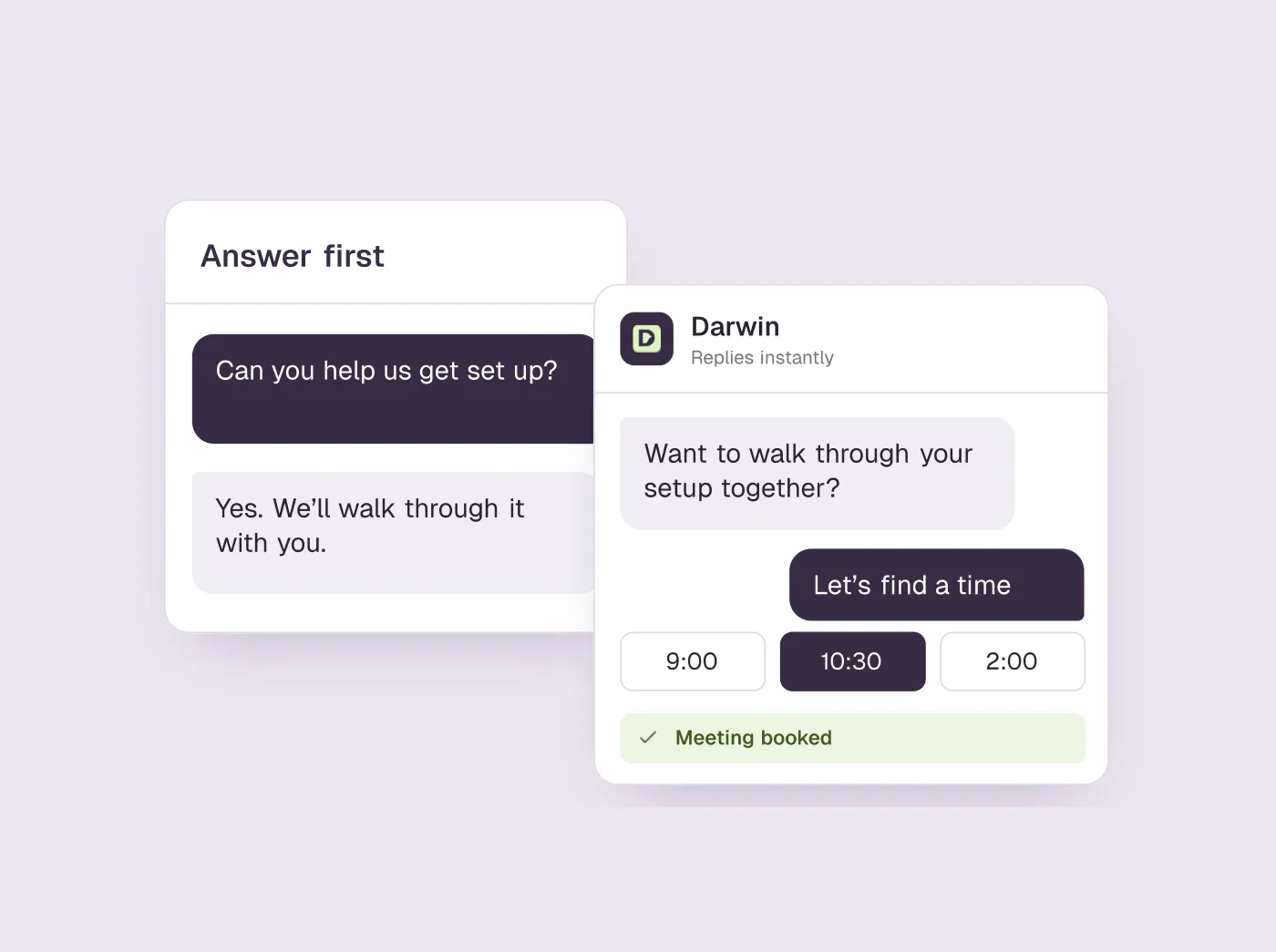
- The visitor asked a question, so answer it, and only then bring up a meeting.
- When you do, say what a call would sort out and make it easy to say no thanks.
- Before launch, book a real meeting through your own chat: a calendar opening and a confirmed booking are two different events.
How we researched this
- 4 sources. Each with the date it was read. See the list.
- Facts last checked .
Written by Ari Goldstein, Founder & CEO, Darwin. Darwin publishes this blog; our editorial policy covers how we write and review.
They came with a question
To turn website chat into booked meetings, answer the visitor's question first, offer a meeting only when a call would settle something the chat cannot, and let them book without leaving the conversation. Darwin offers times inside the chat through Calendly, Google Calendar or RevenueHero. The rest of this guide covers when to make the offer, what the assistant needs to know, and how to check that a booking really happened.SourcesDarwin
“Does this work with our CRM?” That is a small question with a fairly clear expectation: an answer about the CRM. If the first reply is a calendar link, the visitor still does not know whether your product fits.
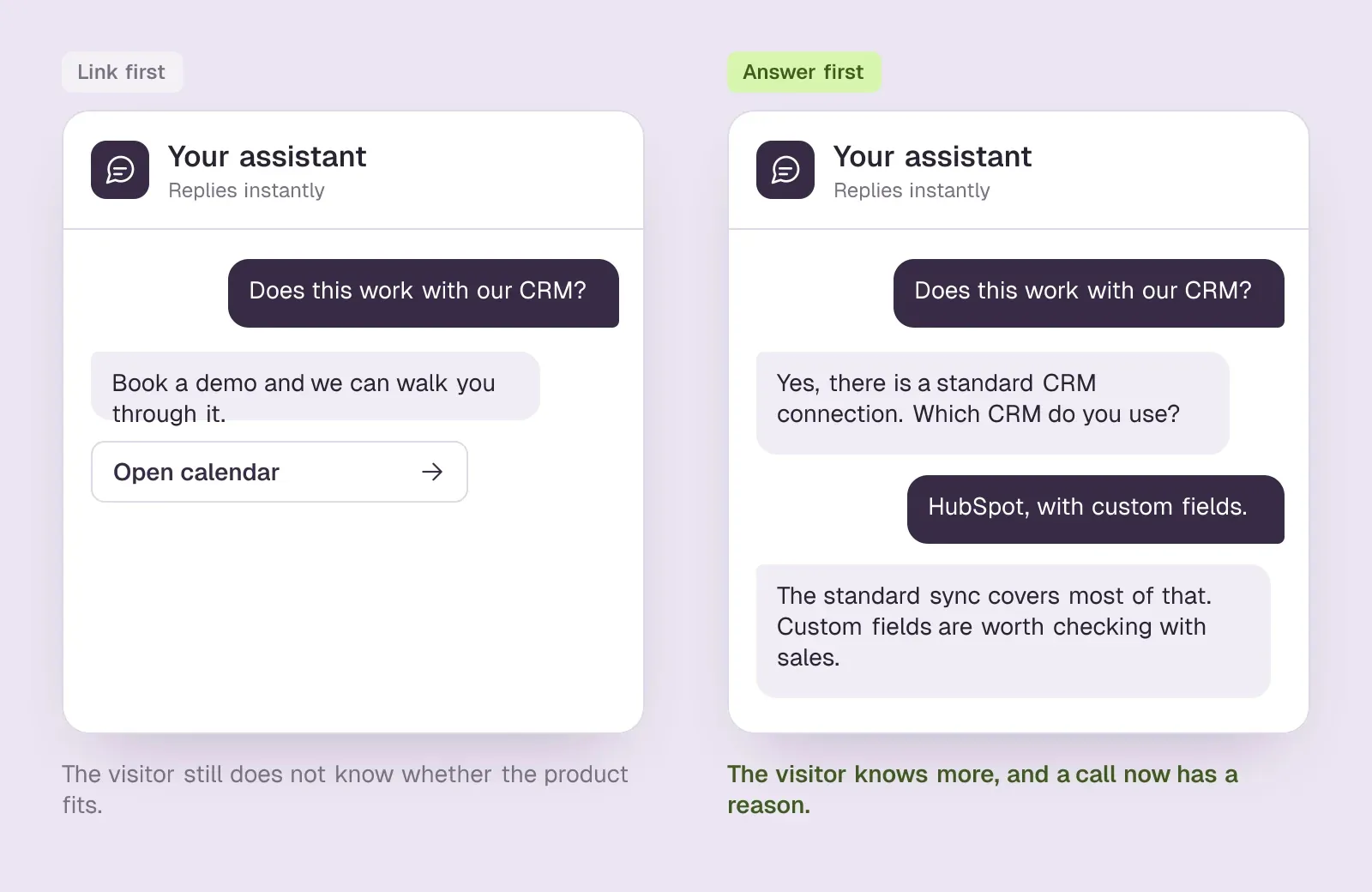
Start there. Give the answer your sources support. If you need another detail, ask for it. Someone deciding whether to talk to sales should have more information after using your chat than they had before opening it.
There is no magic number of messages to exchange before suggesting a call. A visitor asking for a demo is already telling you what they want. Someone checking a basic feature may just need the answer.
Give the meeting a reason
Say the CRM connection exists, but this visitor's setup is a little unusual. You can answer the general question honestly and then explain what a salesperson could help them check. Now a meeting has a reason to exist.
Make the invitation its own message: “Would you like to talk to sales to see if we're a fit?” A yes opens the booking flow. A no means you keep helping. What you don't do is repeat the offer after every reply, because at that point the chat is just a form with extra steps.
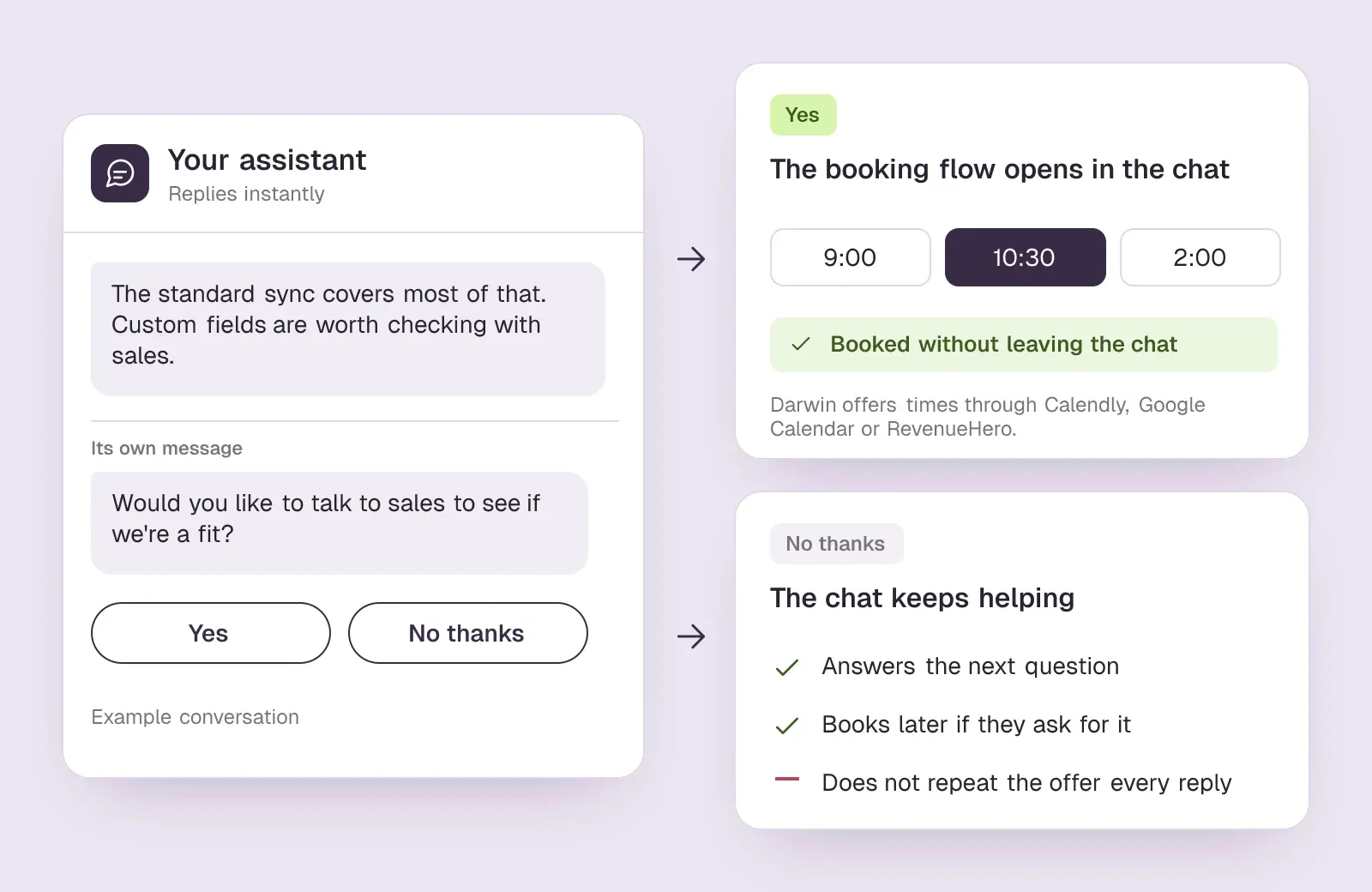
You're earning the next part of the conversation. The calendar is simply where that part gets put on the schedule.
A conversation worth continuing
| Moment | A useful response |
|---|---|
| A product question | Give a direct answer supported by your business knowledge. |
| An unresolved fit question | Explain what the team can help evaluate. |
| An interested visitor | Offer a meeting, then open the configured scheduler after they agree. |
| A visitor who is not ready | Continue helping without treating every reply as a booking opportunity. |
Check what the assistant can know
An assistant cannot explain a policy it has never been given. If your implementation terms live in a sales deck rather than on the website, add the relevant information to its knowledge. The same goes for pricing exceptions, integration requirements, and other details buyers ask about.
After launch, read a handful of chats. When an answer is missing, look for the source first. Was the page imported? Does it actually answer the question? Is there an older page saying something different?
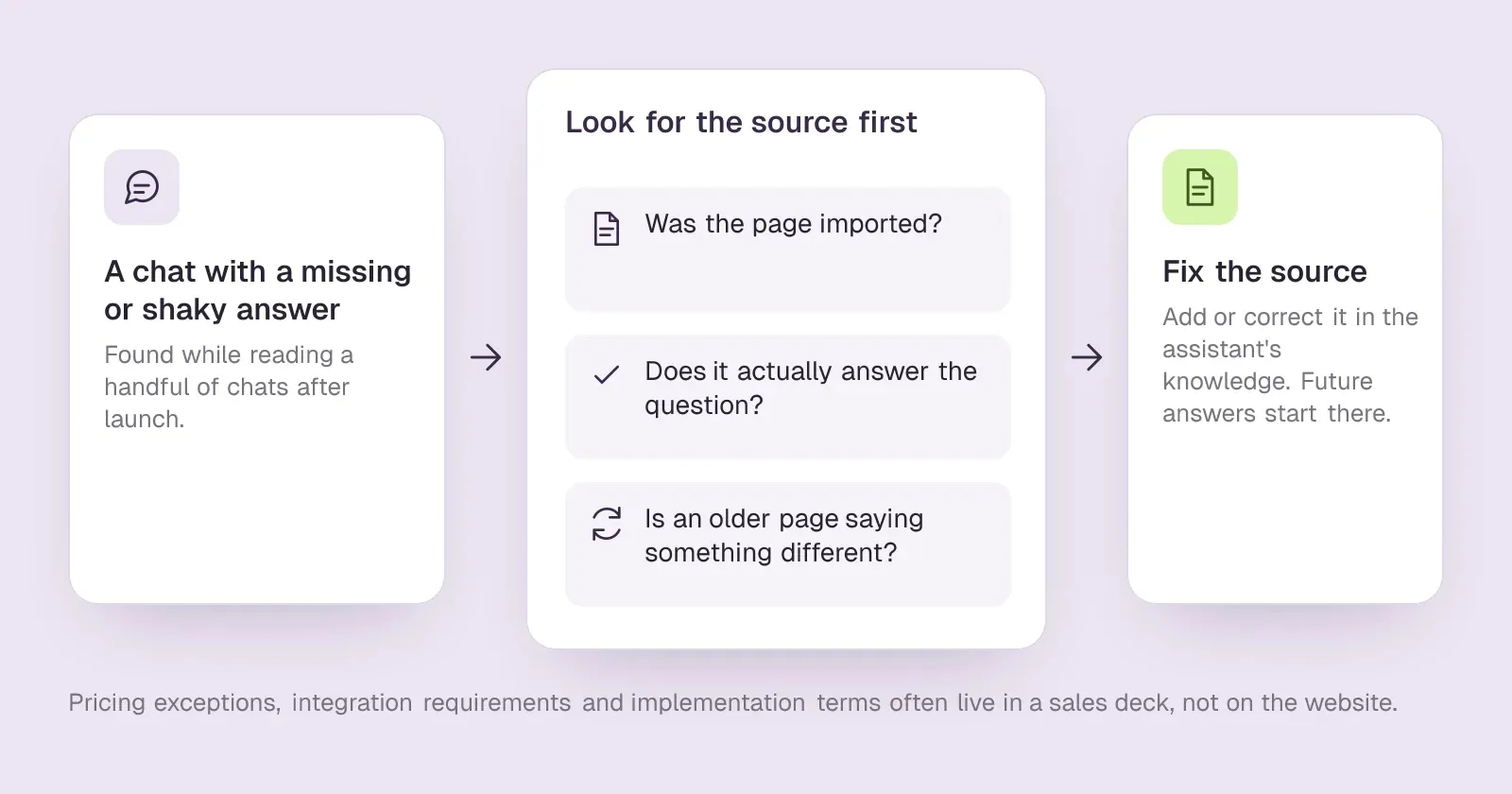
Fixing that source is often more useful than rewriting the assistant's response. It gives future answers somewhere reliable to start. Darwin's docs have a short routine for fixing an incorrect answer.
The product behind the conversation
Website content and the knowledge you provide.
Import and maintain the sources Darwin uses to answer visitors; review coverage and updates.
Offers a meeting and connects your scheduling flow.
Uses your booking provider. Inline calendar display and confirmed-booking tracking depend on the provider and configuration.
Page-level conversion funnels and experiment results.
Explore conversations, sources, contacts, and recorded meetings. Accuracy depends on received events and booking tracking.
Did the booking actually happen?
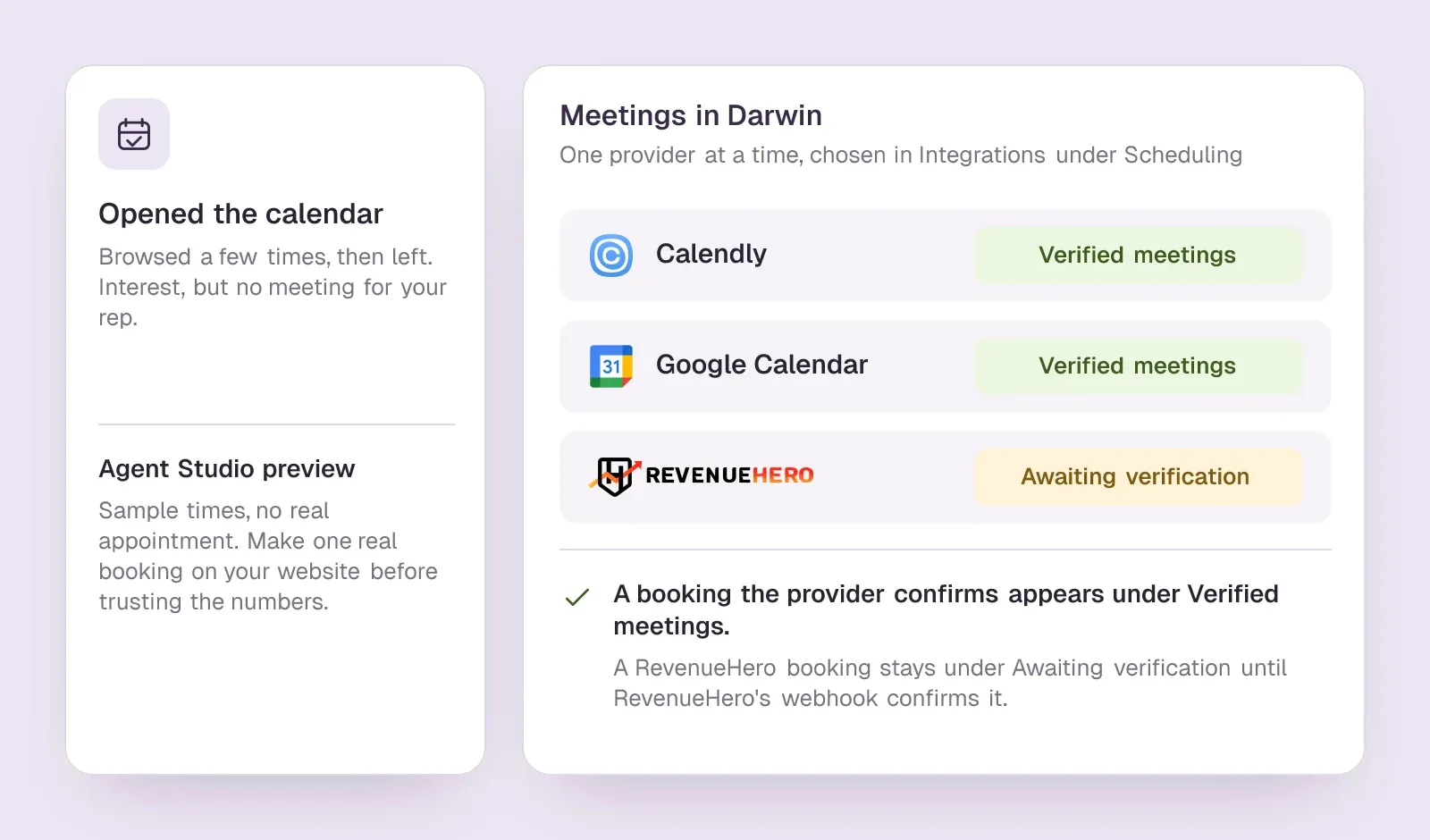
A visitor can open the calendar, browse a few times, and leave. That is interest, but there is no meeting for your rep to attend yet. Your reporting needs to tell it apart from a confirmed booking.
Darwin books through one provider at a time, chosen under Integrations → Scheduling: Calendly, Google Calendar or RevenueHero. Bookings the provider confirms appear in Meetings under Verified meetings. A RevenueHero booking stays under Awaiting verification until RevenueHero's webhook confirms it. The Agent Studio preview uses sample times and creates no real appointment, so make one real booking through the chat on your website before relying on the numbers. If something is missing, the booking troubleshooting guide goes provider by provider.SourcesDarwin
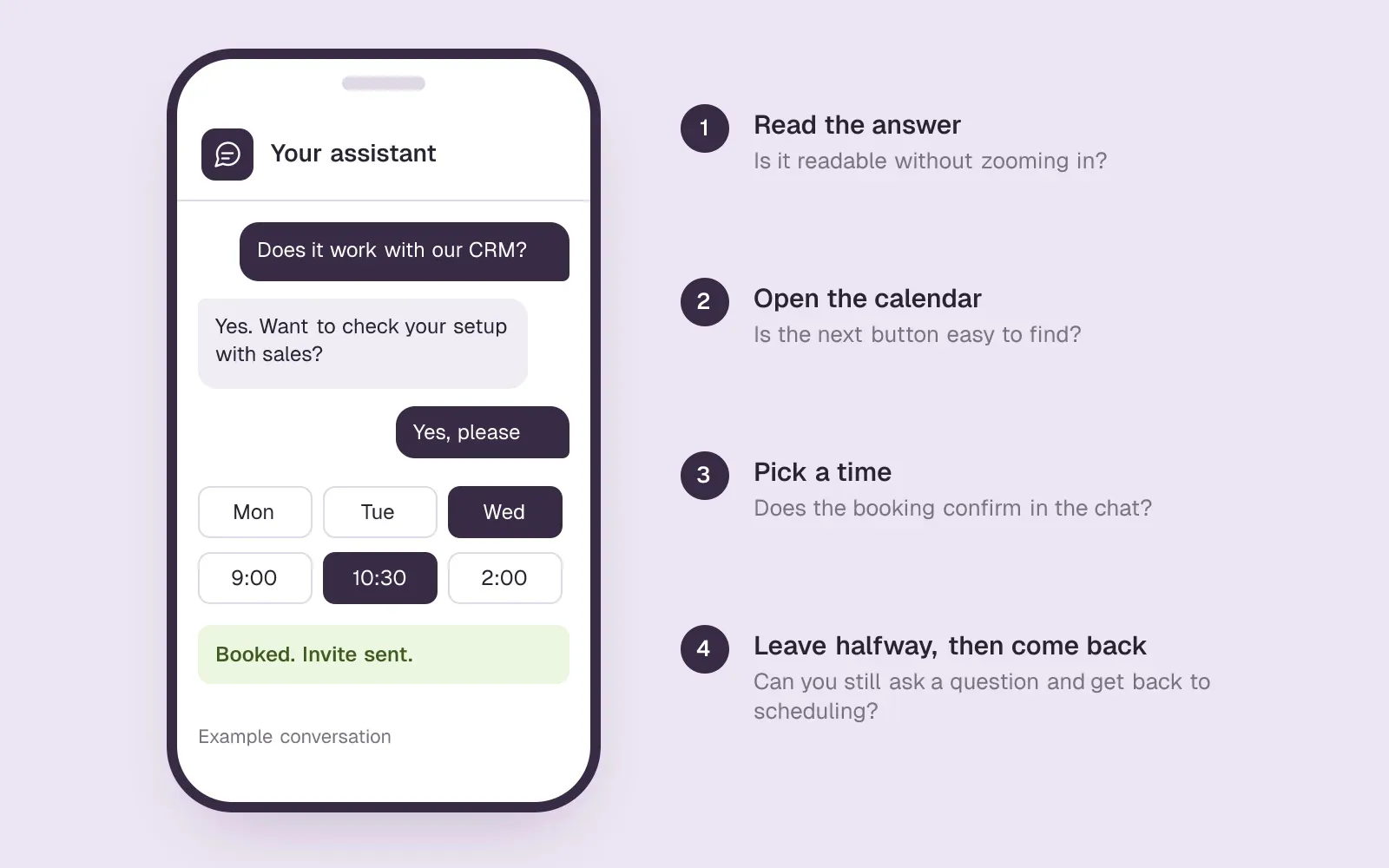
Also try leaving the booking form halfway through and returning to the chat. Can you still ask a question? Can you get back to scheduling when you are ready? That unfinished path deserves a check, too.
Try the awkward questions
Ask something you know the assistant can handle, then lean on it. Raise an objection. Ask about a feature you don't have. Turn down a meeting, then ask for one a few messages later. You'll learn more this way than by nodding along to every suggestion.
Do the last run on your phone. Read the answer, open the calendar, pick a time. If you find yourself zooming in or hunting for the next button, so will a prospect.
Once confirmed bookings are tracked, the opening line that starts these conversations can improve as well. With automatic testing on, Darwin tries new opening lines on each page and promotes the ones that get more visitors to the booking step, never one that books fewer meetings; the next test then starts from the winner.SourcesDarwin
A good chat leaves the visitor with a useful answer and an obvious next step. When that step is a meeting, the booking should be the easiest part.
AI chat questions.
When should website chat offer a meeting?
After it has answered the question the visitor came with, and when a call would settle something the chat cannot, such as an unusual setup or custom pricing. If the visitor asks for a demo, offer it straight away. If they only wanted a quick answer, let them go with it.
Should the chat qualify visitors before it offers a time?
Ask only what the meeting needs. A visitor who asks for a demo should reach the calendar without another round of questions. Darwin collects the details the booking needs and leaves the rest of the qualifying to the call.
Which calendars does Darwin book with?
Calendly, Google Calendar and RevenueHero. You choose one under Integrations → Scheduling, and the visitor picks a time inside the chat and gets the provider's calendar invitation.
Why does a booking show as awaiting verification?
That status is for RevenueHero. The browser reported a booking, but Darwin has not yet received RevenueHero's webhook confirming it. The booking is not billed on the browser report alone, and it moves to Verified meetings once the webhook arrives.
Do test bookings in the preview count?
No. The Agent Studio preview uses sample booking times and creates no real appointments, invitations or billable usage, and it stays out of your reports. Only bookings made through the chat installed on your website appear in Meetings and count toward usage.
Sources & references (4)
Supporting material for the product details in this article. Each source keeps its own access date.
- Connect your scheduling page Darwin · Accessed
- How Darwin improves your openings Darwin · Accessed
- Build your assistant’s knowledge Darwin · Accessed
- Understand your conversion reporting Darwin · Accessed